
Fysic FX-6000
Fysic FX-6000 Big Button DECT Phone User Manual
Model: FX-6000
1. Introduksjon
Takk for kjøpetasing the Fysic FX-6000 Big Button DECT Phone. This manual will guide you through the setup, operation, and maintenance of your new cordless telephone. Please read these instructions carefully before using the phone to ensure proper functionality and safety. Keep this manual for future reference.
2. Viktig sikkerhetsinformasjon
- Bruk kun den medfølgende strømadapteren og batteriene.
- Ikke utsett telefonen for vann eller høy fuktighet.
- Unngå å plassere telefonen i nærheten av varmekilder eller direkte sollys.
- Ikke forsøk å åpne eller reparere telefonen selv. Overlat all service til kvalifisert personell.
- Kast batterier på en ansvarlig måte i henhold til lokale forskrifter.
3. Pakkens innhold
Vennligst sjekk at alle varene er til stede i pakken din:
- Fysic FX-6000 Handset
- Basestasjon
- Strømadapter for basestasjon
- Telefonledning
- 2 x AAA NiMH oppladbare batterier
- Brukerhåndbok
4. Produktet er overview
The Fysic FX-6000 features large buttons and a clear display for ease of use.

Figur 4.1: Front view of the Fysic FX-6000 handset in its charging base, highlighting the large, easy-to-read buttons and the clear, backlit display.
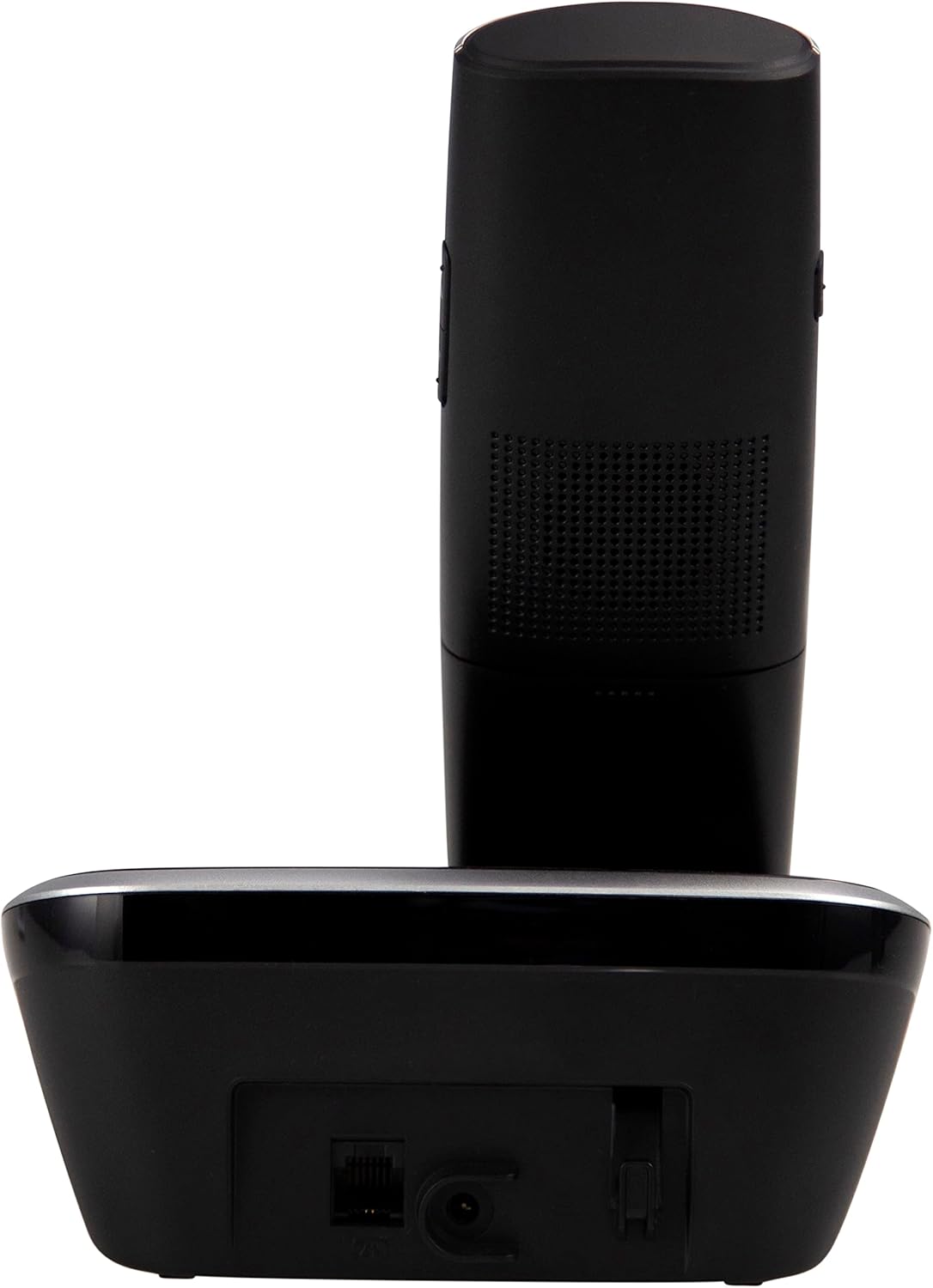
Figur 4.2: Side view of the Fysic FX-6000 handset docked in its base station, showing the ergonomic design and side volume buttons.

Figur 4.3: Detailed close-up of the Fysic FX-6000 phone's keypad, emphasizing the large, clearly labeled buttons for easy dialing.

Figur 4.4: Nærbilde view of the Fysic FX-6000 phone's backlit display, showing clear icons for battery status, signal strength, and call information.
Håndsettoppsett
- Utstilling: 1.8-inch backlit screen for caller ID, menu, and status.
- Navigasjonstaster: For menu navigation and volume adjustment.
- Talltastatur: Large, easy-to-read numeric keys (0-9, *, #).
- Ring/avslutt-knapper: Green button to answer/make calls, Red button to end calls.
- Memory Keys (M1, M2, M3): For speed dialing frequently used numbers.
- Høyttalertelefonknapp: To activate hands-free mode.
Basestasjonsoppsett
- Ladeholder: For charging the handset.
- Paging Button: To locate a misplaced handset.
- Stikkontakt: For tilkobling av strømadapter.
- Telephone Line Socket: For connecting to the telephone line.
5. Oppsett
5.1 Installasjon av batteri
- Åpne batteridekselet på baksiden av håndsettet.
- Sett inn de to medfølgende oppladbare AAA NiMH-batteriene, og følg riktig polaritet (+ og -).
- Lukk batteridekselet godt.
5.2 Koble til basestasjonen
- Connect one end of the telephone line cord to the telephone line socket on the base station.
- Koble den andre enden av telefonledningen til telefonkontakten i veggen.
- Connect the power adapter to the power socket on the base station.
- Plug the power adapter into a suitable electrical outlet (220-240V).
5.3 Initial Charging and Handset Registration
Place the handset on the base station. The handset will automatically begin charging. For optimal battery performance, allow the handset to charge for at least 16 hours before its first use. The handset is pre-registered to the base station from the factory. If for any reason the handset loses its registration, refer to the troubleshooting section for re-registration steps.
6. Bruksanvisning
6.1 Ringe
- Forhåndsoppringing: Enter the phone number using the dial pad, then press the Grønt anrop knapp.
- Direkte oppringning: Trykk på Grønt anrop button, then enter the phone number.
- Using Memory Keys (M1, M2, M3): Press and hold the desired memory key (M1, M2, or M3) to dial the stored number.
6.2 Motta et anrop
Når telefonen ringer, trykk på Grønt anrop button to answer. The display will show the caller's number if Caller ID service is active.
6.3 Avslutte en samtale
Trykk på Rød avslutt samtale -knappen eller plasser håndsettet tilbake på basestasjonen.
6.4 Justering av volum
During a call, use the volume up/down buttons on the side of the handset to adjust the earpiece volume. The ringtone volume can be adjusted via the phone's menu settings.
6.5 Håndfri bruk
Trykk på under en samtale Høyttalertelefon button to switch to hands-free mode. Press it again to return to earpiece mode.
6.6 Telefonbok
The phonebook allows you to store frequently called numbers. Refer to the on-screen menu for options to add, edit, or delete contacts.
6.7 Ring på nytt
Trykk på Ring på nytt button (often integrated with the call log or a dedicated button) to view and redial the last dialed numbers.
6.8 Mute-funksjon
Trykk på under en samtale Stum button to temporarily disable your microphone. The other party will not hear you. Press it again to unmute.
7. Vedlikehold
7.1 Rengjøring
Tørk av telefonen og basestasjonen med en myk klutamp klut. Ikke bruk slipende rengjøringsmidler eller løsemidler. Sørg for at telefonen er koblet fra strømmen før rengjøring.
7.2 Batteristell
- Always use the supplied rechargeable NiMH batteries.
- Hvis telefonen ikke skal brukes over lengre tid, ta ut batteriene for å forhindre lekkasje.
- Skift batterier når ytelsen deres forringes betydelig.
8. Feilsøking
| Problem | Mulig årsak | Løsning |
|---|---|---|
| Ingen summetone | Telephone line not connected; Power adapter not connected; Handset out of range or not registered. | Check all cable connections; Ensure base station is powered; Move handset closer to base; Re-register handset (see manual for specific steps). |
| Håndsettet lader ikke | Handset not properly seated in cradle; Dirty charging contacts; Faulty batteries. | Ensure handset is correctly placed; Clean charging contacts on handset and base with a dry cloth; Replace batteries if necessary. |
| Dårlig samtalekvalitet / Statisk | Handset too far from base; Interference from other electronic devices. | Move closer to the base station; Move base station away from other electronic devices (Wi-Fi routers, microwaves). |
| Skjermen er tom | Batteries are depleted or not inserted correctly. | Charge handset for at least 16 hours; Check battery polarity. |
9. Tekniske spesifikasjoner
- Modell: FX-6000
- Merke: Fysisk
- Farge: Svart
- Telefontype: Trådløs DECT-telefon
- Utstilling: 1.8-tommers bakgrunnsbelyst LCD-skjerm
- Batterier: 2 x AAA NiMH Rechargeable (1.2V, 500 mAh)
- Base Power Supply: 6 VDC, 300 mA
- Nettstrøm: 220-240V
- Taletid: Opptil 10 timer
- Standby-tid: Opptil 100 timer
- Innendørsområde: Opp til 50 meter
- Utendørs rekkevidde: Opp til 300 meter
- Dimensjoner (L x B x H): Approximately 8 x 20 x 17 cm (Handset in base)
- Vekt: Omtrent 534 gram
- Spesielle funksjoner: Large buttons, Hearing aid compatible, Adjustable ringtone/call volume, Mute function, Hands-free operation, GAP compatible.
10. Garanti og støtte
Fysic products are designed and manufactured to the highest quality standards. For information regarding warranty terms and conditions, please refer to the warranty card included with your product or visit the official Fysic website. For technical support or service inquiries, please contact Fysic customer service through their official channels. Keep your purchase receipt as proof of purchase.
Ask a question about this manual
Ask about setup, troubleshooting, compatibility, parts, safety, or missing instructions. Manuals+ will review the question and use this page’s manual context to help answer it.