
1. Introduksjon
The Sitecom CN-070 USB 3.0 4-Port Hub is designed to expand the connectivity of your desktop PC or notebook by adding four additional USB 3.0 ports. This hub utilizes the USB 3.0 standard, offering data transfer speeds up to 5 Gigabits per second (Gbps), which is significantly faster than USB 2.0. It also provides increased bandwidth, allowing for simultaneous data transmission and reception.
2. Pakkens innhold
Vennligst bekreft at pakken din inneholder følgende varer:
- Sitecom CN-070 USB 3.0 4-Port Hub
- USB 3.0-tilkoblingskabel
- Hurtiginstallasjonsguide (hvis inkludert)
3. Produktet er overview
The Sitecom CN-070 hub features a compact design with four USB 3.0 ports, allowing you to connect multiple USB devices simultaneously. Its high-quality finish and modern design complement various computer setups.
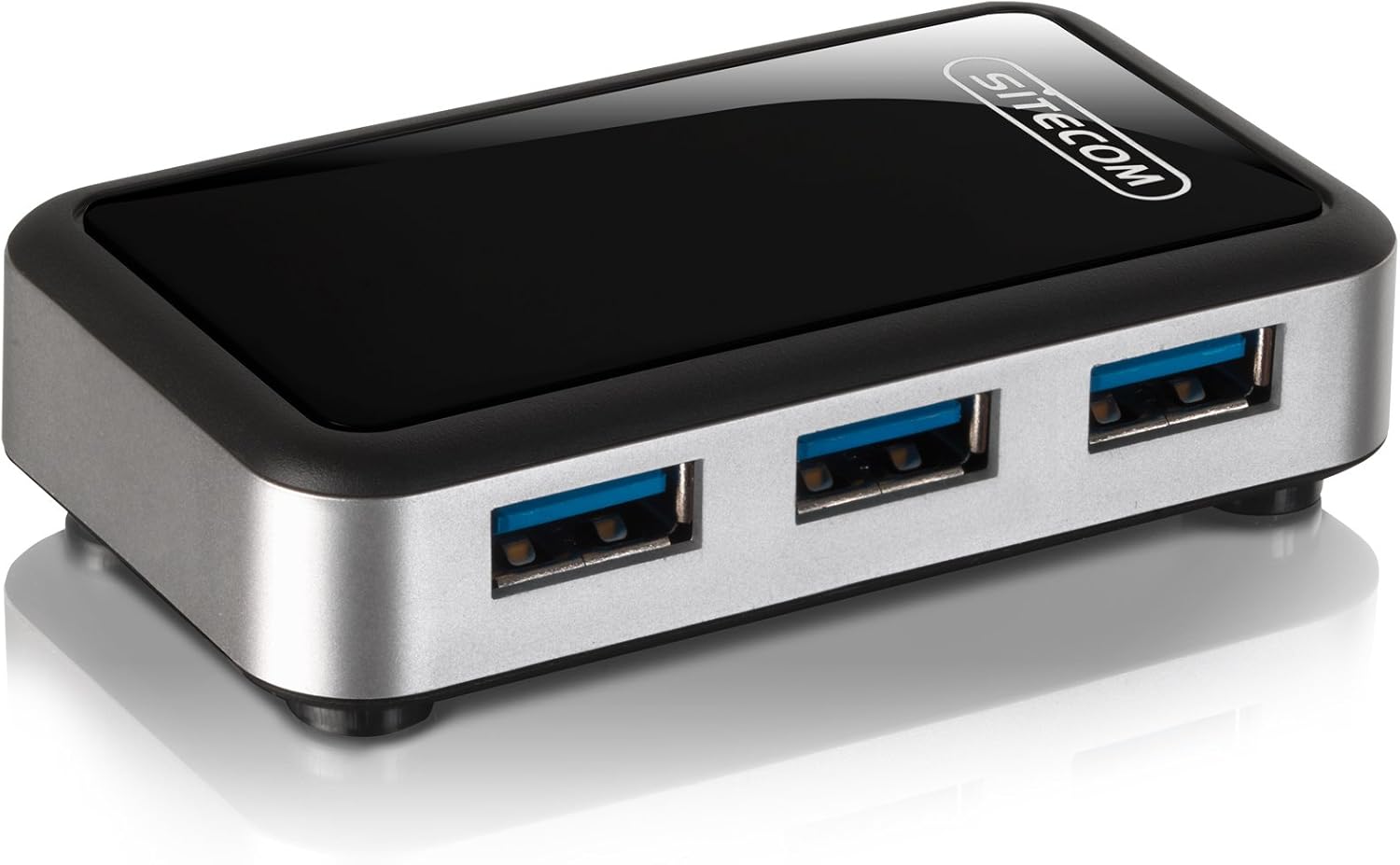
Bilde 3.1: The Sitecom CN-070 USB 3.0 4-Port Hub, showcasing its sleek black and silver design with four blue-accented USB 3.0 ports.
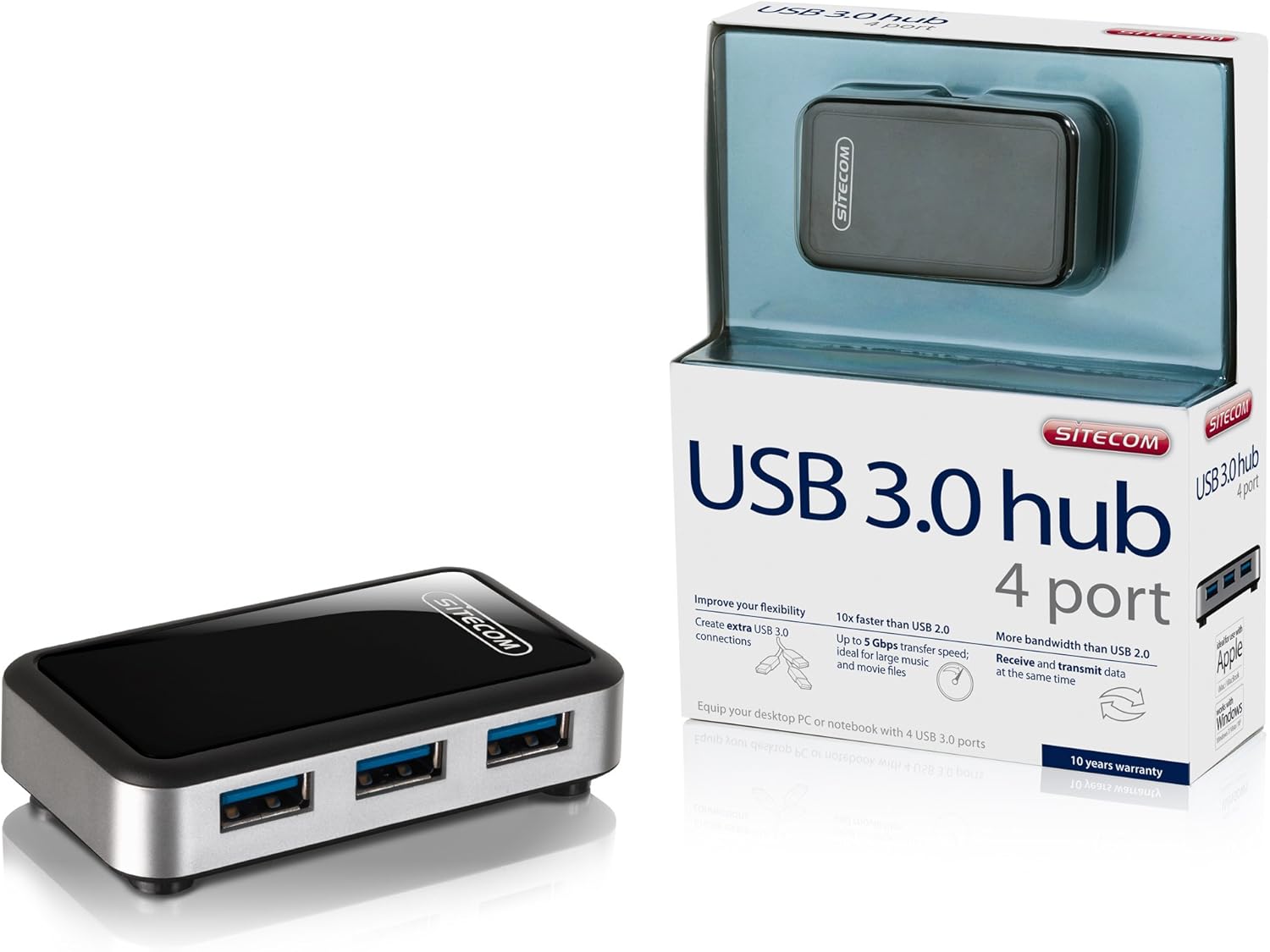
Bilde 3.2: The Sitecom CN-070 USB 3.0 Hub displayed alongside its retail packaging, highlighting the product's presentation.
4. Installasjonsinstruksjoner
Follow these steps to set up your Sitecom CN-070 USB 3.0 Hub:
- Koble til huben: Take the provided USB 3.0 connection cable. Connect one end of the cable to the USB 3.0 input port on the Sitecom CN-070 hub.
- Koble til datamaskin: Plug the other end of the USB 3.0 cable into an available USB 3.0 port on your desktop PC or notebook. USB 3.0 ports are typically blue internally.
- Systemgjenkjenning: Your operating system (Windows, macOS, Linux) should automatically detect and install the necessary drivers for the hub. This process usually takes a few moments. No additional software installation is typically required.
- Klar til bruk: Once the hub is recognized, it is ready to connect your USB devices.
5. Betjening av huben
Using the Sitecom CN-070 USB 3.0 Hub is straightforward:
- Koble til enheter: Insert your USB devices (e.g., external hard drives, USB flash drives, keyboards, mice) into any of the four available USB 3.0 ports on the hub.
- Høyhastighets dataoverføring: When connecting USB 3.0 compatible devices to the hub, you will benefit from data transfer speeds of up to 5 Gbps. This is ideal for transferring large files such as HD movies or extensive music libraries quickly.
- Simultaneous Data Flow: The USB 3.0 standard allows for increased bandwidth, enabling the hub to send and receive data simultaneously, optimizing performance for multiple connected devices.
- Bakoverkompatibilitet: The hub is fully backward compatible with USB 2.0 and USB 1.1 devices. Older USB devices will function correctly, though at their respective maximum speeds (e.g., USB 2.0 devices will operate at USB 2.0 speeds).
- Redusert strømforbruk: The design of the hub incorporates reduced power consumption, making it efficient for everyday use.
6. Vedlikehold og stell
To ensure the longevity and optimal performance of your Sitecom CN-070 USB 3.0 Hub, follow these simple maintenance guidelines:
- Rengjøring: Use a soft, dry, lint-free cloth to clean the exterior of the hub. Avoid using liquid cleaners, aerosols, or solvents, as these can damage the finish or internal components.
- Lagring: Når den ikke er i bruk, oppbevar den på et kjølig og tørt sted, unna direkte sollys og ekstreme temperaturer.
- Miljøforhold: Avoid exposing the hub to moisture, dust, or corrosive environments. Do not place heavy objects on top of the hub.
- Håndtering: Håndter huben forsiktig. Unngå å miste den i bakken eller utsette den for harde støt.
7. Feilsøking
If you encounter issues with your Sitecom CN-070 USB 3.0 Hub, please refer to the following troubleshooting tips:
- Hub Not Recognized by Computer:
- Ensure the USB 3.0 cable is securely connected to both the hub and a functioning USB 3.0 port on your computer.
- Try connecting the hub to a different USB 3.0 port on your computer.
- Restart your computer and try connecting the hub again.
- Verify that your computer's USB 3.0 drivers are up to date. Most operating systems handle this automatically, but manual updates may be necessary in some cases.
- Connected Devices Not Working or Recognized:
- Ensure the device is properly inserted into one of the hub's ports.
- Try connecting the device to a different port on the hub.
- Connect the device directly to your computer's USB port to confirm it is functioning independently.
- If the device requires significant power, ensure your computer's USB port can supply sufficient power to the hub and connected devices.
- Lave dataoverføringshastigheter:
- Confirm that both the connected device and the computer's port are USB 3.0 compatible. If either is USB 2.0, speeds will be limited to USB 2.0 rates.
- Avoid connecting multiple high-bandwidth devices simultaneously if you experience slowdowns.
8. Spesifikasjoner
| Trekk | Beskrivelse |
|---|---|
| Merke | Sitecom |
| Modellnummer | CN-070 |
| Grensesnitt | USB 3.0 |
| Totalt USB-porter | 4 (USB 3.0) |
| Dataoverføringshastighet | Opptil 5 Gbps |
| Bakoverkompatibilitet | USB 2.0, USB 1.1 |
| Farge | Svart/sølv |
| Kompatible enheter | Desktop computers, external hard drives, and other USB devices |
9. Garantiinformasjon
The Sitecom CN-070 USB 3.0 Hub comes with an extended 10 års garanti. To activate this extended warranty, you must register your product within a few weeks of purchase. Please refer to the official Sitecom website or the product packaging for specific registration instructions and terms.
10. Støtte
For further assistance, updated drivers, or additional product information, please visit the official Sitecom webnettsted. Du finner vanligvis støtteressurser, vanlige spørsmål og kontaktinformasjon der.
Webnettsted: www.sitecom.com (Please note: This is a generic placeholder. Refer to your product packaging or official documentation for the exact support URL.)