
Viktig sikkerhetsinformasjon
Please read these instructions carefully before using the shredder. Keep this manual for future reference.
- Hold barn og kjæledyr unna makuleringsmaskinen.
- Hold løse klær, smykker, hår og andre fremmedlegemer unna makuleringsåpningen.
- Ikke stikk fingre eller hender inn i åpningen på makuleringsmaskinen.
- Trekk ut støpselet til makuleringsmaskinen når den ikke er i bruk eller før rengjøring.
- Do not shred metal objects, large paper clips, or hard plastic (except credit cards as specified).
- Ikke bruk aerosolprodukter, petroleumsbaserte smøremidler eller andre brennbare produkter på eller i nærheten av makuleringsmaskinen.
- Ikke bruk makuleringsmaskinen hvis strømledningen er skadet.
- The shredder is equipped with overheat protection. If it overheats, it will automatically shut off. Allow it to cool down before resuming operation.
Pakkeinnhold
Sørg for at alle gjenstander er til stede:
- Amazon Basics AS665C Paper Shredder Unit
- Avfallsbeholder
- Bruksanvisning (dette dokumentet)
Oppsett
- Pakk ut makuleringsmaskinen: Fjern forsiktig alle komponenter fra emballasjen.
-
Position the Waste Bin: Place the shredder head securely on top of the provided waste bin. Ensure it is properly seated.
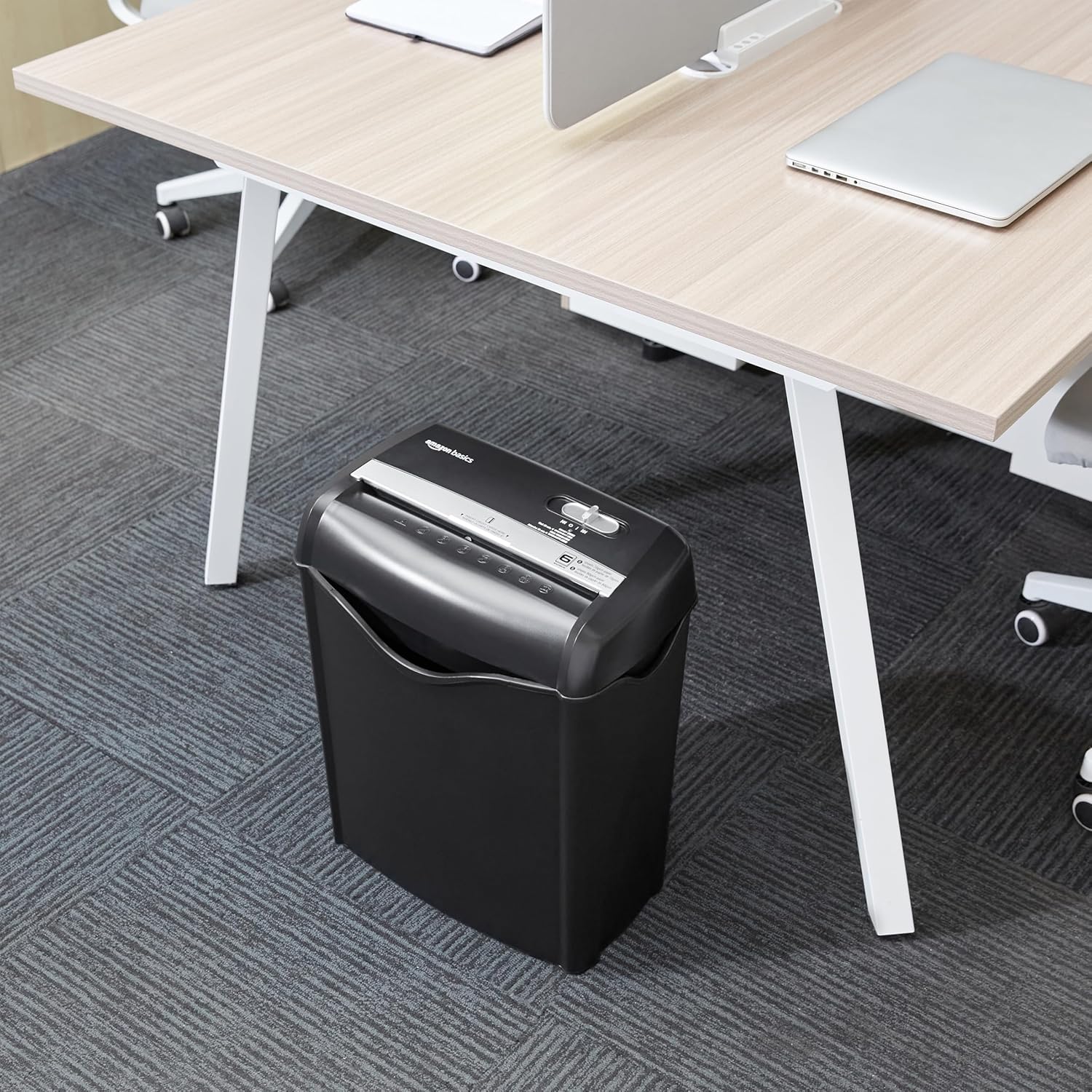
Image: The Amazon Basics AS665C Paper Shredder positioned under a desk, demonstrating its compact size and ease of placement in an office or home environment.
- Koble til strøm: Koble strømledningen til en vanlig stikkontakt.
Bruksanvisning
Kontrollbryter
The shredder features a slide switch with three positions:
- AUTO (I): The shredder will automatically start when paper is inserted and stop when shredding is complete.
- AV (O): Makuleringsmaskinen er slått av.
- REV (<<): Activates the reverse function to clear paper jams.

Bilde: En detaljert view of the shredder's control switch, showing the "AUTO", "OFF", and "REV" settings, along with the "READY" (green) and "OVERHEAT" (red) indicator lights.
Makulering av dokumenter
- Velg modus: Sett kontrollbryteren på AUTO (I) position. The "READY" indicator light (green) will illuminate.
-
Sett inn papir: Insert up to 6 sheets of 70gsm paper (or 5 sheets of 80gsm paper) straight into the paper entry slot. The shredder will automatically start and stop.
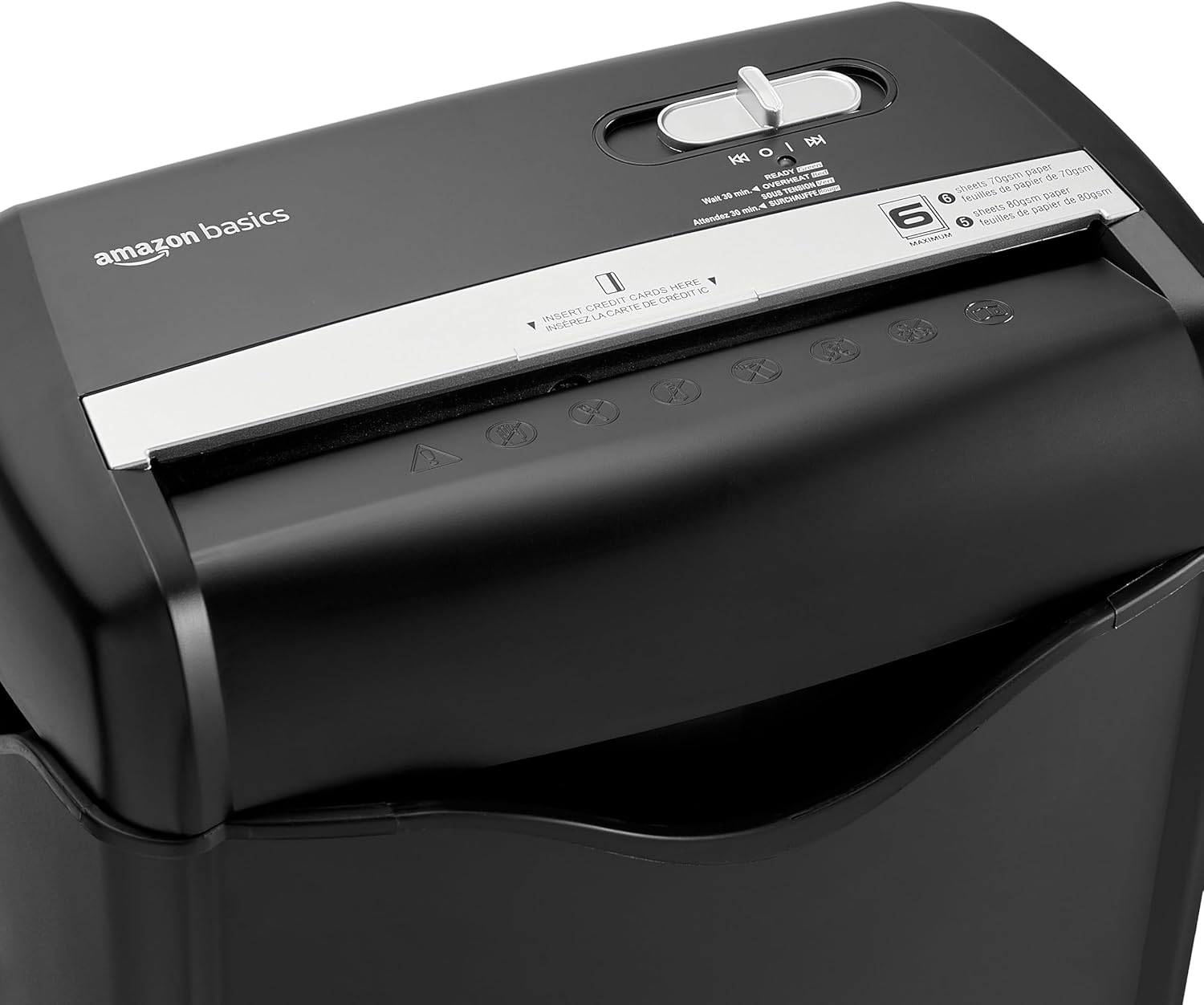
Bilde: Topp view of the shredder, highlighting the paper entry slot, the control switch, and the "MAXIMUM" sheet capacity label.

Image: A close-up of the shredder's label indicating the maximum sheet capacity: 6 sheets of 70gsm paper or 5 sheets of 80gsm paper.
-
Makulering av kredittkort: Insert one credit card at a time into the dedicated credit card slot.

Bilde: Et nærbilde view of the shredder's dedicated slot for inserting credit cards, clearly labeled "INSERT CREDIT CARDS HERE".
- Overopphetingsbeskyttelse: The shredder will automatically shut off if it runs continuously for too long or if the motor overheats. The "OVERHEAT" indicator light (red) will illuminate. Allow the shredder to cool down for approximately 30 minutes before resuming operation.

Image: A pile of cross-cut shredded paper, demonstrating the small particle size for enhanced security. A quarter coin is placed next to it for scale.
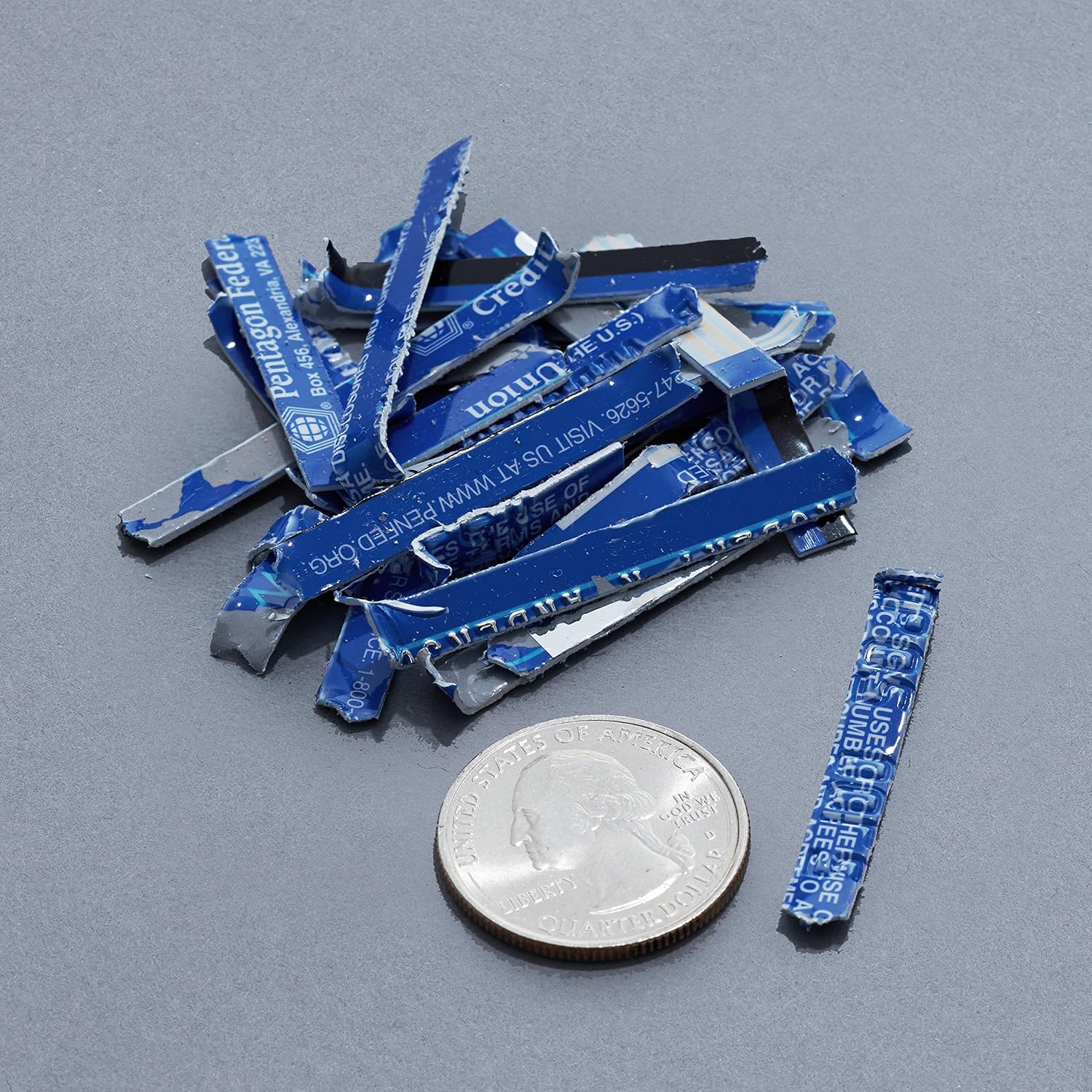
Image: A collection of shredded credit card pieces, illustrating the secure destruction of plastic cards. A quarter coin is included for size reference.
Vedlikehold
Tømme avfallsbeholderen
Regularly empty the waste bin to prevent paper jams and ensure optimal performance. Unplug the shredder before removing the head to empty the bin.
Rengjøring
- Trekk ut støpselet til makuleringsmaskinen før rengjøring.
- Tørk av utsiden av makuleringsmaskinen med en myk, tørr klut.
- Ikke bruk skurende rengjøringsmidler eller løsemidler.
- For optimal performance, periodically oil the shredder blades with shredder oil sheets or liquid shredder oil. Follow the oil product's instructions.
Feilsøking
| Problem | Mulig årsak | Løsning |
|---|---|---|
| Makuleringsmaskinen starter ikke. |
|
|
| Papirstopp. |
|
|
| Makuleringsmaskinen stopper under drift. |
|
|
Spesifikasjoner
| Trekk | Detalj |
|---|---|
| Merke | Grunnleggende om Amazon |
| Modellnummer | AS665C (Manufacturer Model: AS662C-EU) |
| Makuleringstype | Tverrsnitt |
| Arkkapasitet | 6 sheets (70gsm paper) / 5 sheets (80gsm paper) |
| filler | Papir, kredittkort |
| Strømkilde | Elektrisk med ledning |
| Spesielle funksjoner | Portable, Overheat Protection, Manual Reverse |
| Produktdimensjoner (L x B x H) | 30.7 x 19.6 x 38.1 cm (12.1 x XUMX x 7.7 inches) |
| Produktvekt | 3.72 kg (8.2 lbs) |
| Materiale | Plast og metall |
Garanti og støtte
For warranty information and customer support, please refer to the Amazon Basics webnettstedet eller kontakt Amazons kundeservice direkte. Ta vare på kjøpskvitteringen for garantikrav.