
1. Introduksjon
The Cambridge Audio DacMagic 100 is a high-performance Digital-to-Analogue Converter (DAC) designed to significantly enhance the audio quality from your digital devices. It processes digital audio signals from sources such as computers, TVs, and game consoles, delivering a clearer, more detailed, and deeper sound experience to your amplifier or active speakers. This manual provides essential information for setup, operation, and maintenance of your DacMagic 100.
2. Nøkkelfunksjoner
- Allsidig kompatibilitet: Works with Mac, PC, and virtually any device equipped with a digital audio output.
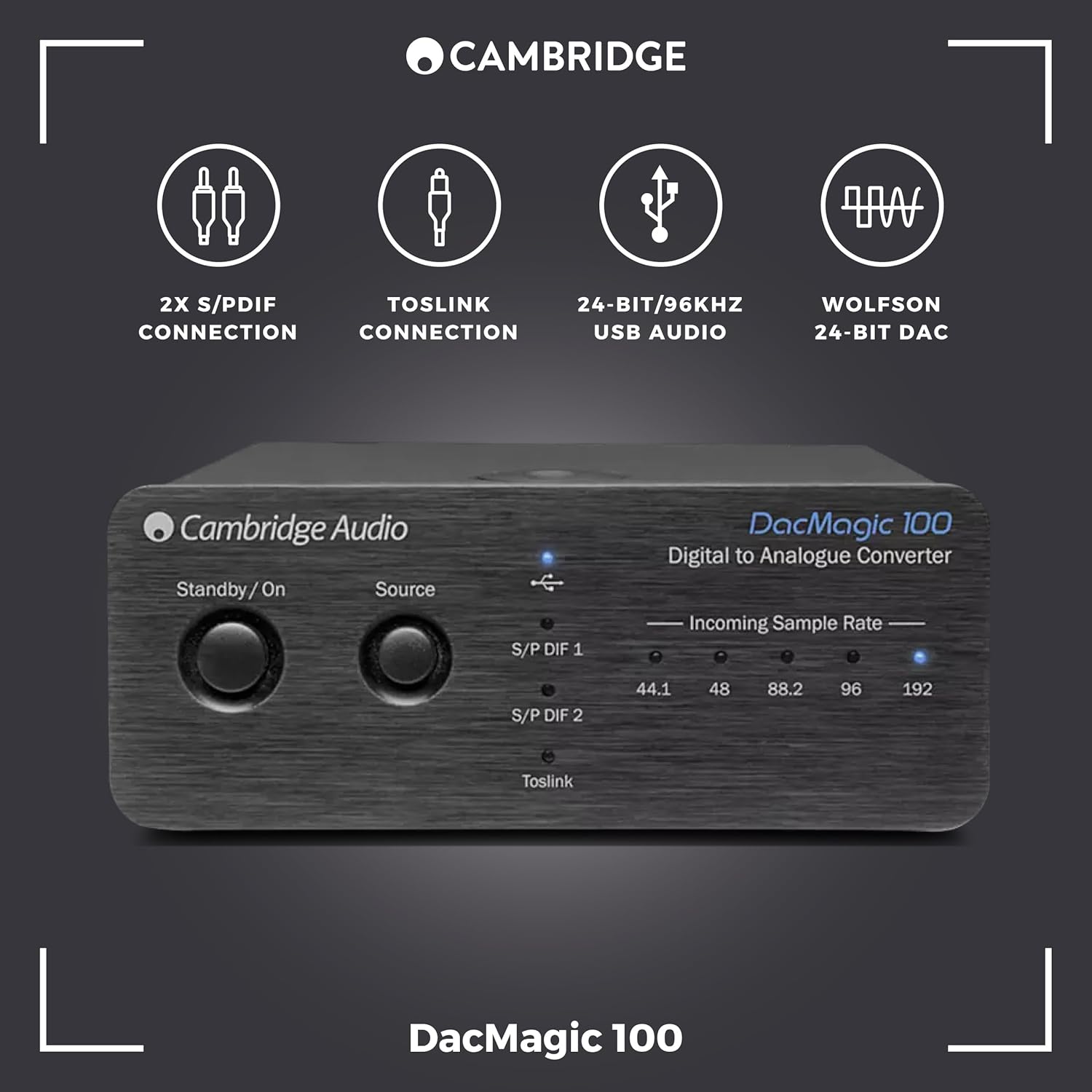
- Multiple Digital Inputs: Features 1 x USB, 2 x Coaxial Digital (S/P DIF), and 1 x Optical (Toslink) input for broad connectivity.
- Høyoppløselig lyd: Supports audio playback up to 24-bit/192kHz via Coaxial and Optical inputs, and 24-bit/96kHz via USB.
- Premium DAC Chip: Utilizes a Wolfson WM8742 24-bit DAC for precise digital-to-analogue conversion.
- Bred frekvensrespons: Delivers a frequency response of 20Hz to 20kHz (+/-0.1dB) for accurate sound reproduction.

This image displays the front panel of the DacMagic 100, illustrating its core features including 2x S/PDIF connections, Toslink connection, 24-bit/96kHz USB Audio capability, and the integrated Wolfson 24-bit DAC.

En intern view of the DacMagic 100's circuit board, showcasing the electronic components and the quality of internal design.
3. Tilkoblinger
Familiarize yourself with the input and output connections on the rear panel of your DacMagic 100.
- Lydutgang (RCA V/H): Connect these to the analogue input of your amphøyttaler eller aktive høyttalere ved hjelp av RCA-kabler.
- Toslink Optical Input: For connecting digital audio sources via an optical cable.
- S/P DIF 1 & 2 Inputs (Coaxial): For tilkobling av digitale lydkilder via koaksialkabler.
- USB lydinngang: For connecting to a computer (PC or Mac) to use the DacMagic 100 as an external sound card.
- Bakkeløftbryter: Helps eliminate hum or ground loop noise. Set to 'Lift' if you experience hum, otherwise leave at 'Ground'.
- +12V DC 2A Power Input: Koble til den medfølgende strømadapteren her.

The rear panel of the DacMagic 100 is shown, detailing the Audio Output (RCA L/R), Toslink Optical Input, S/P DIF 1 and 2 Inputs (Coaxial), USB Audio Input, Ground Lift Switch, and the +12V DC 2A power input.
4. Installasjonsinstruksjoner
- Plassering: Place the DacMagic 100 on a stable, flat surface away from heat sources and direct sunlight. Ensure adequate ventilation.
- Koble til Amplivligere: Connect the RCA Audio Output (L/R) of the DacMagic 100 to an available analogue input on your amphøyttalere eller aktive høyttalere ved bruk av RCA-kabler av høy kvalitet.
- Connect Digital Source(s):
- USB: Connect a USB cable from your computer to the USB Audio Input on the DacMagic 100.
- Optisk: Connect an optical cable from your digital source (e.g., TV, CD player) to the Toslink Optical Input.
- Koaksial: Connect coaxial cables from your digital source(s) to the S/P DIF 1 or S/P DIF 2 Inputs.
- Bakkeløftbryter: Set the Ground Lift switch to 'Ground' for normal operation. If you experience a persistent hum, switch it to 'Lift'.
- Strømtilkobling: Connect the supplied +12V DC 2A power adapter to the power input on the DacMagic 100, then plug the adapter into a wall outlet.
- Strøm på: Press the Standby/On button on the front panel to power on the unit. The selected source indicator will illuminate.
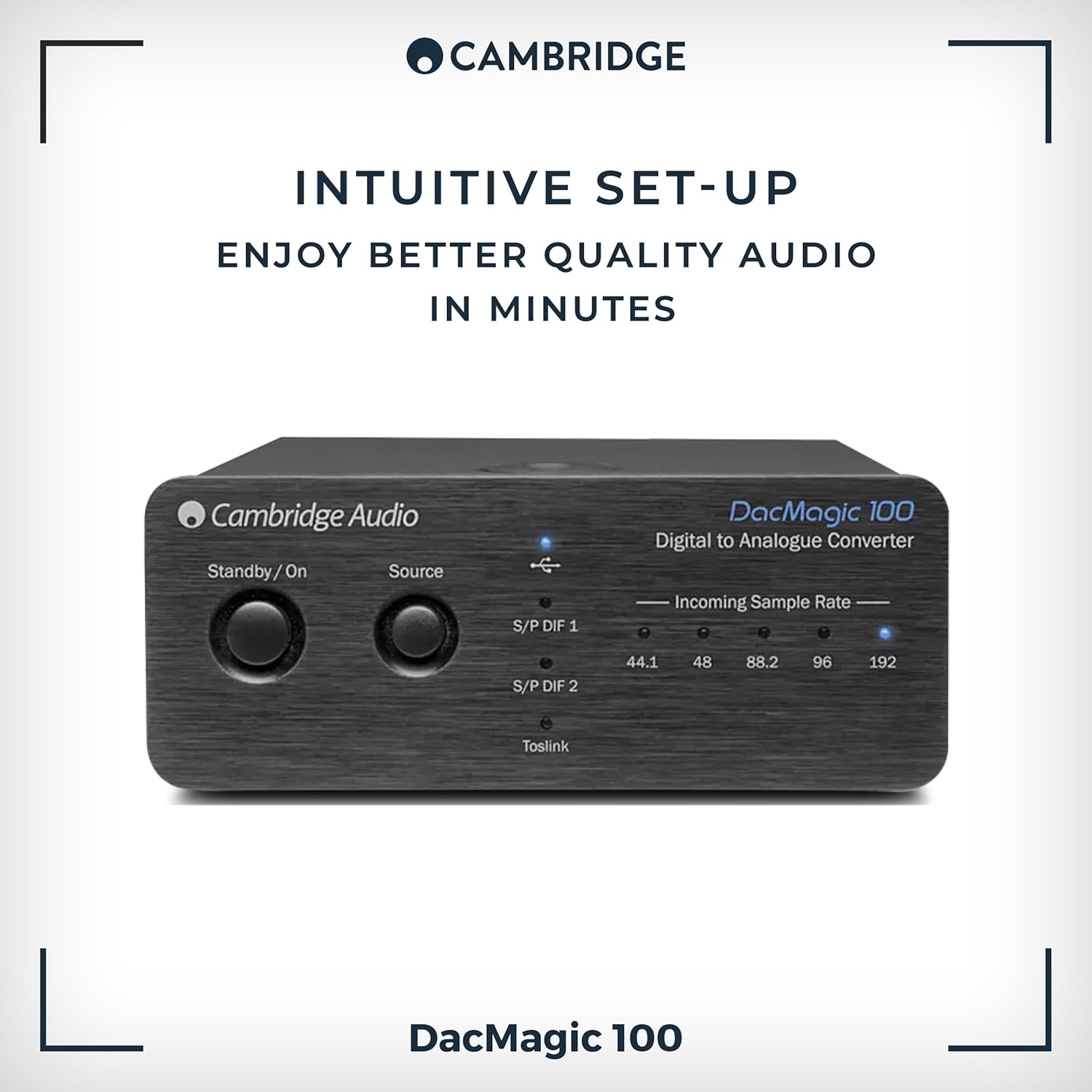
The front panel of the DacMagic 100, indicating its straightforward setup process.
5. Bruksanvisning
- Slå på/av: Press the Standby/On button on the front panel to toggle the unit between standby and operational modes.
- Kildevalg: Press the 'Source' button on the front panel to cycle through the available digital inputs: S/P DIF 1, S/P DIF 2, Toslink, and USB. The active input will be indicated by an illuminated LED.
- Innkommende Sample rateindikatorer: The LEDs labeled 44.1, 48, 88.2, 96, and 192 indicate the sample rate of the incoming digital audio signal. This helps confirm that your source device is sending the expected audio resolution.
- Volumkontroll: The DacMagic 100 does not have its own volume control. Adjust the volume using your connected amplifier eller aktive høyttalere.
This image highlights the front controls of the DacMagic 100, including the Standby/On button, Source selection button, and LED indicators for incoming sample rates (44.1, 48, 88.2, 96, 192 kHz).
6. USB Audio Driver Installation (for High-Resolution Playback)
For optimal performance and high-resolution audio playback (above 96kHz) via the USB input on Windows PCs, a dedicated driver may be required. Mac OS X typically supports USB Audio Class 1.0 and 2.0 natively without additional drivers.
- Check Cambridge Audio Webnettsted: Visit the official Cambridge Audio support website for the latest USB audio drivers specific to the DacMagic 100.
- Last ned og installer: Download the appropriate driver for your operating system and follow the on-screen installation instructions.
- Start datamaskinen på nytt: Start datamaskinen på nytt etter installasjonen.
- Select DacMagic 100: In your computer's sound settings or audio playback software, select the Cambridge Audio DacMagic 100 as the default audio output device.
Note: If you experience issues with ASIO high-resolution playback, ensure your drivers and firmware are up to date. Consult Cambridge Audio technical support for assistance with firmware updates.
7. Feilsøking
| Problem | Mulig årsak | Løsning |
|---|---|---|
| Ingen lydutgang | Feil kilde valgt Løse kabelforbindelser Amplifier input not selected DacMagic 100 not powered on | Press 'Source' to select correct input Check all audio and power cables Velg riktig inndata på din amplivligere Press Standby/On button |
| Forvrengt eller intermitterende lyd | Poor quality cables Jordsløyfe-brumming Feil sample rateinnstillinger USB driver issues | Use high-quality shielded cables Toggle Ground Lift switch Verify source device output settings Install/update USB drivers (see Section 6) |
| USB input not recognized by computer | Missing or outdated USB drivers Incorrect computer sound settings | Install/update USB drivers (see Section 6) Select DacMagic 100 as default audio device in computer settings |
| Brummende støy | Jordsløyfeforstyrrelser | Toggle the Ground Lift switch on the rear panel to 'Lift'. Ensure all components are properly grounded. |
8. Spesifikasjoner
- D-A Converters: Wolfson WM8742 24-bits DAC
- Frekvensrespons: 20Hz til 20kHz (+/-0.1dB)
- Digitale innganger: 1 x USB, 2 x Coaxial Digital (S/P DIF), 1 x Optical (Toslink)
- Analoge utganger: RCA L/R
- Støtte for USB-lyd: Opptil 24-bit/96 kHz
- Coaxial/Optical Audio Support: Opptil 24-bit/192 kHz
- Antall kanaler: 1 (Stereo output)
- Grensesnitt: USB
- Varevekt: 0.5 kilo
- Produsent: Cambridge Audio
- Modell: DacMagic 100
- UPC: 813371024205
9. Stell og vedlikehold
- Rengjøring: Use a soft, dry, lint-free cloth to clean the unit. Do not use abrasive cleaning agents, waxes, or solvents.
- Miljø: Unngå å plassere enheten i direkte sollys, i nærheten av varmekilder eller i områder med høy luftfuktighet eller mye støv.
- Ventilasjon: Sørg for tilstrekkelig ventilasjon rundt enheten for å forhindre overoppheting. Ikke blokker ventilasjonsåpningene.
- Makt: Disconnect the unit from the power outlet if it will be unused for extended periods.
10. Garanti og støtte
Your Cambridge Audio DacMagic 100 is covered by a manufacturer's warranty. Please refer to the warranty card included with your product or visit the official Cambridge Audio webnettstedet for detaljerte garantivilkår og -betingelser som er spesifikke for din region.
For technical support, troubleshooting assistance, or service inquiries, please contact Cambridge Audio customer support through their official webeller autoriserte servicesentre. Ta vare på kjøpsbeviset for garantikrav.