
Apple AirPods Pro
Apple AirPods Pro Wireless Earbuds User Manual
Introduksjon
Welcome to your Apple AirPods Pro. These advanced wireless earbuds offer Active Noise Cancellation, Transparency Mode, and adaptive equalization for an immersive audio experience. This manual provides essential information for setting up, operating, maintaining, and troubleshooting your device.
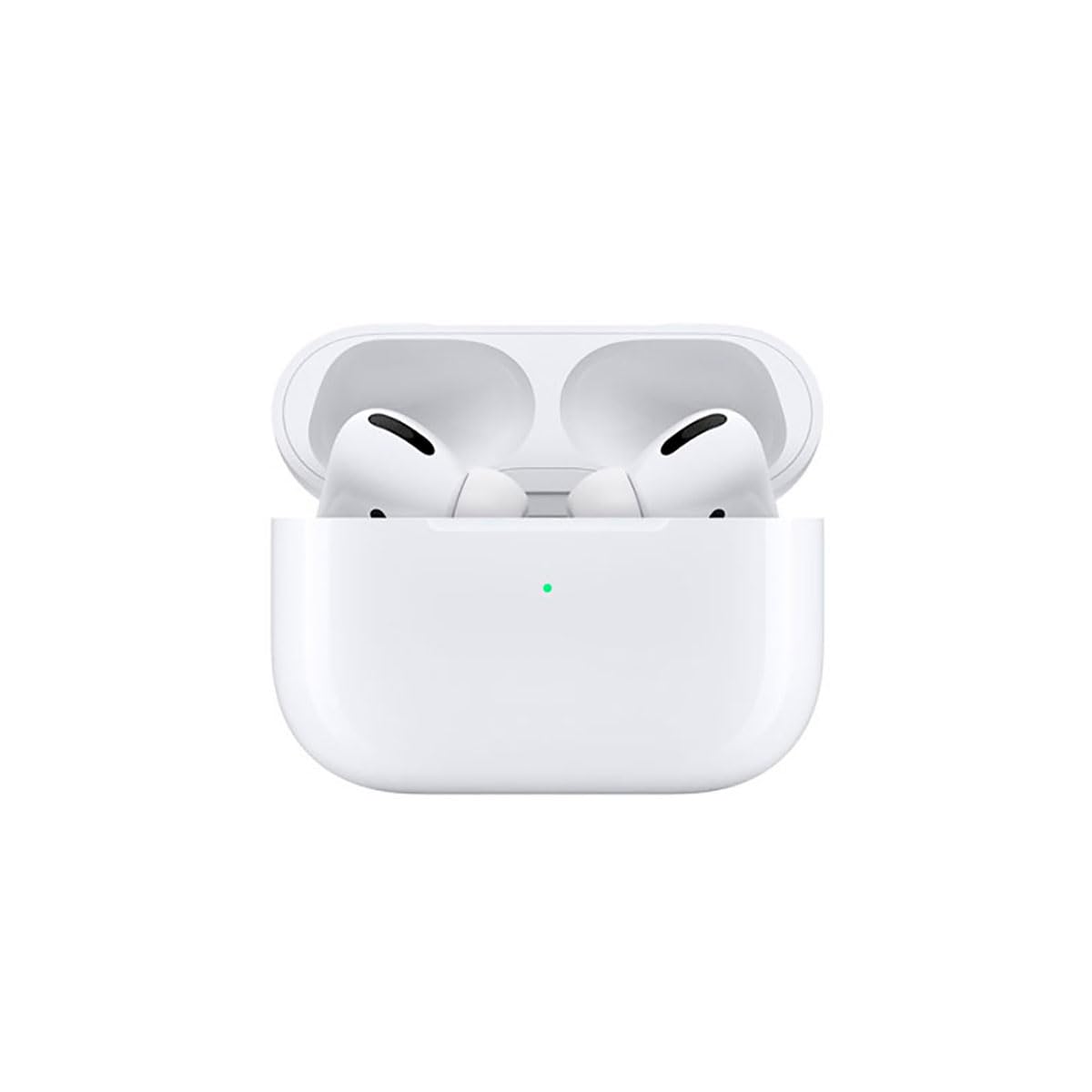
Image: A person wearing Apple AirPods Pro earbuds, demonstrating their use in a daily setting.
1. Komme i gang
1.1 Unboxing and Charging
Your AirPods Pro come with a Wireless Charging Case, silicone ear tips in three sizes, and a Lightning to USB-C cable.
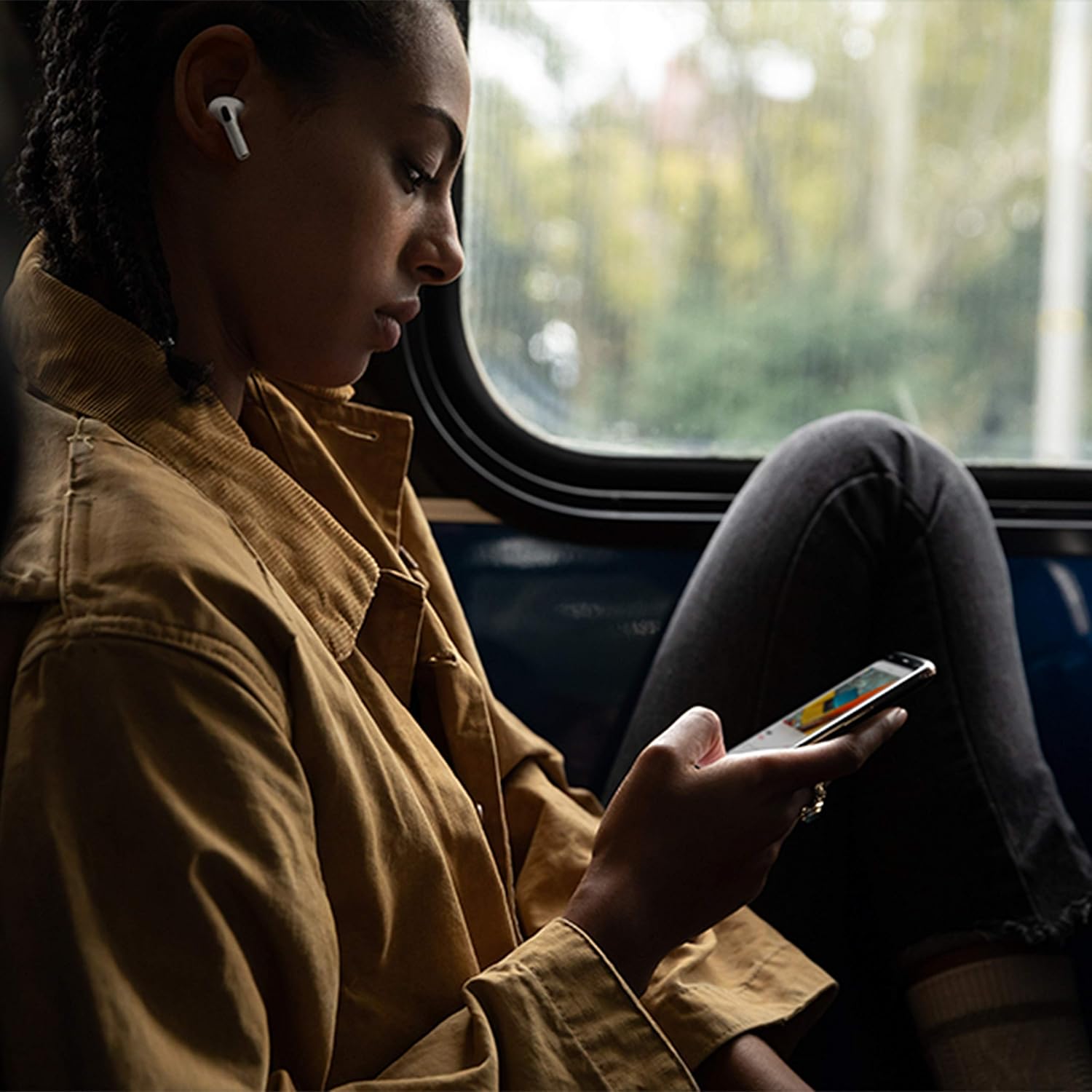
Image: Apple AirPods Pro earbuds inside their wireless charging case, with the status indicator light visible.
Before first use, ensure your AirPods Pro and their charging case are fully charged. Connect the Lightning to USB-C cable to the charging case and a power adapter, or place the case on a Qi-certified wireless charging mat.
1.2 Paring med enheten din
To pair your AirPods Pro with an Apple device:
- Ensure your Apple device (iPhone, iPad, or iPod touch) is running the latest iOS version.
- Lås opp enheten din og gå til startskjermen.
- Open the charging case lid with your AirPods Pro inside, and hold it near your device.
- En oppsettanimasjon vil vises på enhetens skjerm. Følg instruksjonene på skjermen.
- Når de er tilkoblet, vil AirPods Pro automatisk kobles til alle støttede enheter som er logget på iCloud-kontoen din.
To pair with a non-Apple device (e.g., Android phone):
- Åpne lokket mens AirPods Pro-enhetene er i ladeetuiet.
- Trykk og hold nede oppsettknappen på baksiden av saken til statuslampen blinker hvitt.
- On your device, go to Bluetooth settings and select "AirPods Pro" from the list of available devices.
1.3 Finding Your Best Fit
Achieving the right fit is crucial for optimal sound quality and Active Noise Cancellation. Your AirPods Pro come with small, medium, and large silicone ear tips.

Bilde: Nærbilde view of two individual Apple AirPods Pro earbuds, highlighting the silicone ear tips.
- Try each size of ear tip to find the ones that provide the best seal and comfort.
- Gå til på iPhone Innstillinger > Bluetooth, tap the "i" icon next to your AirPods Pro, then tap "Ear Tip Fit Test." Follow the on-screen instructions to check the seal.
2. Using Your AirPods Pro
2.1 Kontroller
The force sensor on the stem of each AirPod Pro allows you to control audio playback and calls.
- Trykk én gang: Play, pause, or answer a phone call.
- Trykk to ganger: Hopp fremover.
- Trykk tre ganger: Hopp tilbake.
- Trykk og hold: Bytt mellom aktiv støyreduksjon og gjennomsiktighetsmodus.
2.2 Active Noise Cancellation and Transparency Mode
Your AirPods Pro offer two primary listening modes:
- Aktiv støyreduksjon (ANC): Blocks out external sounds, allowing you to focus on your audio.
- Gjennomsiktighetsmodus: Lar deg høre omgivelsene dine mens du lytter til lyd, nyttig for bevissthet i travle miljøer.
Switch between these modes by pressing and holding the force sensor on an AirPod stem, or via Control Center on your Apple device.
2.3 Siri Activation
Activate Siri by saying "Hey Siri" or by pressing and holding the force sensor on an AirPod stem (if configured in settings).
2.4 Vann- og svettebestandighet
AirPods Pro are sweat and water resistant for non-water sports and exercise. They are not waterproof and should not be submerged in water. Resistance may decrease as a result of normal wear.
3. Stell og vedlikehold
3.1 Rengjøring av AirPods Pro og etuiet
Regularly clean your AirPods Pro and their charging case to maintain performance and hygiene.
- Wipe the AirPods and case with a soft, dry, lint-free cloth.
- Do not use abrasive materials, sprays, or solvents.
- Fjern ørepropper fra AirPods og skyll med vann. Tørk grundig før du setter dem på igjen.
3.2 Batteriinformasjon
The AirPods Pro and charging case contain rechargeable batteries. Battery life is dependent on usage and settings. Over time, the capacity of all rechargeable batteries diminishes. To maximize battery lifespan:
- Unngå ekstreme temperaturer.
- Oppbevares på et kjølig, tørt sted når den ikke er i bruk.
- Charge regularly, but avoid leaving them fully charged or fully depleted for extended periods.
4. Feilsøking av vanlige problemer
4.1 Tilkoblingsproblemer
If your AirPods Pro are not connecting:
- Sørg for at Bluetooth er aktivert på enheten din.
- Place AirPods Pro in the charging case, close the lid, wait 15 seconds, then open the lid.
- If issues persist, try resetting your AirPods Pro: With the lid open, press and hold the setup button on the back of the case for about 15 seconds until the status light flashes amber, then white. Re-pair them with your device.
4.2 Problemer med lydkvaliteten
If you experience poor sound quality or ineffective noise cancellation:
- Ensure ear tips are clean and properly fitted. Perform the Ear Tip Fit Test.
- Check for debris in the speaker mesh.
- Ensure your device's volume is adjusted correctly.
4.3 Ladeproblemer
If your AirPods Pro or case are not charging:
- Verify the Lightning cable is securely connected to both the case and the power adapter.
- If using wireless charging, ensure the case is correctly positioned on the charging mat.
- Rengjør ladeporten på dekselet.
5. Produktspesifikasjoner
| Trekk | Detalj |
|---|---|
| Merke | Eple |
| Modellnavn | Apple AirPods Pro |
| Formfaktor | In-Ear |
| Støykontroll | Aktiv støyreduksjon |
| Tilkoblingsteknologi | Bluetooth |
| Trådløs kommunikasjonsteknologi | Bluetooth |
| Farge | Hvit |
| Aldersgruppe (beskrivelse) | Voksen |
5.1 Hva er i esken
- AirPods Pro
- Trådløs ladeveske
- Silicone Ear Tips (three sizes)
- Lyn til USB-C-kabel
- Dokumentasjon
6. Garanti og støtte
6.1 Garantiinformasjon
Apple AirPods Pro come with a standard limited warranty. For detailed warranty terms and conditions, please refer to the documentation included with your product or visit the official Apple support webnettstedet.
6.2 Kundestøtte
For ytterligere hjelp, teknisk støtte eller service, kan du gå til den offisielle Apple-kundestøtten. webnettstedet eller kontakt Apples kundeservice direkte.
Relaterte dokumenter - AirPods Pro
 |
Apple AirPods med aktiv støydemping: Oppsett, funksjoner og sikkerhetsveiledning En omfattende veiledning for oppsett, bruk og forståelse av funksjonene til Apple AirPods med aktiv støydemping, inkludert viktig sikkerhetsinformasjon, garantidetaljer og samsvar med forskrifter. |
 |
Apple AirPods Brukerhåndbok: Oversikt over funksjoner Oppdag Apple AirPods med denne brukerveiledningen. Les over koppelen, laste opp, innstillinger, søke, romlig lyd og ruisstyring. |
 |
Apple AirPods-paringsguide og modellnumre En omfattende veiledning for paring av Apple AirPods, inkludert feilsøkingstrinn og en detaljert liste over modellnumre for ulike AirPods-generasjoner. |
 |
Brukerhåndbok for Apple AirPods: Koble til og bruke øreproppene En kortfattet veiledning for tilkobling og bruk av Apple AirPods, inkludert instruksjoner for paring med enheter, administrering av lyd og tilgang til funksjoner. Optimalisert for søkemotorer. |
 |
Brukerhåndbok for Apple AirPods: Funksjoner, oppsett og kontroller Omfattende guide til Apple AirPods, som dekker oppsett, lading, funksjoner som romlig lyd og støykontroll, og hvordan du finner enheten din. Informasjonen er hentet fra Apples offisielle dokumentasjon. |
 |
Hurtigstartveiledning for aktiv støydemping av Apple AirPods En kortfattet veiledning om bruk av Apple AirPods med aktiv støydemping. Lær hvordan du bytter lyttemodus, kobler til enheter og utforsker lydfunksjoner som støykontroll, samtalebevissthet og romlig lyd. |
Ask a question about this manual
Ask about setup, troubleshooting, compatibility, parts, safety, or missing instructions. Manuals+ will review the question and use this page’s manual context to help answer it.