
Introduksjon
This manual provides instructions for the safe and effective use of your Amazon Echo Buds (2nd Gen) with Active Noise Cancellation. Please read this guide thoroughly before using your device and retain it for future reference. Your Echo Buds are designed to deliver dynamic audio, active noise cancellation, and hands-free access to Alexa.
Hva er inkludert
Når du pakker ut esken, må du kontrollere at alle komponentene er til stede:
- Echo Buds (2. generasjon)
- Ladeetui
- 4 par ørepropper
- 2 par vingespisser
- USB-C-kabel
- Hurtigstartguide
Oppsettveiledning
1. Førstegangsavgift
Before first use, fully charge your Echo Buds. Place the earbuds into the charging case and connect the USB-C cable to the case and a power source. The indicator light on the case will show charging status. A 15-minute quick charge provides up to 2 hours of music playback.
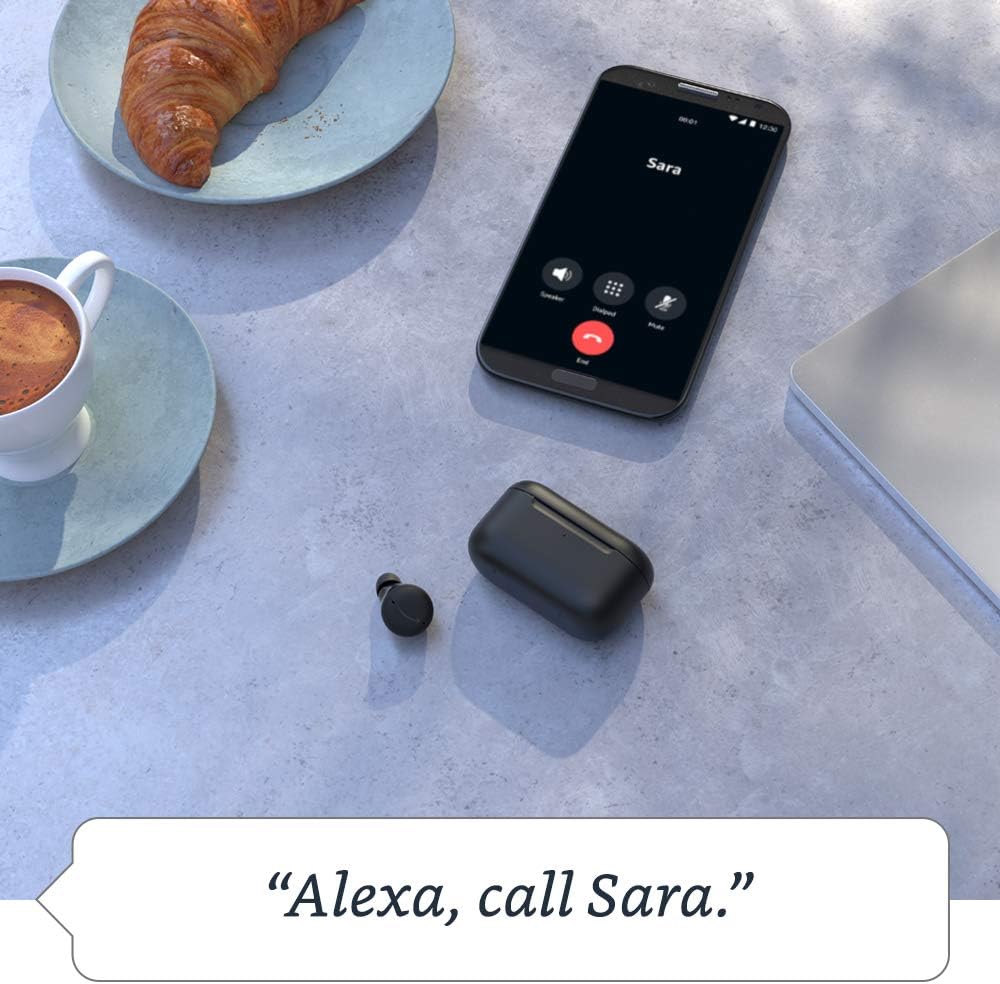
Image: Echo Buds charging case on a desk, illustrating battery life and charging.
2. Install the Alexa App
Download and install the latest version of the Alexa app on your smartphone or tablet. The Alexa app is required for full functionality, including pairing, audio personalization, and managing settings.
3. Koble sammen Echo Buds
- Åpne ladeetuiet med Echo Buds inni.
- Sørg for at Bluetooth er aktivert på smarttelefonen eller nettbrettet ditt.
- Open the Alexa app and follow the on-screen instructions to add a new device. Select "Echo Buds" from the list.
- Bekreft paringsforespørselen på enheten din.
Echo Buds support Bluetooth 5.0 and are compatible with Android 8.0+ and iOS 14+ for Alexa voice control.
4. Oppnå en sikker passform
A proper fit is crucial for optimal sound quality and active noise cancellation. Experiment with the included ear tips and wing tips to find the combination that provides a comfortable and secure seal in your ear canal. The Alexa app includes a fit test to help you determine the best fit.

Image: Amazon Echo Buds (2nd Gen) in Glacier White, showing the earbuds and open charging case.
5. Audio Personalization
Utilize the Audio Personalization feature within the Alexa app to tune the audio output to your unique hearing preferences. This feature enhances your listening experience by optimizing sound for your ears.
Bruk av Echo-ørene dine
Active Noise Cancellation (ANC) and Passthrough Mode
Your Echo Buds feature Active Noise Cancellation to reduce background noise and a Passthrough mode to allow ambient sounds to be heard. These modes can be toggled via the Alexa app or through customizable touch controls on the earbuds.

Image: An Echo Bud illustrating the effect of active noise cancellation with sound wave graphics.
Håndfri Alexa
With hands-free Alexa, you can use your voice to control your Echo Buds and access Alexa features. Simply say "Alexa" followed by your command. This allows you to stream music, play podcasts, read Audible audiobooks, make calls, set reminders, and add items to your shopping list without touching your phone.
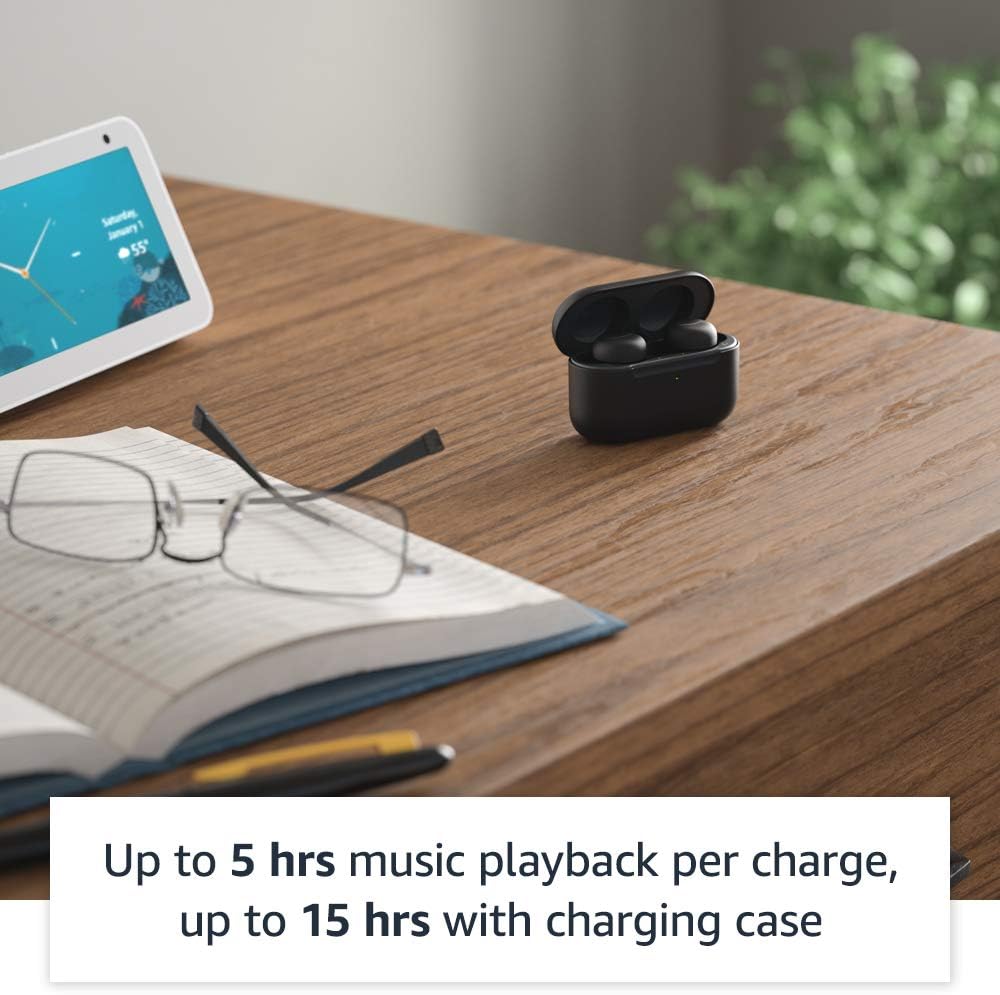
Image: Echo Buds on a table with a smartphone, demonstrating hands-free calling with Alexa.
Musikkavspilling og samtaler
Use your Echo Buds for audio playback and phone calls. Premium speakers deliver crisp, balanced sound. The integrated microphones ensure clear voice pickup during calls.
Flerpunktsparing
Your Echo Buds can connect to two devices simultaneously, allowing for seamless switching between them. For example, you can move from a video call on your laptop to music on your phone without re-pairing.
Batterilevetid og lading
The Echo Buds provide up to 5 hours of music playback per charge with ANC and hands-free Alexa enabled, and up to 15 hours total with the charging case. Without ANC and hands-free Alexa, you can get up to 6.5 hours per charge and 19.5 hours total with the case.
The charging case provides additional battery life. To charge, place the earbuds in the case and connect the USB-C cable. A 15-minute quick charge provides up to 2 hours of music playback.
Vedlikehold og stell
Cleaning Your Echo Buds and Case
Regularly clean your Echo Buds and charging case to maintain performance and hygiene. Use a soft, dry, lint-free cloth. For the earbuds, gently wipe the ear tips and the body. Avoid using abrasive materials or harsh chemicals. The matte finish of the Glacier White case may show lint, requiring occasional cleaning.
Vannmotstand
The Echo Buds (earbuds only) have an IPX4 rating, meaning they are tested to withstand water splashing. They are not designed for submersion in water or exposure to pressurized water. The charging case is not water-resistant.
Feilsøking
If you encounter issues with your Echo Buds, refer to the following common solutions:
- Tilkoblingsproblemer: Ensure Bluetooth is enabled on your device and the Echo Buds are charged. Try unpairing and re-pairing the Echo Buds through the Alexa app.
- Lydkvalitet: Verify that the ear tips provide a secure seal. Adjust the equalizer settings in the Alexa app.
- Active Noise Cancellation (ANC) Effectiveness: Ensure a proper fit. ANC performance is optimized with a good seal.
- Alexa App Not Recognizing Earbuds: Close and reopen the Alexa app. Ensure your phone's operating system and the Alexa app are up to date.
- Mikrofondemping: You can mute the microphones via the Alexa app for privacy.

Image: Alexa app interface showing microphone mute controls for Echo Buds.
For further assistance, consult the help section within the Alexa app or visit the Amazon support webnettstedet.
Tekniske spesifikasjoner
| Size (Earbud) | 20.0 x 19.1 x 19.1 mm (uten ørepropp eller vingetupp) |
| Size (Case) | 66.8 x 28.6 x 39.1 mm |
| Vekt (øreplugg) | 5.7 g (uten ørepropp eller vingetupp) |
| Vekt (etui) | 44.4 g |
| Tilkobling | Bluetooth 5.0, Wi-Fi or mobile data connection via Alexa app |
| Prosessorer | Realtek RTL8763C Bluetooth-system på chip, NXP digital signalprosessor |
| Høyttalere | 5.7 mm dynamisk driver |
| Mikrofoner | 3 per ørepropp (2 eksterne stråleformende + 1 interne) |
| Vannmotstand | IPX4 (bare ørepropper) |
| Sensorer | Akselerometer, nærhet, berøring, hall (kasse) |
| Batterilevetid (ANC på) | Up to 5 hours (earbuds), 15 hours total with case |
| Batterilevetid (ANC av) | Up to 6.5 hours (earbuds), 19.5 hours total with case |
| Hurtiglading | 15-min charge for up to 2 hours music playback |
| Tilgjengelighetsfunksjoner | Audio Personalization, Alexa app features for vision, hearing, mobility, speech. |
Actual size, weight, and battery life may vary based on manufacturing process, device settings, features utilized, and environment.
Garanti og støtte
Begrenset garanti
Your Amazon Echo Buds (2nd Gen) come with a 1-year limited warranty and service. For detailed terms and conditions, please refer to the documentation included with your product or visit the Amazon support website. Optional extended warranties (1-year, 2-year, and 3-year) may be available for purchase separately in certain regions.
Kundestøtte
For technical support, troubleshooting, or warranty claims, please contact Amazon Customer Service. You can find contact information and additional resources on the official Amazon support webnettstedet.
Personvernfunksjoner
Amazon designs Echo devices with multiple layers of privacy protection. Your Echo Buds include:
- Wake Word-teknologi: Alexa only begins listening after detecting the wake word.
- Streaming Indicator: Visual cues indicate when your device is streaming audio to the cloud.
- Mute Button in Alexa App: Ability to electronically disconnect the microphones via the Alexa app.
- Håndtering av taleopptak: Tools to view, listen to, and delete your voice recordings.
For more information on how Amazon protects your privacy, visit the Alexa Privacy Hub.


