
Introduksjon
Takk for kjøpetasing the AZATOM A2 Portable DAB/DAB+ Digital Radio. This compact and versatile device is designed to provide high-quality digital and FM radio reception, offering a superior listening experience on the go. Please read this manual carefully to understand the features and operation of your new radio.

The AZATOM A2 radio, showcasing its stylish and compact design, perfect for portability.
Hva er i esken
- AZATOM A2 Portable DAB/DAB+ Digital Radio
- USB-C-kabel
- Sports øretelefoner
- Brukerhåndbok (dette dokumentet)
- Garantikort
Produkt overview
Familiarize yourself with the buttons and ports on your AZATOM A2 radio:

Front view of the AZATOM A2 radio, highlighting the display and control buttons.
- På-knapp: Slår radioen på/av.
- MENY-knapp: Får tilgang til menyalternativene.
- VOL+ / VOL- knapper: Justerer volumnivået.
- ENTER/SCAN Button: Confirms selections or initiates station scanning.
- PRESET Buttons (1/2, 3/4): Recalls stored preset stations.
- MODUS-knapp: Veksler mellom DAB/DAB+ og FM-modus.
- Hodetelefonkontakt: Connects the included earphones, which also function as the antenna.
- USB-C-port: For å lade enheten.
Oppsett
1. Lader batteriet
Before first use, fully charge the radio. Connect the supplied USB-C cable to the radio's USB-C port and the other end to a USB power adapter (not included) or a computer's USB port. The display will indicate charging status. A full charge provides up to 24 hours of playtime.

The AZATOM A2 features a long-lasting rechargeable battery for extended use.
2. Connecting Earphones (Antenna)
The included earphones serve as the radio's antenna for both DAB/DAB+ and FM reception. It is essential to connect the earphones to the 3.5mm jack before operating the radio to ensure proper signal reception.
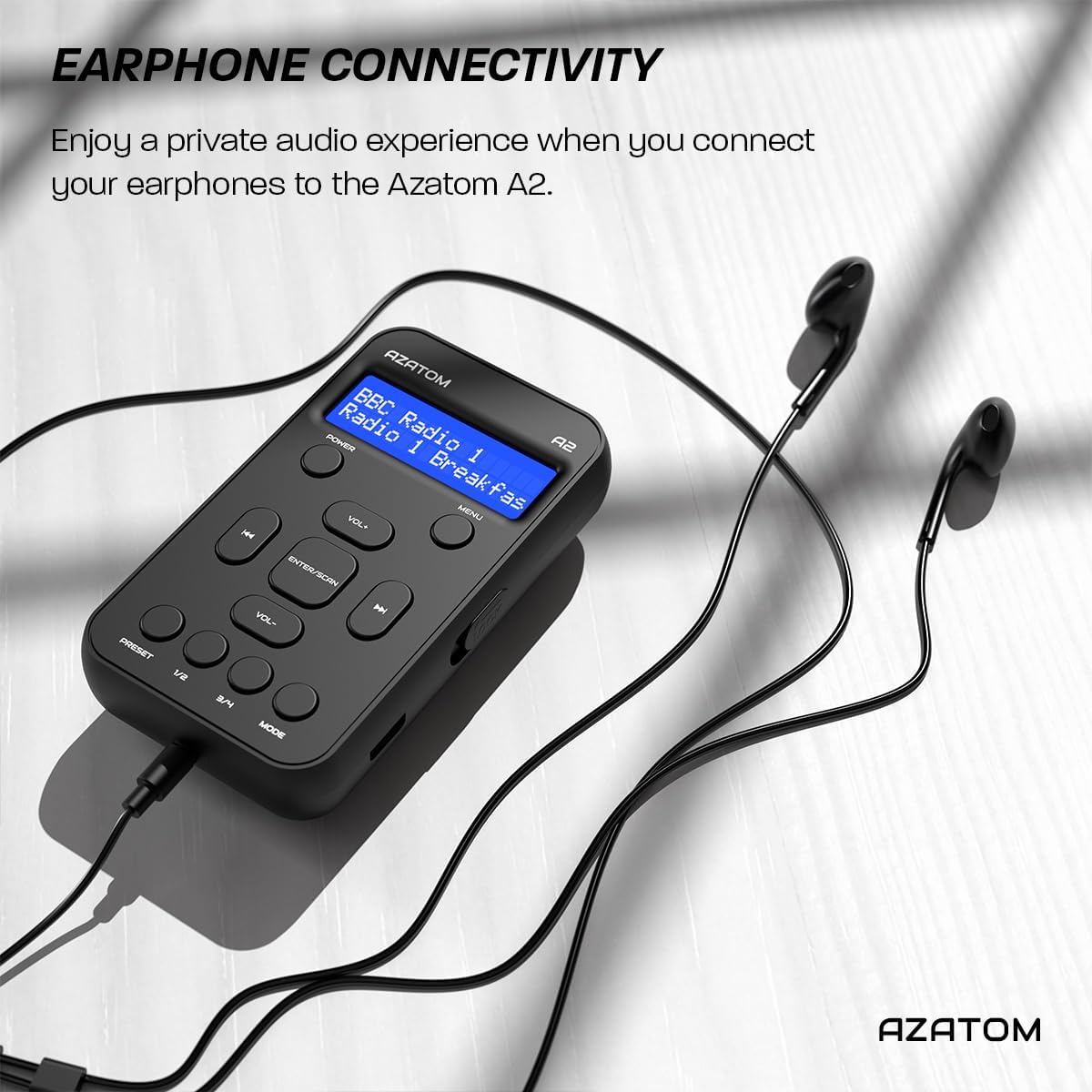
Connect the supplied earphones to the radio for optimal reception and a private listening experience.
Bruksanvisning
Slå på/av
- Trykk og hold inne MAKT -knappen for å slå radioen av eller på.
DAB/DAB+ radiodrift

The AZATOM A2 supports both DAB/DAB+ and FM radio technologies.
- Ensure the earphones are connected.
- Trykk på MODUS button until 'DAB' or 'DAB+' is displayed.
- The radio will automatically perform a full scan for available DAB/DAB+ stations upon first use or if no stations are found. To manually scan, press and hold the ENTER/SKANN knapp.
- Bruk VOL+ or VOL- buttons to navigate through the list of found stations.
- Pressen ENTER/SKANN for å velge en stasjon.
FM-radiodrift
- Ensure the earphones are connected.
- Trykk på MODUS knappen til «FM» vises.
- For å automatisk skanne etter FM-stasjoner, trykk og hold inne ENTER/SKANN -knappen. Radioen vil skanne og lagre tilgjengelige stasjoner.
- For å stille inn manuelt, trykk kort på VOL+ or VOL- buttons to adjust the frequency in small increments.
Innstilling og tilbakekalling av forhåndsinnstillinger
The AZATOM A2 allows you to store up to 40 DAB+ and 40 FM favorite stations.

The AZATOM A2 allows for easy recall of your favorite preset stations.
Slik lagrer du en forhåndsinnstilling:
- Still inn på ønsket stasjon.
- Trykk og hold en av FORHÅNDSINNSTILLING buttons (1/2 or 3/4) until the display shows 'Preset Store'.
- Bruk VOL+ or VOL- -knappene for å velge ønsket forhåndsinnstilt nummer (1–40).
- Pressen ENTER/SKANN for å bekrefte og lagre stasjonen.
For å hente frem en forhåndsinnstilling:
- Trykk kort på en av FORHÅNDSINNSTILLING buttons (1/2 or 3/4).
- Bruk VOL+ or VOL- buttons to navigate through your stored presets.
- Pressen ENTER/SKANN to select and play the desired preset station.
Volumkontroll
- Pressen VOL+ for å øke volumet.
- Pressen VOL- for å redusere volumet.
Skjermens lysstyrke
The XL digital display's brightness can be adjusted to your preference. Access this setting through the MENU options.

Et nærbilde view of the AZATOM A2's clear digital display.
Vedlikehold
- Rengjøring: Bruk en myk, tørr klut til å rengjøre radioens overflate. Ikke bruk slipende rengjøringsmidler eller løsemidler.
- Batteripleie: For å forlenge batterilevetiden, unngå å utlade batteriet helt ofte. Lad radioen regelmessig, selv om den ikke er i bruk over lengre tid.
- Lagring: Oppbevar radioen på et kjølig og tørt sted, unna direkte sollys og ekstreme temperaturer.
Feilsøking
| Problem | Mulig årsak | Løsning |
|---|---|---|
| No power/Radio won't turn on. | Batteriet er utladet. | Lad radioen med den medfølgende USB-C-kabelen. |
| Dårlig radiomottak (DAB/FM). | Earphones not connected or not fully inserted. Weak signal area. | Ensure earphones are securely connected. Try moving to an open area or near a window. Perform a new scan. |
| Ingen lyd. | Volume is too low or muted. Earphones not connected. | Increase the volume using VOL+. Ensure earphones are connected. |
| Radioen fryser eller slutter å reagere. | Midlertidig programvarefeil. | Press and hold the POWER button to force a restart. If issue persists, allow battery to fully discharge then recharge. |
Spesifikasjoner

Dimensions of the AZATOM A2 radio.
| Trekk | Detalj |
|---|---|
| Modell | A2 |
| Dimensjoner (L x B x H) | 9 x 4 x 11 cm (approx. 90mm x 50mm x 24mm) |
| Vekt | 90 g |
| Radioband støttes | DAB, DAB+, FM |
| Forhåndsinnstillinger | 40 DAB+, 40 FM |
| Batteritype | Rechargeable Lithium Ion (1800mAh) |
| Spilletid | Opptil 24 timer |
| Visningstype | LCD |
| Tilkobling | USB-C (for charging), 3.5mm Earphone Jack |
| Materiale | Plast |
Garanti og støtte
AZATOM products are designed and engineered in the UK. The AZATOM A2 comes with a premium 3-year warranty (registration required). For any questions or support, please contact our dedicated customer service team. Lifetime customer support is provided to assist you with any queries.
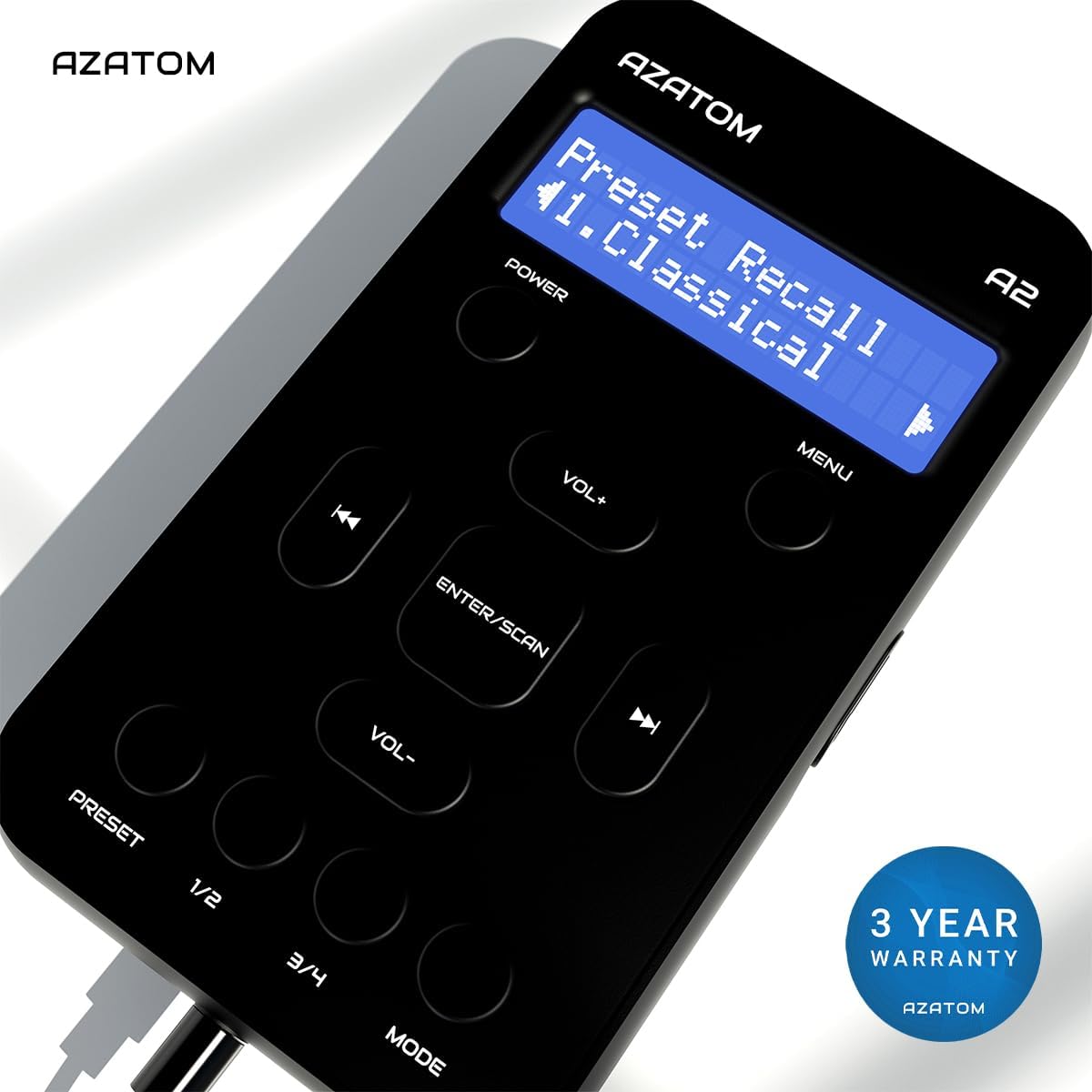
The AZATOM A2 is backed by a 3-year warranty.