
Groov-e GVBT750BK
Groov-e Ultra trådløse Bluetooth-hodetelefoner brukerhåndbok GVBT750BK
Introduksjon
Takk for kjøpetasing the Groov-e Ultra Wireless Bluetooth Headphones. These headphones are designed to provide a superior audio experience with features such as wireless connectivity, extended battery life, and comfortable design. This manual will guide you through the setup, operation, and maintenance of your new headphones.
Pakkeinnhold
Please ensure all items are present in your Groov-e Ultra headphone package:
- Groov-e Ultra Wireless Bluetooth Headphones
- USB ladekabel
- 3.5 mm lydkabel
- Brukerhåndbok (dette dokumentet)
Produkt overview
Familiarize yourself with the various components of your Groov-e Ultra headphones.
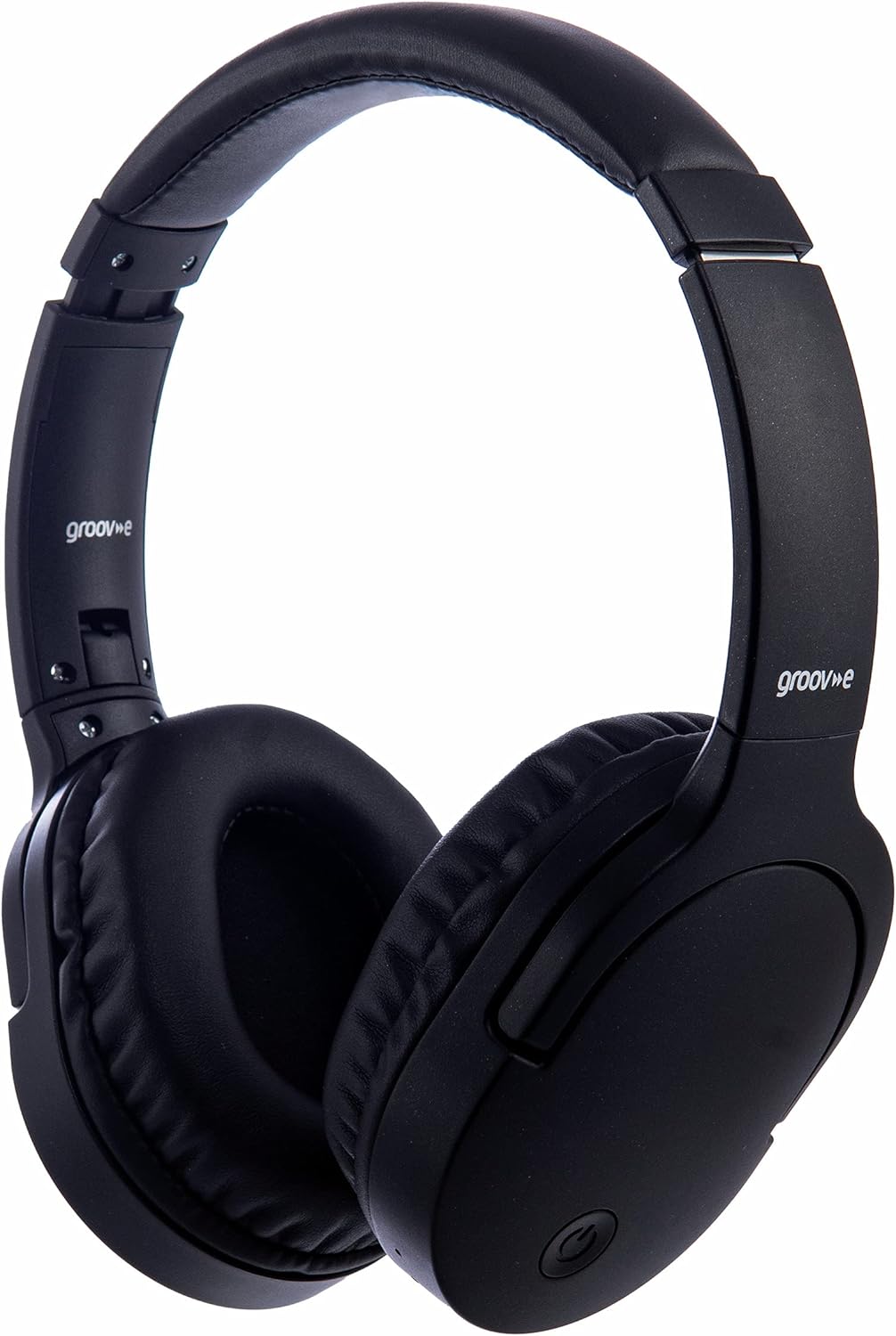
Bilde: Foran view of the Groov-e Ultra Wireless Bluetooth Headphones in black.
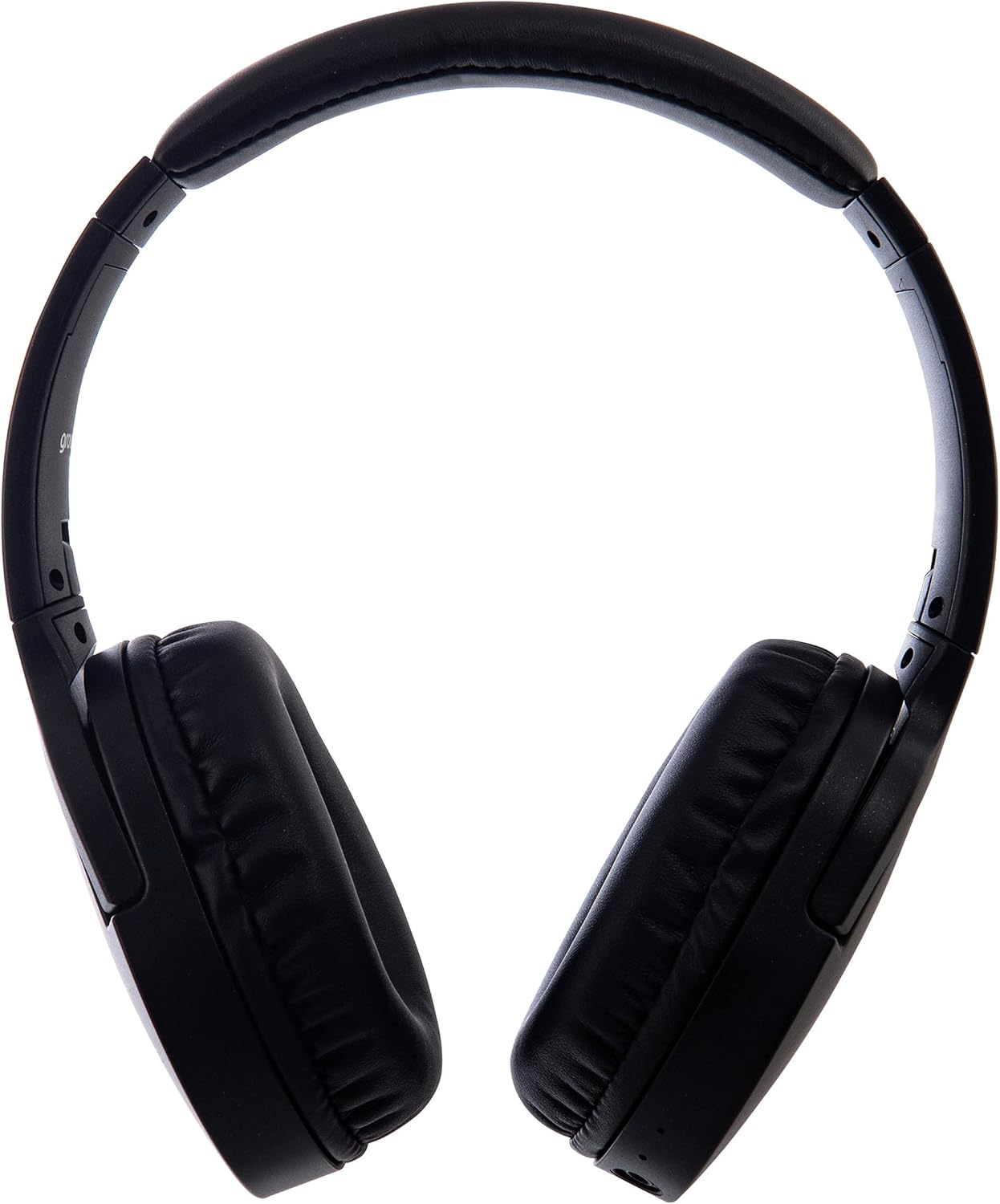
Bilde: Side view of the Groov-e Ultra Wireless Bluetooth Headphones, showing the earcups and headband.
Key features and controls include:
- Strømknapp: Located on the earcup, used for powering on/off and initiating pairing mode.
- Volumkontroller: Knapper for å justere lydvolumet.
- Multifunksjonsknapp: For play/pause, answer/end calls, and activating voice assistant.
- Mikrofon: Integrert for håndfri telefoni.
- 3.5 mm lydkontakt: For kablet tilkobling til lydkilder.
- USB-ladeport: For charging via the included USB cable.
- Trådløst ladeområde: Located on the right earcup for compatible wireless charging pads.
- LED-indikator: Viser status for strøm, lading og Bluetooth-paring.
Oppsett
1. Førstegangslading
Before first use, fully charge your headphones. The Groov-e Ultra headphones support both wired and wireless charging.
Kablet lading:
- Connect the supplied USB charging cable to the headphone's charging port.
- Koble den andre enden av USB-kabelen til en kompatibel USB-strømkilde (f.eks. en datamaskins USB-port eller en USB-veggadapter).
- LED-indikatoren lyser under lading og slår seg av eller endrer farge når den er fulladet.
Trådløs lading:
- Place the right earcup of the headphones onto a compatible Qi-certified wireless charging pad.
- Ensure the headphones are correctly positioned on the charging pad for optimal contact.
- LED-indikatoren lyser under lading og slår seg av eller endrer farge når den er fulladet.
En full lading tar vanligvis omtrent 2 timer.
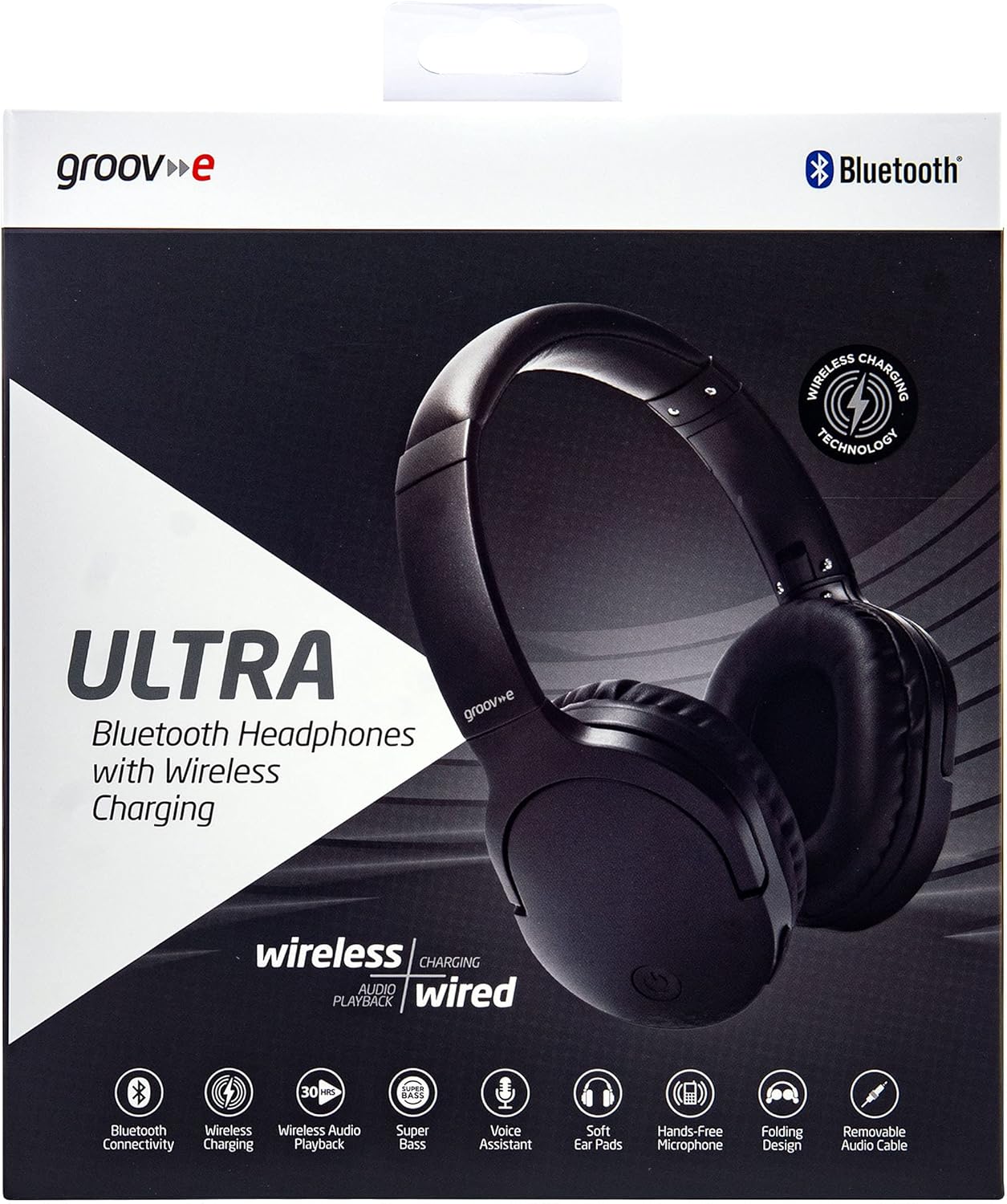
Image: Groov-e Ultra headphones charging wirelessly on a pad, with a laptop in the background.
Bruksanvisning
1. Slå på/av
- Strøm på: Trykk og hold inne av/på-knappen i omtrent 3 sekunder til LED-indikatoren blinker.
- Slå av: Trykk og hold inne av/på-knappen i omtrent 3–5 sekunder til LED-indikatoren slukkes.
2. Bluetooth-paring
- Sørg for at hodetelefonene er slått av.
- Trykk og hold inne av/på-knappen i omtrent 5–7 sekunder til LED-indikatoren blinker rødt og blått vekselvis, noe som indikerer paringsmodus.
- Aktiver Bluetooth på enheten din (smarttelefon, nettbrett, bærbar PC) og søk etter tilgjengelige enheter.
- Select "Groov-e Ultra" from the list of found devices.
- Once paired, the LED indicator will flash blue slowly, and you may hear an audible confirmation.
- Hvis du blir bedt om et passord, skriv inn «0000».
Hodetelefonene vil automatisk forsøke å koble seg til den sist parede enheten når de slås på.
3. Kablet tilkobling (3.5 mm lydkabel)
For devices without Bluetooth or to conserve battery, you can use the supplied 3.5mm audio cable.
- Koble den ene enden av 3.5 mm lydkabelen til lydkontakten på hodetelefonene.
- Koble den andre enden til 3.5 mm lydutgangen på enheten din.
- The headphones will operate in passive mode, and Bluetooth functionality will be disabled.
4. Musikkavspilling
- Spill av/pause: Trykk på multifunksjonsknappen én gang.
- Neste spor: Trykk og hold inne Volum opp-knappen.
- Forrige spor: Trykk og hold volum ned-knappen.
- Volum opp: Trykk kort på volum opp-knappen.
- Volum ned: Trykk kort på volum ned-knappen.
5. Samtalebehandling
- Svar/avslutt samtale: Trykk på multifunksjonsknappen én gang.
- Avvis anrop: Trykk og hold inne multifunksjonsknappen i 2 sekunder.
- Stemmeassistent: Double-press the Multi-function button to activate your device's voice assistant (e.g., Siri, Google Assistant).
Vedlikehold
To ensure the longevity and optimal performance of your Groov-e Ultra headphones, follow these maintenance guidelines:
- Rengjøring: Bruk en myk, tørr klut til å rengjøre øreklokkene og hodebøylen. Ikke bruk slipende rengjøringsmidler eller løsemidler.
- Lagring: Når de ikke er i bruk, oppbevar hodetelefonene på et kjølig og tørt sted, unna direkte sollys og ekstreme temperaturer. Den sammenleggbare designen gir kompakt oppbevaring.
- Batteripleie: For å spare batterilevetid, unngå å lade hodetelefonene helt ut ofte. Lad dem regelmessig, selv om de ikke er i konstant bruk.
- Vannmotstand: The headphones are rated as "waterproof" (as per specifications), but this typically refers to resistance against splashes or light rain. Avoid submerging them in water.
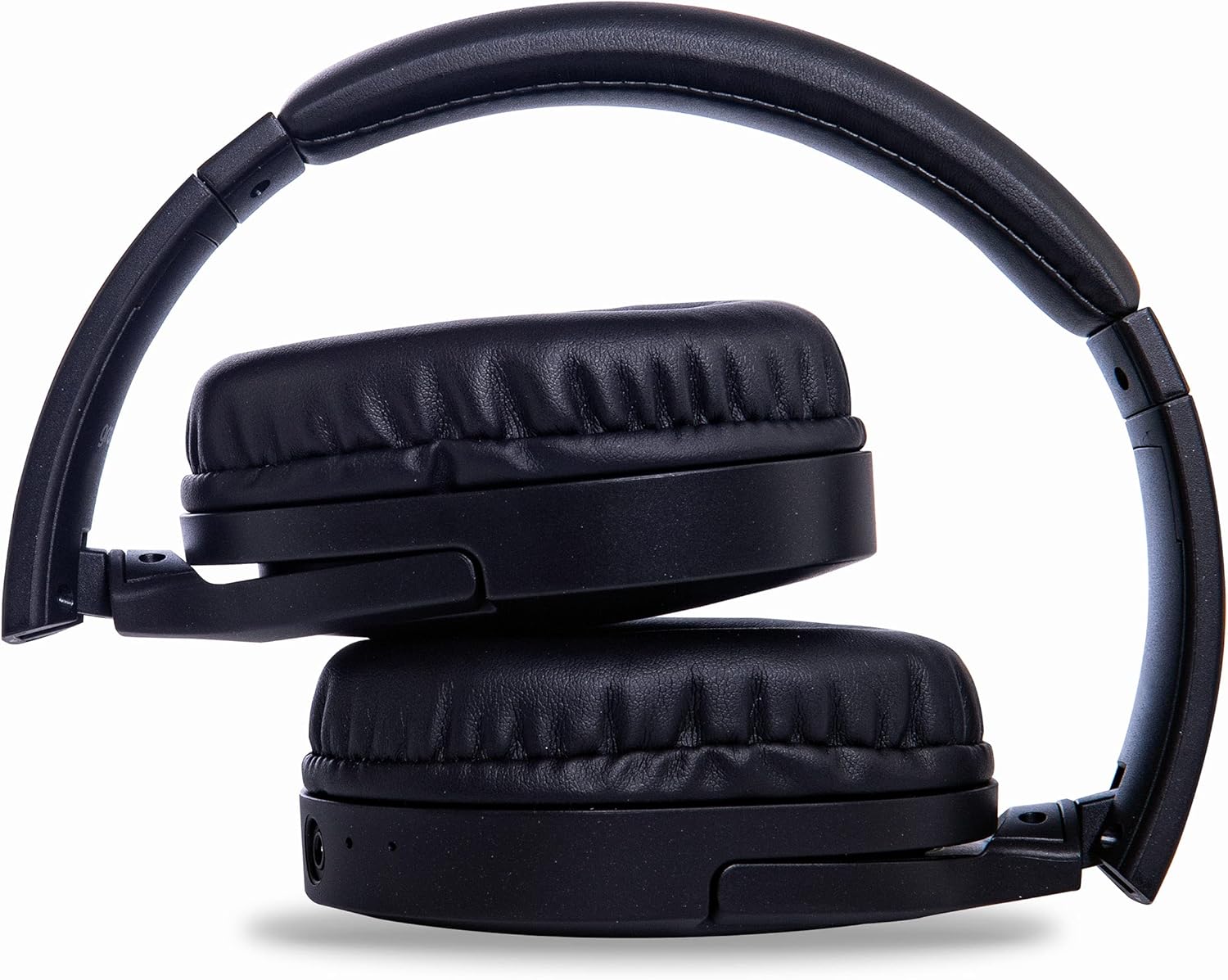
Image: Groov-e Ultra headphones folded, demonstrating their compact storage design.
Feilsøking
Hvis du støter på problemer med hodetelefonene dine, kan du se følgende vanlige løsninger:
| Problem | Mulig årsak | Løsning |
|---|---|---|
| Hodetelefonene slår seg ikke på. | Lavt batteri. | Charge the headphones fully using either wired or wireless charging. |
| Kan ikke pares via Bluetooth. | Hodetelefoner er ikke i paringsmodus; enhets Bluetooth av; forstyrrelser. | Ensure headphones are in pairing mode (flashing red/blue). Turn Bluetooth off and on on your device. Move closer to the device. |
| Ingen lyd eller dårlig lydkvalitet. | Volume too low; incorrect source; loose wired connection; Bluetooth interference. | Increase volume on headphones and device. Check if the correct audio output is selected. Ensure 3.5mm cable is fully inserted. Re-pair Bluetooth. |
| Trådløs lading fungerer ikke. | Headphones not positioned correctly; incompatible charging pad. | Adjust headphone position on the charging pad. Ensure the charging pad is Qi-certified and functioning. |
| Buzzing or too loud on Bluetooth. | Bluetooth signal issue; volume settings. | Try moving closer to the source device. Adjust volume levels on both the headphones and the connected device. |
| Cannot connect to Apple Mac Book Pro. | Compatibility issue or specific Bluetooth driver problem. | Ensure your Mac's Bluetooth drivers are up to date. Try resetting Bluetooth on your Mac. Consult Apple support or Groov-e support for specific compatibility advice. |
Spesifikasjoner
| Trekk | Detalj |
|---|---|
| Modellnavn | Ultra |
| Modellnummer | GVBT750BK |
| Merke | Spor |
| Tilkoblingsteknologi | Trådløs (Bluetooth) |
| Trådløs kommunikasjonsteknologi | Bluetooth |
| Formfaktor | Supra-Aural (Over-ear) |
| Øreplassering | Supra-auriculaire |
| Støyisolering | Aktiv støydemping |
| Hodetelefonuttak | 3.5 mm jekk |
| Spesielle funksjoner | Microphone included, Sweat resistant |
| Batterilevetid | Up to 30 hours (wireless audio playback) |
| Ladetid | Omtrent 2 timer |
| Kontrollmetode | Taktil (berøring) |
| Frekvensområde | 20 Hz - 20,000 Hz (Possible) |
| Vannmotstandsnivå | Vanntett |
| Kompatible enheter | Smartphones, laptops, tablets, car audio systems, music production equipment, televisions |
| Materiale | Lær |
Sikkerhetsinformasjon
Please read and follow these safety guidelines to prevent damage to your headphones or personal injury:
- Do not expose headphones to extreme temperatures, humidity, or corrosive environments.
- Unngå å miste hodetelefonene eller utsette dem for harde støt.
- Ikke forsøk å demontere eller modifisere hodetelefonene. Dette vil ugyldiggjøre garantien.
- Holdes unna barn og kjæledyr.
- Langvarig lytting på høyt volum kan forårsake hørselsskade. Juster volumet til et trygt nivå.
- Exercise caution when using headphones in situations requiring awareness of your surroundings (e.g., driving, cycling, walking in traffic).
- Use only approved charging cables and power adapters.
Garanti og støtte
Groov-e products are designed and manufactured to the highest standards. For warranty information, please refer to the warranty card included with your purchase or visit the official Groov-e webnettstedet.
For technical support, troubleshooting assistance, or general inquiries, please contact Groov-e customer service through their official channels. Contact details can typically be found on the product packaging or the Groov-e webnettstedet.
Online støtte: www.groov-e.co.uk/support
Ask a question about this manual
Ask about setup, troubleshooting, compatibility, parts, safety, or missing instructions. Manuals+ will review the question and use this page’s manual context to help answer it.