
1. Introduksjon
This manual provides comprehensive instructions for the safe and effective use of your Omegon Nachtkijker NV Bino Wifi Edition. Please read this manual thoroughly before operating the device to ensure optimal performance and longevity. This night vision binocular is designed for observation in low-light conditions and complete darkness, featuring digital night vision technology and Wi-Fi connectivity for enhanced functionality.
2. Sikkerhetsinformasjon
VIKTIGE SIKKERHETSADVARSLER:
- Keep this product away from water and fire to prevent damage and ensure safe operation.
- Install batteries correctly according to polarity markings. Incorrect installation can damage the device.
- It is recommended to use brand new ALKALINE BATTERIES. Do not use rechargeable batteries nor non-AA batteries, as this will cause device failure.
- Make sure the orientation of the Micro SD card is correct. Never insert the card forcibly. Forcibly inserting the card can damage the card slot or affect the compatibility of the Micro SD Card.
- Always ensure the device is turned off before opening battery compartments or inserting/removing the Micro SD card.
3. Produktet er overview
The Omegon Nachtkijker NV Bino Wifi Edition is a robust digital night vision binocular. It features an ergonomic design with easily accessible controls and adjustable focus for clear viewing in various conditions.

Figur 1: Top-down view of the Omegon Nachtkijker NV Bino Wifi Edition. This image highlights the main control panel with buttons for IR adjustment, zoom, menu, mode, power, Wi-Fi, and OK. The textured grip on the sides is also visible.

Figur 2: Vinklet view of the night vision binoculars, illustrating the adjustable focus rings located on the eyepieces. These rings are clearly marked with "FAR" and "NEAR" indicators to assist with focusing.
Nøkkelkomponenter:
- Okularer: Adjustable for individual eye relief and focus.
- Objektive linser: Collect ambient light for night vision.
- Kontrollpanel: Contains buttons for various functions (Power, Mode, Menu, IR, Zoom, Wi-Fi, OK).
- IR belysning: Provides infrared light for viewing in complete darkness.
- Batterirom: Located on the underside, housing AA batteries.
- Micro SD -kortspor: For lagring av innspilte bilder og videoer.
- USB-port: For data transfer and external power (if supported).
4. Oppsett
4.1. Installasjon av batteri
The device requires AA batteries for operation. Ensure the device is powered off before proceeding.
- Locate the battery compartments on the underside of the binoculars.
- Slide open the battery compartment covers.
- Insert the required number of AA alkaline batteries, paying close attention to the polarity markings (+/-) inside the compartments.
- Lukk dekslene til batterirommet godt.

Figur 3: Underside view of the night vision binoculars with both battery compartments open. This image clearly shows the slots for AA batteries and the important safety warning label regarding battery and SD card usage.
4.2. Installasjon av Micro SD-kort
A Micro SD card (not included) is required to store photos and videos. Ensure the device is powered off.
- Locate the Micro SD card slot, typically near the battery compartments or on the side of the device.
- Gently insert the Micro SD card into the slot with the gold contacts facing down (or as indicated by a diagram near the slot) until it clicks into place. Do not force the card.
- For å ta ut, skyv kortet forsiktig inn til det klikker, slipp deretter, og det vil sprette ut.
4.3. Slå på/av
- For å slå på: Trykk og hold inne Makt button (often marked with a circle and vertical line) until the screen illuminates.
- Slik slår du av: Trykk og hold inne Makt knappen igjen til skjermen slår seg av.
5. Bruksanvisning
5.1. Fokusering
Adjust the focus for a clear image by rotating the focus rings on the eyepieces. Turn towards "FAR" for distant objects and "NEAR" for closer objects until the image appears sharp.
5.2. Night Vision (IR) Activation
In low light or complete darkness, activate the infrared (IR) illuminator.
- Trykk på IR button (often marked with an IR symbol) to cycle through different IR intensity levels. Higher levels provide more illumination but consume more battery power.
- The display will show the current IR level.
5.3. Digital zoom
Bruk Zoom button (often marked with a magnifying glass symbol) to digitally magnify the image. Repeated presses will cycle through available zoom levels.
5.4. Valg av modus
The device typically supports different modes, such as photo capture, video recording, and playback.
- Trykk på MODUS button to switch between available modes.
- The current mode will be indicated on the display.
5.5. Menynavigering
Access the device settings and options through the menu.
- Trykk på MENY for å gå inn i innstillingsmenyen.
- Use the navigation buttons (often the IR and Zoom buttons double as up/down or left/right) to scroll through menu options.
- Trykk på OK -knappen for å velge et alternativ eller bekrefte en innstilling.
- Pressen MENY igjen for å gå ut av menyen.
5.6. Foto- og videoopptak
- Ta bilder: I fotomodus trykker du på OK -knappen for å ta et stillbilde.
- Ta opp videoer: I videomodus trykker du på OK button to start recording. Press it again to stop recording.
5.7. Wi-Fi-tilkobling
The Omegon Nachtkijker NV Bino Wifi Edition features Wi-Fi connectivity for remote control and data transfer to a compatible smartphone or tablet application.
- Trykk på Wi-Fi button (often marked with a Wi-Fi symbol) to activate the Wi-Fi module.
- Refer to the specific mobile application instructions for pairing and using the Wi-Fi features. This typically involves connecting your smartphone to the device's Wi-Fi network and then launching the app.
6. Vedlikehold
6.1. Rengjøring
- Linser: Use a soft, lint-free cloth specifically designed for optical lenses. Breathe lightly on the lens surface before wiping if necessary. Avoid abrasive materials or harsh chemicals.
- Kropp: Tørk av kikkerten med en myk klutamp cloth. Do not use solvents or strong cleaning agents.
- Sørg for at det ikke kommer fuktighet inn i enheten.
6.2. Oppbevaring
- When not in use for extended periods, remove the batteries to prevent leakage and damage.
- Oppbevar enheten på et kjølig og tørt sted, unna direkte sollys og ekstreme temperaturer.
- Use the provided carrying bag (see Figure 4) for protection during storage and transport.
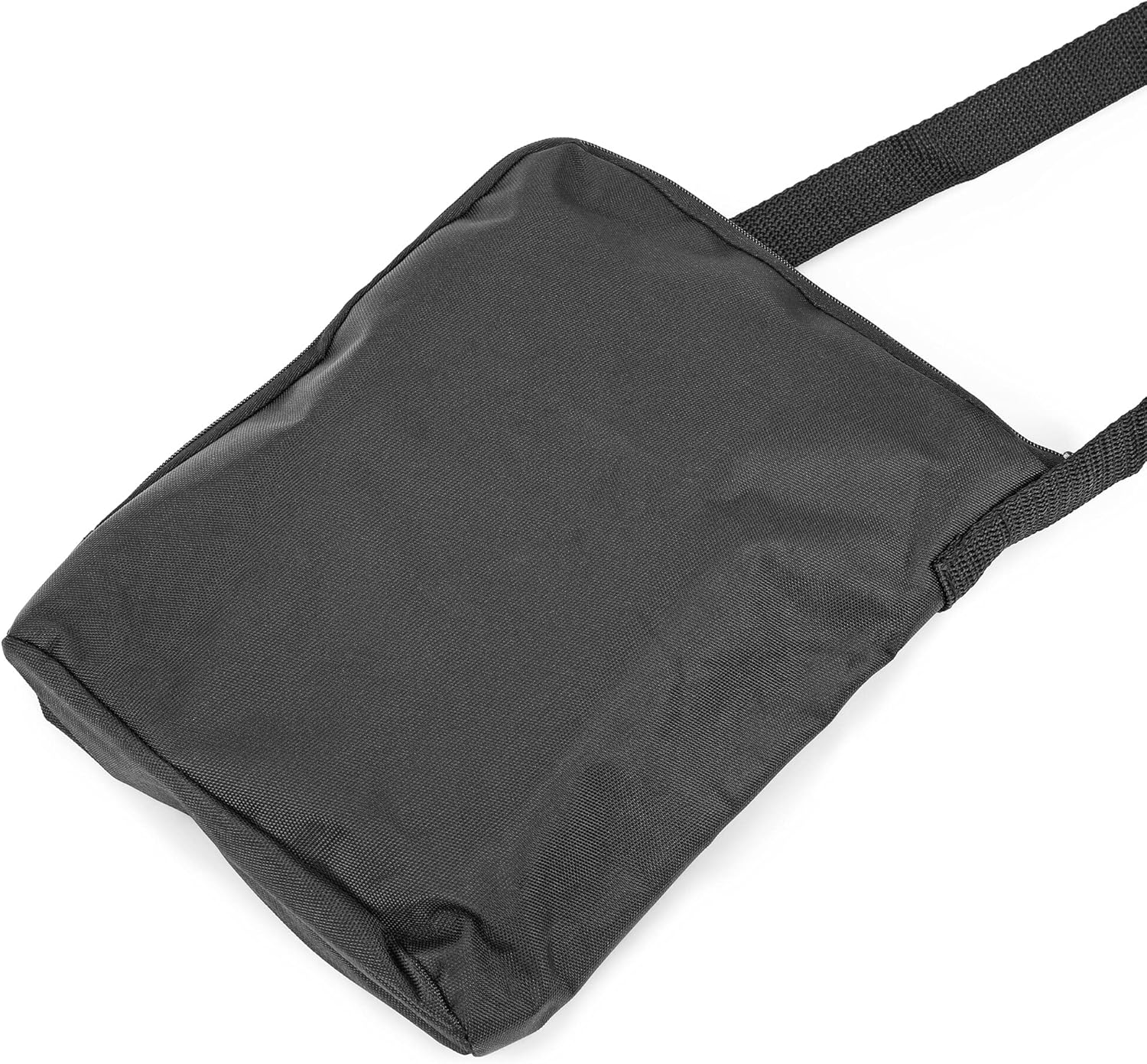
Figur 4: A black carrying bag, likely included with the Omegon Nachtkijker NV Bino Wifi Edition, designed for protecting the device during transport and storage.
7. Feilsøking
| Problem | Mulig årsak | Løsning |
|---|---|---|
| Enheten slås ikke på. |
|
|
| Bildet er uskarpt eller ute av fokus. |
|
|
| Poor visibility in darkness. |
|
|
| Kan ikke lagre bilder/videoer. |
|
|
| Problemer med Wi-Fi-tilkoblingen. |
|
|
8. Spesifikasjoner
| Trekk | Detalj |
|---|---|
| Merke | Omegon |
| Produsent | Omegon |
| Modell / delenummer | 4049467707820 |
| Mulighet for nattsyn | Ja |
| Varevekt | 930 g |
| ASIN | B09D7MH5P1 |
| Første tilgjengelige dato | 29. mai 2021 |
| Opprinnelsesland | Kina |
9. Garanti og støtte
For warranty information and technical support, please refer to the official Omegon webnettstedet eller kontakt forhandleren din. Ta vare på kjøpskvitteringen som kjøpsbevis for eventuelle garantikrav.
For ytterligere hjelp kan du besøke product page on Amazon.nl or contact the seller directly via Amazon's platform.