
1. Introduksjon
Thank you for choosing the Parsonver FF2 Smartwatch. This device is designed to be a comprehensive companion for your daily life, offering advanced fitness tracking, health monitoring, and smart notifications. With its 5ATM water resistance, over 100 sports modes, and a vibrant 1.8-inch HD touchscreen, the FF2 Smartwatch helps you stay connected and active. Please read this manual carefully to understand how to operate your new smartwatch and ensure its optimal performance.
2. Hva er i esken
Upon opening your Parsonver FF2 Smartwatch package, you should find the following items:
- 1x FF2 Smartwatch
- 1x ladekabel
- 1x brukerveiledning
3. Oppsettveiledning
3.1 Lade smartklokken
Before initial use, fully charge your smartwatch. Connect the magnetic charging cable to the charging contacts on the back of the watch and plug the USB end into a standard USB power adapter (not included) or a computer's USB port. A full charge typically takes approximately 2 hours.

Image: The Parsonver FF2 Smartwatch, its magnetic charging cable, and the user manual included in the box.
3.2 Downloading the Companion App
To unlock all features and synchronize data, download the official Parsonver companion app on your smartphone. Søk etter "Parsonver Fit" (or similar name as specified in the manual) in the Apple App Store for iOS devices or Google Play Store for Android devices.
3.3 Paring med smarttelefonen din
- Sørg for at smartklokken din er ladet og slått på.
- Aktiver Bluetooth på smarttelefonen.
- Open the Parsonver Fit app and follow the on-screen instructions to create an account or log in.
- In the app, navigate to the device pairing section and select your FF2 Smartwatch from the list of available devices.
- Bekreft paringsforespørselen på både smarttelefonen og smartklokken.

Image: A smartphone displaying the Parsonver companion application interface.
4. Bruksanvisning
4.1 Visning og tilpasning
The FF2 Smartwatch features a vibrant 1.8-inch HD touchscreen with a resolution of 320x390 pixels. You can adjust the brightness to one of 5 levels for optimal visibility in various lighting conditions. Personalize your watch with over 200 captivating watch faces available through the app, or upload your own photos to create a unique look.
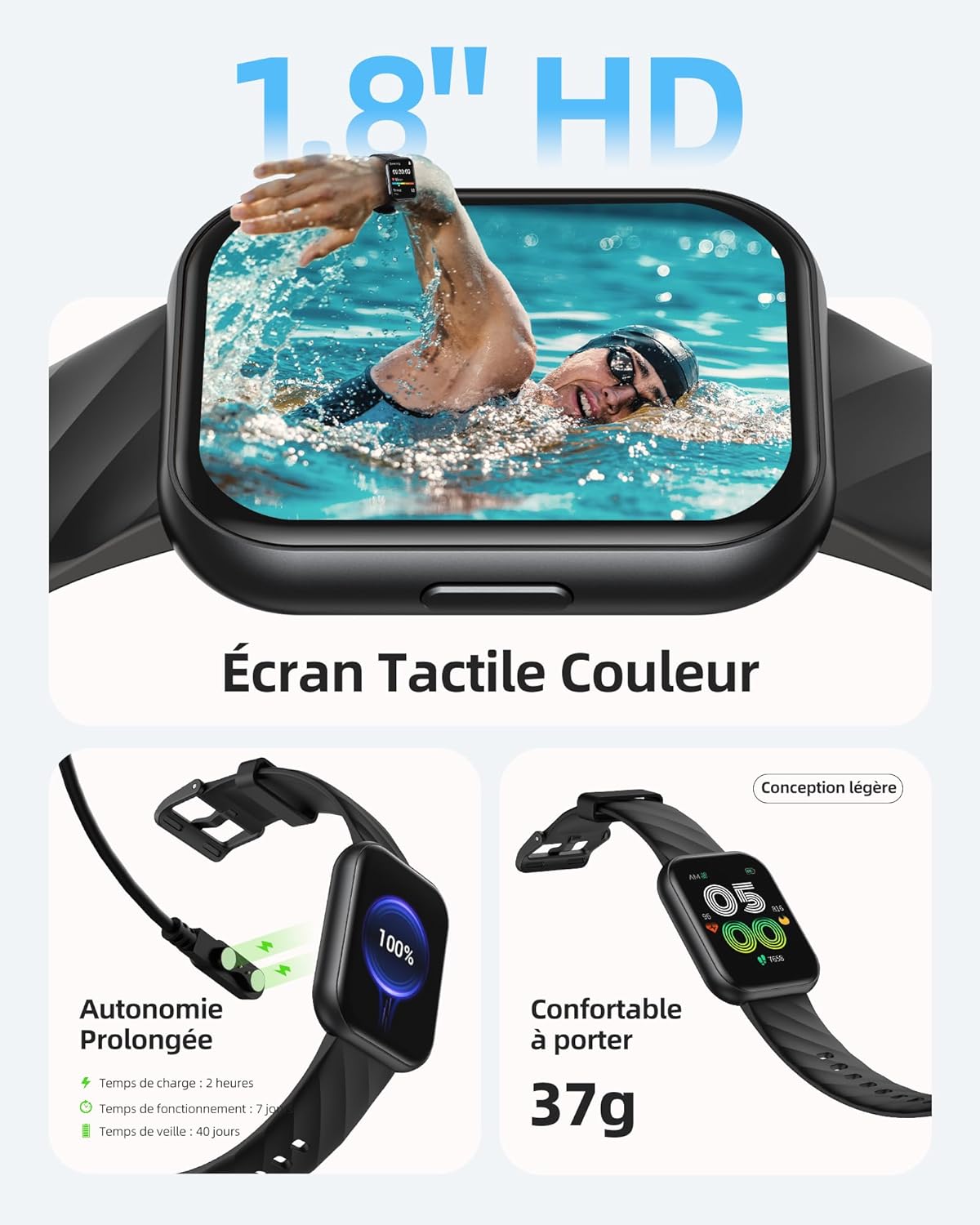
Image: The Parsonver FF2 Smartwatch showcasing a selection of its customizable watch faces.
4.2 Sportsmoduser og aktivitetssporing
The smartwatch supports over 100 sports modes, including running, cycling, swimming, yoga, and more. It accurately records your activity data such as heart rate, steps, pace, calories burned, and distance. This data is synchronized with the app for detailed analysis and progress tracking.
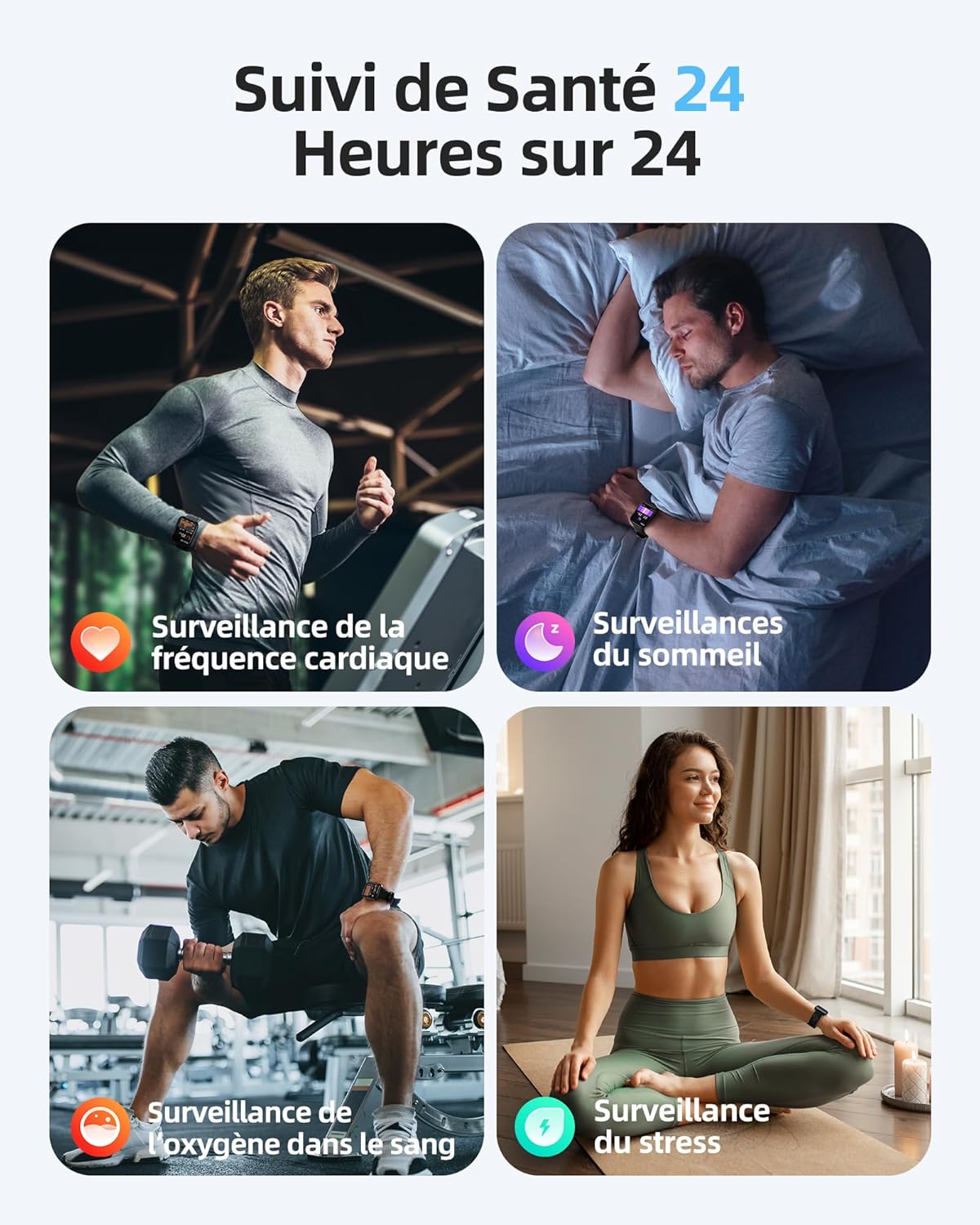
Image: A person engaged in physical activity, with the Parsonver FF2 Smartwatch on their wrist displaying activity metrics.
4.3 Water Resistance and Swimming Tracking
With a 5ATM water resistance rating, the FF2 Smartwatch can withstand water pressure up to 50 meters, making it suitable for swimming. It tracks swimming duration, laps, heart rate, and SWOLF efficiency, providing comprehensive data to help improve your swimming performance.

Image: A swimmer wearing the Parsonver FF2 Smartwatch, with an overlay of swimming activity data.
4.4 Helseovervåking
The smartwatch offers continuous health monitoring features:
- 24/7 hjertefrekvensovervåking: Tracks your heart rate continuously and provides alerts for abnormal readings.
- Søvnsporing: Overvåker søvnen dintages (dyp, lett, REM, våken) for å hjelpe deg med å forstå og forbedre søvnkvaliteten din.
- Overvåking av blodoksygen (SpO2): Måler oksygenmetningsnivåene i blodet ditt.
- Stressovervåking: Helps you understand and manage your emotional stress levels.
- Helsesporing for kvinner: Assists women in predicting and tracking menstrual periods and ovulation.
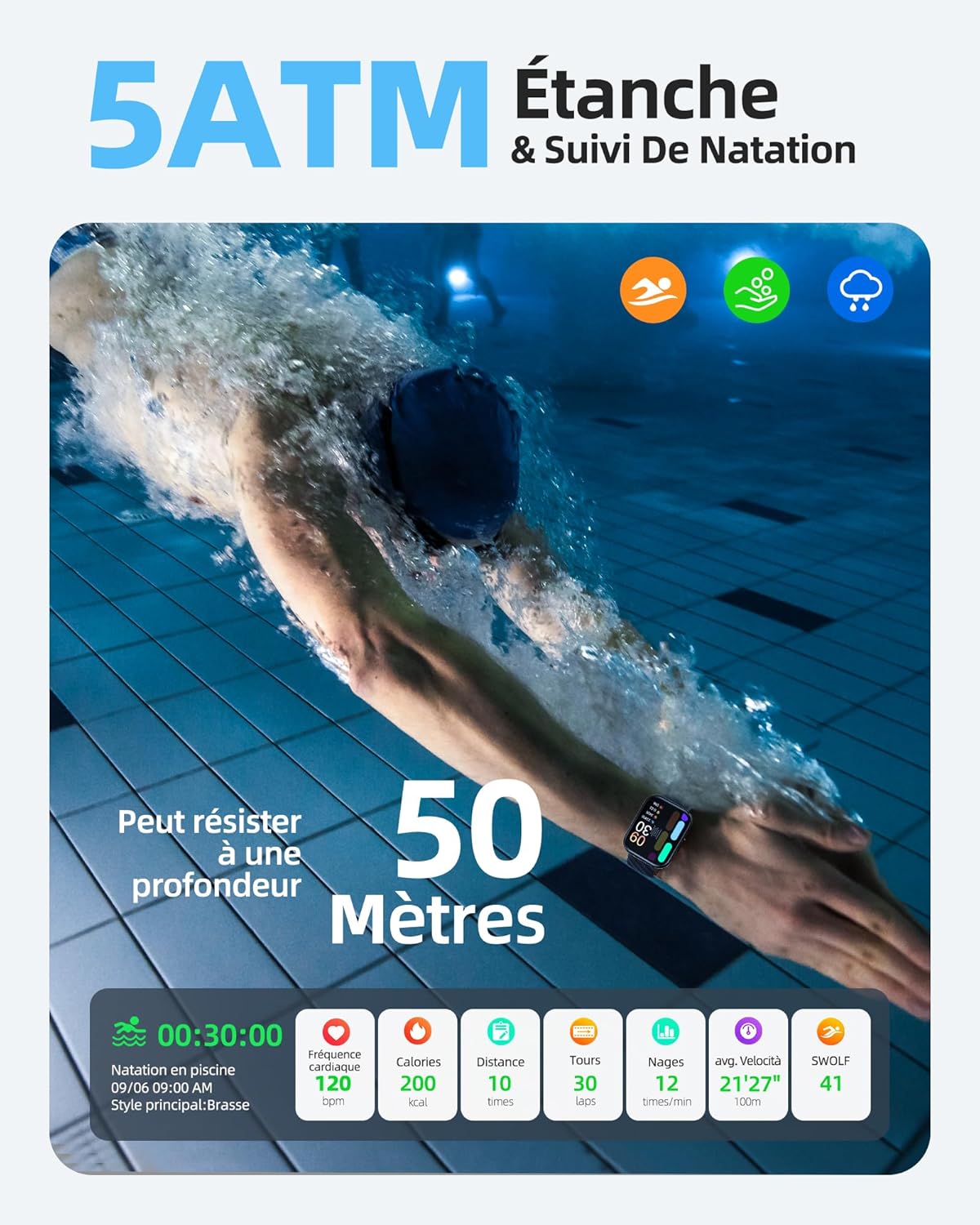
Image: The Parsonver FF2 Smartwatch on a wrist, showing real-time heart rate data.
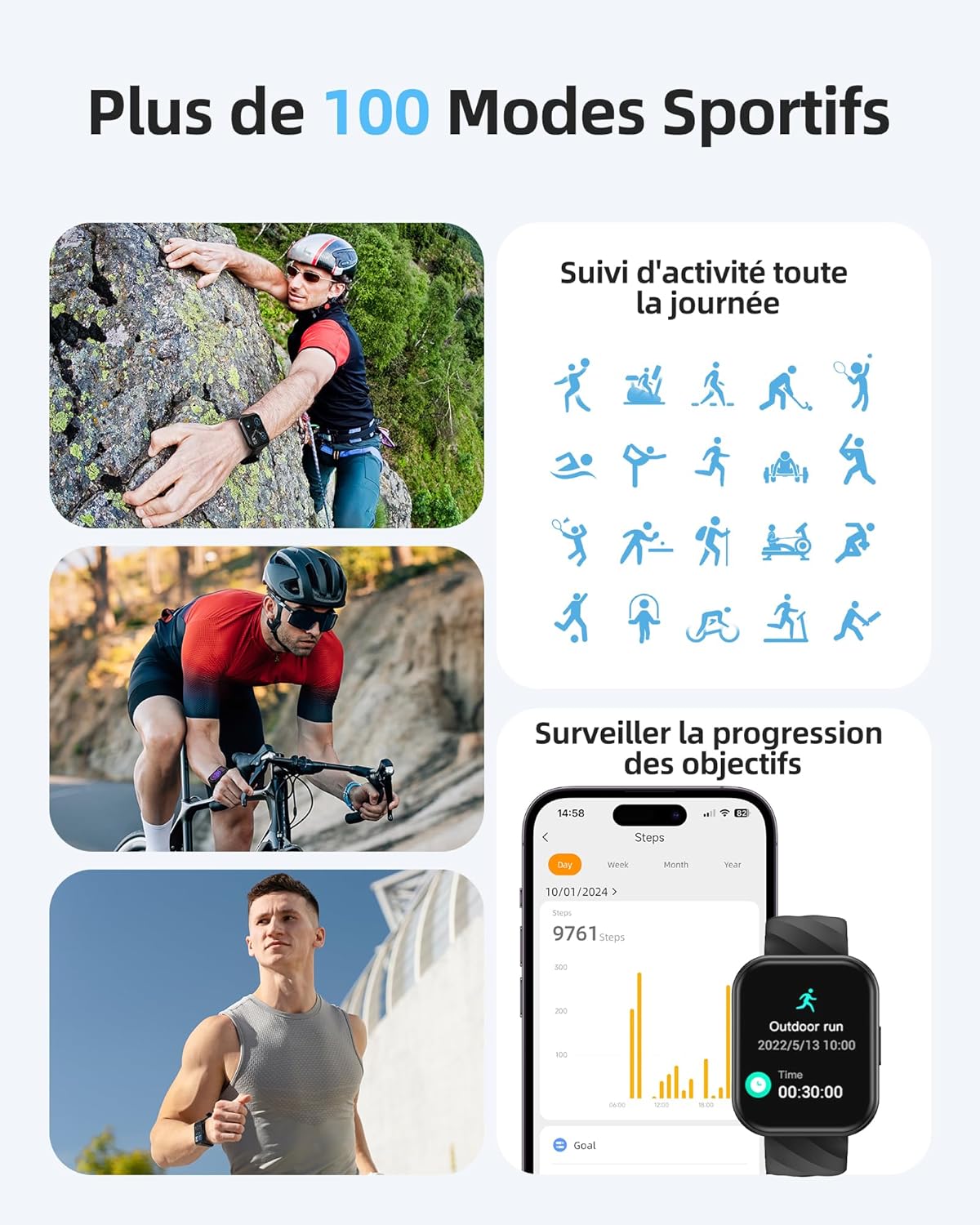
Image: A person sleeping, with the Parsonver FF2 Smartwatch on their wrist displaying sleep tracking information.
4.5 Smarte varsler
Stay informed with real-time notifications for incoming calls, SMS messages, emails, and social media alerts (e.g., WhatsApp, Facebook) directly on your wrist. You can decline calls from the watch, but direct answering is not supported.

Image: A person looking at their Parsonver FF2 Smartwatch, which displays various app notification icons.
4.6 Andre funksjoner
The FF2 Smartwatch includes several other convenient functions:
- Fjernkamerakontroll
- Værmelding
- Musikkkontroll
- Stopwatch and Alarm Clock
- Stillesittende påminnelser
- Pusteøvelser
- Find My Phone function
5. Vedlikehold
5.1 Rengjøring av smartklokken
Regularly clean your smartwatch and strap to prevent skin irritation and maintain device hygiene. Use a soft, damp cloth to wipe the watch face and strap. Avoid using harsh chemicals or abrasive materials.
5.2 Batteristell
The FF2 Smartwatch offers up to 7 days of typical usage and 40 days of standby time on a single charge. To prolong battery life, avoid extreme temperatures and fully discharging the battery frequently. Charge the watch using the provided magnetic cable.
5.3 Forholdsregler for vannmotstand
While the FF2 Smartwatch is 5ATM water resistant, it is important to avoid wearing it in hot baths, saunas, or steam rooms. High temperatures and steam can compromise the watch's water resistance and cause damage.
6. Feilsøking
If you encounter any issues with your Parsonver FF2 Smartwatch, please refer to the following common solutions:
- Klokken slår seg ikke på: Sørg for at klokken er fulladet. Koble den til laderen i minst 30 minutter.
- Kan ikke kobles til telefonen: Sørg for at Bluetooth er aktivert på telefonen din og at klokken er innenfor rekkevidde. Start både klokken og telefonen på nytt, og prøv deretter å pare den på nytt via appen.
- Unøyaktige data: Ensure the watch is worn snugly on your wrist. For sports tracking, select the correct activity mode.
- Varsler ikke mottatt: Check app permissions on your phone to ensure the Parsonver Fit app has access to notifications. Verify that notifications are enabled within the app settings.
- Skjermen reagerer ikke: Prøv å starte klokken på nytt. Hvis problemet vedvarer, kontakt kundestøtte.
For further assistance, please refer to the support section of the Parsonver Fit app or visit the official Parsonver webnettstedet.
7. Spesifikasjoner
Here are the technical specifications for the Parsonver FF2 Smartwatch:
| Trekk | Spesifikasjon |
|---|---|
| Modellnummer | FF2 |
| Operativsystem | Android (kompatibel) |
| Varevekt | 37 g |
| Produktdimensjoner (L x B x H) | 24.69 x 3.81 x 1.19 cm |
| Batteri | 1 CR5 (inkludert) |
| Tilkoblingsteknologi | Bluetooth |
| GPS | Ingen GPS |
| Spesielle funksjoner | Notification, Alarm Clock, Activity Tracker, Multisport Tracker, Touchscreen |
| Skjermoppløsning | 320 x 390 piksler |
| Human Interface Input | Berøringsskjerm |
| Farge | Svart |
| Batterikapasitet | 320 mAh |
| Standard for trådløs kommunikasjon | Bluetooth |
| Batterisammensetning | Litium-ion |
| Skjermstørrelse | 1.8 tommer |

Image: Technical diagram illustrating the dimensions of the Parsonver FF2 Smartwatch.
8. Garanti og støtte
Your Parsonver FF2 Smartwatch comes with a standard manufacturer's warranty. For details regarding warranty coverage, returns, or technical support, please refer to the warranty information provided in the packaging or contact Parsonver customer service directly. You can usually find contact information on the official Parsonver webnettstedet eller i tilhørende app.
Video: En overview of the Parsonver FF2 Smartwatch features, including its display, sports modes, and health tracking capabilities.