
1. Introduksjon
This manual provides detailed instructions for the ORICO 2.5 inch Hard Drive Enclosure USB C to SATA III Cable, Model S1-3CB-05. This device allows you to connect a 2.5-inch SATA I/II/III SSD or HDD to your computer via a USB Type-C port, facilitating data transfer, backups, and storage expansion. It supports UASP for enhanced transfer speeds and includes a protective silicone case.

Image: The ORICO 2.5 inch Hard Drive Enclosure with its integrated USB-C cable.
2. Pakkens innhold
Bekreft at alle varene er til stede i pakken:
- ORICO 2.5 inch Hard Drive Enclosure (SATA to USB-C adapter)
- 2.5-inch Silicone Protective Case
- Brukerhåndbok

Image: The product packaging showing the SATA adapter, silicone case, and user manual.
3. Produktfunksjoner
- Beskyttende silikonetui: Designed to safeguard your 2.5-inch hard drive from shocks and friction, extending its lifespan.
- Høyhastighets dataoverføring: Supports up to 5Gbps via USB 3.0, with UASP support for up to 70% faster transfer speeds compared to conventional USB 3.0 when connected to a compatible computer.
- Plug and Play: No additional drivers required for Windows, Mac, or Chrome OS.
- LED-indikator: A blue LED light indicates power and activity status.
- Kompakt og bærbar: Small form factor for easy transport.
- Kabellengdealternativer: Available in 30cm, 50cm, or 100cm lengths (depending on specific model variant).
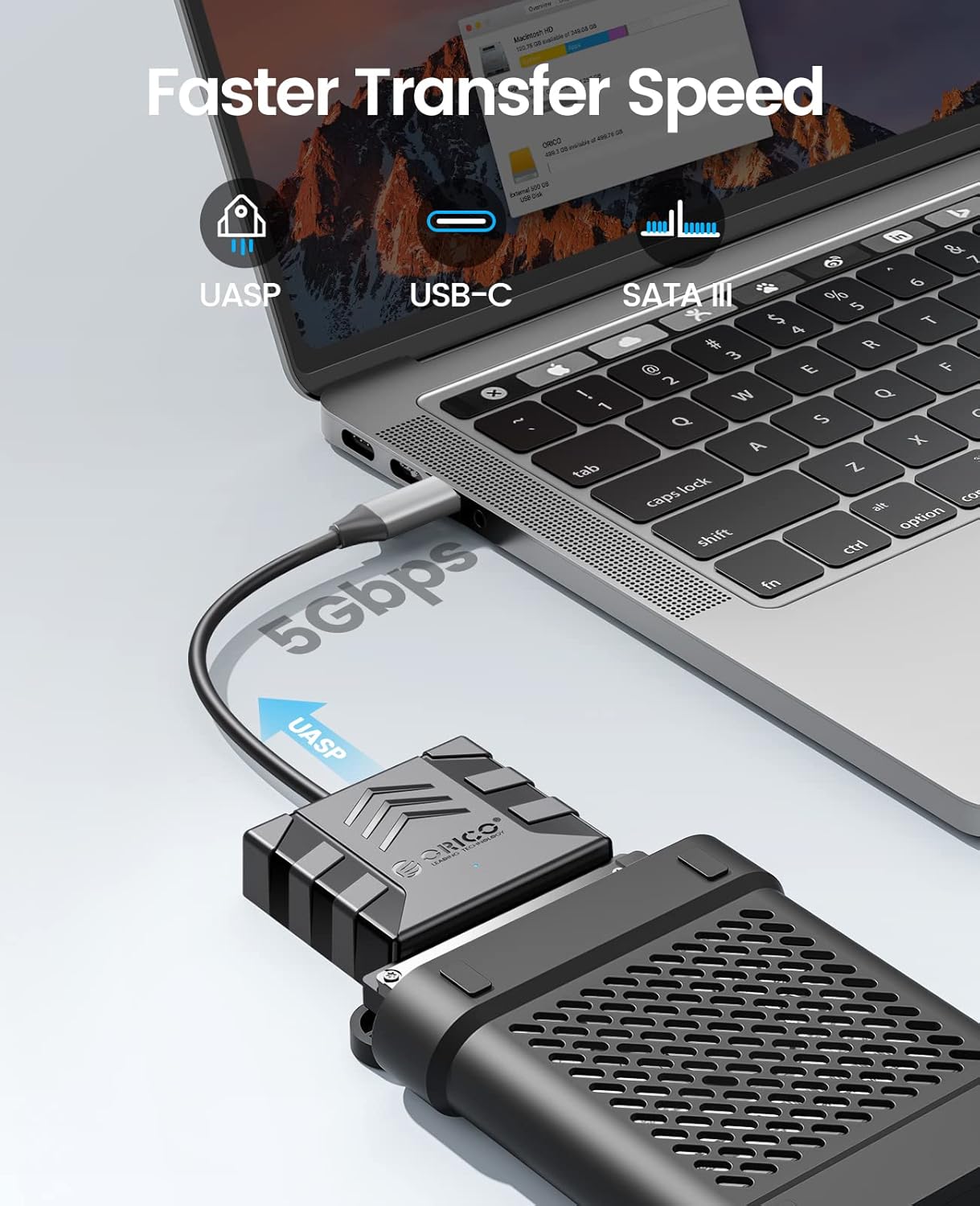
Image: Visual representation of the faster data transfer speeds supported by the enclosure.
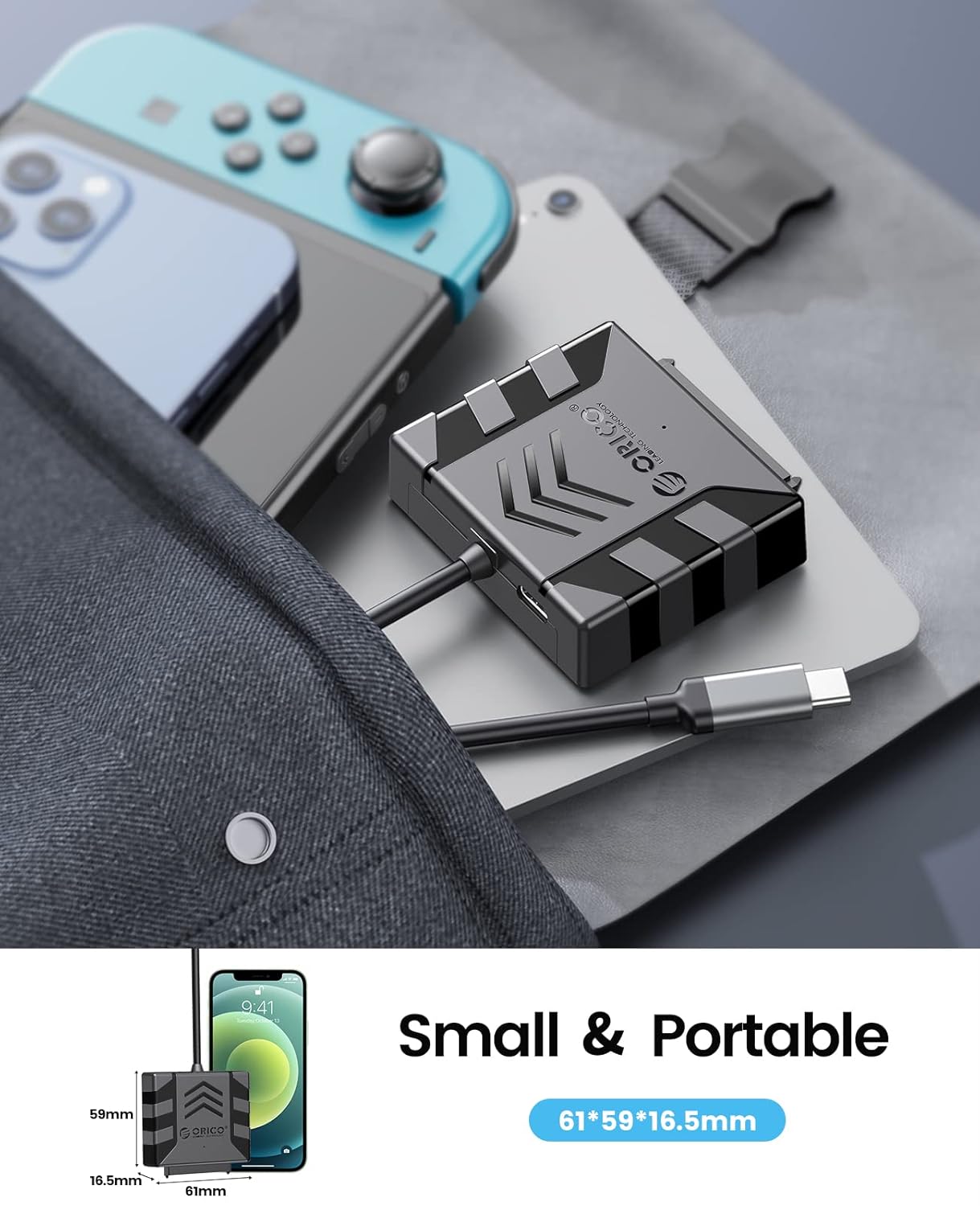
Image: The compact size of the enclosure, highlighting its portability.
4. Kompatibilitet
The ORICO S1-3CB-05 is compatible with the following:
- Harddisk Type: 2.5-inch SATA I/II/III SSDs and HDDs.
- Operativsystemer: Windows, Mac OS, Chrome OS, Linux.
- Enheter: Laptops, PCs, Routers, Televisions, Xbox, PlayStation (PS5/PS4/PS3), Nintendo Switch.
Important Note: This product is NOT compatible with 3.5-inch hard drives, ATA (IDE), mSATA, or M.2 interfaces. Please confirm your hard drive type before use.
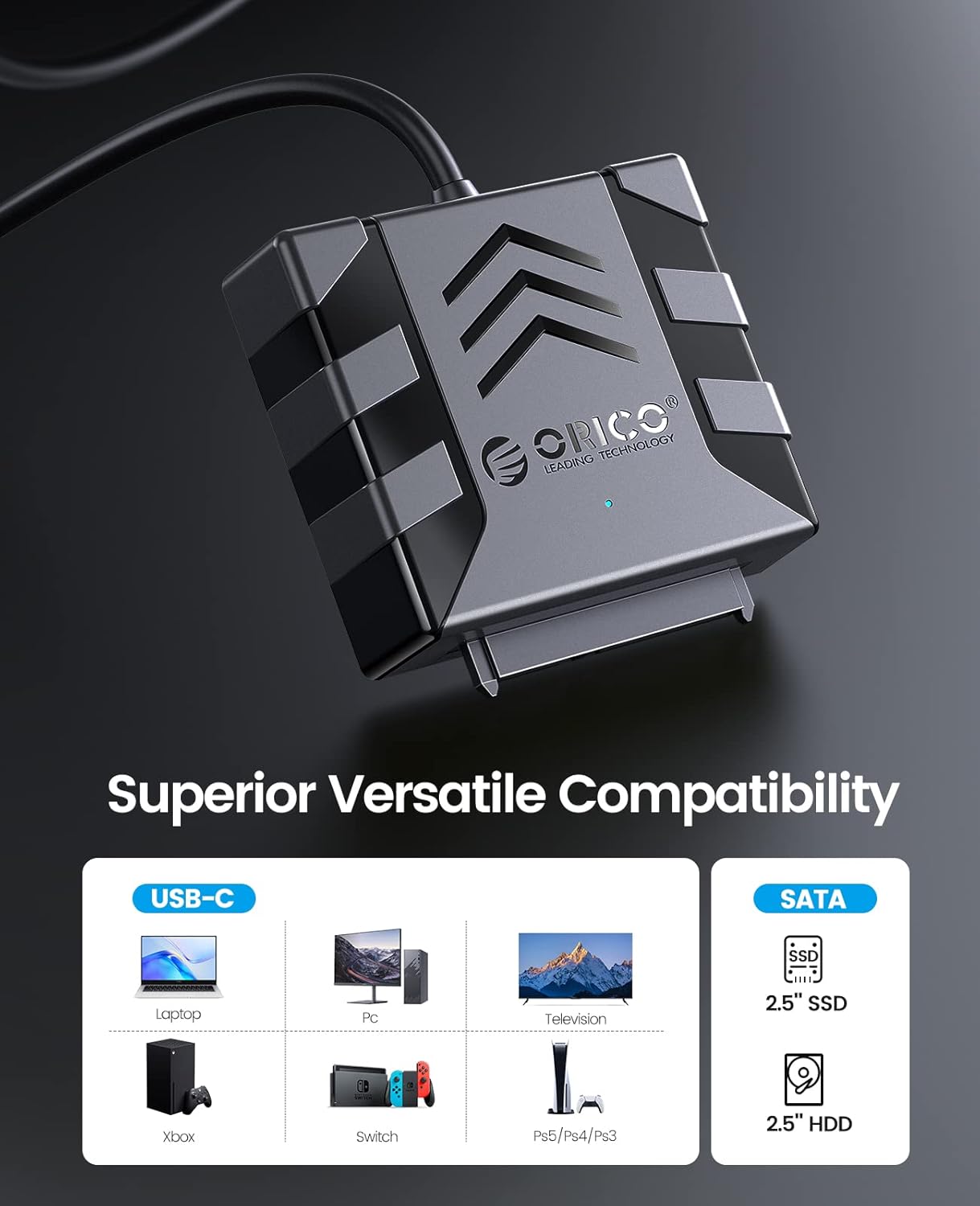
Image: Visual guide to compatible devices and 2.5-inch SATA SSD/HDD types.

Image: The enclosure connected to a computer, demonstrating compatibility with multiple operating systems.
5. Installasjonsinstruksjoner
- Koble til harddisken:
Align your 2.5-inch SATA SSD or HDD with the SATA connector on the ORICO adapter. Gently push the drive into the adapter until it is securely seated. Ensure the connection is firm.

Image: A 2.5-inch SATA hard drive connected to the adapter. No external power is required for 2.5-inch drives.
- (Optional) Apply Silicone Case:
For added protection, slide the connected hard drive and adapter into the provided 2.5-inch silicone protective case.
- Koble til vertsenhet:
Plug the USB Type-C connector of the ORICO adapter into an available USB-C port on your computer, laptop, or other compatible device. The device is plug-and-play, so no drivers are typically needed.
- Bekreft tilkobling:
Observe the blue LED indicator light on the adapter. A steady light indicates power, and a blinking light indicates data activity. Your operating system should detect the new storage device automatically.
Video: Demonstrates the connection process for 2.5-inch and 3.5-inch hard drives. Note: This product is designed for 2.5-inch drives only, as specified in the product features.
6. Bruksanvisning
- Tilgang til data: Once connected, your operating system will recognize the drive. You can access it like any other external storage device through File Utforsker (Windows) eller Finder (Mac).
- Dataoverføring: Dra og slipp files to and from the connected drive. For optimal performance, ensure your computer's USB-C port supports USB 3.0 or higher and UASP.
- Sikker fjerning: Always safely eject the drive from your operating system before physically disconnecting the adapter to prevent data corruption.
7. Vedlikehold
- Keep the adapter and silicone case clean and free from dust. Use a soft, dry cloth for cleaning.
- Unngå å utsette enheten for ekstreme temperaturer, fuktighet eller direkte sollys.
- Store the adapter and any connected drives in a safe place to prevent physical damage.
8. Feilsøking
- Stasjonen ikke oppdaget:
- Ensure the 2.5-inch SATA drive is securely connected to the adapter.
- Prøv å koble adapteren til en annen USB-C-port på datamaskinen.
- Verify that the drive is a 2.5-inch SATA HDD/SSD and not a 3.5-inch, IDE, mSATA, or M.2 drive.
- Check Disk Management (Windows) or Disk Utility (Mac) to see if the drive is recognized but unformatted or uninitialized.
- Lave overføringshastigheter:
- Ensure your computer's USB-C port supports USB 3.0 (or higher) and UASP.
- Lukk andre programmer som kan bruke betydelige systemressurser.
- Test with a different USB-C cable if possible (though this product has an integrated cable).
- LED-indikator lyser ikke:
- Ensure the adapter is firmly plugged into the USB-C port of your host device.
- Try a different USB-C port.
9. Spesifikasjoner
| Trekk | Detalj |
|---|---|
| Modell | S1-3CB-05 |
| Merke | ORICO |
| Maskinvaregrensesnitt | USB 2.0, USB Type C |
| Kompatible enheter | Laptop, PC, Router, Television, Xbox, PlayStation, Nintendo Switch |
| Harddisk formfaktor | 2.5 Inches (SATA I/II/III SSD/HDD) |
| Supported Devices Quantity | 1 |
| Dataoverføringshastighet | 5 Gigabits Per Second (with UASP support) |
| Materiale | Akrylnitrilbutadienstyren (ABS) |
| Innkapslingsmateriale | Akrylnitrilbutadienstyren (ABS) |
| Innebygd media | Hard drive adapter |
10. Garanti og støtte
ORICO-produkter leveres vanligvis med standard produsentgaranti. Se garantikortet som følger med i pakken, eller besøk den offisielle ORICO-siden. webnettstedet for spesifikke garantivilkår.
For teknisk støtte, produktforespørsler eller garantikrav, vennligst kontakt ORICO kundeservice gjennom deres offisielle webnettsted:
You can also find additional resources and FAQs on their support pages.