1. Produktet er overview
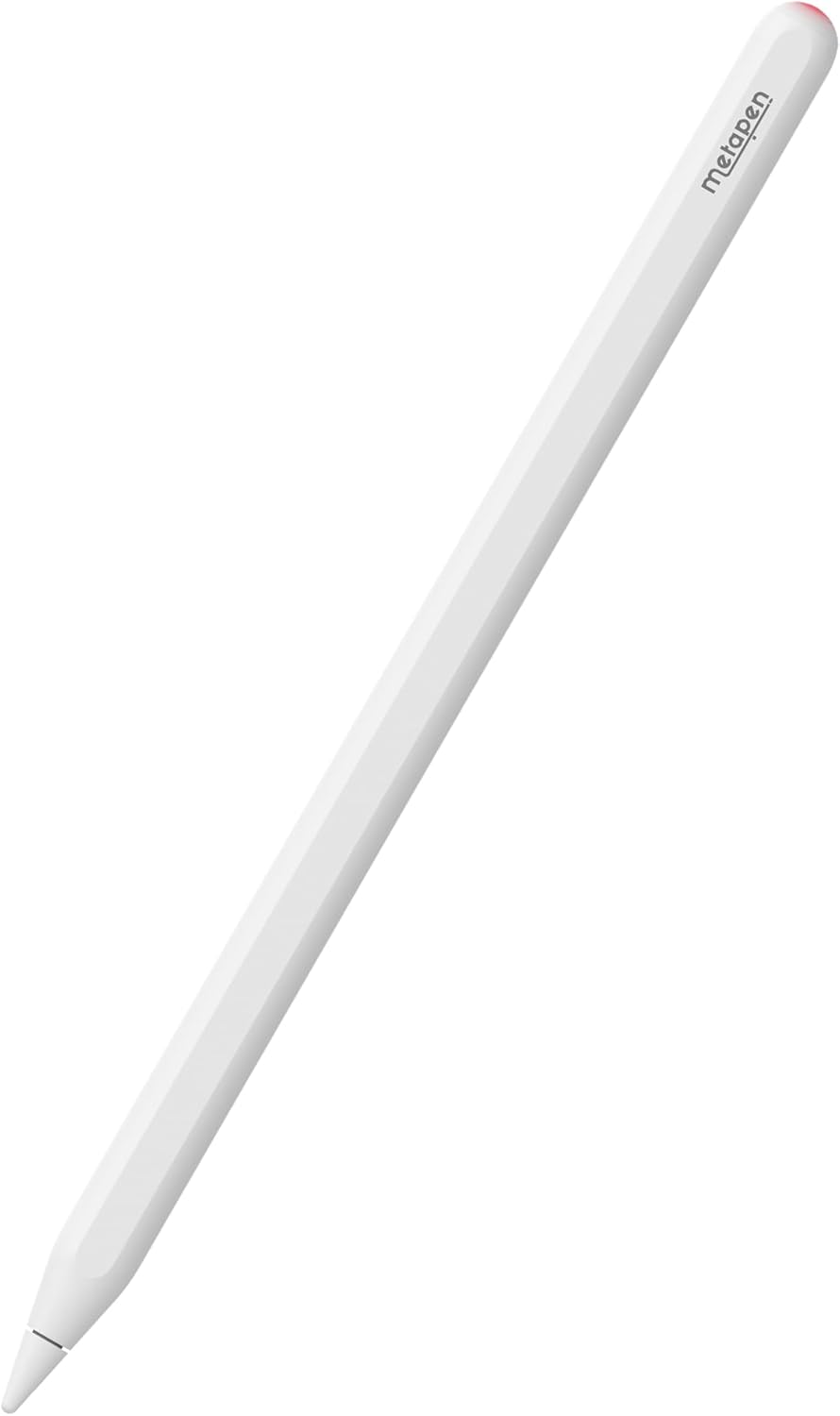
The Metapen Pencil A14 is a wireless magnetic charging stylus pen designed to enhance your iPad experience. It offers precise control, quick responsiveness, and advanced features like palm rejection and hotkey shortcuts, making it ideal for note-taking, drawing, and navigation.
2. Kompatibilitet
The Metapen Pencil A14 is specifically designed for certain iPad models to ensure full functionality, including wireless charging. Please verify your iPad model before use.
- iPad Pro 12.9" (6th, 5th, 4th, 3rd generation)
- iPad Pro 11" (4th, 3rd, 2nd, 1st Gen)
- iPad Air (5th, 4th Gen)
- iPad Mini (6. generasjon)
Note: This stylus is NOT compatible with iPad Pro M4 2024, iPad Air M2 2024 3rd Gen, iPad 6/7/8/9/10th Gen, or iPad Mini 5/7th Gen.

3. Oppsett
3.1. Hva er i esken
- Metapen Pencil A14 Stylus
- Replacement Tips (2 included)
- Brukerhåndbok
3.2. Første paring (Bluetooth)
- Ensure your iPad's Bluetooth is turned ON (Settings > Bluetooth).
- Press the top button of the Metapen Pencil A14 once to turn it on.
- On your iPad, a Bluetooth Pairing Request will appear. Tap 'Pair' to connect.
If you have previously paired with other devices, please disconnect them first.
3.3. Adding Battery Display Widget
To monitor your Metapen Pencil A14's battery level directly on your iPad:
- Long press on any application icon on your home screen.
- Tap 'Edit Home Page'.
- Tap the '+' icon in the top-left corner.
- Søk etter 'Batteries' and select the Batteries Widget.
- Choose your preferred display size and add it to your home screen.
4. Bruksanvisning
4.1. Wireless Magnetic Charging
The Metapen Pencil A14 supports wireless magnetic charging. Simply attach the stylus to the magnetic charging area on your compatible iPad. Two strong magnets ensure a secure connection.
- Full ladetid: Omtrent 90 minutter.
- Arbeidstid: Opptil 8 timers kontinuerlig bruk.
- Automatisk søvn: After 5 minutes of inactivity to conserve battery.
- Standby-tid: Opptil 365 dager.
The LED indicator on the stylus provides battery status:
- Puster rødt: Lader
- Helt rødt: 1% - 20% battery
- Solid blå: 20% - 60% battery
- Solid hvit: 60% - 100% battery
- Solid hvit: Fulladet

4.2. Hotkey Shortcuts
Utilize the top button for quick navigation and multitasking:
- Trykk én gang: Return to the Home Screen page.
- Trykk to ganger: Switch to the Multitasking menu (App Switcher).

4.3. Writing and Drawing Experience
The Metapen Pencil A14 offers a smooth and precise writing and drawing experience:
- 0.1mm Pixel Precision: Ensures accurate and detailed input.
- Ingen forsinkelse: Enjoy real-time responsiveness without delays.
- No Breakpoint: Consistent line drawing without interruptions.
- Vippefølsomhet: Adjust line thickness and shading by tilting the pen, similar to a graphite pencil (works with 'Pencil Brush' tools).


4.4. Avvisning av håndflate
Rest your hand comfortably on the iPad screen while writing or drawing. The advanced palm rejection technology ensures that only the stylus input is registered, preventing accidental marks from your palm.

5. Vedlikehold
5.1. Utskifting av spiss
The Metapen Pencil A14 uses POM tips, which are the same material as Apple Pencil tips, ensuring durability and a familiar feel. Replacement is easy:
- Vri den gamle spissen forsiktig mot klokken for å fjerne den.
- Align the new tip and twist clockwise until secure. Do not overtighten.

5.2. Pleie og rengjøring
The stylus features a moisture-proof paint coating to prevent discoloration or paint loss from sweat. To clean, gently wipe the stylus with a soft, dry cloth. Avoid using harsh chemicals or abrasive materials.

6. Feilsøking
- Stylus not connecting/pairing: Ensure Bluetooth is enabled on your iPad. Forget any previously paired styluses in Bluetooth settings and try pairing again. Make sure the Metapen Pencil A14 is charged.
- Ladeproblemer: Verify the stylus is correctly aligned on the iPad's magnetic charging area. Ensure your iPad is awake or in a state that allows accessory charging. Remove any thick cases that might interfere with magnetic connection.
- Unøyaktig eller uresponsiv inndata: Check if the stylus tip is securely attached. Replace the tip if it appears worn or damaged. Ensure your iPad screen is clean.
- Batteriet tømmes raskt: Confirm the stylus is entering automatic sleep mode when not in use. If the battery widget shows constant activity when attached but not in use, slightly adjust its position on the iPad to ensure it's not constantly 'waking up' or attempting to connect.
7. Spesifikasjoner
| Trekk | Detalj |
|---|---|
| Produktdimensjoner | 6.53 x 0.35 x 0.35 tommer |
| Varevekt | 0.529 unser (15 gram) |
| Modellnummer | A14 |
| Farge | Perlehvit |
| Materiale | Aluminium |
| Ladetid | 90 minutter |
| Batteritype | 1 CR5 batteri (inkludert) |
8. Garanti og støtte
Metapen er forpliktet til å tilby utmerket kundeservice og produktstøtte.
- 2 års omsorg: Enjoy peace of mind with our 2-year product care.
- 30 dagers erstatning: Problemfri erstatning innen 30 dager etter kjøp.
- Kundeservice døgnet rundt: Vårt supportteam er tilgjengelig døgnet rundt for å hjelpe deg.
For spørsmål eller støtte, vennligst kontakt oss på Support@metapen.com.