
Baseus NGTD020202
Brukerhåndbok for Baseus Bowie D05 trådløse hodetelefoner
Model: NGTD020202
1. Introduksjon
Thank you for choosing the Baseus Bowie D05 Wireless Headphones. This manual provides detailed instructions on how to set up, operate, maintain, and troubleshoot your new headphones. Please read this manual carefully before use to ensure optimal performance and longevity of your device.
2. Hva er i esken
Ved utpakking, sørg for at alle følgende varer er til stede:
- Baseus Bowie D05 trådløse hodetelefoner
- USB-A til USB-C ladekabel
- 3.5 mm lydkabel
- Brukerhåndbok
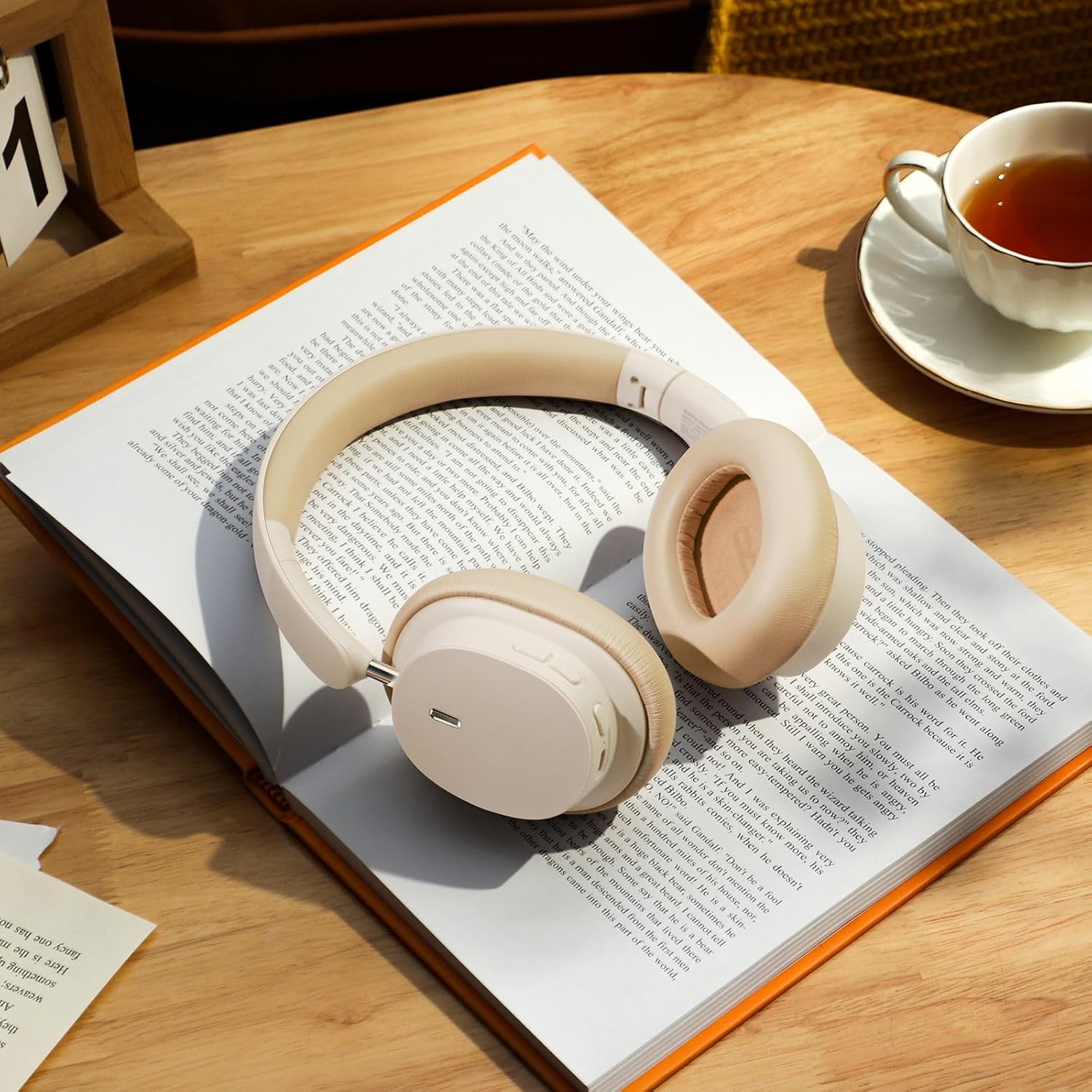
Image: The Baseus Bowie D05 headphones shown alongside their USB-C charging cable and 3.5mm audio cable, illustrating the complete package contents.
3. Produktet er overview
Familiarize yourself with the various parts and controls of your Baseus Bowie D05 headphones:
- Av/på-knapp/multifunksjonsknapp: Used for powering on/off, play/pause, answering/ending calls, and activating voice assistant.
- Volum opp-knapp: Increases volume, long press for next track.
- Volum ned-knapp: Decreases volume, long press for previous track.
- USB-C ladeport: For lading av hodetelefoner.
- 3.5 mm lydkontakt: For kablet tilkobling.
- LED-indikator: Viser status for strøm, lading og paring.
- Mikrofon: For samtaler og talekommandoer.

Bilde: En detaljert view of the left earcup of the Baseus Bowie D05 headphones, highlighting the location of the control buttons (volume up/down, multi-function) and the charging/audio ports.
4. Oppsett
4.1 Lade hodetelefonene
- Connect the USB-C end of the charging cable to the headphone's charging port.
- Koble USB-A-enden til en USB-strømadapter (5V/1A anbefales) eller en datamaskins USB-port.
- The LED indicator will show red during charging and turn off or blue when fully charged.
- En full lading tar vanligvis omtrent 1.5–2 timer.
4.2 Bluetooth-paring
- Sørg for at hodetelefonene er fulladet.
- Press and hold the Power/Multi-function button for 3-5 seconds until the LED indicator flashes blue and red alternately, indicating pairing mode.
- Aktiver Bluetooth på enheten din (smarttelefon, nettbrett, datamaskin).
- Søk etter "Baseus Bowie D05" in the list of available Bluetooth devices.
- Select "Baseus Bowie D05" to connect. Once connected, the LED indicator will flash blue slowly or turn off.
4.3 Wired Connection (Optional)
You can use the headphones with the included 3.5mm audio cable when the battery is low or for devices without Bluetooth connectivity.
- Koble den ene enden av 3.5 mm-lydkabelen til hodetelefonens 3.5 mm-lydkontakt.
- Koble den andre enden til lydutgangskontakten på enheten din.
- Note: Controls on the headphones may not function in wired mode.
5. Bruksanvisning
5.1 Strøm på/av
- Strøm på: Trykk og hold inne av/på-/multifunksjonsknappen i 3 sekunder.
- Slå av: Trykk og hold inne av/på-/multifunksjonsknappen i 5 sekunder.
5.2 Musikkavspilling
- Spill av/pause: Trykk kort på av/på-/multifunksjonsknappen.
- Volum opp: Trykk kort på volum opp-knappen.
- Volum ned: Trykk kort på volum ned-knappen.
- Neste spor: Trykk lenge på volum opp-knappen.
- Forrige spor: Trykk lenge på volum ned-knappen.
5.3 Samtalehåndtering
- Svar/avslutt samtale: Trykk kort på av/på-/multifunksjonsknappen.
- Avvis anrop: Long press the Power/Multi-function button for 2 seconds.
5.4 Tilkobling av flere enheter
The Baseus Bowie D05 headphones support simultaneous connection to two devices, allowing seamless switching between them.
- Koble hodetelefonene til den første enheten via Bluetooth som beskrevet i avsnitt 4.2.
- Koble hodetelefonene fra den første enheten (ikke opphev paringen).
- Connect the headphones to the second device via Bluetooth.
- Koble hodetelefonene til den første enheten på nytt fra Bluetooth-innstillingene. Hodetelefonene skal nå være koblet til begge enhetene.
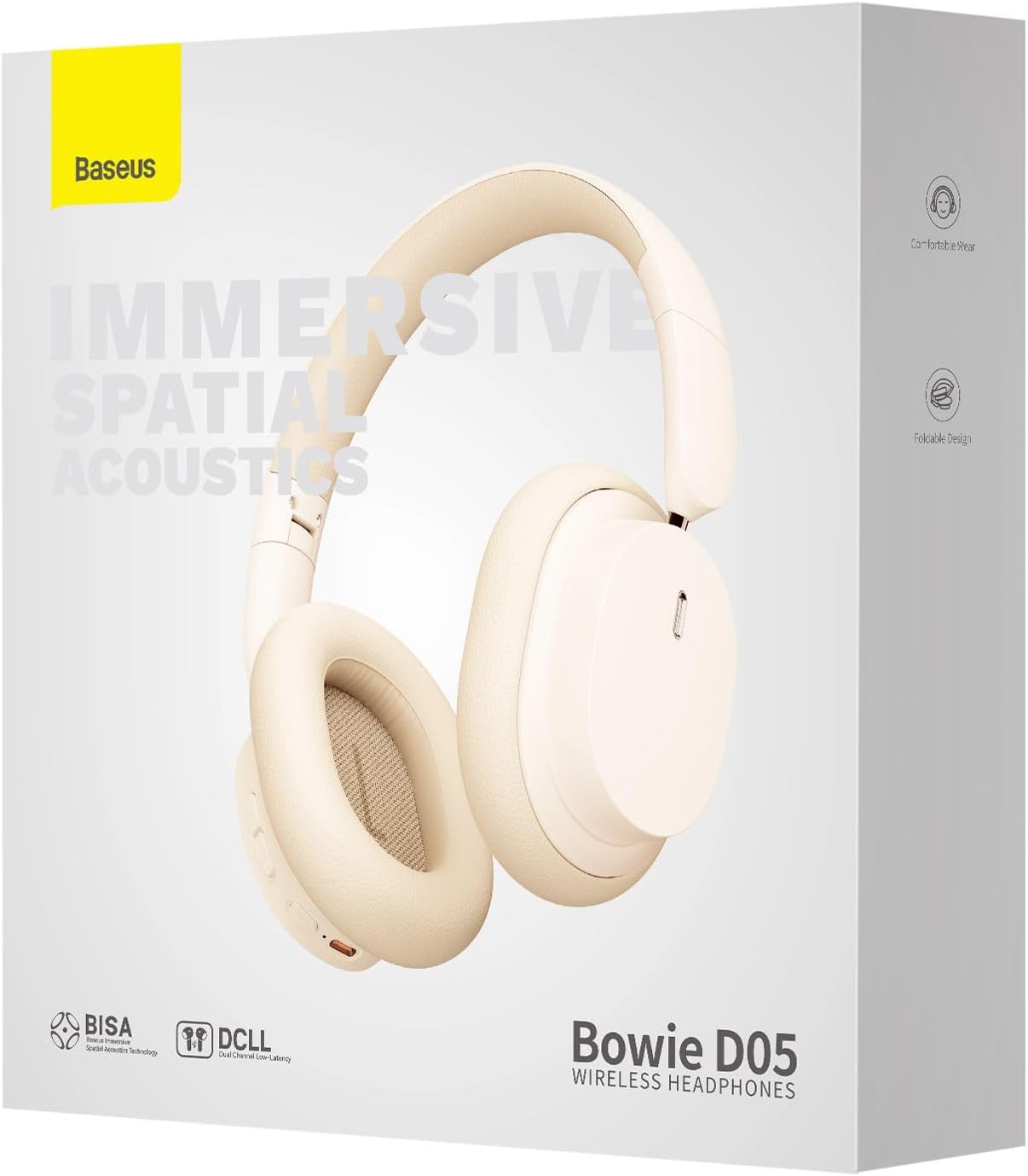
Image: The Baseus Bowie D05 headphones are depicted wirelessly connected to both a smartphone and a tablet, demonstrating their multi-device connectivity feature.
6. Vedlikehold
For å sikre at hodetelefonene dine holder lenge og har optimal ytelse, bør du følge disse vedlikeholdsretningslinjene:
- Rengjøring: Bruk en myk, tørr og lofri klut til å rengjøre hodetelefonene. Ikke bruk slipende rengjøringsmidler, alkohol eller kjemiske løsemidler.
- Lagring: Når de ikke er i bruk, oppbevar hodetelefonene på et kjølig og tørt sted, unna direkte sollys og ekstreme temperaturer.
- Unngå fuktighet: Hold hodetelefonene unna vann og høy fuktighet.
- Håndteres med forsiktighet: Unngå å miste hodetelefonene eller utsette dem for harde støt.
7. Feilsøking
If you encounter any issues with your Baseus Bowie D05 headphones, please refer to the following common problems and solutions:
| Problem | Mulig løsning |
|---|---|
| Hodetelefonene slår seg ikke på. | Sørg for at hodetelefonene er fulladet. Koble til en strømkilde og prøv på nytt. |
| Kan ikke kobles til enheten. | Ensure headphones are in pairing mode (flashing blue/red). Turn off and on Bluetooth on your device. Clear previous Bluetooth connections on your device. Move headphones closer to the device. |
| Ingen lyd eller lavt volum. | Check headphone and device volume levels. Ensure headphones are properly connected. Try playing different audio. If using wired connection, ensure cable is fully inserted. |
| Dårlig lydkvalitet. | Move closer to your device to avoid interference. Avoid obstacles between headphones and device. Try disconnecting and reconnecting. |
| Hodetelefonene kobles ofte fra. | Ensure headphones are fully charged. Keep within Bluetooth range (typically 10 meters). Avoid strong electromagnetic interference. |
Hvis problemet vedvarer etter at du har prøvd disse løsningene, kan du kontakte kundestøtte.
8. Spesifikasjoner
Detailed technical specifications for the Baseus Bowie D05 Wireless Headphones:
- Modellnavn: NGTD020202
- Merke: Baseus
- Tilkoblingsteknologi: Trådløs (Bluetooth)
- Trådløs kommunikasjonsteknologi: Bluetooth
- Øreplassering: Over Ear
- Formfaktor: Over Ear
- Lyddrivertype: Dynamisk driver
- Driverenhetsstørrelse: 40 mm
- Batterilevetid: Up to 70 hours of audio playback (at 70% volume)
- Ladeport: USB-C
- Lydkontakt: 3.5 mm jekk
- Materiale: Plast
- Varevekt: Omtrent 209 gram (7.37 unser)
- Farge: Creamy-White (as per product title, though spec says Black)
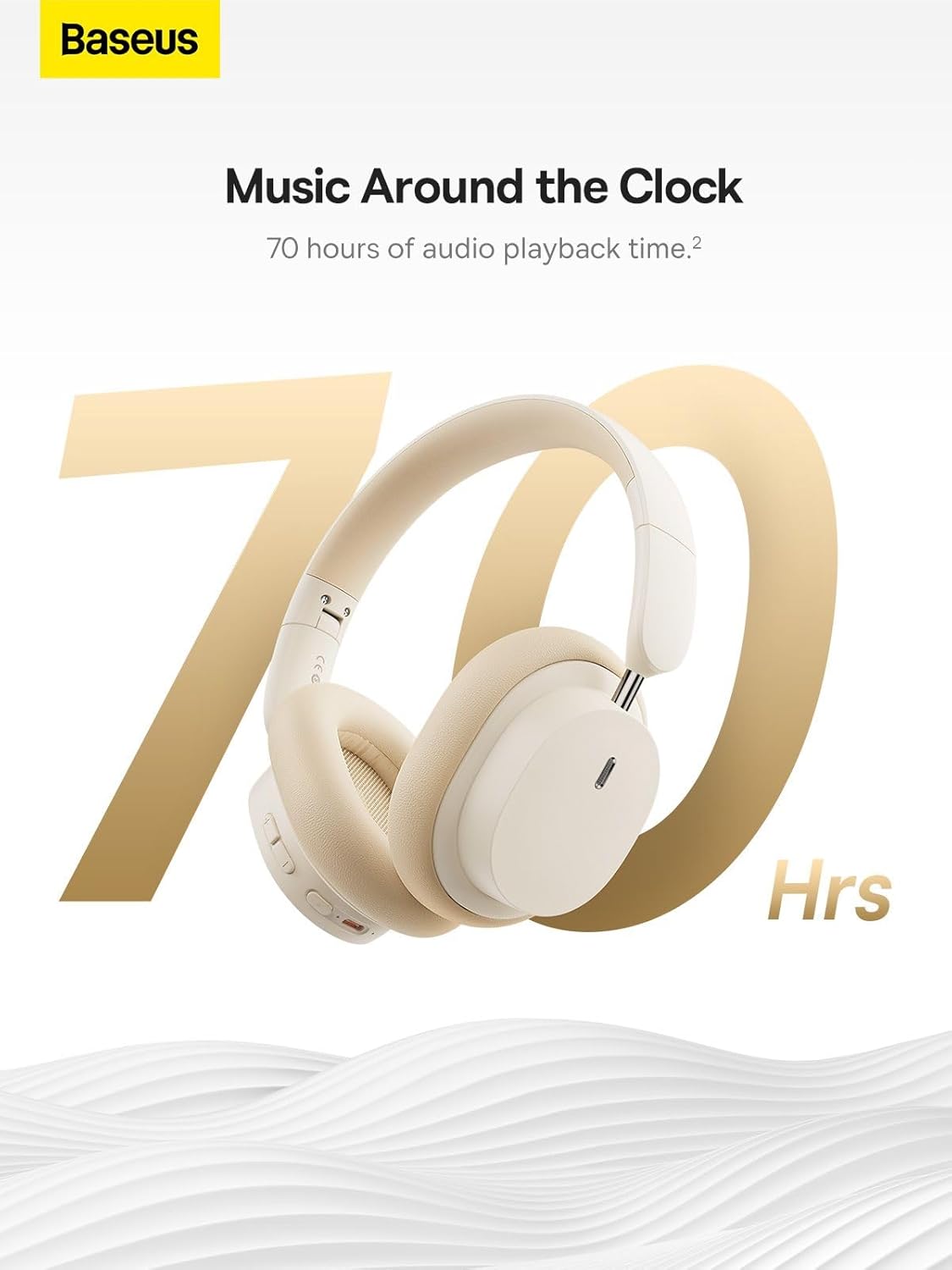
Image: The Baseus Bowie D05 headphones are featured with a prominent '70 Hrs' graphic, highlighting their extended audio playback time on a single charge.

Image: Two individuals are shown comfortably wearing the Baseus Bowie D05 headphones, emphasizing their lightweight design with the text 'Only 209g' for extended listening sessions.

Image: A visual representation of a 40mm large driver unit, illustrating its capability to deliver detailed high-end and fuller low-end audio performance.
9. Garanti og støtte
9.1 Garantiinformasjon
Baseus products are covered by a limited warranty from the date of purchase. Please refer to the warranty card included in your product packaging or visit the official Baseus webnettstedet for detaljerte garantivilkår.
9.2 Kundestøtte
For technical assistance, troubleshooting, or warranty claims, please contact Baseus customer support through the following channels:
- Offisiell Webnettsted: Visit the Baseus official webnettsted for vanlige spørsmål, støtteressurser og kontaktskjemaer.
- E-poststøtte: Se produktemballasjen eller den offisielle webnettsted for e-postadressen til kundesupport.
- Autorisert forhandler: Kontakt forhandleren du kjøpte produktet fra for å få hjelp.