
Introduksjon
The PPLEE CR1021 Portable White Noise Machine is designed to create a peaceful and soothing environment, aiding in sleep, relaxation, and focus. It features 42 non-looping sounds, a rechargeable battery, night light, and timer functions, making it suitable for home, office, and travel use.
This manual provides detailed instructions for the safe and effective use of your device. Please read it thoroughly before operation and retain it for future reference.
Sikkerhetsinformasjon
Please observe the following safety precautions to prevent damage to the device or injury to yourself or others:
- Ikke utsett enheten for vann eller overdreven fuktighet.
- Hold enheten unna varmekilder og direkte sollys.
- Ikke forsøk å demontere eller reparere enheten selv. Kontakt kvalifisert servicepersonell.
- Use only the provided Type-C charging cable and a compatible power adapter (DC 5V/1A).
- Keep out of reach of small children when not in use, especially the charging cable.
- Ensure proper ventilation; do not cover the speaker grille during operation.
Pakkeinnhold
Bekreft at alle varene er til stede i pakken:
- 1x PPLEE CR1021 Portable White Noise Machine
- 1x Type-C strømkabel
- 1x Hanging Loop
- 1x brukerhåndbok (dette dokumentet)
Oppsett
Lader enheten
Before first use, fully charge the white noise machine. The device features a built-in 2200mAh rechargeable battery.
- Koble den medfølgende Type-C-ladekabelen til ladeporten på enheten.
- Connect the other end of the cable to a compatible USB power adapter (DC 5V/1A) or a computer's USB port.
- Ladeindikatorlampen lyser under lading og slukker når den er fulladet.
A full charge provides approximately 33-58 hours of playtime, depending on volume level and night light usage.
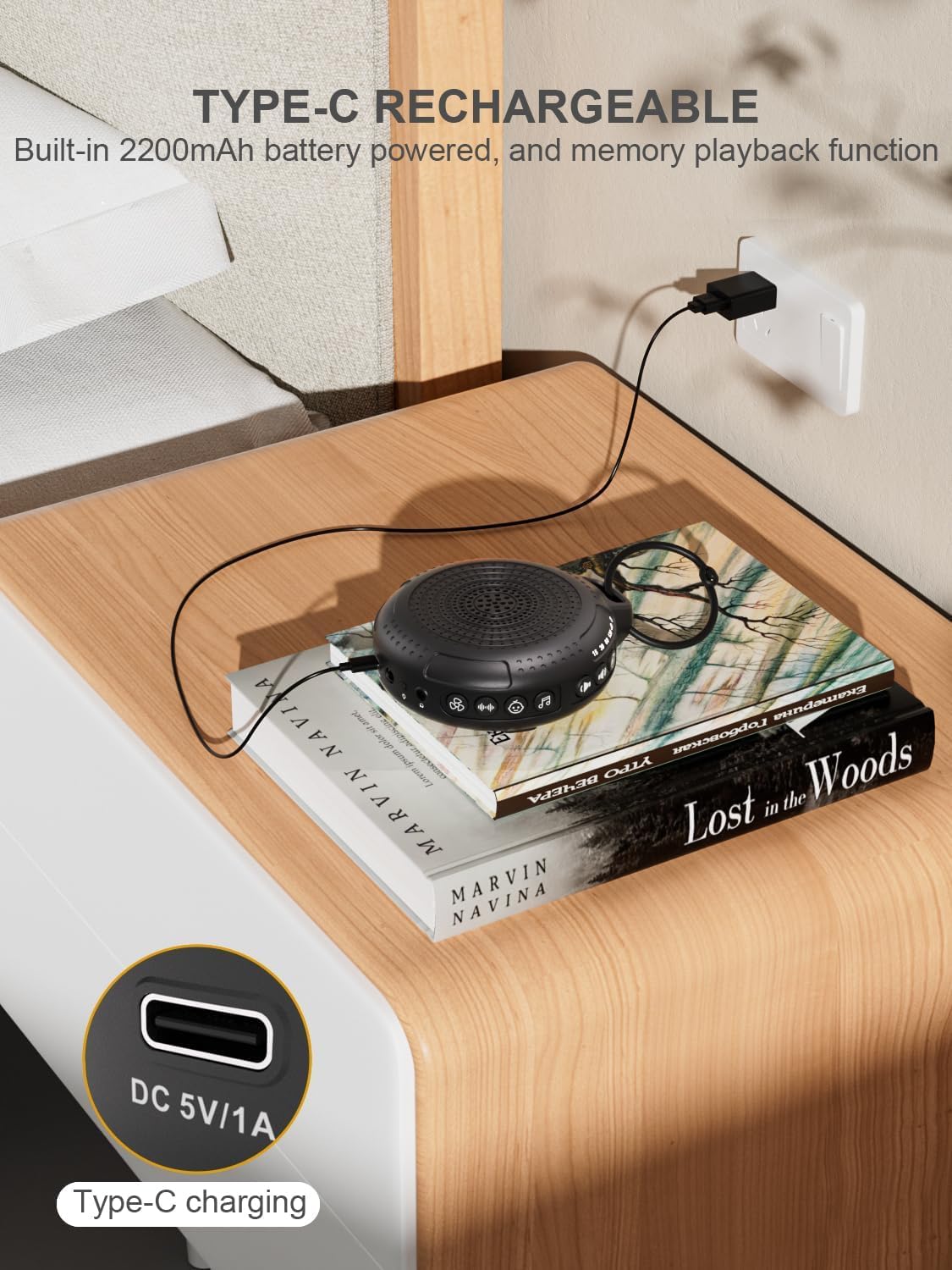
Image: The PPLEE CR1021 White Noise Machine connected to a Type-C charger, demonstrating how to charge the device.
Plassering
Place the device on a stable, flat surface or use the included hanging loop to attach it to a stroller, car seat, or crib. Ensure the speaker is not obstructed for optimal sound projection.

Image: The PPLEE CR1021 White Noise Machine hanging from a stroller, highlighting its compact and portable design for travel.
Bruksanvisning
Kontrollene er overview

Bilde: En detaljert view of the PPLEE CR1021 White Noise Machine, illustrating the location of its various control buttons and features.
Slå på/av
- Trykk og hold inne strømknappen (⏻) for 2 seconds to turn the device ON or OFF.
- The device will remember your last sound, volume, and timer settings upon powering on.
Lydvalg
The device offers 42 non-looping soothing sounds across four categories:
- Hvite lyder: 5 lyder
- Viftelyder: 6 lyder
- Vuggeviser: 15 lyder
- Naturlige lyder: 16 lyder
- Press the Sound Category buttons (e.g., White Noise, Fan, Lullaby, Nature) to switch between sound categories.
- Once a category is selected, press the Sound Selection button (♫) to cycle through the sounds within that category.
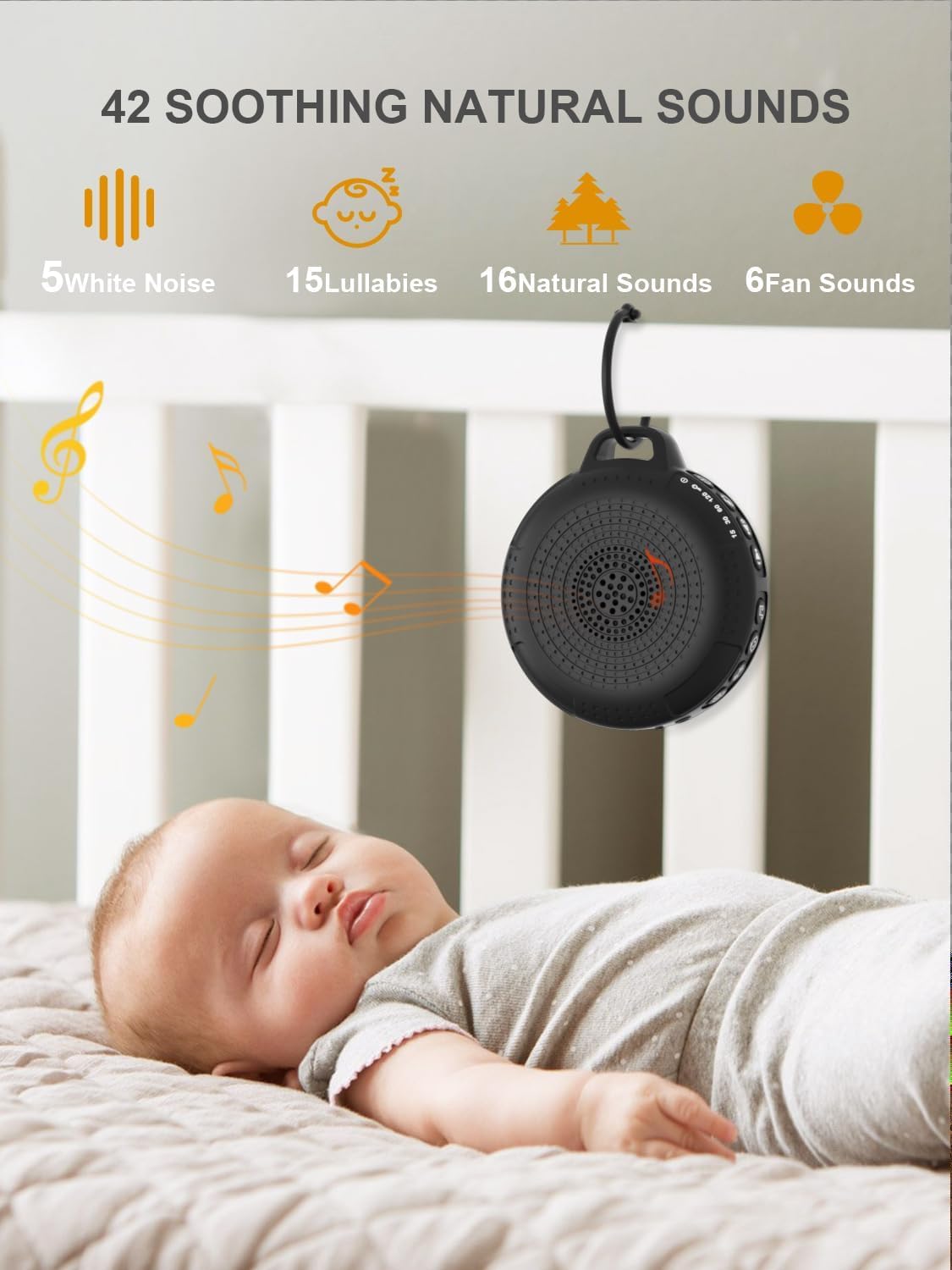
Image: The PPLEE CR1021 White Noise Machine displaying the variety of 42 soothing sounds available, categorized for easy selection.
Volumkontroll
Adjust the sound volume using the dedicated volume buttons:
- Trykk på volum opp-knappen (+) for å øke volumet.
- Trykk på volum ned-knappen (-) for å redusere volumet.
- There are 8 distinct volume levels.

Image: The PPLEE CR1021 White Noise Machine highlighting its volume adjustment and timer functions, showing options for 15, 30, 60, and 120 minutes.
Timer funksjon
The device can play continuously or automatically turn off after a set period:
- Trykk på Timer-knappen (⏱) to cycle through the available timer settings: 15 minutes, 30 minutes, 60 minutes, 120 minutes, or continuous play.
- An indicator light will show the selected timer duration.
Nattlys
The integrated night light offers two brightness levels:
- Press the Night Light button (💡) once for the first brightness level.
- Press it again for the second, brighter level.
- Press a third time to turn the night light off.
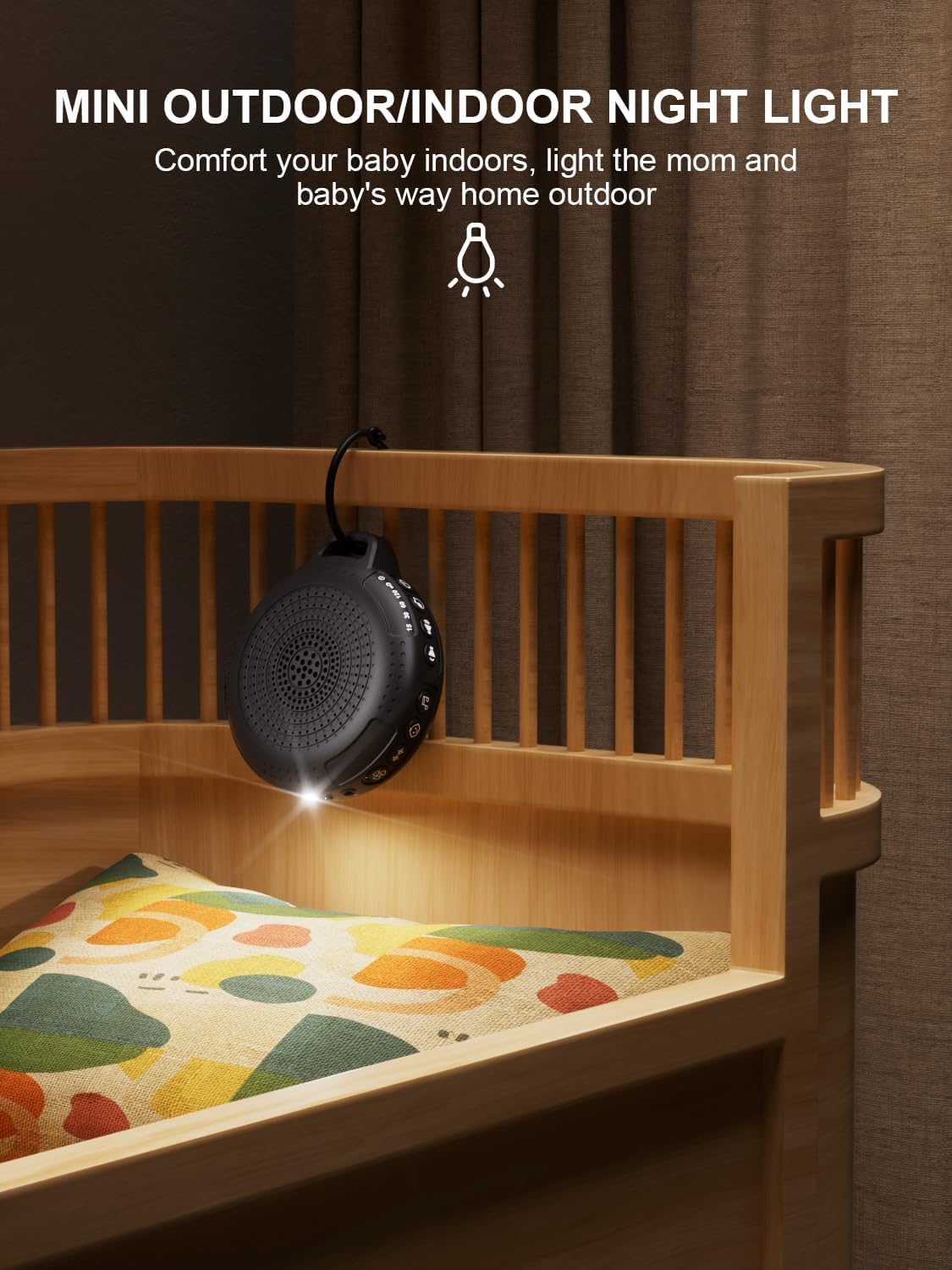
Image: The PPLEE CR1021 White Noise Machine with its night light illuminated, shown hanging on a crib, providing gentle illumination.
Barnelåsfunksjon
To prevent accidental changes to settings, activate the child lock:
- Trykk og hold inne barnelåsknappen (🔒) for 2 seconds to activate or deactivate the child lock.
- When activated, all other buttons will be unresponsive until the child lock is deactivated.
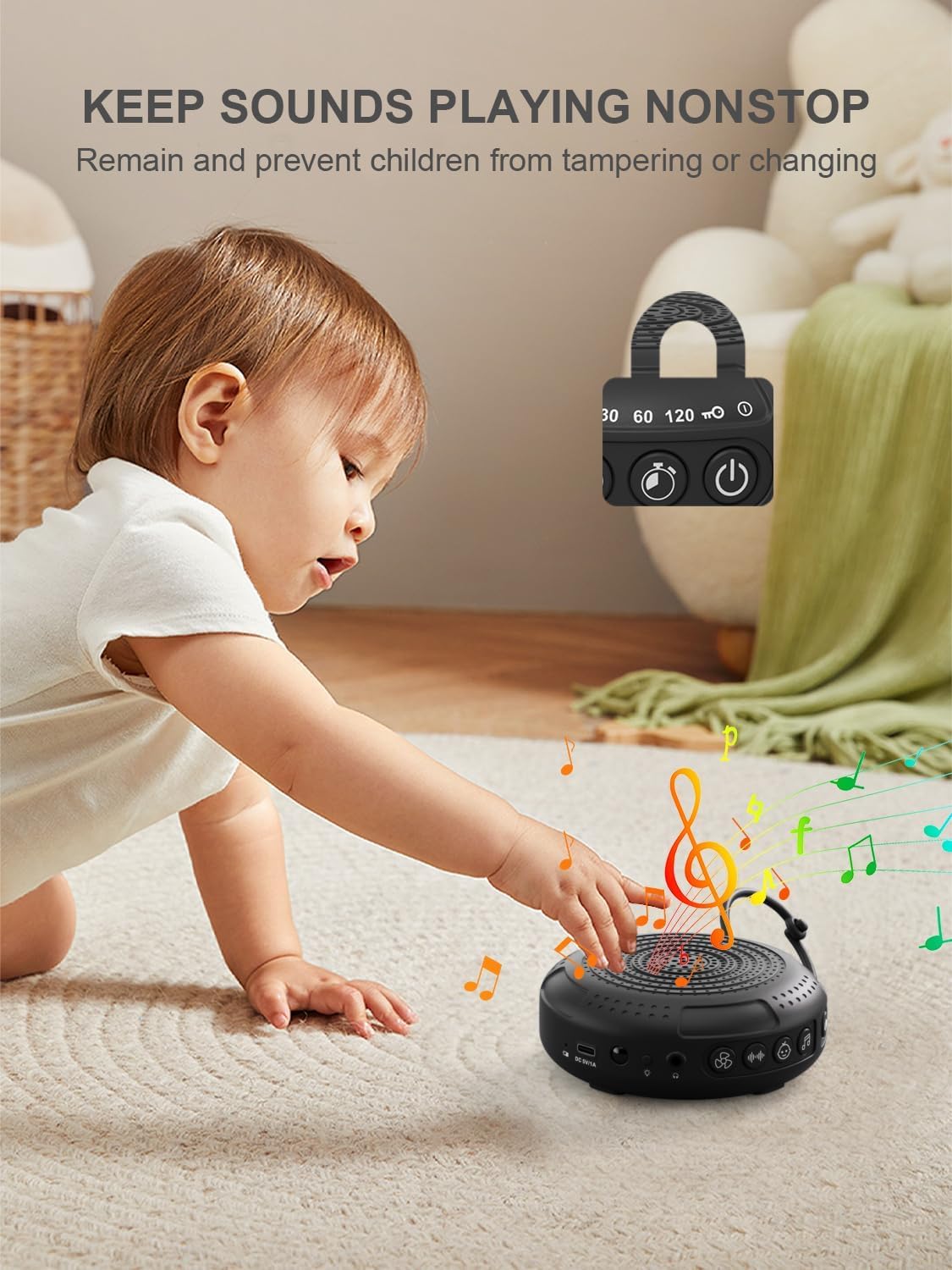
Image: The PPLEE CR1021 White Noise Machine with a visual representation of its child lock feature, designed to maintain settings and prevent tampering.
Hodetelefonuttak
For private listening, connect standard 3.5mm headphones to the headphone jack located on the side of the device. The speaker will automatically mute when headphones are connected.
Vedlikehold
Rengjøring
- Sørg for at enheten er slått av og frakoblet før rengjøring.
- Tørk av utsiden med en myk, tørr eller lett fuktet klutamp klut.
- Ikke bruk slipende rengjøringsmidler, løsemidler eller sterke kjemikalier.
Lagring
- Oppbevar enheten på et kjølig og tørt sted, unna direkte sollys og ekstreme temperaturer.
- Hvis batteriet lagres over lengre tid, bør det lades opp med jevne mellomrom for å opprettholde levetiden.
Feilsøking
| Problem | Mulig årsak | Løsning |
|---|---|---|
| Enheten slås ikke på. | Batteriet er utladet. | Lad enheten med den medfølgende Type-C-kabelen. |
| Ingen lyd. | Volume is too low or muted. Headphones are connected. | Increase the volume. Disconnect headphones if not needed. |
| Knappene reagerer ikke. | Barnesikring er aktivert. | Deactivate the Child Lock by pressing and holding the Child Lock button for 2 seconds. |
| Batterilevetiden er kortere enn forventet. | High volume level or continuous night light use. Battery degradation over time. | Reduce volume or night light usage. Ensure full charge. |
| Ladingen er treg eller fungerer ikke. | Faulty cable or power adapter. Charging port issue. | Try a different Type-C cable and a known working 5V/1A USB power adapter. |
Spesifikasjoner
| Trekk | Detalj |
|---|---|
| Modellnavn | CR1021 |
| Merke | PPLEE |
| Strømkilde | Battery Powered (2200mAh rechargeable) |
| Ladeport | Type-C (DC 5V/1A) |
| Antall lyder | 42 (5 White Noise, 6 Fan, 15 Lullabies, 16 Natural) |
| Volumnivåer | 8 |
| Timeralternativer | 15, 30, 60, 120 minutes, Continuous |
| Nattlys | 2 lysstyrkenivåer |
| Dimensjoner (L x B x H) | 12.5 x 11 x 4.3 cm (4.92 x XUMX x 4.3 inches) |
| Vekt | 177 g (0.39 lbs) |
| Inkluderte komponenter | Device, Type-C Cable, Hanging Loop, User Manual |
Garanti og støtte
For warranty information or technical support, please refer to the contact details provided with your purchase or visit the official PPLEE webnettstedet. Ta vare på kjøpskvitteringen som kjøpsbevis.