
XREAL 6976143800071
XREAL H-C Cable User Manual
Modell: 6976143800071
Introduksjon
This manual provides essential information for the proper use, setup, and maintenance of your XREAL H-C Cable. This high-speed HDMI to USB-C cable is designed to connect various devices, including gaming consoles and PCs, to compatible AR glasses like the XREAL Beam and Air AR glasses, supporting 4K/60Hz video transmission.
Sikkerhetsinformasjon
Please read and follow these safety guidelines to ensure safe operation and prolong the life of your cable:
- Ikke utsett kabelen for ekstreme temperaturer, direkte sollys eller høy luftfuktighet.
- Avoid bending or twisting the cable excessively, especially near the connectors, as this can damage internal wires.
- Keep the cable away from water and other liquids. If it gets wet, disconnect it immediately and allow it to dry completely before reuse.
- Do not attempt to disassemble or modify the cable. This will void the warranty and may cause damage.
- Oppbevares utilgjengelig for barn og kjæledyr.
- Bruk kun med kompatible enheter som spesifisert i denne håndboken.
Pakkeinnhold
Pakken inneholder følgende vare:
- 1 x XREAL H-C Cable (HDMI to USB-C)
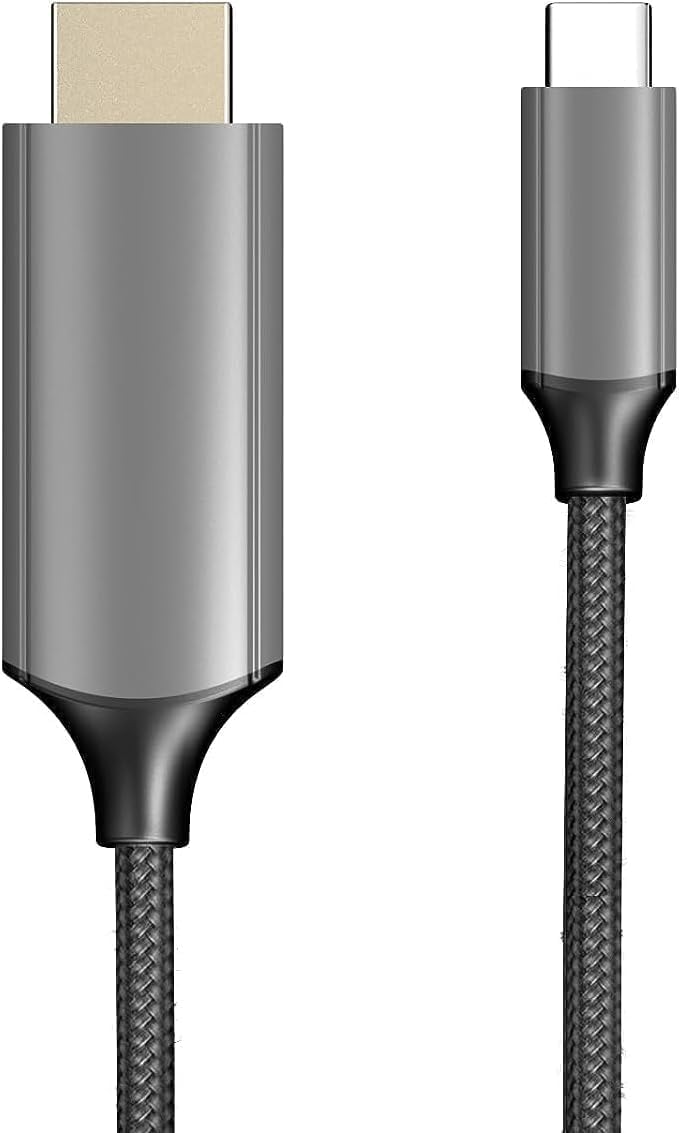
Image: The XREAL H-C Cable showing both the HDMI and USB-C connectors. The cable features a durable, woven design.
Produkt overview
The XREAL H-C Cable is engineered for high-fidelity video and audio transmission. It features a robust, woven design for enhanced durability and tangle-free use. The cable facilitates connection from an HDMI source to a USB-C display, supporting resolutions up to 4K at 60Hz.
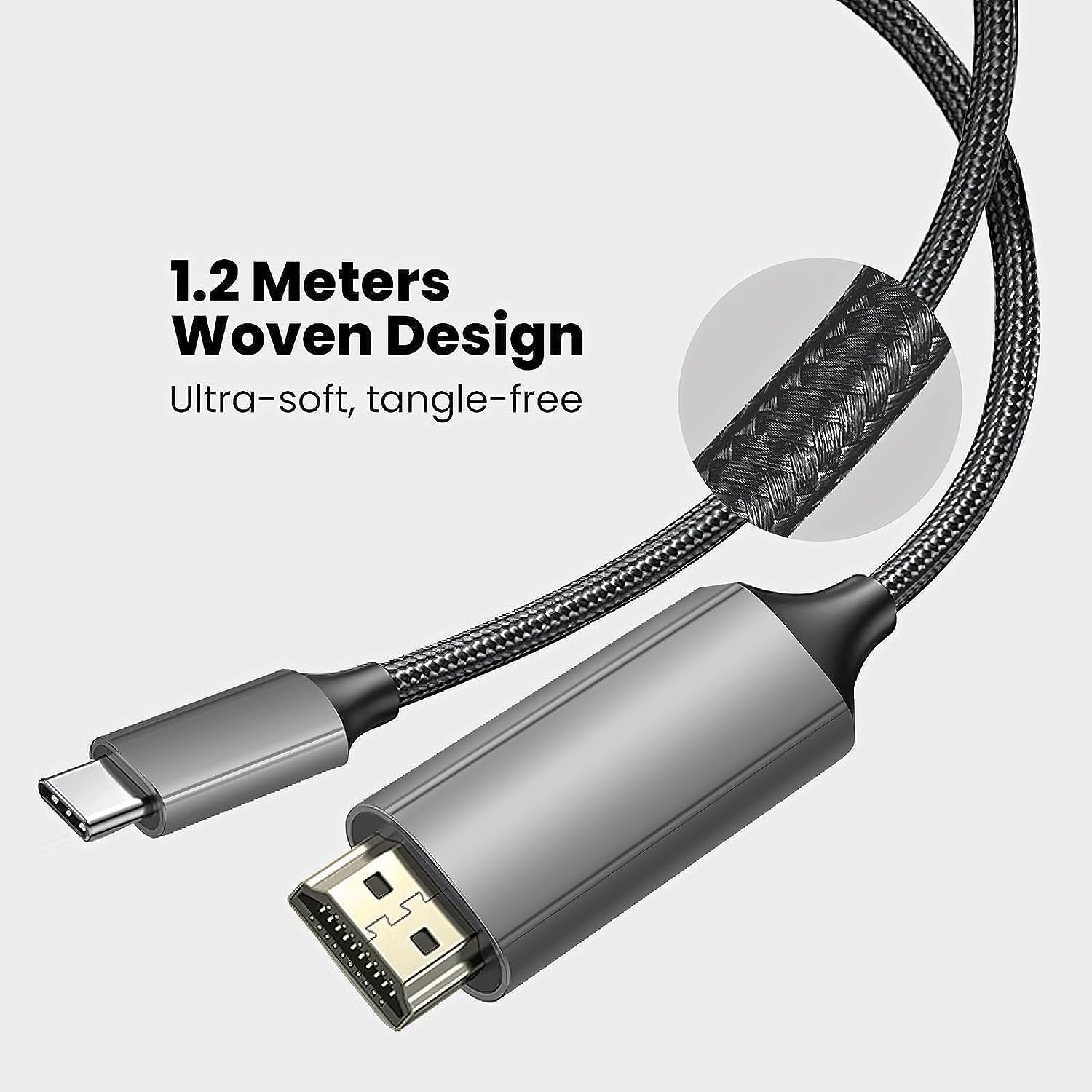
Image: Close-up of the XREAL H-C Cable highlighting its 1.2-meter length and ultra-soft, tangle-free woven design.
Oppsett
Follow these steps to connect your XREAL H-C Cable:
- Identifiser koblinger: Locate the HDMI "In" connector and the USB-C "Out" connector on the cable.
- Koble til kilde: Plugg inn HDMI "In" end of the cable into the HDMI output port of your source device (e.g., PlayStation, Xbox, Nintendo Switch, PC graphics card).
- Koble til skjermen: Plugg inn USB-C "Out" end of the cable into the USB-C input port of your compatible display device (e.g., XREAL Beam, XREAL Air AR glasses).
- Slå på enheter: Sørg for at både kildeenheten og skjermenheten er slått på.
- Bekreft tilkobling: The display should automatically detect the input signal. If not, you may need to manually select the input source on your display device.

Image: The XREAL H-C Cable clearly labeled with "HDMI In" and "USB-C Out" to indicate connection direction.
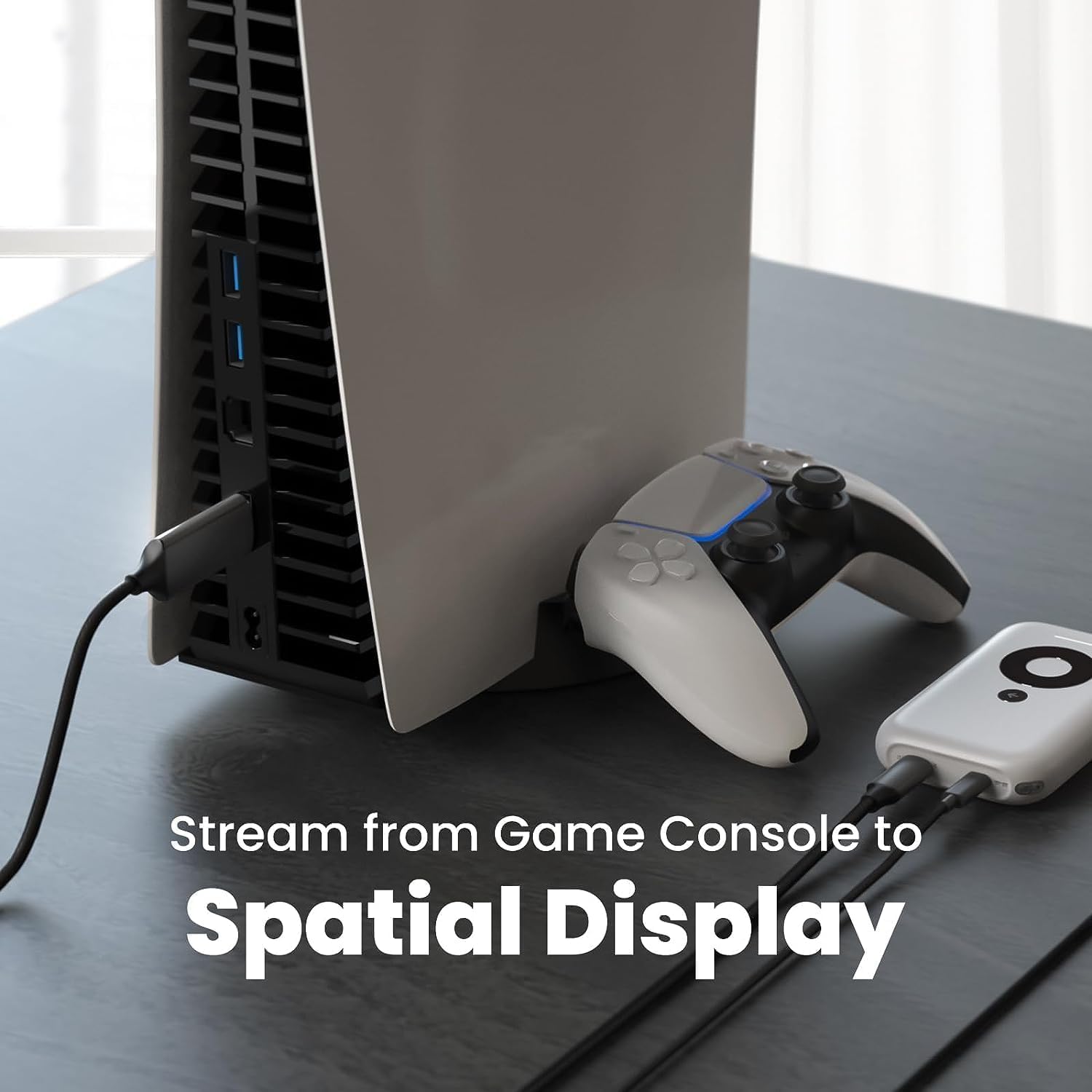
Bilde: En eksample setup showing the XREAL H-C Cable connecting a PlayStation 5 console to an XREAL Beam device, enabling streaming to a spatial display.
Drift
Once connected, the XREAL H-C Cable operates as a plug-and-play device. No additional drivers or software are typically required.
- Oppløsning og oppdateringsfrekvens: The cable supports up to 4K resolution at 60Hz. Ensure your source device and display device are configured to output and receive these resolutions and refresh rates for optimal performance.
- Lydoverføring: The cable transmits both video and audio signals. Verify audio settings on your source device if no sound is heard.
- Kompatibilitet: This cable is designed for specific applications, primarily connecting HDMI output devices to USB-C input displays, such as XREAL AR glasses. It is not a bidirectional cable and will not function if connected in reverse.
Vedlikehold
Proper care will extend the life of your XREAL H-C Cable:
- Rengjøring: Use a soft, dry, lint-free cloth to gently wipe the cable and connectors. Do not use liquid cleaners or abrasive materials.
- Lagring: When not in use, coil the cable loosely. Avoid tight coiling or sharp bends. Store in a cool, dry place away from direct sunlight.
- Håndtering: Always grasp the connector housing when plugging or unplugging the cable. Do not pull on the cable itself.
Feilsøking
If you encounter issues with your XREAL H-C Cable, try the following solutions:
| Problem | Mulig årsak | Løsning |
|---|---|---|
| Ingen signal på skjermen |
|
|
| Flimrende eller forvrengt bilde |
|
|
| Ingen lyd |
|
|
Spesifikasjoner
| Merke | XREAL |
| Modellnummer | 6976143800071 |
| Koblingstype | HDMI (Input), USB Type-C (Output) |
| Dataoverføringshastighet | 5 Gigabits per second (for compatible data streams) |
| Kompatible enheter | Gaming Consoles (PlayStation, Xbox, Switch), Windows Desktop, XREAL Beam, XREAL Air AR Glasses |
| Støtte for maksimal oppløsning | 4K ved 60Hz |
| Kabellengde | 1.2 meter (ca. 3.9 fot) |
Garanti og støtte
XREAL products are manufactured to high quality standards. For information regarding warranty coverage and customer support, please refer to the official XREAL webnettstedet eller kontakt kundeservicen deres direkte. Ta vare på kjøpskvitteringen som kjøpsbevis for eventuelle garantikrav.
For ytterligere hjelp, besøk: www.xreal.com/support