
Introduksjon
This manual provides instructions for the proper setup, operation, and maintenance of your Volkano VK-20194-BK Focus Series Wireless Mouse. Please read this guide thoroughly before using the device to ensure optimal performance and longevity.
The Volkano Focus Series Wireless Mouse offers reliable 2.4GHz wireless connectivity, a precision optical sensor for smooth cursor control, and an ergonomic design for comfortable use.
Pakkeinnhold
- Volkano VK-20194-BK Focus Series Wireless Mouse
- USB-mottaker
- Brukerhåndbok
Oppsett
1. Installasjon av batteri
The Volkano VK-20194-BK mouse requires one AA battery (not included) for operation. Locate the battery compartment on the underside of the mouse. Open the cover, insert the AA battery according to the polarity indicators (+/-), and close the cover securely.
Bilde: Undersiden view of the mouse, indicating the battery compartment location.
2. Tilkobling av USB-mottakeren
Locate the USB receiver, typically stored within the battery compartment or a dedicated slot on the mouse. Remove the receiver and plug it into an available USB port on your computer (PC, Laptop, Mac, Chromebook, etc.).

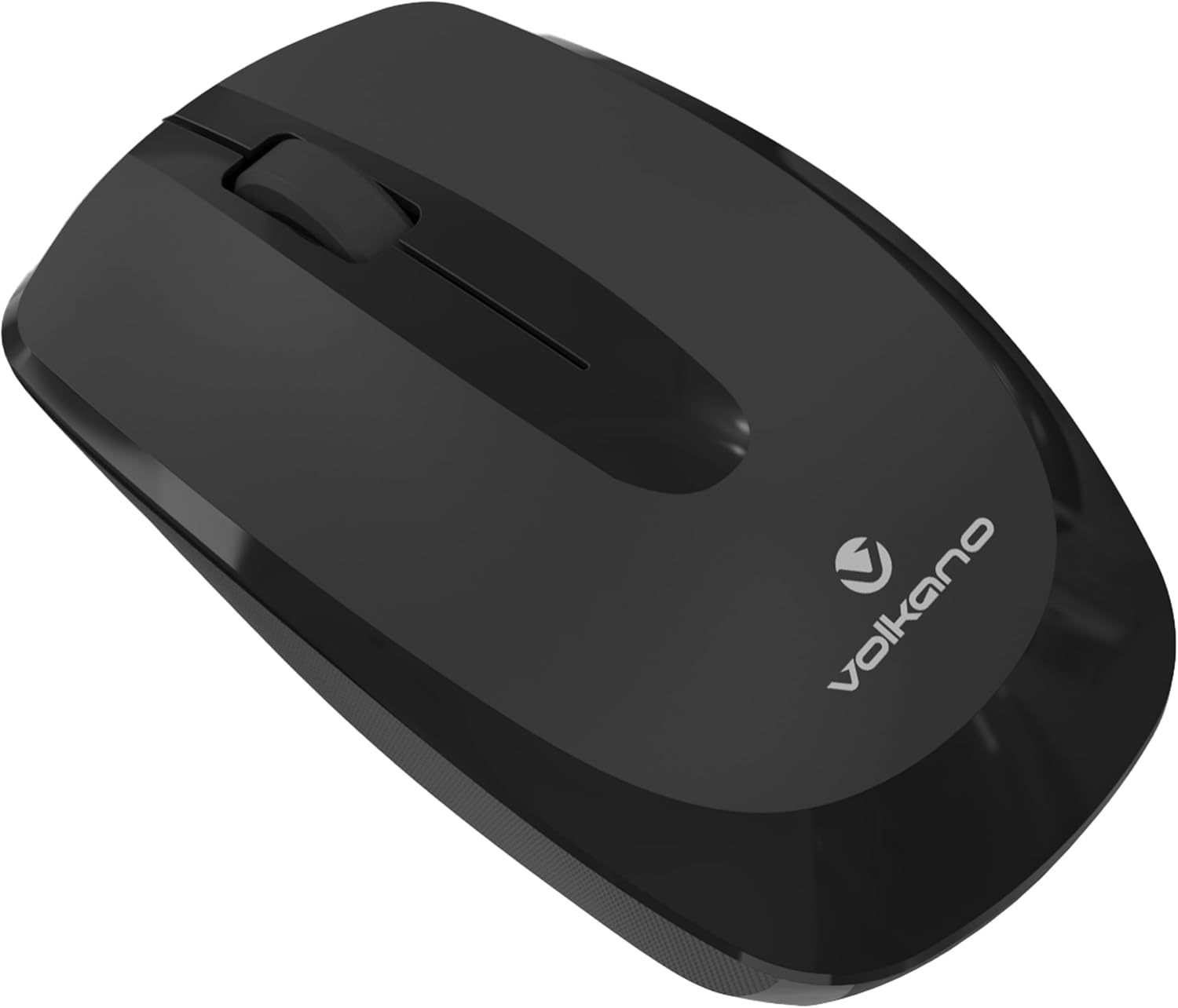
Bilde: Foran view of the mouse, illustrating its design and the small size of a typical USB receiver.
3. Slå på
Once the battery is installed and the USB receiver is connected, turn on the mouse using the power switch, usually located on the underside of the device. The mouse is plug-and-play, meaning it should connect automatically without requiring driver installation.
Bruksanvisning
Grunnleggende funksjoner
- Venstre klikk: Primærknapp for å velge elementer, åpne files, og samhandling med programvare.
- Høyreklikk: Sekundær knapp for tilgang til hurtigmenyer og tilleggsalternativer.
- Rullehjul: Brukes til å bla gjennom dokumenter og web sider. Den kan også fungere som en midtklikk-knapp.

Bilde: Side view of the mouse, highlighting its ergonomic shape for comfortable grip.
Ergonomi
The Volkano Focus Series mouse is designed with an ergonomic shape to reduce strain during extended use, providing a comfortable grip for both left and right-handed users.
Vedlikehold
Rengjøring
For å rengjøre musen, tørk forsiktig av overflaten med en myk klutamp cloth. Avoid using harsh chemicals or abrasive cleaners, as these can damage the finish. Ensure no liquid enters the internal components.
Batteribytte
When the mouse performance degrades or it stops responding, it is likely time to replace the battery. Follow the battery installation steps outlined in the Setup section.
Lagring
When not in use for extended periods, turn off the mouse to conserve battery life. Store the USB receiver in its designated slot on the mouse to prevent loss.
Feilsøking
- Musen svarer ikke:
- Sjekk om musen er slått på.
- Sørg for at batteriet er riktig installert og har tilstrekkelig strøm. Bytt det ut om nødvendig.
- Kontroller at USB-mottakeren er ordentlig koblet til en fungerende USB-port på datamaskinen. Prøv en annen USB-port.
- Start datamaskinen på nytt.
- Uregelmessig markørbevegelse:
- Rengjør den optiske sensoren på undersiden av musen med en myk, tørr klut.
- Sørg for at du bruker musen på en passende overflate. Unngå svært reflekterende eller gjennomsiktige overflater.
- Se etter forstyrrelser fra andre trådløse enheter.
- Tilkoblingsproblemer:
- Flytt musen nærmere USB-mottakeren.
- Trekk ut USB-mottakeren og koble den til igjen.
- If possible, try the mouse with another computer to determine if the issue is with the mouse or the computer.
Spesifikasjoner
| Trekk | Detalj |
|---|---|
| Merke | Volkano |
| Modellnavn | Focus Series |
| Modellnummer | VK-20194-BK |
| Farge | Svart |
| Tilkoblingsteknologi | 2.4 GHz trådløs (USB-mottaker) |
| Spesialfunksjon | Trådløs |
| Bevegelsesdeteksjon | Optisk sensor |
| Antall knapper | 3 |
| Anbefalt bruk | Kontor |
| Kompatible enheter | Personal Computer, PC, Laptop, Tablet, Mac, iPad, Chromebook, Notebook |
| Operativsystem | Windows, Linux |
Garanti og støtte
Volkano products are designed and manufactured to the highest quality standards. For information regarding warranty, returns, or technical support, please refer to the warranty card included with your product or visit the official Volkano webnettstedet. Du kan også kontakte forhandleren din for å få hjelp.
For ytterligere hjelp kan du besøke Volkano Store on Amazon.