
1. Introduksjon
The Promate Capsule-3 is a portable Bluetooth speaker designed to deliver high-definition audio with versatile connectivity options. This manual provides essential information for setting up, operating, and maintaining your speaker to ensure optimal performance.
2. Hva er i esken
Carefully unpack your Promate Capsule-3 speaker. The package should contain the following items:
- 1 x Promate Capsule-3 Bluetooth Speaker
- 1 x brukerhåndbok
3. Produktet er overview
The Promate Capsule-3 speaker features a 5W audio output, True Wireless Stereo (TWS) technology for pairing two speakers, and integrated rainbow LED lights. It supports multiple playback modes including Bluetooth v5.3, TF Card, USB Media Port, and 3.5mm AUX input. The compact design includes a lanyard for portability, and it is powered by a built-in 500mAh rechargeable lithium battery providing up to 6 hours of playtime.
Video 1: Promate Capsule-3 Speaker Overview. This video provides a brief introduction to the Promate Capsule-3 Bluetooth Speaker, highlighting its key features and design.

Image 1: True Wireless Stereo Sound. The image displays the Promate Capsule-3 speaker, emphasizing its 5-watt output and True Wireless Stereo (TWS) capability for enhanced audio.

Image 2: Rainbow LED Lights. This image shows the speaker with its vibrant rainbow LED lights, illustrating its ability to enhance the ambiance of any environment.
4. Oppsett
4.1 Lade høyttaleren
- Connect the charging cable to the DC 5V port on the speaker.
- Koble den andre enden av kabelen til en USB-strømadapter (ikke inkludert) eller en datamaskins USB-port.
- LED-indikatoren viser ladestatusen. Når den er fulladet, vil indikatoren endres eller slå seg av.
4.2 Slå på/av
- To power on, press and hold the Power button until the LED lights illuminate and an audible prompt is heard.
- To power off, press and hold the Power button again until the LED lights turn off and an audible prompt is heard.
5. Bruksanvisning
5.1 Bluetooth-paring
- Sørg for at høyttaleren er slått på og i Bluetooth-paringsmodus (LED-indikatoren blinker).
- Aktiver Bluetooth på enheten din (smarttelefon, nettbrett, bærbar PC) og søk etter tilgjengelige enheter.
- Select "Promate Capsule-3" from the list.
- Once paired, the speaker will emit an audible confirmation, and the LED indicator will stop flashing.
5.2 Ekte trådløs stereo (TWS)-paring
To achieve stereo sound, you can pair two Promate Capsule-3 speakers together:
- Ensure both Capsule-3 speakers are powered on and not connected to any Bluetooth device.
- On one speaker (this will be the primary speaker), press and hold the TWS pairing button (refer to controls section for button identification).
- The speakers will search for each other and automatically pair. An audible prompt will confirm successful TWS connection.
- Koble nå enheten til hovedhøyttaleren via Bluetooth som beskrevet i avsnitt 5.1. Lyden spilles av i stereo gjennom begge høyttalerne.

Image 3: Easy Music Navigation. This image highlights the speaker's control buttons, indicating simple navigation for music playback and call management.
5.3 Multi-Mode Playback
The speaker supports various audio input methods:
- Bluetooth: Koble trådløst til enheten din (se 5.1).
- TF-kort: Insert a TF (Micro SD) card loaded with audio files inn i TF-kortsporet. Høyttaleren vil automatisk bytte til TF-kortmodus og starte avspilling.
- USB Media Port: Sett inn en USB-flash-stasjon med lyd files inn i USB-porten. Høyttaleren vil automatisk bytte til USB-modus og starte avspilling.
- AUX-inngang: Connect an audio device using a 3.5mm AUX cable to the AUX port. The speaker will automatically switch to AUX mode.

Image 4: Multiple Connectivity Options. The image illustrates the various input ports available on the speaker, including Wireless BT, AUX Port, USB Drive, and TF Card slot.
6. Kontroller
The Promate Capsule-3 features intuitive touch controls and quick access buttons for managing your audio experience:
- Strømknapp: Trykk og hold for å slå på/av.
- Spill av/pause-knapp: Press to play or pause audio. During a call, press to answer/end.
- Volum opp (+): Trykk for å øke volumet. Trykk og hold inne for neste spor.
- Volum ned (-): Trykk for å redusere volumet. Trykk og hold inne for forrige spor.
- Modusknapp (M): Press to switch between Bluetooth, TF Card, USB, and AUX modes.
- LED -lyskontroll: Specific button or combination (refer to speaker markings) to cycle through or turn off LED light modes.
7. Vedlikehold
- Rengjøring: Bruk en myk, tørr klut til å rengjøre høyttalerens utside. Ikke bruk slipende rengjøringsmidler eller løsemidler.
- Lagring: Oppbevar høyttaleren på et kjølig og tørt sted, unna direkte sollys og ekstreme temperaturer.
- Batteripleie: To prolong battery life, fully charge the speaker before first use and recharge it regularly, even if not in use for extended periods. Avoid fully discharging the battery frequently.
- Vannmotstand: Denne høyttaleren er IKKE vanntett. Unngå eksponering for vann eller overdreven fuktighet.
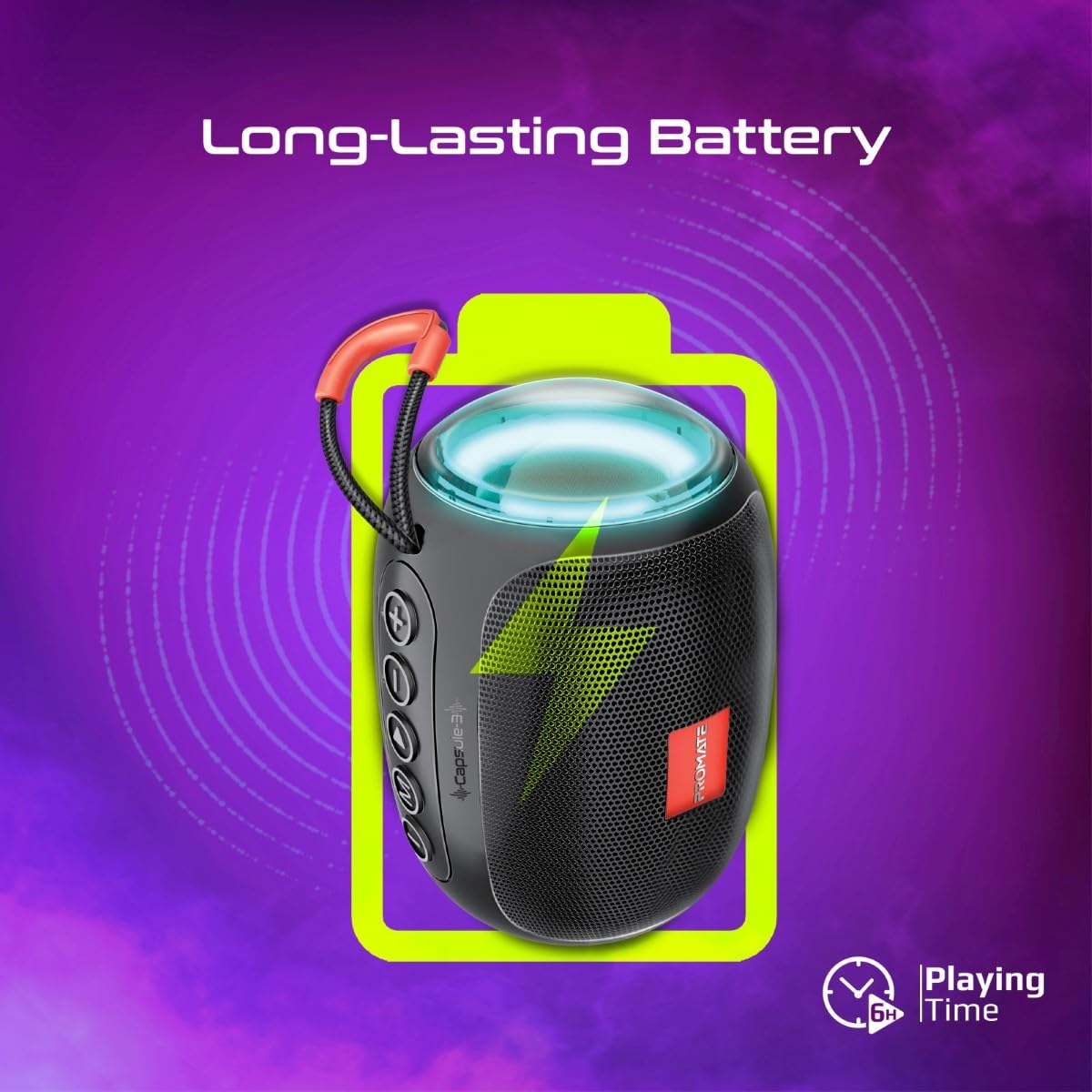
Image 5: Long-Lasting Battery. The image highlights the speaker's extended battery life, indicating over 6 hours of continuous playtime on a single charge.
8. Feilsøking
| Problem | Mulig årsak | Løsning |
|---|---|---|
| Høyttaleren slår seg ikke på. | Lavt batteri. | Lad høyttaleren helt opp. |
| Kan ikke pares via Bluetooth. | Høyttaleren er ikke i paringsmodus; enhetens Bluetooth er av; for langt fra høyttaleren. | Ensure speaker is in pairing mode. Turn device Bluetooth off/on. Move device closer to speaker (within 10 meters). |
| Ingen lyd. | Volume too low; incorrect input mode; paused playback. | Increase volume. Check input mode (Bluetooth, AUX, TF, USB). Ensure music is playing. |
| TWS-paring mislykkes. | Speakers already connected to another device; too far apart. | Disconnect speakers from any Bluetooth devices. Ensure speakers are close to each other. Try re-initiating TWS pairing. |
9. Spesifikasjoner
| Trekk | Detalj |
|---|---|
| Modellnavn | Capsule-3 |
| Materiale | Akrylnitrilbutadienstyren (ABS) |
| Høyttalerutgang | 5 watt |
| Bluetooth-versjon | v5.3 |
| Wireless Range | Opp til 10 meter |
| Batterikapasitet | Innebygd 500mAh oppladbart litiumbatteri |
| Spilletid | Opptil 6 timer |
| Ladeport | DC 5V (USB) |
| Tilkoblingsalternativer | Bluetooth, 3.5mm AUX, USB Port, TF Card Slot |
| Kontrollmetode | Berøringsknapper |
| Spesielle funksjoner | LED Lights, True Wireless Stereo (TWS) support, Portable design |
| Produktdimensjoner | 9D x 9B x 16H centimeter |
| Varevekt | 410 gram |
| Vannmotstand | Ikke vannbestandig |
10. Garanti og støtte
For warranty information, technical support, or service inquiries, please refer to the warranty card included with your product or visit the official Promate webnettstedet. Ta vare på kjøpskvitteringen som kjøpsbevis.

Image 6: Music On-The-Go. This image depicts the speaker in an outdoor setting, highlighting its compact and portable design, suitable for travel and outdoor activities.