
Introduksjon
Thank you for choosing the LEXIP Madara Design Headset. This manual provides detailed instructions for setting up, operating, and maintaining your headset. Please read this manual thoroughly before use to ensure optimal performance and longevity of your device.
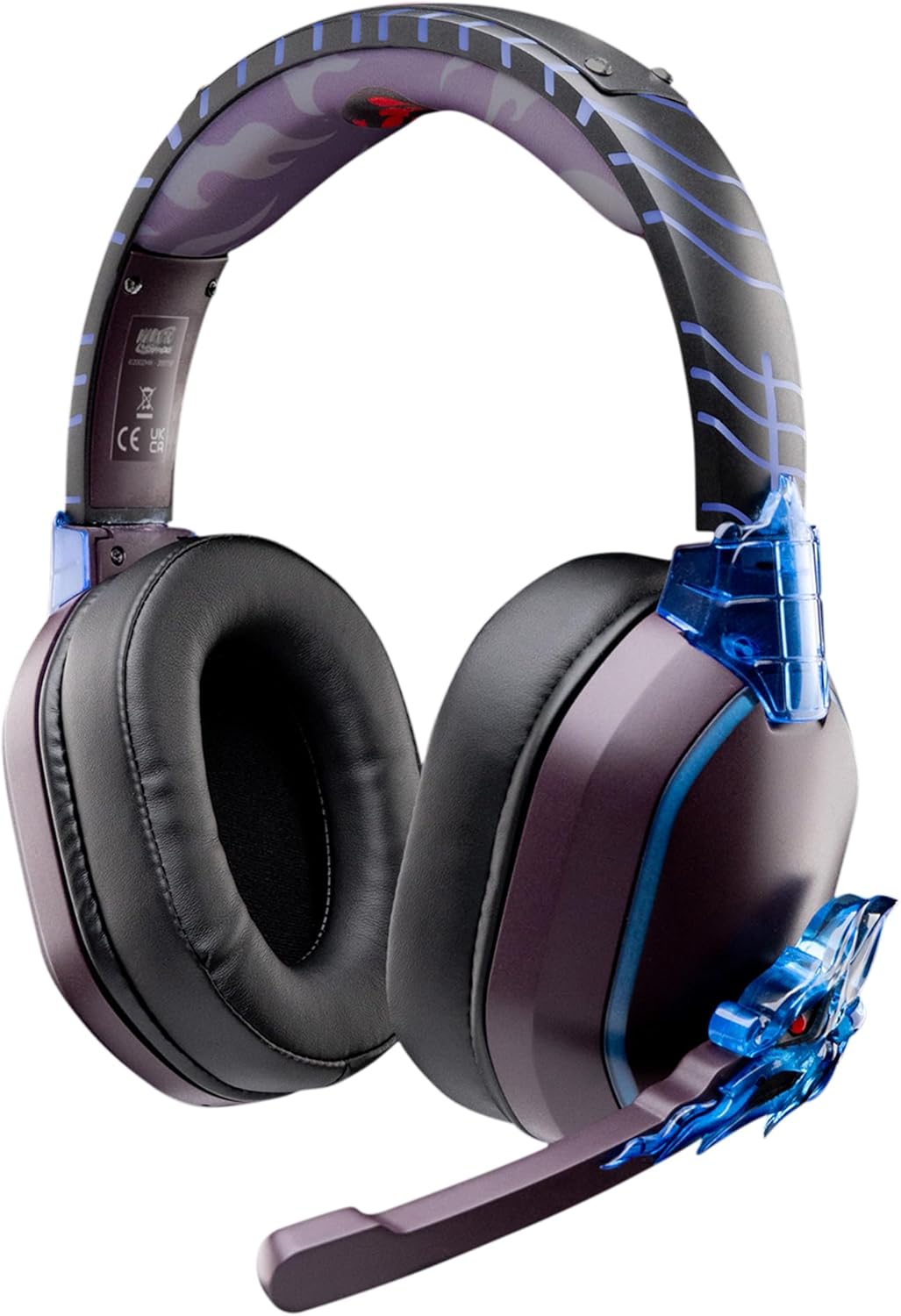
Image: The LEXIP Madara Design Headset, featuring a distinctive purple and blue color scheme with intricate design elements inspired by Madara.
Pakkeinnhold
Sørg for at alle varene er til stede i pakken:
- LEXIP Madara Design Headset
- Avtakbar mikrofon
- 3.5 mm lydkabel
- USB ladekabel
- Brukerhåndbok
Produkt overview
Familiarize yourself with the components and design features of your headset.

Image: Close-up of the headset's ear cup, highlighting the intricate blue dragon design element.

Bilde: View of the soft earcups and adjustable headband, designed for comfort during extended use.
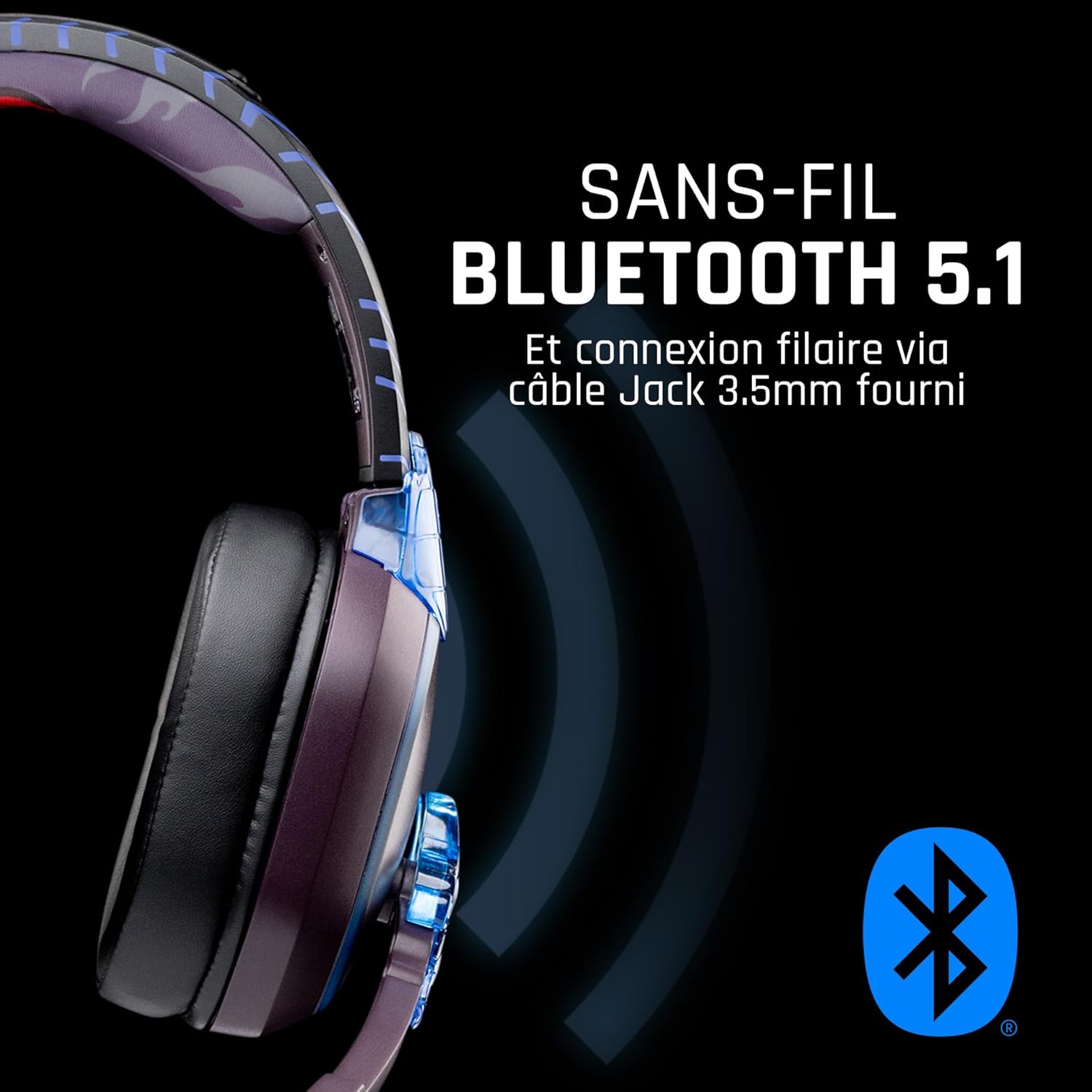
Bilde: Side view of the headset, illustrating its wireless Bluetooth 5.1 capability and connection points.

Image: The headset displayed on a stand, alongside a matching game controller, showcasing its gaming application.
Nøkkelfunksjoner:
- Wireless Bluetooth 5.1: For seamless wireless audio.
- Kablet tilkobling: Via the included 3.5mm Jack cable.
- Avtakbar mikrofon: For clear communication and versatility.
- Volumkontroll: Integrerte kontroller for enkel lydjustering.
- Støyisolering: Passive noise reduction for an immersive experience.
- Komfortabel design: Adjustable headband and over-ear form factor.
Oppsett
1. Lading av hodesettet
- Koble USB-ladekabelen til ladeporten på headsettet.
- Koble den andre enden av USB-kabelen til en kompatibel USB-strømkilde (f.eks. en datamaskins USB-port eller en USB-veggadapter).
- The LED indicator on the headset will show the charging status. A full charge typically takes approximately 2-3 hours.
2. Feste mikrofonen
- Locate the microphone input port on the headset, usually on the left earcup.
- Align the detachable microphone connector with the port and gently push it in until it clicks into place.
- Adjust the microphone's position for optimal voice pickup.
Bruksanvisning
1. Slå på/av
- For å slå på: Trykk og hold inne av/på-knappen i omtrent 3 sekunder til LED-indikatoren lyser.
- Slik slår du av: Trykk og hold inne av/på-knappen i omtrent 5 sekunder til LED-indikatoren slukkes.
2. Bluetooth-paring (trådløs modus)
- Forsikre deg om at headsettet er slått av.
- Trykk og hold inne av/på-knappen i omtrent 5–7 sekunder til LED-indikatoren blinker raskt, noe som indikerer paringsmodus.
- On your device (Windows 10/11, Mac, PS5, PS4, Xbox Series X/S, Xbox One, Nintendo Switch, Android, iOS, tablets), navigate to Bluetooth settings.
- Søk etter available devices and select "LEXIP Madara Headset" (or similar name).
- Når den er paret, vil LED-indikatoren slutte å blinke og forbli konstant blått.
3. Wired Connection (3.5mm Jack)
- Insert one end of the 3.5mm audio cable into the headset's audio jack.
- Insert the other end into the 3.5mm audio port of your desired device.
- The headset will operate in passive wired mode, even if the power is off.
4. Volumkontroll
- Use the volume control dial or buttons located on the headset to adjust the audio level.
Vedlikehold
- Rengjøring: Bruk en myk, tørr klut til å rengjøre headsettet. Ikke bruk slipende rengjøringsmidler eller løsemidler.
- Lagring: Oppbevar headsettet på et kjølig og tørt sted, unna direkte sollys og ekstreme temperaturer.
- Batteripleie: For optimal battery life, avoid fully discharging the headset frequently. Charge it regularly.
- Vannmotstand: Headsettet er ikke vanntett. Unngå kontakt med væsker.
Feilsøking
| Problem | Mulig årsak | Løsning |
|---|---|---|
| Ingen lyd fra headsettet | Headset not powered on; Volume too low; Not paired/connected; Incorrect audio output selected on device. | Ensure headset is powered on and charged. Increase volume. Re-pair Bluetooth or check 3.5mm cable connection. Select headset as audio output on your device. |
| Kan ikke pares via Bluetooth | Headset not in pairing mode; Device Bluetooth off; Too far from device; Interference. | Ensure headset is in pairing mode (flashing LED). Turn device Bluetooth off and on again. Move headset closer to device. Avoid strong Wi-Fi signals or other Bluetooth devices. |
| Mikrofonen virker ikke | Microphone not properly attached; Muted on headset/device; Incorrect input selected on device. | Ensure microphone is securely attached. Check if microphone is muted. Select headset microphone as input device in your device's sound settings. |
| Kort batterilevetid | Headset not fully charged; Old battery. | Ensure headset is fully charged before use. Battery performance may degrade over time. |
Spesifikasjoner
| Modellnummer | TSXLXHS0003 |
| Merke | Lexip |
| Tilkoblingsteknologi | Trådløs (Bluetooth 5.1), Kablet (3.5 mm kontakt) |
| Frekvensområde | 20 Hz–20 000 Hz |
| Impedans | 3 ohm |
| Følsomhet | 116 dB |
| Støyisolering | Passiv støyreduksjon |
| Mikrofon | Avtagbar |
| Kontroller | Volumkontroll, fjernkontroll |
| Kompatible enheter | Windows 10/11, Mac, PS5, PS4, Xbox Series X/S, Xbox One, Nintendo Switch, Android, iOS, tablets |
| Formfaktor | Over-ear, Extra-aural |
| Materiale | Blandede materialer |
| Aldersgruppe | Voksen |
| Vannmotstandsnivå | Ikke vannbestandig |
| Batteri | 1 non-standard battery (included) |
Garanti og støtte
The LEXIP Madara Design Headset comes with a 2 års produsentgaranti fra kjøpsdatoen. Denne garantien dekker defekter i materialer og utførelse ved normal bruk.
For warranty claims, technical support, or further assistance, please contact LEXIP customer service through their official website or the retailer where the product was purchased. Please have your proof of purchase and model number (TSXLXHS0003) ready when contacting support.
Merk: Informasjon om tilgjengelighet av reservedeler og programvareoppdateringer er ikke tilgjengelig for øyeblikket.