
1. Introduksjon
Thank you for choosing the Claiks Electric Standing Desk. This manual provides essential information for the safe and efficient use of your new desk. Please read it thoroughly before assembly and operation, and keep it for future reference.
Electric standing desks are increasingly adopted in modern workplaces for their ergonomic benefits. They allow users to alternate between sitting and standing positions, which can help alleviate discomfort in the back and hips often associated with prolonged sitting, and improve focus and productivity. Experience a healthier and more efficient work style with your Claiks standing desk.

Image: Claiks Electric Standing Desk in a modern office setting, showcasing its sleek design and functionality.
2. Produktfunksjoner
- Justerbar høyde: The desk offers a height adjustment range from 72cm to 118cm, with a lifting speed of 20mm/s. This allows for flexible use as a gaming desk, office desk, or study table, adapting to various user needs.
- Minnefunksjon: Store up to 3 preferred height settings for quick and easy one-touch adjustments between sitting and standing positions.
- High Performance & Load Capacity: Equipped with reinforced steel legs and a high-performance motor, ensuring excellent load-bearing capacity and durability. The maximum load capacity is 80kg, accommodating multiple monitors and gaming equipment.
- Safe and Durable Tabletop: The tabletop is made from environmentally friendly materials with low indoor air pollutant emissions. It features melamine resin, making it resistant to water, heat, and stains, and easy to clean.
- Stille drift: Designed for extremely quiet operation, allowing you to enjoy a peaceful working environment.

Image: The Claiks Electric Standing Desk illustrating its adjustable height range from 72cm to 118cm.
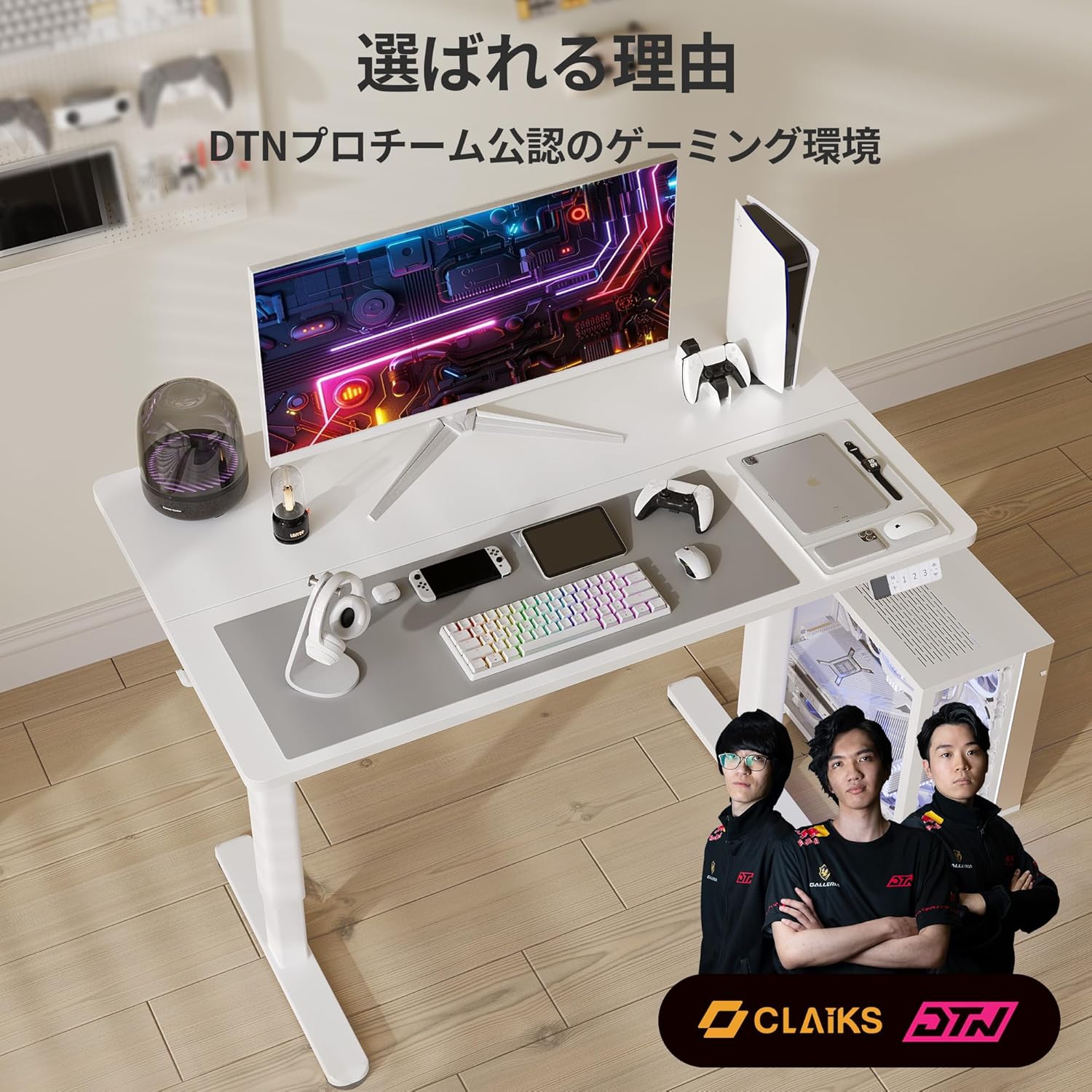
Image: A person sitting on the Claiks Electric Standing Desk, demonstrating its robust 80kg load capacity.

Image: Visual representation of the Claiks Electric Standing Desk's quiet operation, indicating a noise level of approximately 45dB.
3. Oppsett og montering
Before starting assembly, please ensure all parts are present and undamaged. Refer to the parts list below and the assembly videos for detailed instructions.

Bilde: En eksplodert view showing all components included with the Claiks Electric Standing Desk for assembly.
Monteringsvideoer:
ErGear Electric Standing Desk Assembly Guide
Video: A comprehensive assembly guide for the ErGear Electric Standing Desk, demonstrating step-by-step installation of components.
Anovara Standing Desk Assembly Video
Video: An assembly video for the Anovara Standing Desk, providing visual instructions for putting the desk together.
Dripex Electric Standing Desk Assembly and Usage
Video: This video demonstrates the assembly process and various usage scenarios for the Dripex Electric Standing Desk.
4. Bruksanvisning
The Claiks Electric Standing Desk features an intuitive control panel for easy height adjustment and memory settings.

Image: The multi-functional control panel of the Claiks Electric Standing Desk, featuring an LED display, memory buttons (1, 2, 3), and up/down adjustment buttons.
4.1. Justering av høyde
- Bruk Opp (▲) og Ned (▼) arrow buttons on the control panel to raise or lower the desk to your desired height.
- Gjeldende høyde vil vises på LED-skjermen.
4.2. Innstilling av forhåndsinnstillinger for minne
Skrivebordet lar deg lagre opptil tre foretrukne høydeinnstillinger:
- Juster skrivebordet til ønsket høyde ved hjelp av opp/ned-knappene.
- Trykk på M button. The LED display will show "S-".
- Innen 3 sekunder trykker du på en av tallknappene (1, 2, eller 3) to save the current height to that preset. The display will show "S-1", "S-2", or "S-3" to confirm.
4.3. Bruk av forhåndsinnstillinger for minne
- Bare trykk på den tilsvarende tallknappen (1, 2, eller 3) for å automatisk flytte skrivebordet til den lagrede høyden.
4.4. Tilbakestill funksjon
- If the desk encounters an issue or needs to be recalibrated, press and hold the Ned (▼) button until the desk reaches its lowest position and then slightly rises. This performs a full reset.
5. Vedlikehold
- Rengjøring: Tørk av bordplaten og rammen med en myk klutamp klut. Unngå slipende rengjøringsmidler eller sterke kjemikalier som kan skade overflaten.
- Regelmessige kontroller: Sjekk regelmessig alle skruer og tilkoblinger for å sikre at de er stramme. Stram til om nødvendig for å opprettholde stabiliteten.
- Kabeladministrasjon: Utilize the integrated cable clips and hooks to keep cables tidy and prevent them from interfering with the desk's movement.
6. Feilsøking
| Problem | Mulig årsak | Løsning |
|---|---|---|
| Skrivebordet beveger seg ikke. | Power cable disconnected, overload, or motor error. | Check power connection. Reduce load on the desk. Perform a reset (see 4.4). |
| Ujevn høydejustering. | Synchronization issue between legs. | Perform a reset (see 4.4). Ensure all screws are tightened. |
| Feilkode vises. | Spesifikk systemfeil. | Perform a reset (see 4.4). If the error persists, contact customer support. |
7. Spesifikasjoner

Image: A diagram illustrating the dimensions of the Claiks Electric Standing Desk, including width, depth, and height range.
| Trekk | Detalj |
|---|---|
| Merke | Claiks |
| Modellnummer | P1.01.001.0009.JP |
| Skrivebordstype | Elektrisk stående skrivebord |
| Farge | Hvit |
| Dimensjoner (D x B x H) | 60cm x 140cm x 70cm (initial height) |
| Høydejusteringsområde | 72 cm til 118 cm |
| Løftehastighet | 20 mm/s |
| Maksimal lastekapasitet | 80 kg |
| Grunnmateriale | Karbonstål |
| Tabletop Finish | Laminate (Melamine Resin) |
| Spesielle funksjoner | Compact, Scratch Resistant, Memory Function |
8. Garanti og støtte
Claiks is committed to providing high-quality products and excellent customer service. All Claiks electric standing desks come with a 3 års produsentgaranti.
During the warranty period, we offer free repair or replacement services for any manufacturing defects. Our customer support team is available to assist you in multiple languages, including Japanese and English. Please feel free to contact us anytime for assistance.