
HelloBaby HB2688-3
Hellobaby HB2688-3 DECT 6.0 Digital Cordless Telephone User Manual
Model: HB2688-3 | Brand: HelloBaby
Introduksjon
This manual provides detailed instructions for the setup, operation, and maintenance of your Hellobaby HB2688-3 DECT 6.0 Digital Cordless Telephone system. Please read this manual thoroughly before using your new telephone to ensure proper functionality and to take full advantage av dens funksjoner.
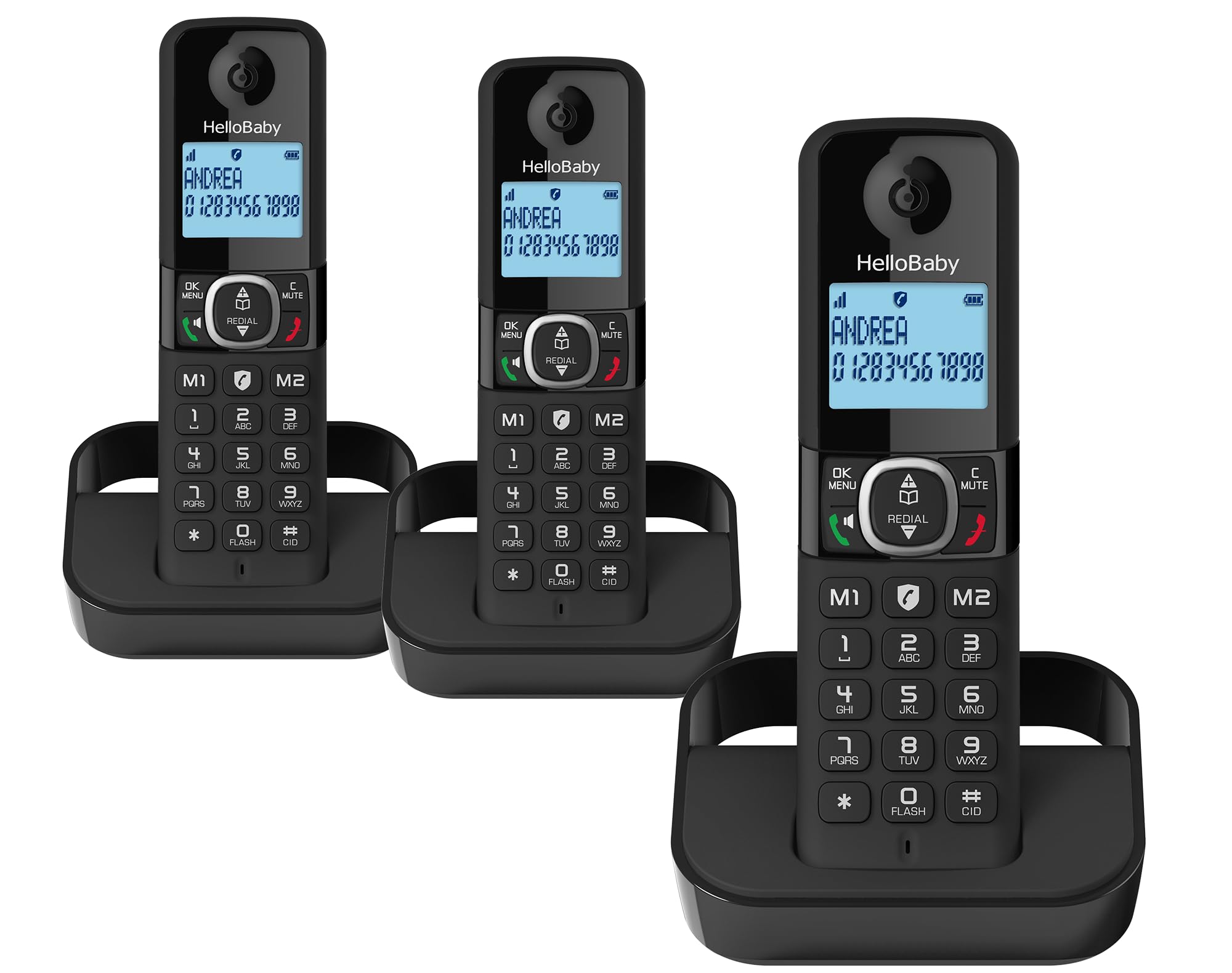
The Hellobaby HB2688-3 DECT 6.0 Digital Cordless Telephone system, featuring three handsets for extended home coverage.
Oppsett
1. Første batterilading
Before using the handset for the first time, it is crucial to place it on the base unit and charge it for a full 15 hours. This ensures optimal battery performance and longevity. Subsequent charges will typically take less time.
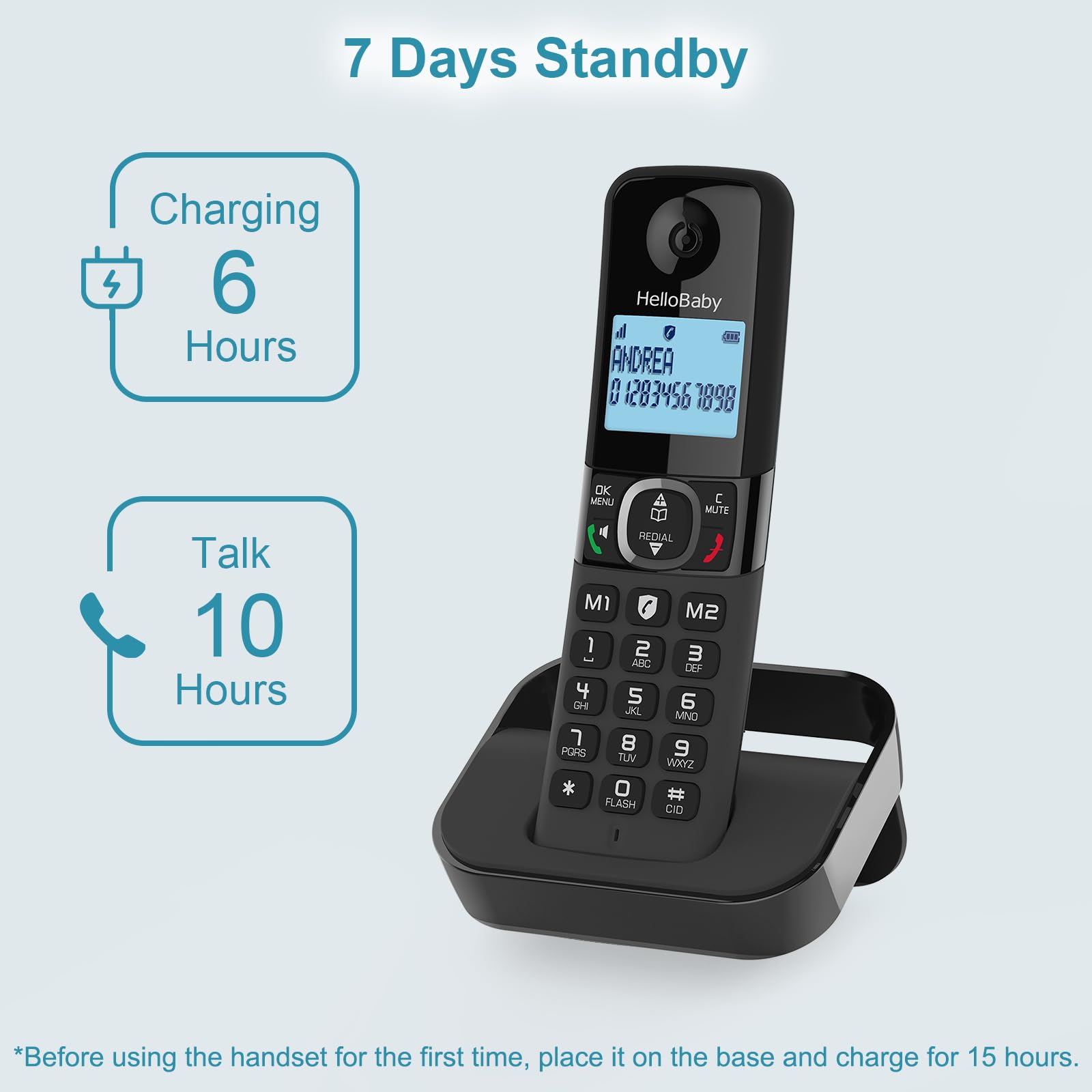
Initial charging for 15 hours is recommended for optimal battery performance. The handset offers up to 10 hours of talk time and 7 days of standby time.
2. Tilkobling av baseenheten
- Connect the telephone line cord to the LINE jack on the base unit and to your telephone wall jack.
- Plug the AC adapter into the POWER jack on the base unit and into a standard electrical outlet.
- Sørg for at alle tilkoblinger er sikre.
3. Registrering av håndsett
Your handsets are typically pre-registered to the base unit. If a handset displays "Unregistered" or similar, refer to the troubleshooting section or the full user manual for registration steps.
Operating Your Telephone
DECT 6.0 Technology and Range
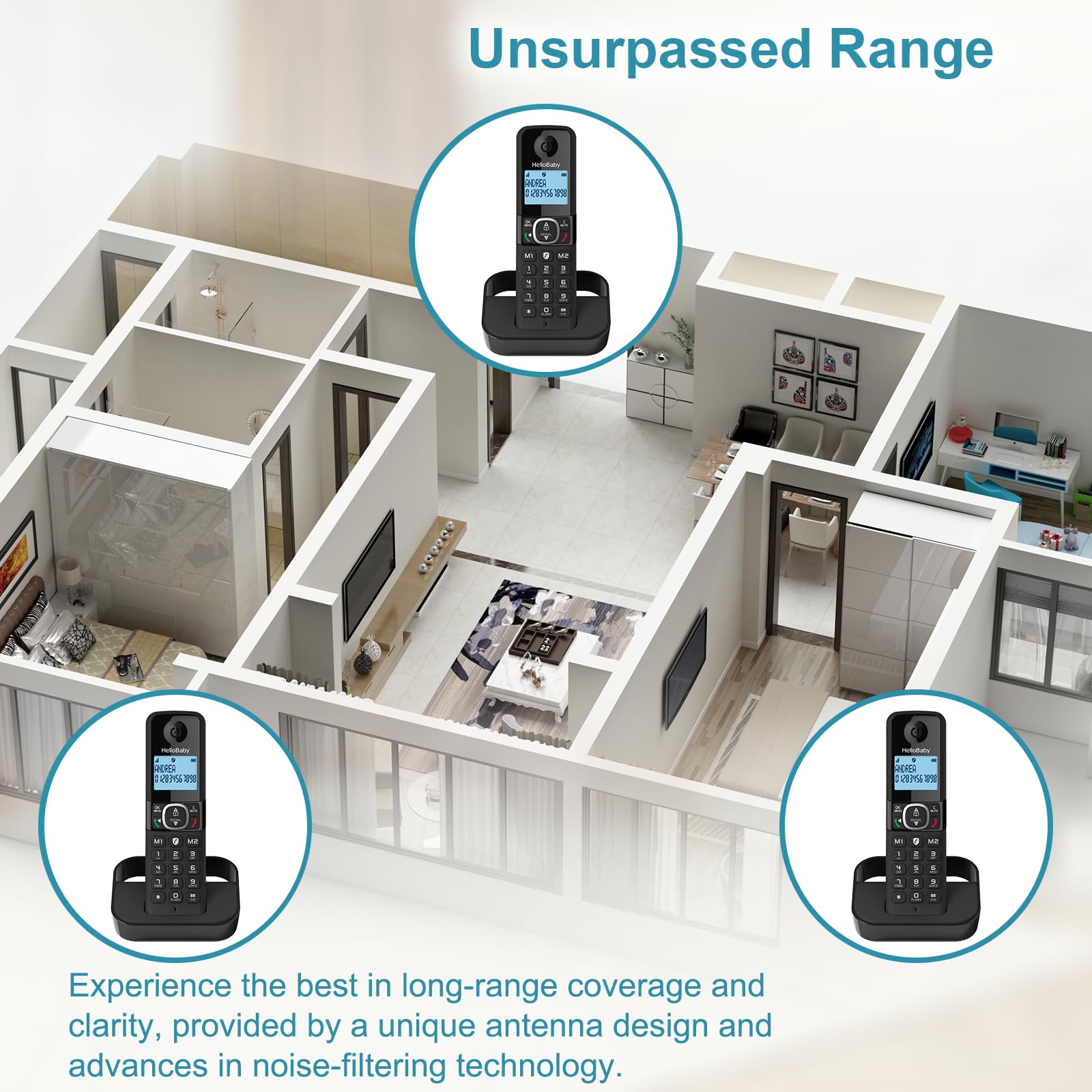
The Hellobaby HB2688-3 utilizes DECT 6.0 technology, providing a long-range connection with clear and uninterrupted sound. It can transmit signals up to 300 meters (approximately 1000 feet) outdoors and 50 meters (approximately 164 feet) indoors without significant interference, ensuring reliable operation throughout your home.

Experience reliable long-range coverage throughout your home with the advanced antenna design and noise-filtering technology.
Smart samtaleblokkering
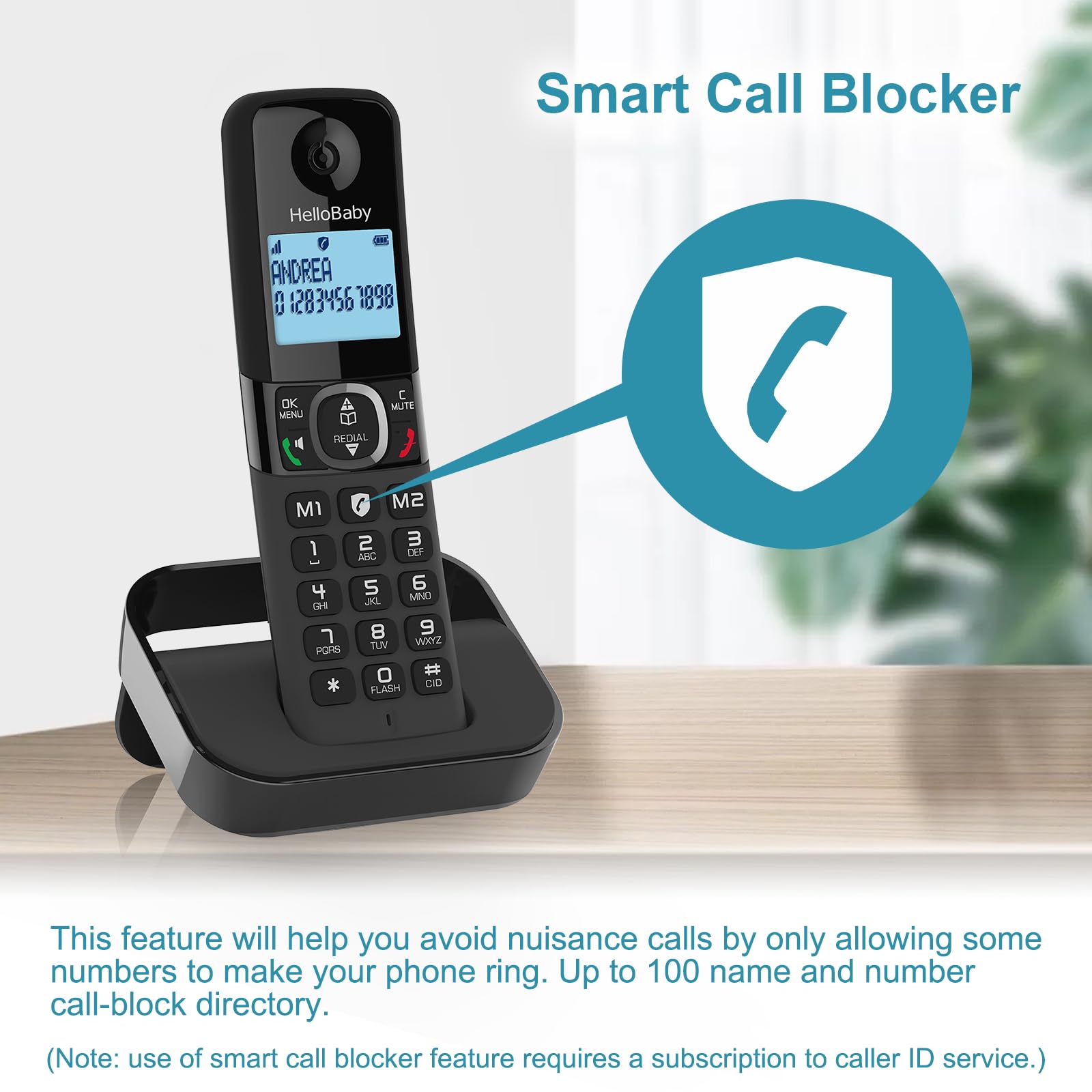
This feature allows you to block unwanted calls, including robocalls, from ringing through. You can permanently blacklist up to 100 names and numbers with a single touch. The system can also be set to an automatic call block mode, allowing only registered numbers to ring through.
The Smart Call Blocker feature helps avoid nuisance calls by allowing only some numbers to make your phone ring. Up to 100 name and number entries can be added to the call-block directory. (Note: Use of smart call blocker feature may require a subscription to caller ID service.)
Caller ID/Call Waiting
Stay informed about incoming calls. The handset display will show the caller's name, number, time, and date of the call, provided you subscribe to Caller ID service from your telephone service provider.
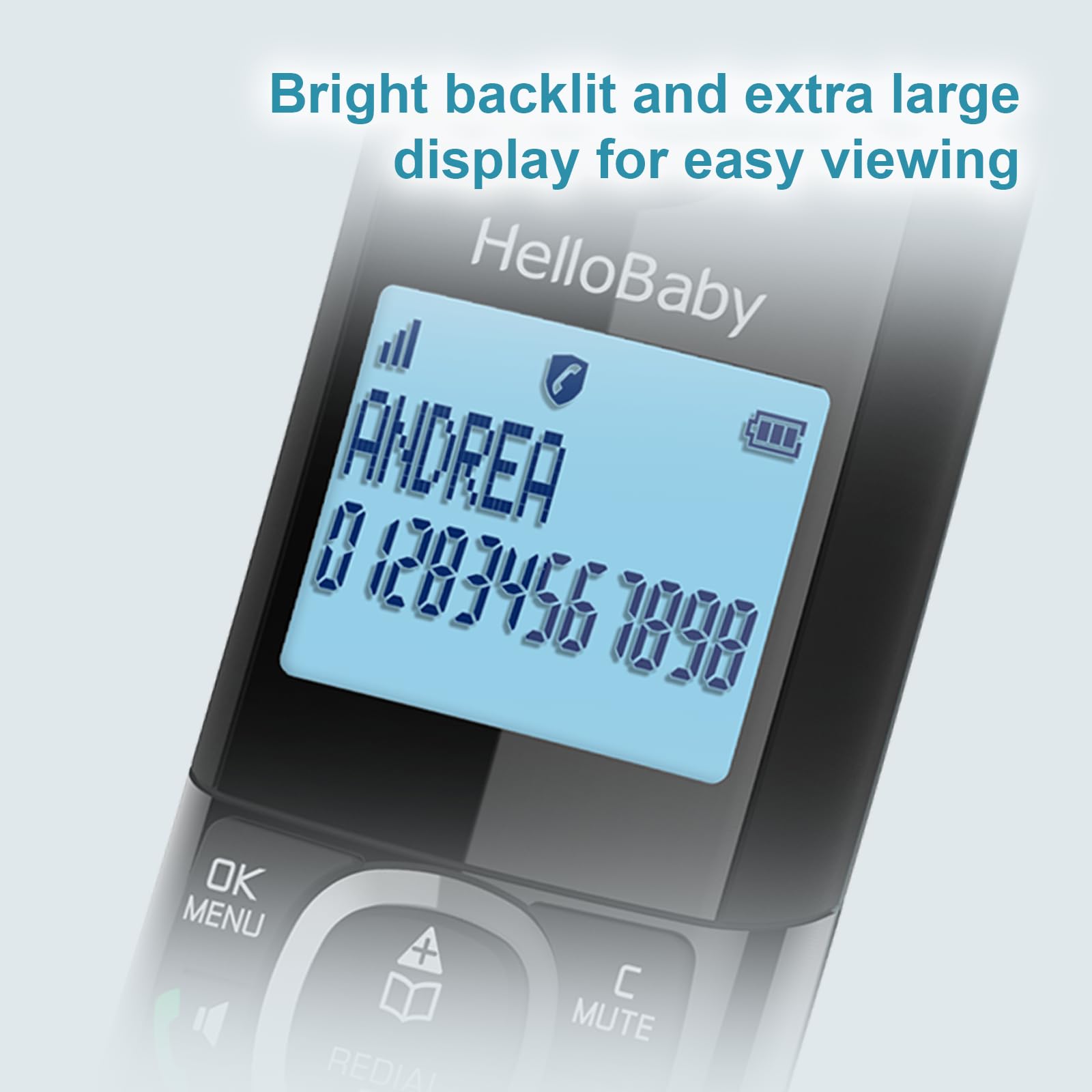
The bright backlit and extra-large display ensures easy viewing of Caller ID information.
Phonebook and Call Logs
- Telefonbokkatalog: Lagre opptil 100 navn og numre for rask oppringing.
- Caller ID Records: Access a log of the last 50 names and numbers that called.
- Last Called Number Records: Review the last 10 numbers you dialed for convenient redialing.
Repetisjonsfunksjon
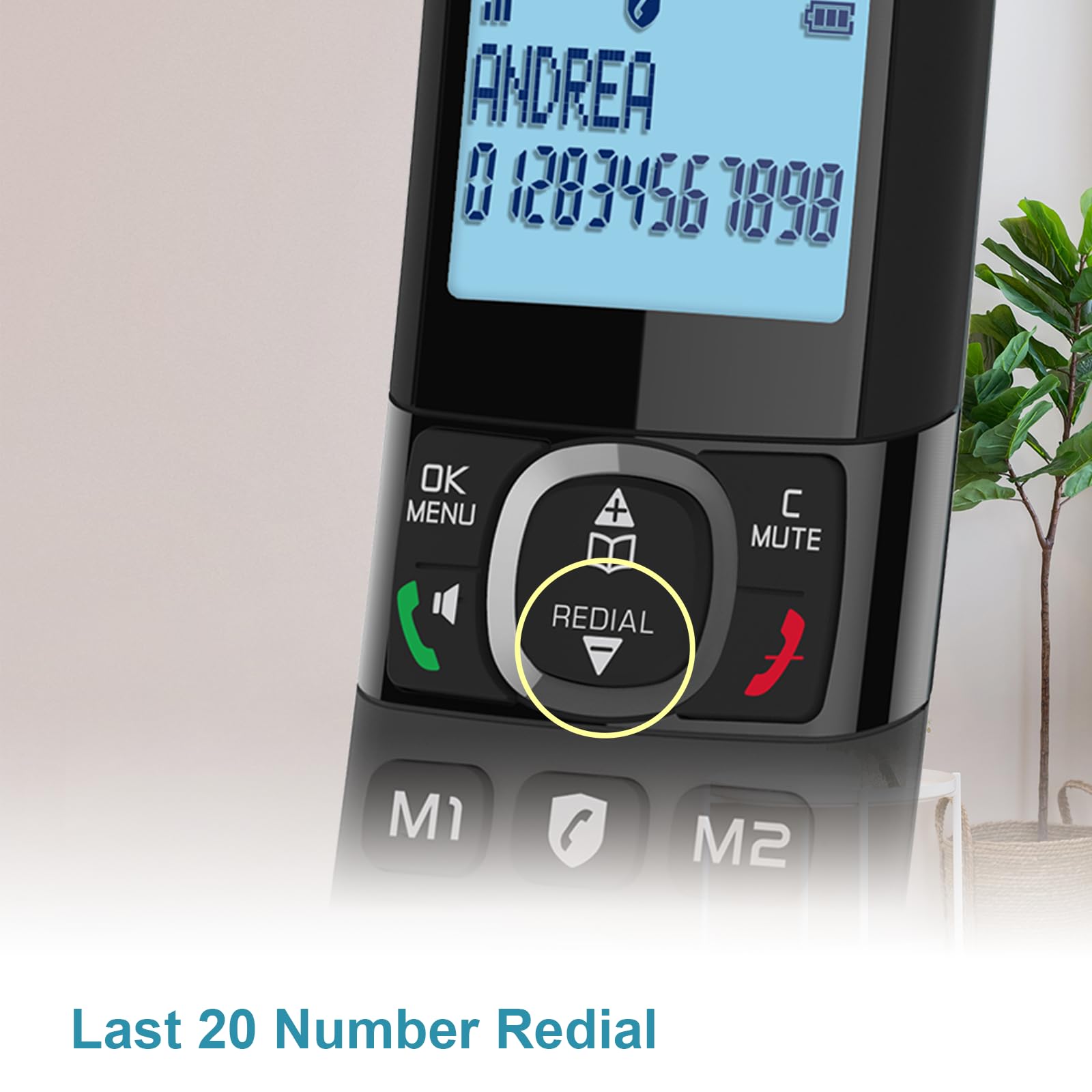
The handset allows for quick redialing of the last 20 numbers called. Simply press the dedicated Redial button to access this list.
The Redial button provides quick access to the last 20 dialed numbers.
Simulated Full-Duplex Speakerphone
Engage in hands-free conversations with the simulated full-duplex speakerphone feature, allowing for more natural two-way communication.
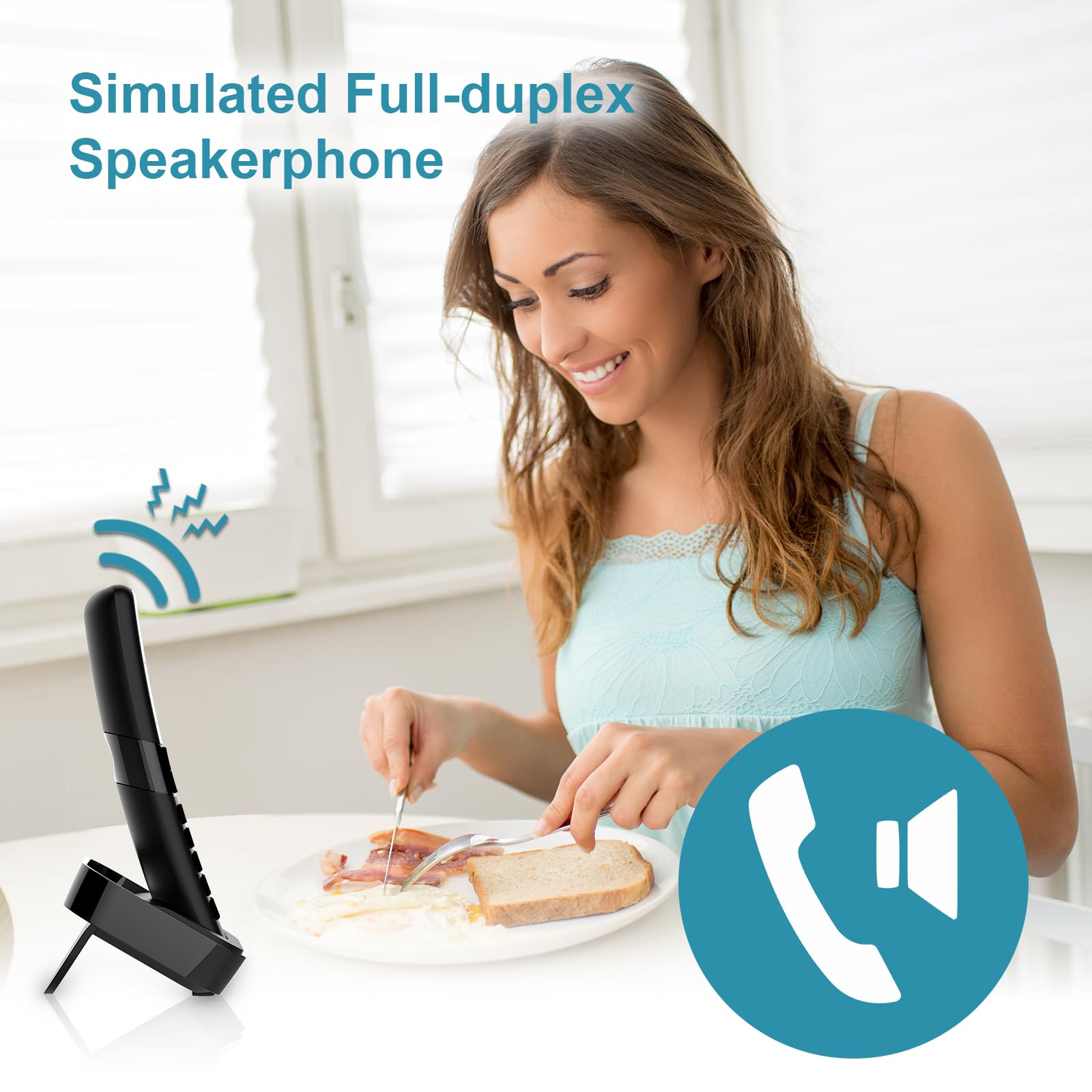
The simulated full-duplex speakerphone allows for convenient hands-free communication.
3-Way Conference Call
The system supports 3-way conference calls, enabling a conversation between two internal callers (handsets) and one external caller.
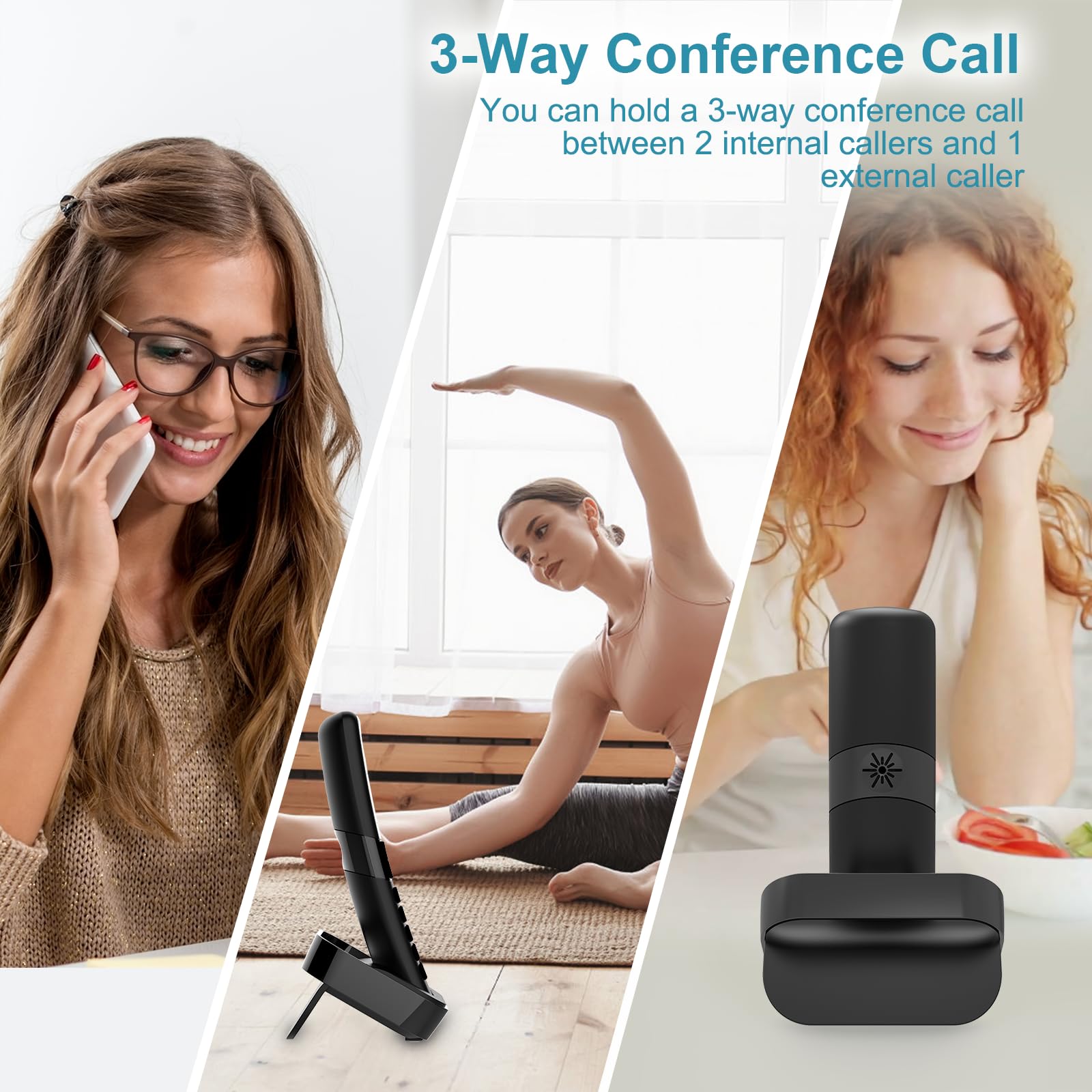
Du kan holde en 3-veis konferansesamtale mellom 2 interne innringere og 1 ekstern innringer.
Intercom-funksjon
Communicate directly between handsets using the intercom feature, useful for internal household communication.
The intercom feature allows for direct communication between handsets.
Vedlikehold
Batteripleie
- Always perform the initial 15-hour charge for new handsets.
- Recharge handsets when the low battery indicator appears.
- Unngå å utsette batterier for ekstreme temperaturer.
Rengjøring
- Tørk av telefonen og baseenheten med en myk klutamp klut.
- Ikke bruk skurende rengjøringsmidler eller løsemidler.
- Sørg for at enheten er koblet fra før rengjøring.
Feilsøking
| Problem | Mulig årsak | Løsning |
|---|---|---|
| Ingen summetone | Telefonledningen er løs eller frakoblet. | Check and securely plug in the telephone line cord. |
| Håndsettet lader ikke | Handset not properly seated in cradle; charging contacts are dirty. | Ensure handset is correctly placed. Clean charging contacts with a dry cloth. |
| Dårlig lydkvalitet / Statisk | Interference from other electronic devices; handset out of range. | Move handset closer to the base unit. Relocate base unit away from other electronics. |
| Kan ikke ringe/motta anrop | Telephone line service issue; handset unregistered. | Contact your telephone service provider. Re-register the handset if necessary (refer to full manual). |
For more detailed troubleshooting steps, please refer to the complete user manual available for download or contact customer support.
Spesifikasjoner
| Trekk | Detalj |
|---|---|
| Merke | Hei kjære |
| Modell | HB2688-3 |
| Telefontype | Trådløs |
| Teknologi | DECT 6.0 |
| Strømkilde | Batteridrevet |
| Type svarsystem | Digital |
| Taletid på telefonen | 10 timer |
| Telefonens standbytid | 168 Hours (7 Days) |
| Opptakskapasitet | 18 minutter |
| Flerlinjeoperasjon | Enkeltlinjedrift |
| Anropsidentifikasjon | Ja |
| Varevekt | 1.94 pund |
| Pakkedimensjoner | 8.11 x 5.71 x 4.49 tommer |
Garanti og støtte
Garantiinformasjon
Your Hellobaby HB2688-3 telephone comes with a 1-year warranty from the date of purchase. This warranty also applies to gift orders. Please retain your proof of purchase for warranty claims.

HelloBaby offers a professional after-sales customer service team and a 1-year warranty on this product.
Kundestøtte
For technical assistance, troubleshooting, or warranty inquiries, please contact our professional after-sales customer service team. Refer to the product packaging or the official HelloBaby webnettsted for kontaktinformasjon.
You can also refer to the official user manual PDF for more comprehensive information: Last ned brukerhåndbok (PDF)
Relaterte dokumenter - HB2688-3
 |
Brukerhåndbok for HelloBaby digital trådløs telefon – Modeller HB2688-serien Omfattende brukerhåndbok for HelloBaby digitale trådløse telefoner, inkludert modellene HB2688, HB2688-2, HB2688-3, HB2688-4, HB2688RX og HB2688TX. Lær om oppsett, bruk, sikkerhetsinstruksjoner og feilsøking for din trådløse HelloBaby-telefon. |
 |
Brukerhåndbok for HelloBaby HB2688-serien digital trådløs telefon Omfattende brukerhåndbok for HelloBaby HB2688, HB2688-2, HB2688-3 og HB2688-4 digitale trådløse telefoner, som dekker oppsett, bruk, sikkerhet og feilsøking. |
 |
AT&T Smart anropsblokkering CL82219/CL82229/CL82319/CL82419/CL82519 brukerhåndbok Brukerhåndbok for AT&T Smart Call Blocker-funksjonen på trådløse DECT 6.0-telefonsystemer. Lær å filtrere automatiske anrop, administrere anropslister (katalog, tillat, blokker, stjernenavn) og konfigurere screeningpro.filesom «Skjermobot» og «Ukjent skjerm». |
 |
Brukerhåndbok for AT&T Smart Call Blocker DL72119 Veiledning for bruk av AT&T Smart Call Blocker-funksjonen på trådløse DECT 6.0-telefoner av typen DL72119/DL72219/DL72319/DL72419/DL72519/DL72539/DL72549. Lær hvordan du filtrerer automatiske anrop og uønskede anrop, konfigurerer tillatelses- og blokkeringslister og administrerer innstillinger for anropsfiltrering. |
 |
VTech IS8128 Smart Call Blocker: Setup and Features Guide Learn how to set up and use the VTech IS8128 Smart Call Blocker, a DECT 6.0 cordless phone system designed to screen and filter unwanted calls, robocalls, and telemarketing. |
 |
VTech Smart Call Blocker IS8129: User Guide and Setup Learn how to set up and use the VTech Smart Call Blocker feature on your IS8129 series cordless phone system to filter unwanted calls, manage welcome callers, and configure screening options. |
Ask a question about this manual
Ask about setup, troubleshooting, compatibility, parts, safety, or missing instructions. Manuals+ will review the question and use this page’s manual context to help answer it.