
1. Introduksjon
The PNI PMR R70 PRO is a portable PMR446 radio designed for reliable communication. This device operates on the 446 MHz frequency band, offering 16 channels and 99 PC programmable channels. It features 50 CTCSS tones and 166 DCS tones for enhanced privacy and interference reduction. With an IP67 rating, the radio is protected against dust and water immersion, making it suitable for various environments. No license is required for operation in most European Union countries.
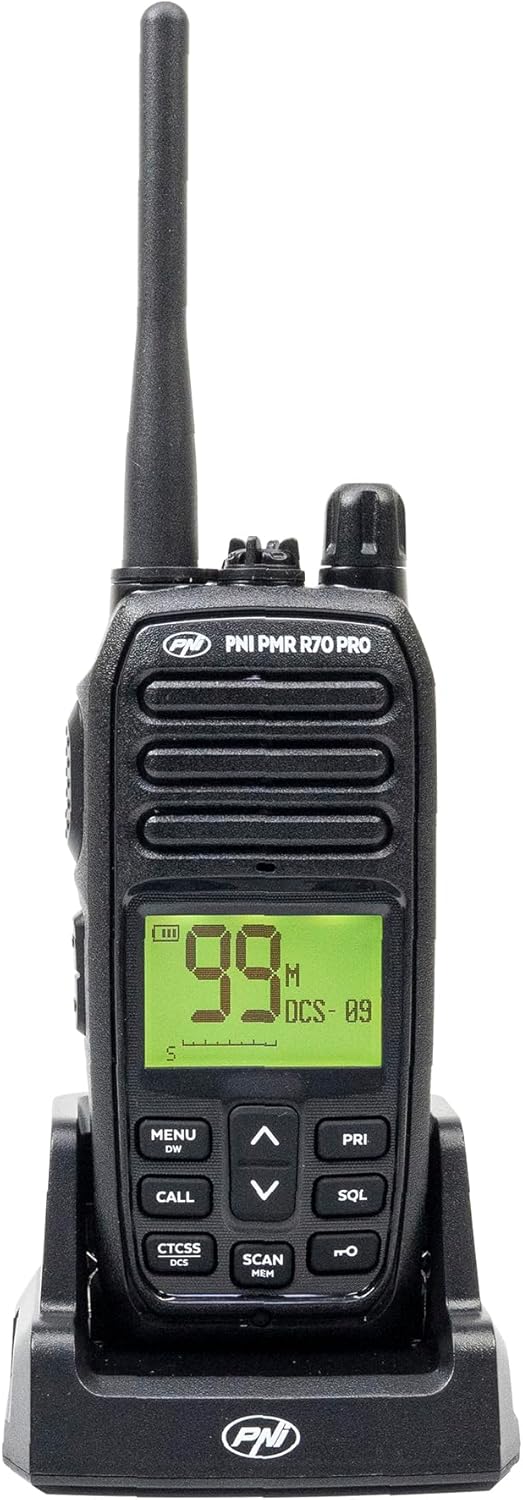
Bilde 1.1: Foran view of the PNI PMR R70 PRO portable radio, showing the display and control buttons.
2. Pakkens innhold
Bekreft at alle varene som er oppført nedenfor er inkludert i pakken din:
- PNI PMR R70 PRO Radio Unit
- Antenne
- 1800 mAh batteri
- Skrivebordslader
- Belteklips
- Brukerveiledning
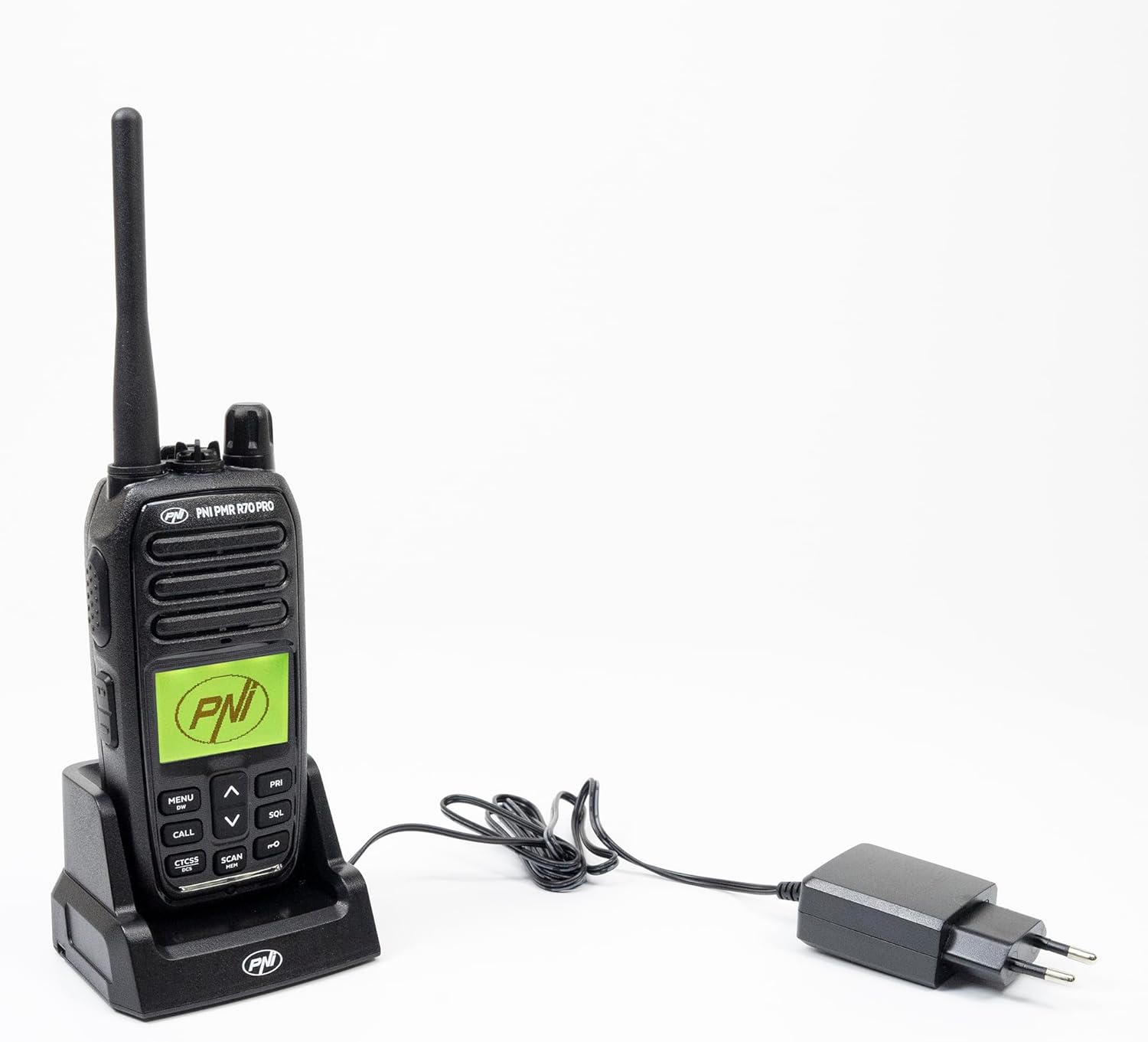
Image 2.1: All components included in the PNI PMR R70 PRO package: radio, antenna, battery, desktop charger, and belt clip.
3. Oppsett
3.1 Installasjon av batteri
- Sørg for at radioen er slått av.
- Finn batteridekselet på baksiden av radioen.
- Unscrew the retaining screw and carefully remove the cover.
- Insert the 1800 mAh battery into the compartment, ensuring the contacts align correctly.
- Sett på plass batteridekselet og fest det med skruen.

Bilde 3.1: Bak view of the PNI PMR R70 PRO radio with the battery compartment open, showing the battery and its connection.
3.2 Lading av batteriet
- Koble bordladeren til en stikkontakt.
- Place the radio unit into the charging cradle. Ensure the charging contacts on the radio align with those on the charger.
- Ladeindikatorlampen på laderen vil lyse, vanligvis rød for lading og grønn for fulladet.
- En full lading tar vanligvis flere timer. Ikke overlad batteriet.
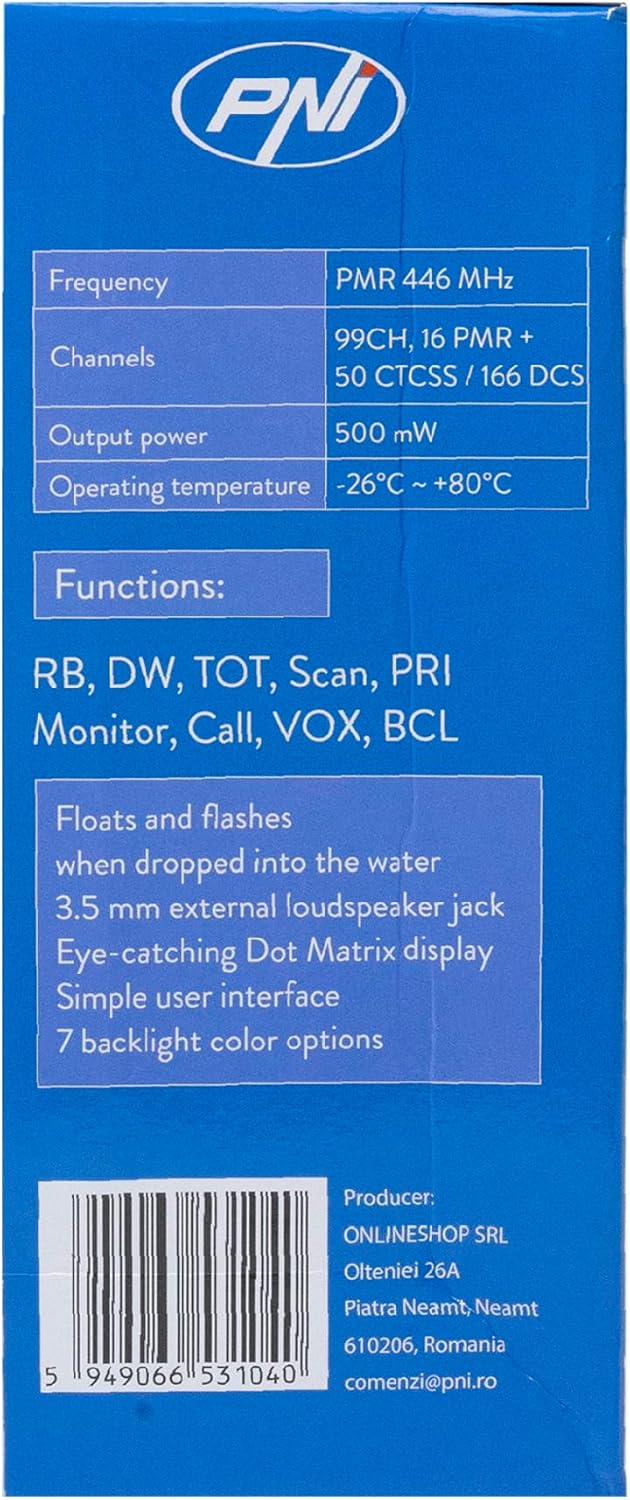
Image 3.2: The PNI PMR R70 PRO radio placed in its desktop charging cradle, connected to a power adapter.
4. Bruksanvisning
4.1 Strøm på/av
For å slå på radioen, vri av/på-knappen med klokken til du hører et klikk. For å slå av, vri knappen mot klokken til den klikker.
4.2 Volumjustering
Rotate the power/volume knob clockwise to increase the volume and counter-clockwise to decrease it.
4.3 Kanalvalg
Bruk UP (^) og NED (v) arrow buttons on the front panel to select one of the 16 available channels. The selected channel number will be displayed on the screen.
4.4 Sende og motta
- For å overføre: Press and hold the Push-To-Talk (PTT) button located on the side of the radio. Speak clearly into the microphone. Release the PTT button to stop transmitting.
- Å motta: Sørg for at PTT-knappen ikke er trykket inn. Radioen vil automatisk motta signaler på den valgte kanalen.
4.5 Spesialfunksjoner
- CTCSS/DCS-toner: The radio supports 50 CTCSS (Continuous Tone-Coded Squelch System) and 166 DCS (Digitally Coded Squelch) tones. These tones help filter out unwanted conversations on the same channel. Refer to the full user guide for programming instructions.
- Skannefunksjon: Activate the scan function to monitor all active channels. The radio will stop on an active channel until the transmission ends.
- Dobbeltvakt (DW): This feature allows the radio to monitor two channels simultaneously.
- Roger Beep: An audible tone emitted when the PTT button is released, signaling the end of your transmission.
- Tastaturlås: Forhindrer utilsiktede endringer i innstillinger.
- PC Programmable Channels: The radio supports 99 PC programmable channels. This requires a specific programming cable (PNI - PSR70) and software.

Image 4.1: The PNI PMR R70 PRO radio connected to a laptop via a programming cable for channel and feature customization.
5. Vedlikehold
5.1 Rengjøring
Tørk av radioen med en myk, damp klut. Ikke bruk sterke kjemikalier eller slipende rengjøringsmidler. Sørg for at radioen er tørr før bruk eller lading.
5.2 Vannmotstand (IP67)
The PNI PMR R70 PRO is rated IP67, meaning it is fully protected against dust ingress and can withstand immersion in water up to 1 meter for 30 minutes. While robust, avoid unnecessary exposure to water and ensure all covers (e.g., battery cover, accessory port cover) are securely closed before exposing the radio to water.

Image 5.1: The PNI PMR R70 PRO radio with water droplets, illustrating its IP67 water resistance feature.
6. Feilsøking
If you encounter issues with your PNI PMR R70 PRO radio, consider the following common troubleshooting steps:
- Ingen strøm: Sørg for at batteriet er riktig installert og fulladet. Sjekk at av/på-/volumknappen er slått på.
- Kan ikke sende eller motta: Verify that you are on the correct channel. Check if the PTT button is functioning. Ensure the antenna is securely attached.
- Dårlig lydkvalitet: Adjust the volume. Ensure the microphone and speaker are not obstructed. Move to an area with fewer obstructions for better signal.
- Kort avstand: Obstacles like buildings and terrain can significantly reduce range. Operate in open areas for maximum range. Ensure the battery is fully charged.
- Tastatur reagerer ikke: Check if the keypad lock feature is activated. Deactivate it if necessary.
For persistent issues, consult the comprehensive user guide or contact customer support.
7. Spesifikasjoner
| Trekk | Spesifikasjon |
|---|---|
| Merke | PNI |
| Modellnummer | PNI-R70-PRO |
| Frekvensområde | 446.00625 ~ 446.19375 MHz |
| Antall kanaler | 16 (PMR), 99 PC Programmable |
| Utgangseffekt | 0.5 W |
| CTCSS-toner | 50 |
| DCS Tones | 166 |
| Internasjonal beskyttelse vurdering | IP67 (Dustproof, Submersible up to 1m for 30 min) |
| Batteri | 1800 mAh (inkludert) |
| Gjennomsnittlig batterilevetid | 18 timer |
| Voltage | 7.4 volt (DC) |
| Maksimal rekkevidde | Up to 10 Kilometers (open space) |
| Driftstemperatur | -26°C ~ +80°C |
| Produktdimensjoner (D x B x H) | 6P x 13L x 4H centimeter |
| Varevekt | 225 gram |
| Spesielle funksjoner | Digital Display, Rechargeable, Roger Beep, Submersible, Keypad Lock |
8. Garanti og støtte
8.1 Garantiinformasjon
The PNI PMR R70 PRO radio comes with a 2 års garanti fra kjøpsdatoen. Denne garantien dekker produksjonsfeil ved normal bruk. Vennligst ta vare på kjøpsbeviset for garantikrav.
8.2 Kundestøtte
For technical assistance, troubleshooting, or warranty service, please contact your retailer or the manufacturer's customer support. Refer to the contact information provided in your purchase documentation.