
1. Introduksjon
Thank you for choosing the NGS Roller Furia 1 portable speaker. This device is designed to provide high-quality audio with advanced features such as Bluetooth 5.0 connectivity, True Wireless Stereo (TWS) functionality, RGB lighting, and IPX6 water resistance. This manual provides essential information for the safe and efficient use of your speaker.
2. Pakkens innhold
Vennligst sjekk pakken for følgende varer:
- NGS Roller Furia 1 Portable Speaker
- USB Type-C ladekabel
- Bærestropp
- Bruksanvisning (dette dokumentet)
3. Produktet er overview
Gjør deg kjent med høyttalerens komponenter og kontroller.
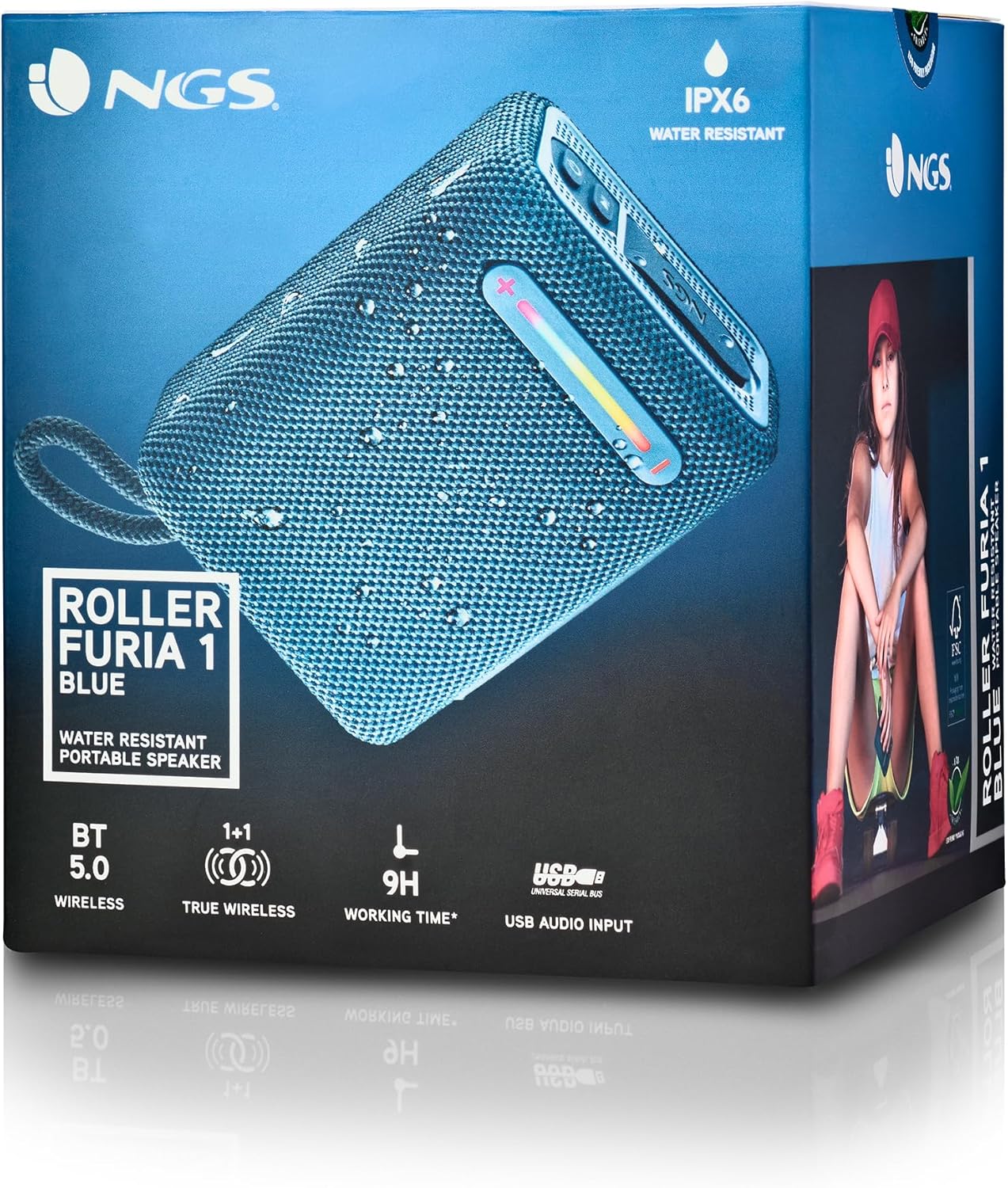
Dette bildet gir en detaljert view of the NGS Roller Furia 1 speaker, indicating its approximate dimensions (10cm length, 7.5cm height) and labeling the USB input and AUX input ports. It also highlights the RGB light strip and the power button.
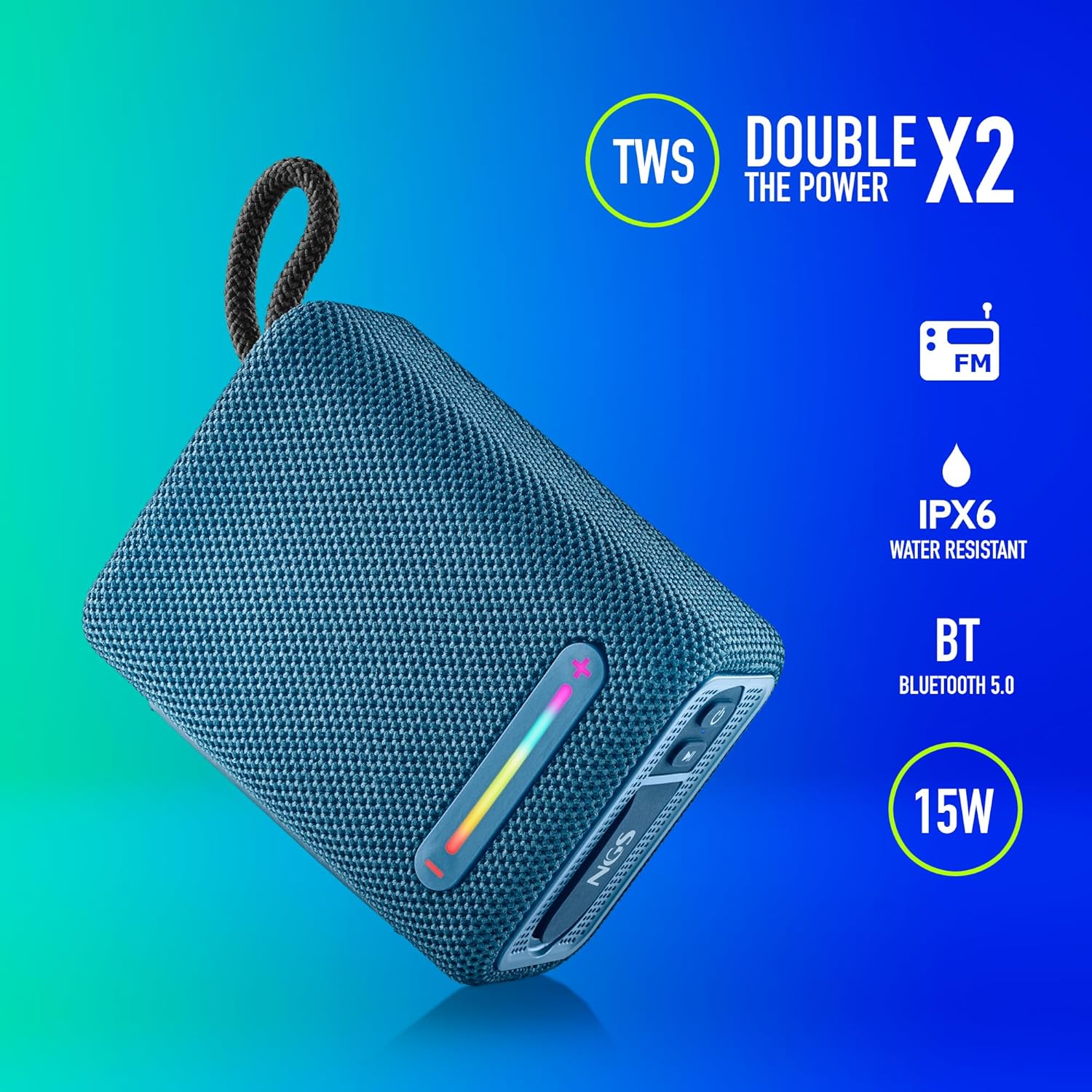
This image illustrates the NGS Roller Furia 1 Blue speaker from an angled view, emphasizing its key features: True Wireless Stereo (TWS) for pairing two speakers, IPX6 water resistance, Bluetooth 5.0 connectivity, and 15 Watts of audio power.
Kontroller og porter:
- Strømknapp: Press and hold to turn the speaker on or off. Short press to play/pause audio.
- Volum opp / Neste spor-knapp (+): Kort trykk for å øke volumet. Langt trykk for å hoppe til neste spor.
- Volum ned / Forrige spor-knapp (-): Kort trykk for å redusere volumet. Langt trykk for å gå til forrige spor.
- Modusknapp (M): Short press to switch between Bluetooth, USB, and AUX input modes.
- RGB-lysknapp: Press to cycle through different RGB light modes or turn them off.
- USB-inngangsport: For playing audio from USB memory devices (up to 32GB).
- AUX-inngangsport: For connecting external audio devices via a 3.5mm audio cable (not included).
- USB Type-C ladeport: For lading av høyttalerens interne batteri.
4. Oppsett
4.1 Lade høyttaleren
- Koble den medfølgende USB Type-C-ladekabelen til høyttalerens ladeport.
- Koble den andre enden av kabelen til en USB-strømadapter (ikke inkludert) eller en datamaskins USB-port.
- The charging indicator light will illuminate. Once fully charged, the light will change or turn off (refer to the speaker's LED behavior).
- A full charge provides approximately 9 hours of playback at 50% volume.
4.2 Slå på/av
- For å slå på, trykk og hold inne Strømknapp until you hear an audible prompt and the indicator lights illuminate.
- For å slå av, trykk og hold nede Strømknapp again until you hear an audible prompt and the indicator lights turn off.
5. Bruksanvisning
5.1 Bluetooth-paring
- Ensure the speaker is powered on and in Bluetooth mode (the indicator light will flash, indicating it's ready for pairing). If not, press the Modusknapp (M) for å bytte til Bluetooth-modus.
- Aktiver Bluetooth på mobilenheten din og søk etter tilgjengelige enheter.
- Velg "NGS ROLLER FURIA 1" fra listen over enheter.
- Once paired, the speaker will emit an audible confirmation, and the Bluetooth indicator light will stop flashing and remain solid.
- Høyttaleren vil automatisk forsøke å koble til den sist parede enheten når den slås på.
5.2 Ekte trådløs stereo (TWS)-paring
TWS allows you to pair two NGS Roller Furia 1 speakers together for a stereo sound experience.
- Ensure both NGS Roller Furia 1 speakers are powered on and in Bluetooth pairing mode (indicator lights flashing).
- På en av høyttalerne (dette vil være hovedhøyttaleren), dobbelttrykk på Modusknapp (M). The speaker will emit a sound, indicating it's searching for another TWS speaker.
- The two speakers will automatically connect to each other. Once connected, you will hear a confirmation sound, and the indicator light on the primary speaker will flash slowly, while the secondary speaker's light will remain solid.
- Now, connect your mobile device to the primary speaker via Bluetooth as described in section 5.1.
5.3 USB-avspilling
- Insert a USB memory device (up to 32GB) containing MP3 audio files into the USB Input Port.
- The speaker will automatically switch to USB mode and begin playing audio. If not, press the Modusknapp (M) for å velge USB-modus.
- Bruk Volum opp (+) og Volum ned (-) buttons for track control and volume adjustment.
5.4 AUX-inngang
- Connect one end of a 3.5mm audio cable (not included) to the AUX Input Port on the speaker.
- Koble den andre enden av kabelen til lydutgangskontakten på den eksterne enheten.
- Høyttaleren vil automatisk bytte til AUX-modus. Hvis ikke, trykk på Modusknapp (M) for å velge AUX-modus.
- Kontroller avspilling og volum fra den eksterne enheten din.
5.5 RGB-lysmoduser
The speaker features an integrated RGB light strip.
- Trykk på RGB-lysknapp to cycle through various light patterns and colors.
- Continue pressing the button to turn the lights off.
5.6 Volume Control and Call Management
- Volumjustering: Trykk kort på Volum opp (+) or Volum ned (-) knapper.
- Svar/avslutt samtale: When a call comes in while connected via Bluetooth, short press the Strømknapp to answer or end the call.
- Avvis anrop: Trykk lenge på Strømknapp for å avvise et innkommende anrop.
6. Vedlikehold
6.1 Rengjøring
- Tørk av høyttaleren med en myk, tørr klut.
- Do not use abrasive cleaners, alcohol, benzene, or other chemical solvents, as these may damage the surface or components.
6.2 Oppbevaring
- Oppbevar høyttaleren på et kjølig og tørt sted, unna direkte sollys og ekstreme temperaturer.
- Hvis batteriet lagres over lengre tid, bør det lades opp med jevne mellomrom for å opprettholde levetiden.
6.3 Vannmotstand (IPX6)
- The NGS Roller Furia 1 is IPX6 water resistant, meaning it can withstand powerful water jets. It is suitable for outdoor use and can resist rain or splashes.
- Ikke senk høyttaleren i vann.
- Ensure the rubber flap covering the ports is securely closed to maintain water resistance.
7. Feilsøking
| Problem | Mulig årsak | Løsning |
|---|---|---|
| Høyttaleren slås ikke på. | Batteriet er utladet. | Lad høyttaleren med den medfølgende USB Type-C-kabelen. |
| Ingen lyd. | Volume is too low or muted. Incorrect input mode. Device not paired. | Increase volume on speaker and connected device. Press the Modusknapp (M) to select the correct input. Re-pair the Bluetooth device. |
| Bluetooth-paring mislykkes. | Høyttaleren er ikke i paringsmodus. Enheten er for langt unna. Interferens. | Ensure speaker is in pairing mode (flashing light). Move device closer (within 10m). Turn off other Bluetooth devices. |
| TWS-paring mislykkes. | Speakers are too far apart. One speaker is already paired to a device. | Ensure both speakers are close to each other. Disconnect any Bluetooth devices from both speakers before initiating TWS pairing. |
| Lydforvrengning. | Volume too high. Low battery. | Reduce volume. Charge the speaker. |
8. Spesifikasjoner
| Trekk | Detalj |
|---|---|
| Modellnavn | Roller Furia 1 |
| Modellnummer | ELEC-SPK-0865 |
| Merke | NGS |
| Tilkoblingsteknologi | Bluetooth 5.0, Aux, USB |
| Høyttalerutgangseffekt | 15 watt |
| Frekvensrespons | 2480 MHz |
| Signal-til-støy-forhold | 80 dB |
| Vannmotstandsvurdering | IPX6 |
| Batteritype | 3.7V/2500mAh litiumbatteri |
| Gjennomsnittlig batterilevetid | Opptil 9 timer (ved 50 % volum) |
| Wireless Range | Opp til 10 meter |
| USB-støtte | Up to 32GB memory devices |
| Dimensjoner (D x B x H) | 5D x 9.9W x 7.5H centimetres (approximate) |
| Materiale | Stoff (Fabric) |
9. Garanti og støtte
The NGS Roller Furia 1 portable speaker comes with a limited warranty. Please refer to the warranty card included in your package or visit the official NGS webnettstedet for detaljerte garantivilkår.
For technical support, troubleshooting assistance, or inquiries about your product, please contact NGS customer service through their official webnettstedet eller kontaktinformasjonen som er oppgitt i produktdokumentasjonen.