
Introduksjon
This manual provides essential information for the proper setup, operation, and maintenance of your Supersonic IQ Sound SC-2340BT Portable Bluetooth Speaker. Please read these instructions thoroughly before using the device to ensure optimal performance and safety.
Sikkerhetsinformasjon
- Ikke utsett høyttaleren for ekstreme temperaturer, direkte sollys eller høy luftfuktighet.
- Unngå å miste eller utsett høyttaleren for sterke støt.
- Ikke demonter eller forsøk å reparere enheten selv. Dette vil ugyldiggjøre garantien.
- Hold høyttaleren unna vann og andre væsker. Dette produktet er ikke vanntett.
- Bruk kun den medfølgende ladekabelen eller en tilsvarende sertifisert kabel.
- Kast batteriet på en ansvarlig måte i henhold til lokale forskrifter.
Pakkeinnhold
Bekreft at alle varene er til stede ved utpakking:
- IQ Sound SC-2340BT Portable Bluetooth Speaker
- USB ladekabel
- Brukerhåndbok (dette dokumentet)
Produkt overview
Gjør deg kjent med høyttalerens komponenter og kontroller.
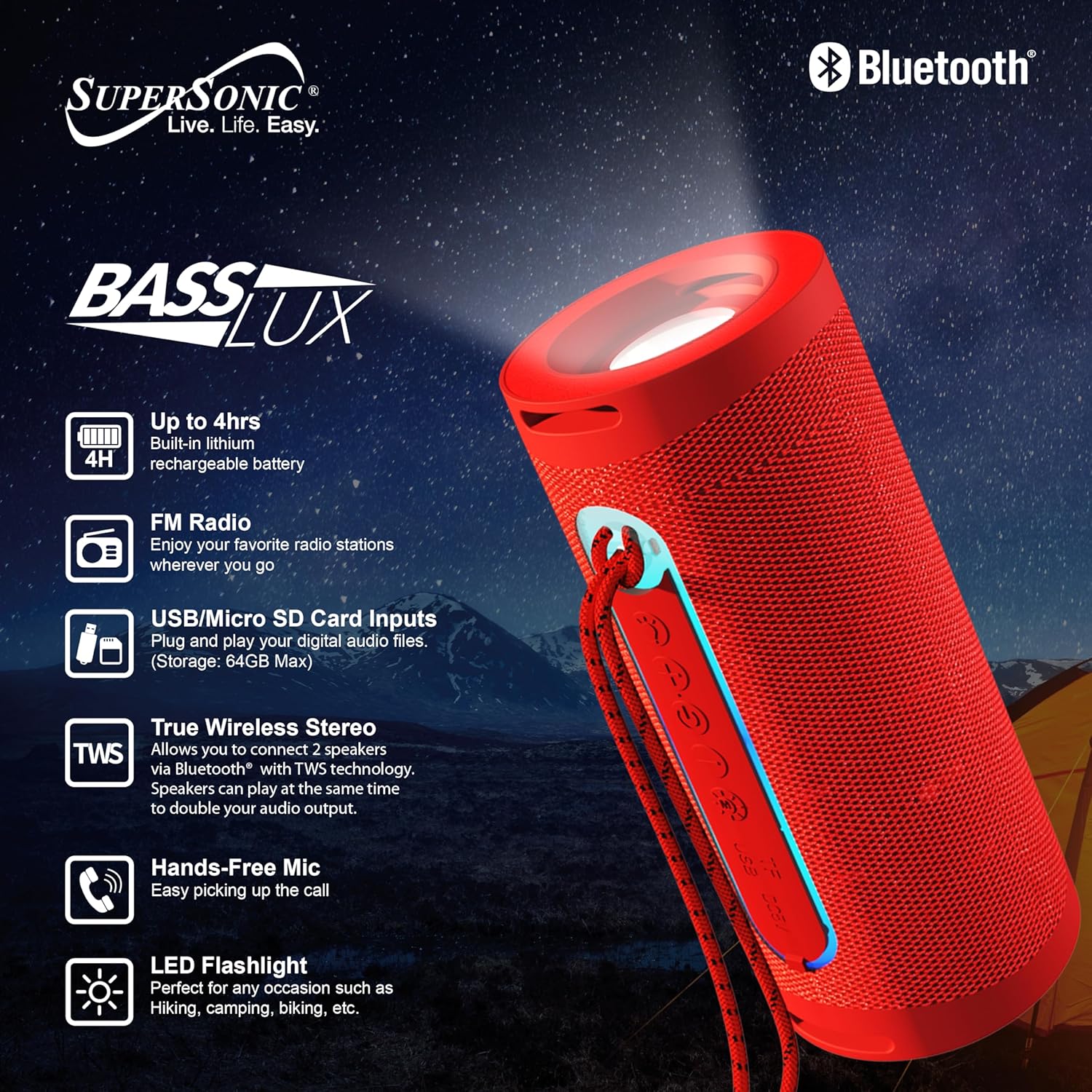
Image: The IQ Sound SC-2340BT speaker, highlighting its key features such as 4-hour battery life, LED flashlight, FM radio, USB/Micro SD card inputs, True Wireless Stereo (TWS) capability, and hands-free microphone.
Kontroller og porter:
- Strømknapp: Trykk og hold for å slå på/av.
- Modusknapp: Switch between Bluetooth, FM Radio, USB, and TF Card modes.
- Spill av/pause-knapp: Spill av eller sett lyd på pause. Svar på/avslutt samtaler.
- Volum opp/Neste spor-knapp: Kort trykk for neste spor, langt trykk for volum opp.
- Volum ned/Forrige spor-knapp: Kort trykk for forrige spor, langt trykk for volum ned.
- USB-port: For USB flash drive playback (up to 64GB).
- TF-kortspor: For Micro SD card playback (up to 64GB).
- Ladeport: Micro USB or USB-C (depending on model, typically Micro USB for this model).
- LED lommelykt: Integrert lyskilde.
Oppsett
1. Lading av høyttaleren
- Koble den medfølgende USB-ladekabelen til høyttalerens ladeport.
- Koble den andre enden av USB-kabelen til en USB-strømadapter (ikke inkludert) eller en datamaskins USB-port.
- Ladeindikatorlampen vil lyse.
- En full lading tar omtrent 3 timer. Indikatorlampen vil endres eller slukkes når ladingen er fullført.
A fully charged battery provides approximately 3-4 hours of playback time.
2. Slå på/av
- For å slå på: Trykk og hold inne av/på-knappen i noen sekunder til du hører en lydmelding eller ser en indikatorlampe.
- Slik slår du av: Press and hold the Power button again for a few seconds until the device shuts down.
Bruksanvisning
1. Bluetooth-paring
- Ensure the speaker is powered on and in Bluetooth mode. If not, press the Mode button until you hear the Bluetooth pairing prompt. The indicator light will flash.
- Aktiver Bluetooth på smarttelefonen, nettbrettet eller annen Bluetooth-aktivert enhet.
- Søk etter available Bluetooth devices. You should see "SC-2340BT" in the list.
- Select "SC-2340BT" to connect. Once paired, you will hear a confirmation sound, and the indicator light will stop flashing.
- Høyttaleren har en Bluetooth-rekkevidde på opptil 10 meter.
2. Funksjon for ekte trådløs stereo (TWS)
TWS allows you to connect two SC-2340BT speakers wirelessly for a stereo sound experience.

Image: A visual representation of two SC-2340BT speakers connected wirelessly using True Wireless Stereo (TWS) technology, doubling the audio output for an enhanced listening experience.
- Ensure both SC-2340BT speakers are powered on and in Bluetooth mode, but not yet paired with any device.
- On one of the speakers (this will be the primary speaker), press and hold the Play/Pause button for a few seconds until you hear a pairing tone.
- De to høyttalerne vil automatisk koble seg til hverandre. Du vil høre en bekreftelseslyd når TWS-paringen er vellykket.
- Now, connect your Bluetooth device to the primary speaker as described in the "Bluetooth Pairing" section. Both speakers will play audio simultaneously.
3. FM-radio
- Power on the speaker and press the Mode button repeatedly until you enter FM Radio mode.
- Press the Play/Pause button once to automatically scan and save available FM radio stations. The speaker will scan through frequencies and store stations with strong signals.
- Bruk knappene Volum opp/neste spor og Volum ned/forrige spor for å navigere mellom lagrede stasjoner.
4. Avspilling fra USB/TF-kort
- Insert a USB flash drive or a TF (Micro SD) card (up to 64GB) containing MP3 audio files inn i den respektive porten.
- The speaker will automatically detect the storage device and begin playing music. If not, press the Mode button to switch to USB or TF Card mode.
- Bruk knappene Spill av/pause, Volum opp/neste spor og Volum ned/forrige spor for å kontrollere avspillingen.
5. Håndfri samtale
When your speaker is connected to a smartphone via Bluetooth:
- Svar på et anrop: Trykk på Spill av/Pause-knappen én gang for å svare på et innkommende anrop.
- Avslutt en samtale: Trykk på Spill av/Pause-knappen én gang under en samtale for å avslutte den.
- Avvis en samtale: Trykk og hold nede Spill av/Pause-knappen i noen sekunder for å avvise et innkommende anrop.
6. LED-lommelykt
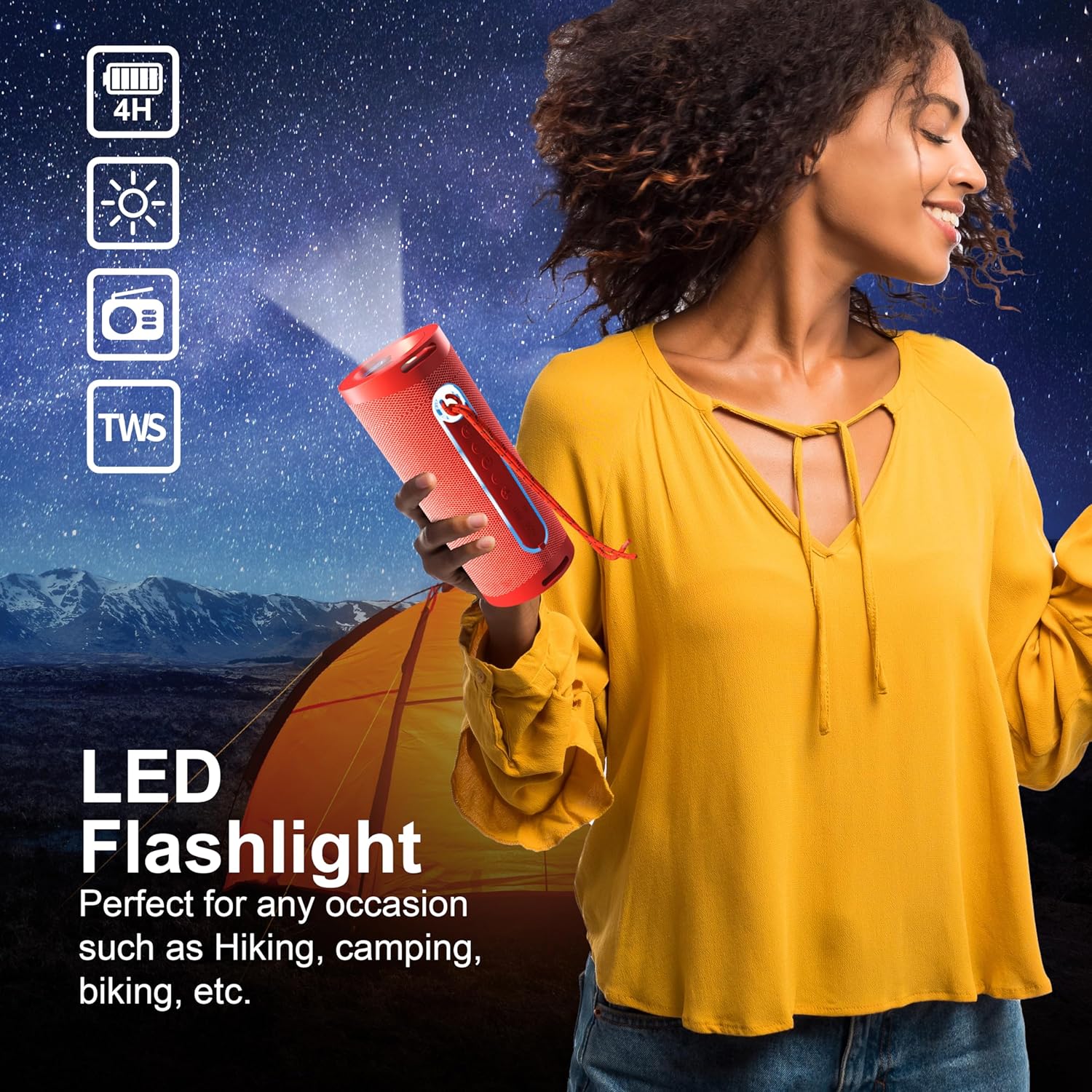
Image: A person holding the SC-2340BT speaker, demonstrating the integrated LED flashlight function, useful for various outdoor or low-light situations.
The speaker features an integrated LED flashlight for convenience.
- Slik slår du på/av: Locate the dedicated flashlight button (if available) or refer to the product diagram for specific control. Typically, a short press activates the light, and another short press turns it off.
Vedlikehold
- Rengjøring: Bruk en myk, tørr klut til å rengjøre høyttalerens utside. Ikke bruk slipende rengjøringsmidler eller løsemidler.
- Lagring: Store the speaker in a cool, dry place away from direct sunlight when not in use for extended periods.
- Batteripleie: For å forlenge batterilevetiden, unngå å utlade batteriet helt ofte. Lad høyttaleren regelmessig, selv om den ikke er i bruk, for å opprettholde batterilevetiden.
Feilsøking
Ingen strøm
- Sørg for at høyttaleren er fulladet.
- Sjekk ladekabelen og strømkilden for riktig tilkobling.
Ingen lyd
- Øk volumet på både høyttaleren og den tilkoblede enheten.
- Ensure the speaker is in the correct mode (Bluetooth, FM, USB, TF).
- If using Bluetooth, ensure the device is properly paired.
Problemer med Bluetooth-frakobling eller -paring
- Sørg for at høyttaleren og enheten din er innenfor Bluetooth-rekkevidden på 10 meter.
- Turn off and restart both the speaker and your Bluetooth device.
- Forget the speaker from your device's Bluetooth list and attempt to re-pair.
- Sørg for at ingen andre Bluetooth-enheter forstyrrer.
FM-radiomottaket er dårlig
- Flytt høyttaleren til et sted med bedre signalmottak.
- Utfør en automatisk stasjonsskanning på nytt.
Spesifikasjoner
| Trekk | Spesifikasjon |
|---|---|
| Modellnavn | SC-2340BT |
| Merke | Supersonisk |
| Tilkoblingsteknologi | Bluetooth |
| Bluetooth-versjon | V5.3 |
| Bluetooth-rekkevidde | 10 meter (33 fot) |
| Høyttalerutgangseffekt | 5 watt |
| Høyttalerimpedans | 3 Ohm |
| Frekvensrespons | 150Hz-15KHz |
| Batteritype | Innebygd 1200mAh litiumbatteri |
| Avspillingstid | 3-4 timer |
| Ladetid | Omtrent 3 timer |
| USB/TF Card Max Capacity | 64 GB |
| Ekstra funksjoner | TWS, FM Radio, Hands-Free Mic, LED Flashlight |
| Varedimensjoner (D x B x H) | 2.9" D x 2.9" B x 7.05" H |
| Varevekt | 12.8 unser |
Garanti og støtte
Dette produktet kommer med en 90 dagers garanti fra kjøpsdatoen. Denne garantien dekker produksjonsfeil og utførelse ved normal bruk.
The warranty does not cover damage caused by misuse, accident, unauthorized modification, or external causes such as drops or liquid exposure.
For warranty claims or technical support, please contact the retailer or manufacturer's customer service with your proof of purchase. Contact information can typically be found on the product packaging or the brand's official webnettstedet.