
Simyke BME28 Camera Only
Simyke Video Baby Monitor Add-on Camera User Manual
Model: BME28 Camera Only
Introduksjon
This user manual provides comprehensive instructions for the Simyke BME28 Add-on Camera, designed to expand your existing Simyke BME28 Baby Monitor system. This camera allows you to monitor your baby with advanced features such as night vision, two-way talk, lullabies, and app connectivity. Please read this manual thoroughly before use to ensure proper operation and safety.
Viktig sikkerhetsinformasjon
- Kvelningsfare: Keep all cords and cables out of reach of children (at least 3 feet / 1 meter away). Never place the camera or cords within a crib or playpen.
- Kvelningsfare: This product contains small parts. Keep all components and packaging materials away from children.
- Overoppheting: Do not cover the camera or block its ventilation openings. Place the camera in a well-ventilated area.
- Vann og fuktighet: Do not expose the camera to water or moisture. Do not use near bathtubs, sinks, laundry tubs, swimming pools, or wet basements.
- Strømkilde: Use only the AC power adapter provided with the camera. Using other adapters may damage the device.
- Plassering: Place the camera on a flat, stable surface. Ensure it is securely positioned to prevent it from falling.
- Interferens: Keep the camera away from other electronic devices that may cause interference, such as microwaves or Wi-Fi routers.
Produkt overview
Pakkeinnhold

Image: Simyke BME28 Add-on Camera package contents.
- Simyke BME28 Add-on Camera
- Strømadapter
- Brukerhåndbok
Kamerakomponenter
Video: Overview of the Simyke BME28 Camera, highlighting its video lens, link button, power input, and speaker. The video also demonstrates its adjustable angle.
- Video Lens: Tar opp videofeed.
- Link-knapp: Used for pairing with the monitor or app.
- Strøminngang: Kobles til strømadapteren.
- Høyttaler: Enables two-way audio and plays lullabies.
- Justerbar base: Allows for flexible positioning and angle adjustment.
Oppsettveiledning
This camera is an add-on unit. It must be paired with a compatible Simyke BME28 monitor (models BME28-1 or BME28-2) or connected to the Simyke mobile application.
1. Slå på kameraet
- Connect the small end of the power adapter to the Power Input port on the back of the camera.
- Koble den andre enden av strømadapteren til en vanlig stikkontakt.
- The camera will power on automatically. The indicator light will show its status (e.g., blinking for pairing mode).
2. Pairing with a Simyke BME28 Monitor (if applicable)
If you are adding this camera to an existing BME28 monitor, follow these steps:
- Ensure your BME28 monitor is turned on and within range of the camera.
- On your BME28 monitor, navigate to the camera pairing menu (refer to your main monitor's user manual for specific instructions).
- Trykk og hold inne Link-knapp on the back of the add-on camera for approximately 3-5 seconds until the indicator light starts blinking rapidly.
- Follow the on-screen prompts on your BME28 monitor to complete the pairing process. Once successfully paired, the camera's video feed will appear on the monitor.
3. Connecting to the Mobile App (2.4GHz WiFi required)
Til view your baby on-the-go via your smartphone or tablet, connect the camera to the Simyke app.
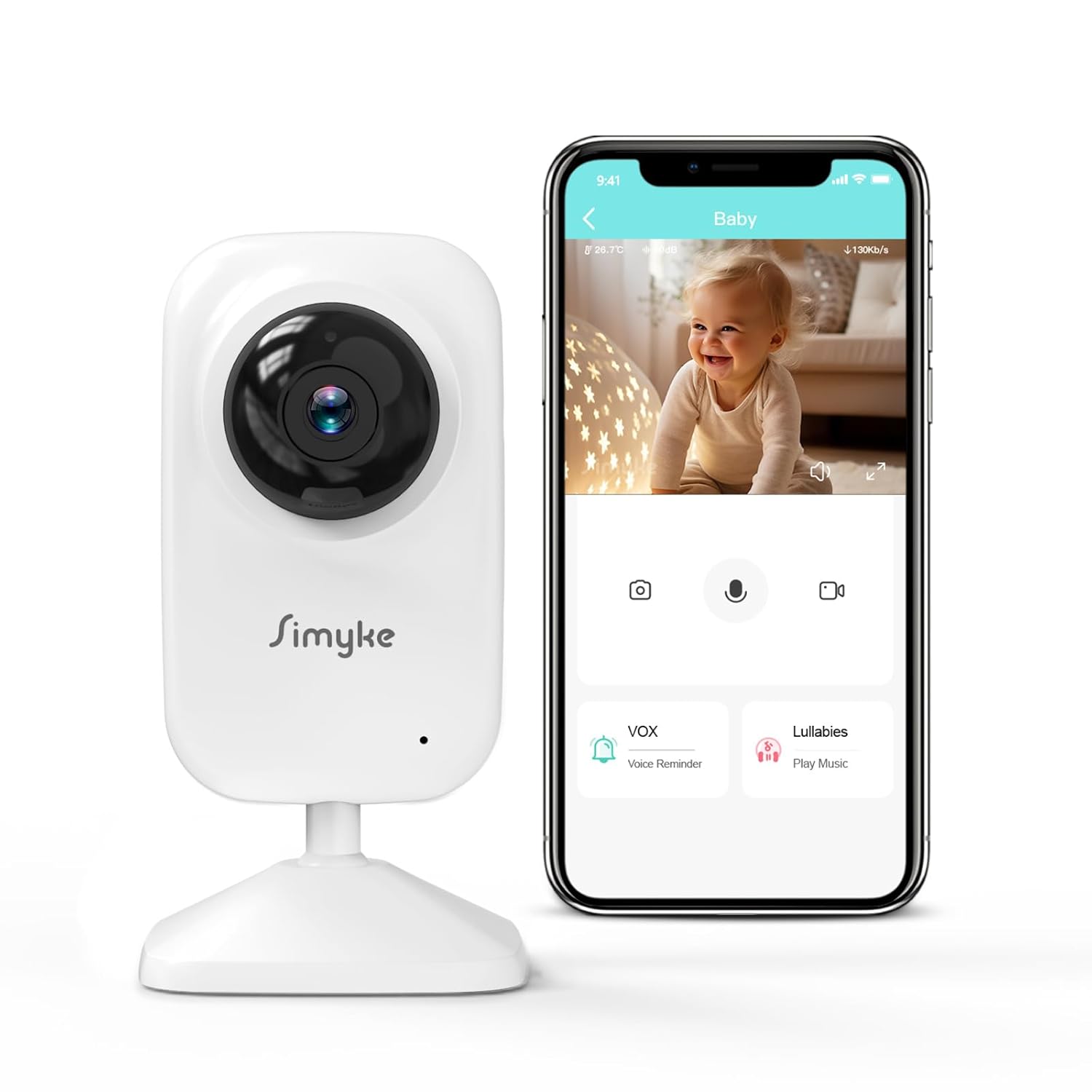
Image: Simyke BME28 Add-on Camera connected to a smartphone app.
- Download the "Simyke" app from your device's app store (iOS App Store or Google Play Store).
- Opprett en konto eller logg på hvis du allerede har en.
- In the app, select "Add Device" or the "+" icon to add a new camera.
- Follow the in-app instructions to connect the camera to your 2.4GHz Wi-Fi network. You may need to scan a QR code on the camera or enter your Wi-Fi password.
- Når du er koblet til, vil du kunne view the live feed and access camera features through the app.
Bruksanvisning
Viewing Modes: Display vs. App
The Simyke BME28 Add-on Camera offers flexibility in how you monitor your baby:
- Visningsmodus: For local monitoring at home, use the paired 2.8-inch plug-and-play display (if you own a BME28-1 or BME28-2 system).
- App-modus: For remote monitoring, access the camera feed and features via the Simyke app on your smartphone or tablet, provided you have a 2.4GHz Wi-Fi connection.
To-veis snakk

Image: Two-way talk feature allowing communication with your baby.
The two-way audio feature allows you to speak to your baby from another room or even remotely via the app. Simply press and hold the microphone icon on your monitor or app interface to transmit your voice through the camera's speaker.
Infrarødt nattsyn

Image: Automatic infrared night vision provides clear viewunder dårlige lysforhold.
The camera is equipped with automatic infrared night vision. In low light conditions, the camera will automatically switch to night vision mode, providing a clear black and white image of your baby without disturbing their sleep.
Vuggesanger

Image: The camera can play 5 different lullabies to soothe your baby.
The camera features 5 pre-programmed lullabies. You can select and play these soothing melodies or white noise through the camera's speaker to help your baby fall asleep. Access this feature through your monitor's menu or the Simyke app.
Lyddeteksjon (VOX)

Image: The app provides alerts when loud sounds are detected by the camera.
The VOX (Voice Operated eXchange) function allows the monitor or app to alert you when the camera detects sounds above a certain threshold in your baby's room. You can adjust the sensitivity settings to suit your environment.
Temperaturdeteksjon
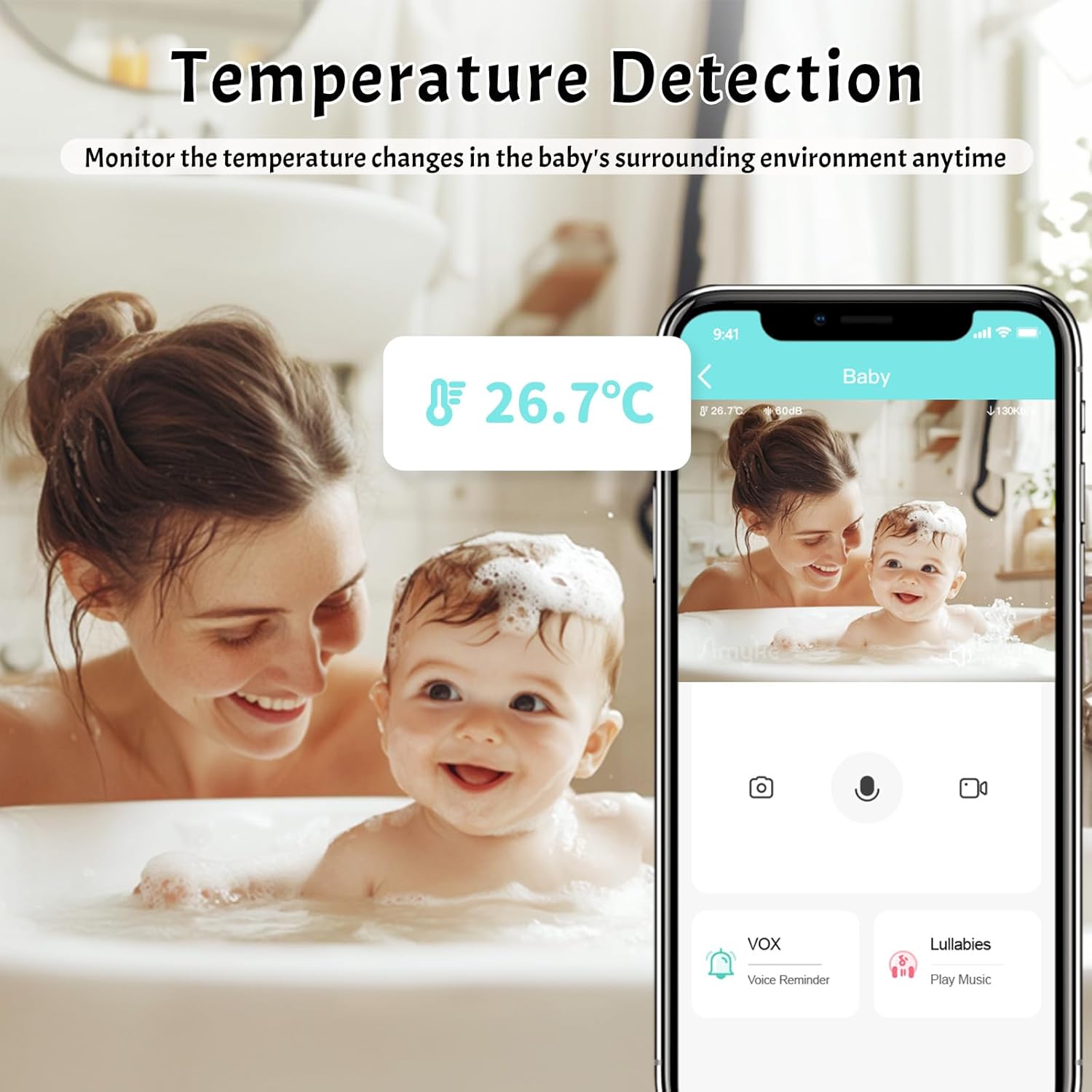
Image: The camera monitors and displays the temperature of the baby's room.
The camera includes a temperature sensor that monitors the ambient temperature in your baby's room. The temperature reading is displayed on your monitor or within the app, allowing you to ensure a comfortable environment for your baby.
Påminnelse om fôring

Image: The feeding reminder feature helps parents maintain a healthy feeding schedule.
Set up feeding reminders through the Simyke app to help you keep track of your baby's feeding schedule. This feature supports healthy growth and routine.
Adding Multiple Cameras (Up to 4)
Your Simyke BME28 monitor system can support up to 4 cameras. This allows you to monitor multiple rooms or different angles within the same room. To add additional cameras, repeat the pairing process described in the "Setup Guide" section for each new camera.
Familiedeling

Image: The family sharing feature allows multiple family members to view the baby's feed.
The Simyke app allows for family sharing, enabling multiple authorized users to view the baby monitor feed from their own devices. This is convenient for co-parents, grandparents, or caregivers.
Stell og vedlikehold
- Rengjøring: Disconnect the camera from power before cleaning. Use a soft, dry cloth to wipe the camera and lens. Do not use abrasive cleaners or solvents.
- Lagring: If not in use for an extended period, store the camera in a cool, dry place, away from direct sunlight and extreme temperatures.
- Unngå dråper: Handle the camera with care to prevent damage from drops or impacts.
Feilsøking
| Problem | Mulig årsak | Løsning |
|---|---|---|
| No image/video on monitor or app. | Camera not powered on; Not paired; Out of range; Wi-Fi issue (for app). | Ensure camera is plugged in. Re-pair the camera with the monitor/app. Move camera closer to monitor/router. Check Wi-Fi connection. |
| Dårlig bildekvalitet. | Dirty lens; Insufficient lighting; Out of range. | Clean the camera lens with a soft, dry cloth. Ensure adequate lighting or check night vision mode. Move camera closer. |
| Ingen lyd eller dårlig lydkvalitet. | Volume too low; Microphone/speaker blocked; Interference. | Increase volume on monitor/app. Ensure microphone/speaker are clear. Move away from other electronics. |
| Camera frequently disconnects. | Out of range; Wi-Fi instability; Interference. | Move camera closer to monitor/router. Check Wi-Fi signal strength. Reduce interference from other devices. |
| Problemer med apptilkobling. | Incorrect Wi-Fi password; Not 2.4GHz Wi-Fi; App outdated. | Verify Wi-Fi password. Ensure you are connecting to a 2.4GHz network. Update the Simyke app to the latest version. |
Tekniske spesifikasjoner
| Trekk | Detalj |
|---|---|
| Modellnavn | BME28 Camera Only |
| Merke | Simyke |
| Innendørs/utendørs bruk | Innendørs |
| Materiale | Akrylnitrilbutadienstyren (ABS) |
| Dimensjoner (L x B x H) | 1.1 x 1.1 x 5 tommer |
| Varevekt | 7.4 unser |
| Batterier påkrevd | No (Powered by AC adapter) |
| Tilkoblingsteknologi | Wireless (2.4GHz Wi-Fi for app) |
| Videoopptaksformat | MPEG-4 |
| Lang rekkevidde | Opptil 1200 fot (siktlinje) |
| Vuggesanger | 5 forhåndsprogrammerte vuggesanger |
| Nattsyn | Automatic Infrared Night Vision |
| To-veis snakk | Støttes |
| Støtte for flere kameraer | Up to 4 cameras per system |
Garanti og kundestøtte
Simyke products are designed and manufactured to the highest quality standards. For information regarding warranty coverage, please refer to the warranty card included with your original Simyke BME28 Baby Monitor system or visit the official Simyke webnettstedet.
If you encounter any issues or have questions about your Simyke BME28 Add-on Camera, please contact Simyke Customer Support for assistance. Contact details can typically be found on the product packaging, the official Simyke website, or within the Simyke mobile application's help section.
Online støtte: Visit the Simyke official webnettsted for vanlige spørsmål, feilsøkingsguider og programvareoppdateringer.
E-poststøtte: Look for a support email address on the Simyke webnettstedet eller i produktdokumentasjonen din.
Relaterte dokumenter - BME28 Camera Only
 |
Simyke BME28 babymonitor brukerhåndbok Omfattende brukermanual for Simyke BME28 babymonitor, som dekker sikkerhetsinstruksjoner, produktinformasjonview, spesifikasjoner, oppsett, bruk, menyalternativer og feilsøking. |
 |
Simyke BME50P babymonitor brukerhåndbok Brukerhåndbok for Simyke BME50P babymonitor, som dekker sikkerhetsinstruksjoner, produktoversiktview, spesifikasjoner, oppsett, drift og feilsøking. |
 |
Simyke U0s Baby Monitor brukerhåndbok Omfattende brukermanual for Simyke U0s babymonitor, som dekker sikkerhetsinstruksjoner, produktinformasjonview, oppsett, drift, menyfunksjoner og kundeservice. |
 |
VTech VM350/VM350-2 Babymonitor med fargevideo: Hurtigstartveiledning Denne veiledningen gir viktig informasjon om oppsett og bruk av VTech VM350 og VM350-2 fargevideobabymonitor. Lær om foreldre- og babyenhetens funksjoner, grunnleggende bruk, avanserte innstillinger som lydaktivering og nattsyn, sikkerhetsinstruksjoner og garantidetaljer. |
 |
Installasjonsveiledning for ChildsFarm babymonitor Steg-for-steg installasjonsveiledning for ChildsFarm babymonitor, som beskriver hvordan du monterer kameraet og fester det til veggen. Inkluderer viktige merknader og kontaktinformasjon for kundestøtte. |
 |
Cdycam ABM501 5.0-tommers videobabymonitor med panorerings- og tiltkamera - brukerhåndbok Omfattende brukermanual for Cdycam ABM501 5.0-tommers videobabymonitor. Funksjoner inkluderer panorerings- og tiltkamera, trådløs 2.4G, toveis lyd, nattsyn, temperaturvisning og VOX-vekking. Inkluderer viktige sikkerhetsregler. |
Ask a question about this manual
Ask about setup, troubleshooting, compatibility, parts, safety, or missing instructions. Manuals+ will review the question and use this page’s manual context to help answer it.