
1. Introduksjon
Thank you for choosing the FODSPORTS FX7 Motorcycle Mesh Intercom. This manual provides essential information for the safe and efficient use of your device. Please read it thoroughly before operation and retain it for future reference.

Image: FODSPORTS FX7 Intercom highlighting Bluetooth 5.4, music while talking, mesh communication, 8-person connection, HD sound quality, triple noise reduction, universal connection, FM radio, music sharing, and IP67 waterproof rating.
2. Sikkerhetsinformasjon
Always prioritize safety while riding. Do not operate the device in a manner that distracts you from the road. Ensure the device is securely mounted and all cables are properly routed to avoid interference with helmet operation or riding. Keep the device away from extreme temperatures and moisture. Do not attempt to disassemble or modify the unit.
3. Pakkens innhold
The FODSPORTS FX7 package includes the following items:
- FX7 Main Unit
- FOD HRSQS Speakers
- Hard Tube Microphone
- Knappmikrofon
- USB Type-C-kabel
- Borrelås Clamp
- Clamp
- Metallklips
- Velcro (for speakers and microphones)
- Speaker Booster Pads
- Start Guide / User Manual
- Type-C to 3.5mm Conversion Cable
Video: This video demonstrates the unboxing and lists all the accessories included with the FODSPORTS FX7 intercom.

Image: A visual representation of all components included in the FODSPORTS FX7 intercom package, such as the main unit, speakers, microphones, cables, and mounting accessories.
4. Produktet er overview
The FX7 features an intuitive design for ease of use while riding. Key components include:
- Function (Jog Dial) Button: Used for volume control, track selection, and FM channel tuning.
- Intercom-knapp: Initiates and ends intercom conversations, and manages mesh connections.
- Strømknapp: Slår enheten PÅ/AV.
- Ladeport: USB Type-C for charging.
- Øretelefonport: Connects the speaker and microphone assembly.
Video: Denne videoen gir en detaljert oversiktview of the FODSPORTS FX7 intercom unit, highlighting its buttons, ports, and overall design.
5. Oppsett
5.1. Installasjonsmetode
Follow these steps to install the FX7 intercom on your helmet:
- Remove the helmet's inner lining to access the speaker pockets.
- Clean the surface where the speakers will be placed. Attach the Velcro pads to the speaker pockets.
- Place the HRSQS speakers into the helmet's speaker pockets, ensuring they are aligned with your ears for optimal sound.
- Attach the microphone (either hard tube or button type) to the inside of the helmet, positioning it close to your mouth. Secure the microphone cable along the helmet's interior.
- Connect the speaker and microphone cables to the FX7 main unit's earphone port.
- Choose between the Velcro clamp or the traditional clamp to mount the FX7 main unit to the side of your helmet. Ensure a secure fit.
- Reinstall the helmet's inner lining.
Video: This video demonstrates the step-by-step process of installing the FODSPORTS FX7 intercom system onto a motorcycle helmet, including speaker and microphone placement, and unit mounting.

Image: A visual guide illustrating the various steps for installing the FX7 intercom on a helmet, showing how to attach the main unit, speakers, and microphone.
6. Bruksanvisning
6.1. Strøm PÅ/AV
- Strøm på: Trykk og hold inne PÅ/AV-knappen i 3 sekunder.
- Slå AV: Trykk og hold inne PÅ/AV-knappen i 3 sekunder.
6.2. Mobile Phone Connection (Bluetooth Pairing)
The FX7 utilizes advanced Bluetooth 5.4 dual-chip technology for stable and high-quality connections.
- Ensure the FX7 is powered off.
- Press and hold the Function button for 3 seconds. The red and blue indicator lights will flash, indicating pairing mode.
- On your mobile phone, enable Bluetooth and search for "FODSPORTS FX7".
- Select "FODSPORTS FX7" to pair. Once connected, the blue light will flash slowly.
Video: This video demonstrates how to connect the FODSPORTS FX7 intercom to a mobile phone via Bluetooth, including phone call functions, music playback, and FM radio operation.
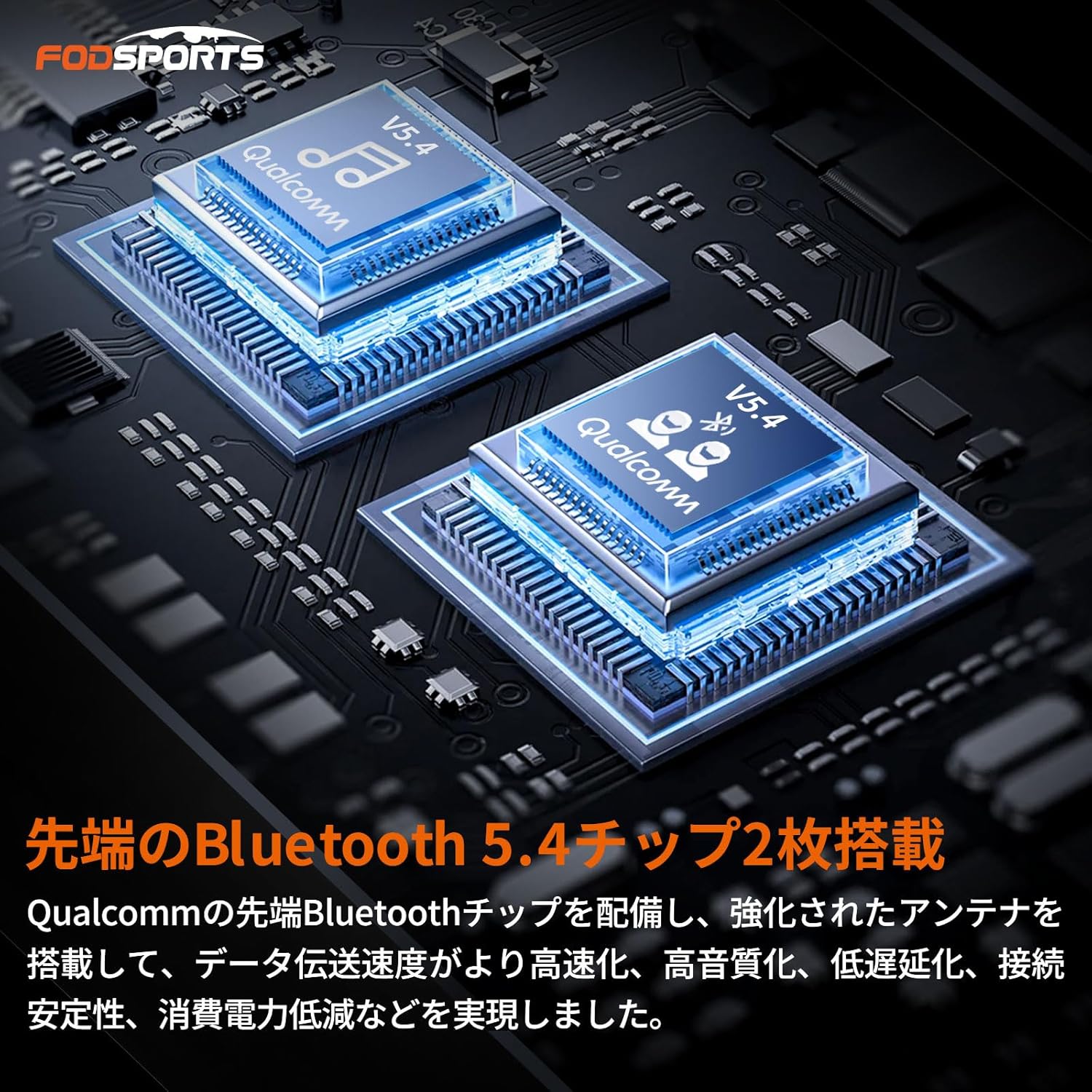
Bilde: Et nærbilde view of the dual Qualcomm Bluetooth 5.4 chips inside the FX7 intercom, illustrating the advanced technology for high-speed data transmission, high sound quality, low latency, and stable connection.
6.3. Phone Functions
- Svar/avslutt samtale: Trykk kort på funksjonsknappen.
- Avvis anrop: Long press the Function button for 1 second.
- Juster volum: Rotate the Function (Jog Dial) button forward or backward for 1 second.
6.4. Musikkavspilling
- Spill av/pause: Trykk kort på funksjonsknappen.
- Neste sang: Rotate the Function (Jog Dial) button forward once.
- Forrige sang: Rotate the Function (Jog Dial) button backward once.
- Juster volum: Rotate the Function (Jog Dial) button forward or backward for 1 second.

Image: Two riders on a motorcycle, illustrating the FX7's capability to allow intercom communication while simultaneously listening to music or FM radio. Navigation voice prompts will automatically mute music.
6.5. FM-radio
- Radio ON/OFF: Double-click the ON/OFF button.
- Neste kanal: Rotate the Function (Jog Dial) button forward once.
- Forrige kanal: Rotate the Function (Jog Dial) button backward once.
- Juster volum: Rotate the Function (Jog Dial) button forward or backward for 1 second.

Image: A rider wearing a helmet with the FX7 intercom, showing the FM radio frequency band (76MHz-108MHz) and indicating the ability to listen to real-time weather and traffic information.
6.6. Mesh Communication (Intercom)
The FX7 features a mesh communication system that allows for easy group conversations.
- One-Touch Connection: After initial pairing, units automatically connect.
- 8-Person Simultaneous Call: Supports up to 8 riders in a mesh network (4-6 recommended for optimal stability).
- Automatisk tilkobling: If a rider leaves the communication range, they will automatically rejoin the conversation when they return.
Video: This video demonstrates the multi-rider intercom 'make friends' mode for 4 riders, showing the pairing process and how to end and restore intercom connections.
Video: This video demonstrates the multi-rider intercom 'make friends' mode for 8 riders, showing the pairing process and how to end and restore intercom connections.

Image: An illustration of multiple motorcycles connected in a mesh network, demonstrating the one-button mesh connection and automatic reconnection feature of the FX7 intercom.
6.7. Universal Connection
The FX7 supports universal connection, allowing it to pair with other Bluetooth devices and even intercoms from different manufacturers (e.g., B+COM SB6XR). This expands your communication possibilities.

Image: A diagram showing the FX7 intercom connecting to various devices like smartphones, transceivers, navigation systems, other FODSPORTS intercoms, and other brands of intercoms, highlighting its universal connectivity.
6.8. Voice Assistant (Siri/Google)
Activate your smartphone's voice assistant (Siri or Google Assistant) with a single click on the FX7, allowing for hands-free control and reducing distractions while riding.
7. Lydfunksjoner
7.1. HRSQS Speakers & Hi-Fi Sound Quality
The FX7 is equipped with HRSQS speakers (40mm diameter, 10mm thickness) featuring silk diaphragm material, superior biological vibration plates, and driver units. This design delivers clear sound quality from low to high frequencies, providing an immersive, CD-level stereo audio experience. Even at high volumes, the sound remains clear.

Bilde: Et røntgenbilde view of a helmet showing the internal HRSQS speakers, emphasizing their 40mm diameter and 10mm thickness, designed to provide superior sound without ear pressure.
7.2. CVC & ENC Noise Cancellation
The FX7 incorporates advanced CVC and ENC noise cancellation technology. This intelligent microphone system eliminates call echoes and reduces engine noise and wind noise, ensuring clear communication even at high speeds on highways.
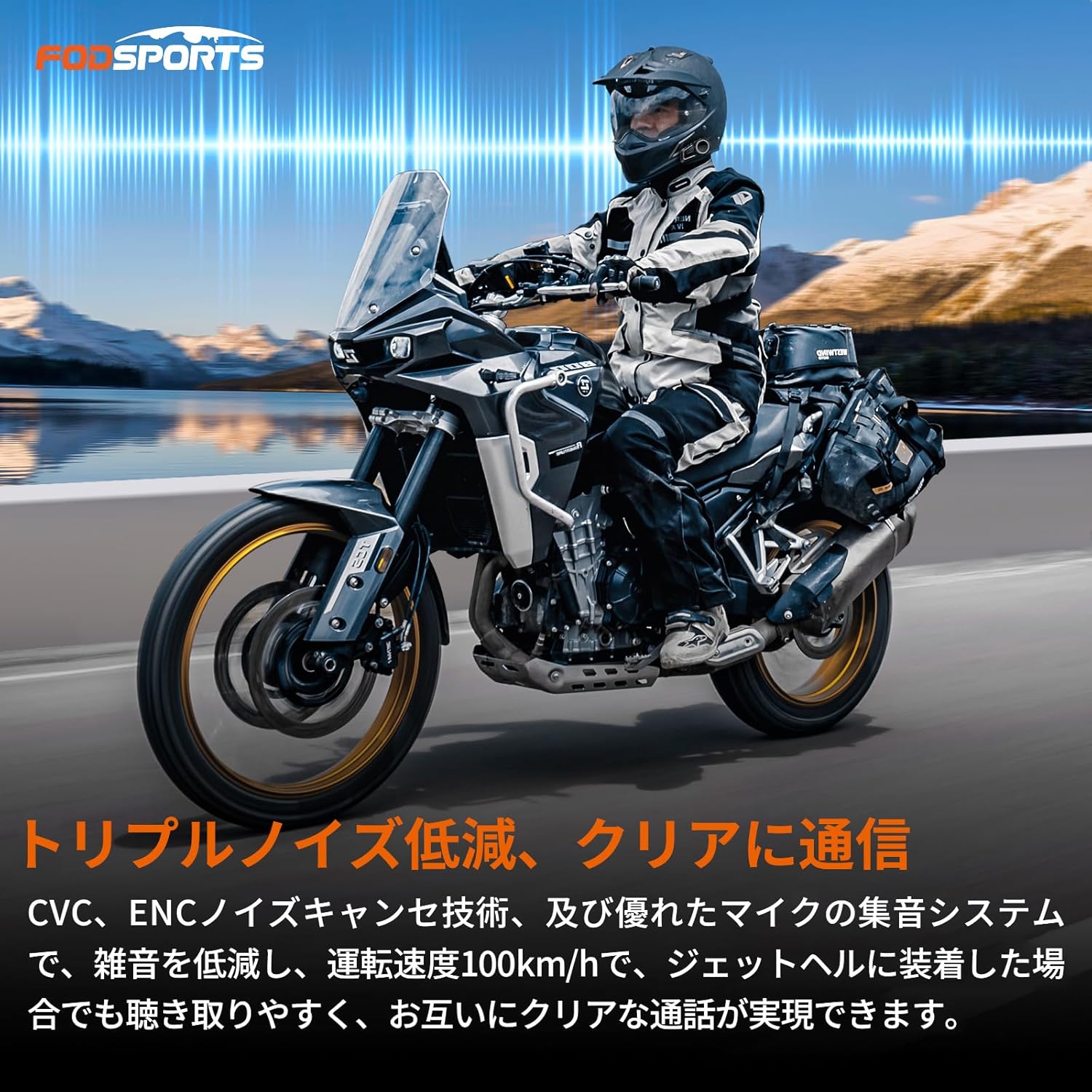
Image: A rider on a motorcycle, with visual representations of sound waves being filtered, illustrating the triple noise reduction technology (CVC, ENC) for clear communication even at high speeds.
8. Strøm og lading
- Batterilevetid: The built-in rechargeable battery provides up to 15 hours of continuous use, sufficient for day trips.
- Charging while Using: The separate Type-C charging port and earphone jack allow you to charge the device while using it, ideal for longer tours. (Note: Use the included charging cable; fast charging is not supported. Power must be turned on after inserting the charging cable.)
- Batterinivåindikator: The device announces the battery level upon power-on. When connected to a smartphone, the battery level is displayed on the screen. A "low battery" announcement will play every 5 minutes when the battery is low.

Image: A close-up of the FX7 intercom unit showing a Type-C charging cable connected, illustrating the ability to charge the device while it is in use.
9. Spesifikasjoner
| Trekk | Spesifikasjon |
|---|---|
| Merke | Fodsport |
| Modellnummer | FX7 |
| Bluetooth-versjon | 5.4 |
| Støykontroll | Hybrid Noise Cancellation (CVC & ENC) |
| Vanntett vurdering | IP67 |
| Impedans | 32 Ohm |
| Inkluderte komponenter | Cables, Instruction Manual |
| Varevekt | 0.38 kilo |
| Anbefalt bruk | Kommunikasjon |
| Trådløs type | Bluetooth |
| Hodetelefonformfaktor | On Ear |
| Materiale | Akrylnitrilbutadienstyren (ABS) |
| UPC | 717186246695 |
10. Vedlikehold
- Rengjøring: Tørk av enheten med en myk, damp klut. Ikke bruk sterke kjemikalier eller skurende rengjøringsmidler.
- Lagring: Store the device in a cool, dry place when not in use. Avoid direct sunlight and extreme temperatures.
- Lader: Lad enheten regelmessig, selv om den ikke er i hyppig bruk, for å opprettholde batterilevetiden.
- Vanneksponering: While IP67 rated, avoid prolonged submersion in water. Ensure the charging port cover is securely closed before exposure to moisture.

Image: A close-up of the FX7 intercom unit with water droplets on its surface, demonstrating its IP67 dustproof and waterproof capabilities, ensuring reliable performance in various weather conditions.
11. Feilsøking
- Ingen strøm: Sørg for at batteriet er ladet. Koble til en strømkilde og prøv på nytt.
- Kan ikke koble Bluetooth: Ensure the FX7 is in pairing mode (red and blue lights flashing). Turn off and on your phone's Bluetooth. If issues persist, try resetting the FX7 to factory settings (press and hold intercom button and ON/OFF button simultaneously for 3 seconds).
- Intercom kobles ofte fra: Ensure units are within range. Obstacles and external radio waves can affect connection stability. For optimal performance, 4-6 riders are recommended for mesh communication.
- Dårlig lydkvalitet/støy: Check that speakers are correctly positioned and cables are securely connected. Ensure the microphone is close to your mouth. The CVC&ENC noise cancellation should minimize external noise. If noise persists after connection, ensure the cable terminal is firmly inserted into the main unit.
- Microphone Not Picking Up Voice: Ensure the microphone is not in sleep mode. Position the microphone 3-5cm from your mouth. A sound level of approximately 80dB is required to activate the microphone if it's further away.
- Cannot Connect with Other Brand Intercoms: While universal connection is supported, compatibility may vary. Not all models are guaranteed to connect. Performance (sound quality, range, stability) may be affected by the characteristics of the other device.
12. Garanti og støtte
The main unit of this product comes with a standard 1-year warranty. Consumable parts such as speakers and microphones have a 6-month warranty. You can extend the warranty by an additional 6 months by registering on the official webnettstedet.
If you have any questions or encounter issues during use, please contact us through your Amazon account by navigating to "Account Service" → "Order History" → "Contact Seller", or via our official support email. We are committed to providing comprehensive after-sales service.