
Introduksjon
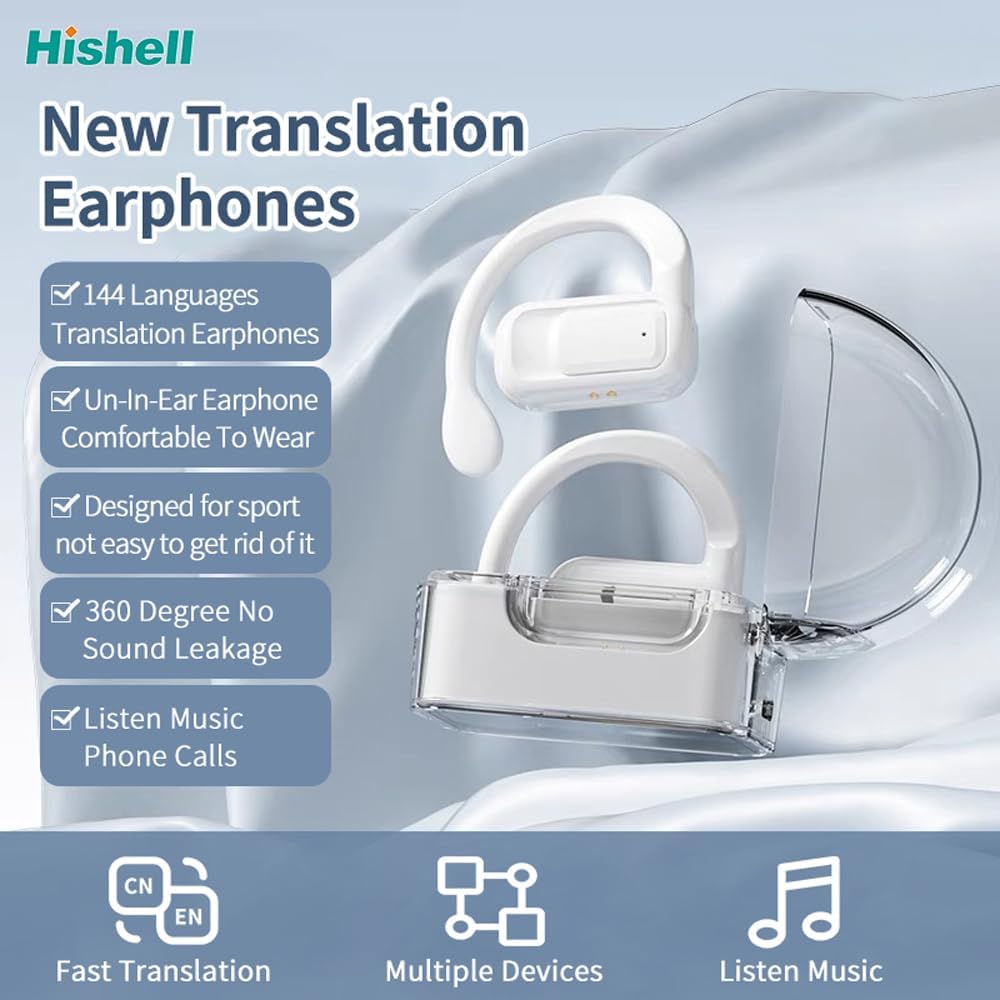
Thank you for choosing the HISHELL Language Translator Earbuds. These open-ear headphones are designed to provide seamless real-time language translation across 144 online languages, powered by 6 top translation engines. Beyond translation, they also function as versatile devices for music streaming and phone calls. This manual will guide you through the setup, operation, and maintenance of your new device to ensure an optimal user experience.

Image: The HISHELL Language Translator Earbuds, showing both earbuds and their transparent charging case.
Hva er i esken
- 2 x Language Translator Earphones
- 1 x Charging Compartment
- 1 x datakabel (USB-C)
- 1 x Headset User Manual
- 1 x APP Translation User Manual

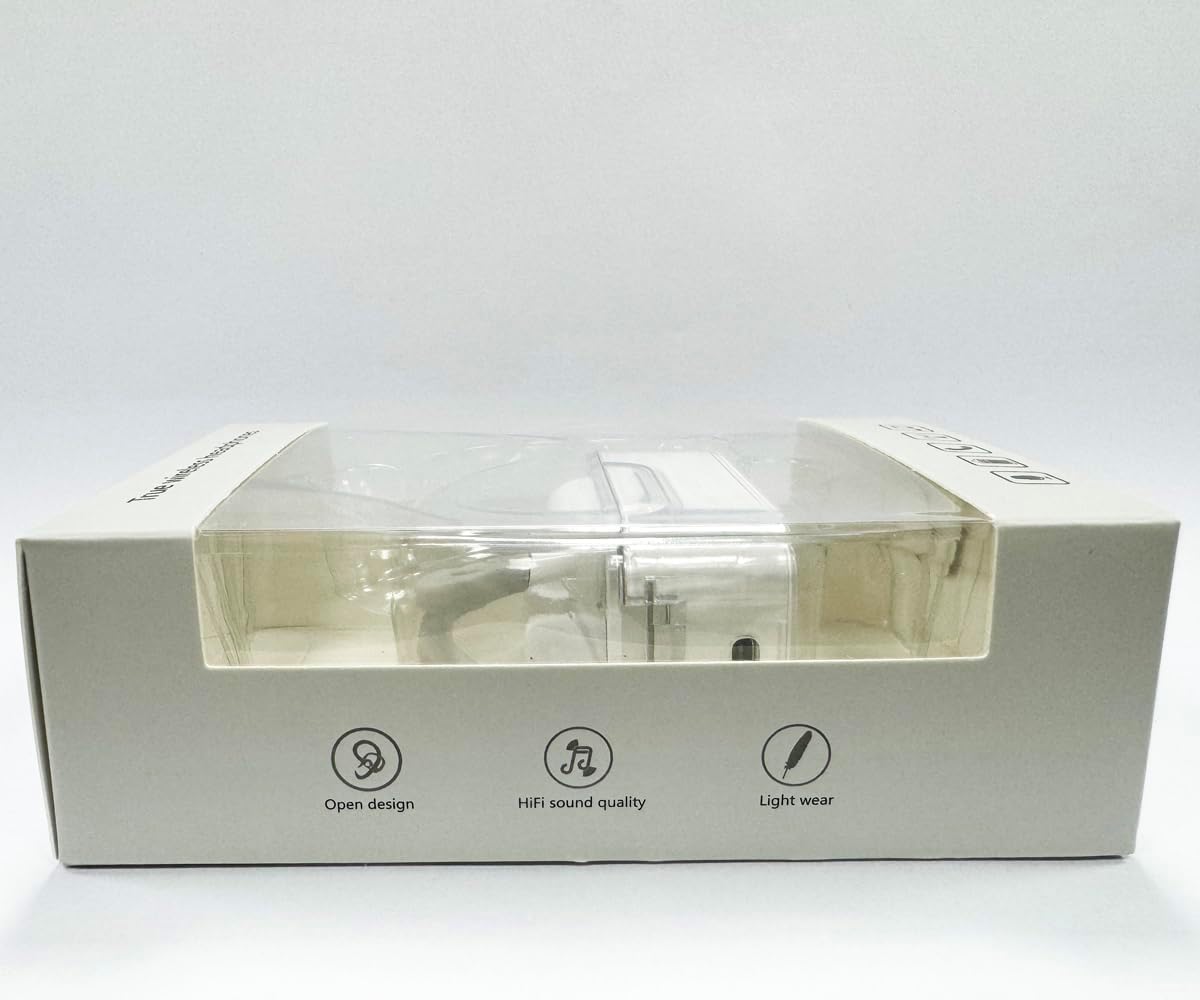
Bilde: Foran view of the product packaging, displaying the earbuds inside.
Oppsett
1. Lade øreproppene og etuiet
Before first use, fully charge the earbuds and the charging case. Connect the provided USB-C data cable to the charging port on the case and plug the other end into a USB power source (e.g., computer, wall adapter). The indicator lights on the case will show charging status.
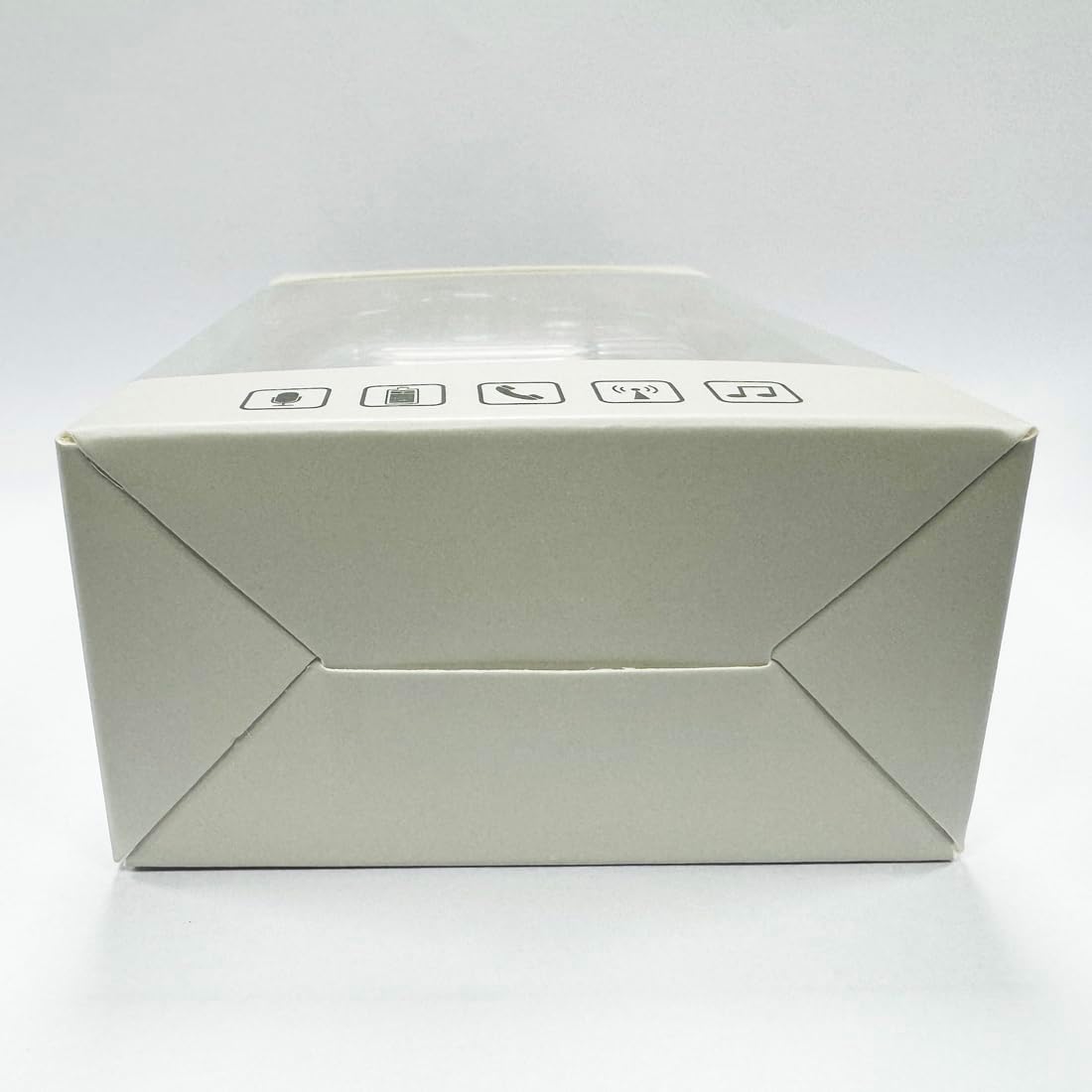
Bilde: Nederst view of the charging case, highlighting the USB-C charging port.
2. Appinstallasjon
To utilize the translation features, you must download the dedicated HISHELL translation app on your smartphone (iOS or Android). Scan the QR code provided in the APP Translation User Manual or search for "HISHELL Translator" in your device's app store.
3. Bluetooth-paring
- Sørg for at øreproppene er ladet og tatt ut av ladeetuiet. De vil automatisk gå inn i paringsmodus.
- On your smartphone, go to Bluetooth settings and turn Bluetooth on.
- Select "HISHELL BL02" (or similar name) from the list of available devices.
- Når de er tilkoblet, vil en bekreftelseslyd spilles av, og øreproppene vil være klare til bruk.
Bruksanvisning
The HISHELL Language Translator Earbuds offer three primary translation modes, along with standard audio functions.
Oversettelsesmoduser

Image: Visual representation of the three distinct translation modes available with the earbuds.
- Berøringsmodus:
Two people each wear one earphone. Click or double-click the earphone to translate in real-time. This mode is suitable for acquaintances who are willing to wear your earphone.

Image: Two individuals using the translator earbuds in a conversational setting.
- Høyttalermodus:
One person wears the earphones, and the other person holds the mobile phone. The phone's speaker will output the translation. This mode is suitable for strangers or situations where it's inconvenient for the other person to wear an earphone.
- Fri talemodus:
Both users wear an earphone. The device translates in real-time, allowing for natural, continuous conversation without needing to press buttons. This mode facilitates smooth and uninterrupted communication.
Music and Call Functions
In addition to translation, the earbuds function as standard Bluetooth headphones:
- Musikkavspilling: Once connected via Bluetooth, you can stream audio from your device. Use your phone's media controls for play/pause, skip tracks, and volume adjustment.
- Telefonsamtaler: The earbuds support hands-free calling. Answer/end calls directly through the earbuds (refer to the APP Translation User Manual for specific touch controls). The binaural HD microphone ensures clear communication.

Bilde: Eksamples of individuals comfortably wearing the open-ear translator earbuds.
Vedlikehold
Rengjøring
- Tørk av øreproppene og ladeetuiet med en myk, tørr og lofri klut.
- Ikke bruk slipende rengjøringsmidler, alkohol eller kjemiske løsemidler.
- Unngå å få fuktighet i noen åpninger.
Lagring
Når de ikke er i bruk, oppbevar øreproppene i ladeetuiet for å beskytte dem og holde dem ladet. Oppbevares kjølig og tørt, unna direkte sollys og ekstreme temperaturer.
Feilsøking
| Problem | Mulig årsak | Løsning |
|---|---|---|
| Øreplugger kan ikke pares | Low battery; out of range; not in pairing mode; previous connection issue. | Ensure earbuds are charged. Place them closer to your device. Re-insert into case and remove to re-enter pairing mode. Forget device in Bluetooth settings and re-pair. |
| Translation not accurate or delayed | Poor internet connection; background noise; speaking too fast/unclearly; incorrect language selection. | Ensure stable internet connection. Speak clearly and at a moderate pace. Reduce background noise. Verify correct source and target languages in the app. |
| Ingen lyd fra øreplugger | Volumet er for lavt; ikke tilkoblet; media er satt på pause. | Increase volume on your device. Check Bluetooth connection. Ensure media is playing. |
| Ladeetui lader ikke | Feil på kabel/adapter; skitten ladeport. | Try a different USB-C cable and power adapter. Clean the charging port gently with a dry cotton swab. |
For further assistance, please refer to the APP Translation User Manual or contact customer support.
Spesifikasjoner
| Trekk | Detalj |
|---|---|
| Modellnummer | BL02 |
| Pakkedimensjoner | 5.16 x 3.15 x 1.69 tommer |
| Varevekt | 2.12 unser |
| Batterier | 1 Lithium Polymer batteri (inkludert) |
| Oversettelsesspråk | 144 online languages |
| Translation Engines | Powered by 6 top translation engines |
| Mikrofon | Binaural HD microphone |
| Batterilevetid (lytting) | Ca. 3 timer |
| Standby-tid | Ca. 240 timer |
| Ladeport | USB-C |


Bilde: Diverse views of the HISHELL charging case, showing its dimensions and design.
Garanti og støtte
Garantiinformasjon
HISHELL products typically come with a standard manufacturer's warranty. Please refer to the warranty card included in your product packaging or visit the official HISHELL webnettstedet for detaljerte garantivilkår og -betingelser som er spesifikke for din region og kjøpsdato.
Kundestøtte
If you encounter any issues or have questions not covered in this manual, please contact HISHELL customer support. You can usually find contact information (email, phone, or support portal) on the official HISHELL webnettstedet eller gjennom forhandleren der du kjøpte produktet.