
Nova NHT 1102
NOVA NHT 1102 Trimmer Brukermanual
Model: NHT 1102
1. Introduksjon
This manual provides essential instructions for the safe and effective use of your Nova NHT 1102 Trimmer. Please read it thoroughly before first use and retain it for future reference. This cordless trimmer is designed for personal grooming, offering precision trimming with multiple length settings and a long-lasting rechargeable battery.
2. Viktige sikkerhetsinstruksjoner
- Do not immerse the trimmer in water or use it near water (e.g., bathtub, shower, sink).
- Hold apparatet unna barn.
- Always check the trimmer for damage before use. Do not use if the blades or housing are damaged.
- Use only the charging cable provided with the trimmer.
- Do not attempt to disassemble or repair the trimmer yourself. Contact qualified service personnel for assistance.
- Ensure your hands are dry when plugging or unplugging the charging cable.
- Oppbevar trimmeren på et tørt sted når den ikke er i bruk.
3. Pakkens innhold
Bekreft at alle varene er til stede i pakken:
- Nova NHT 1102 Trimmer
- 3 Guide Combs (1mm, 2mm, 3mm)
- USB Type-C ladekabel
- Rengjøringsbørste
- Lubricating Oil (may be included)

Image 3.1: Nova NHT 1102 Trimmer with included accessories and packaging.
4. Produktet er overview
Familiarize yourself with the components of your Nova NHT 1102 Trimmer:
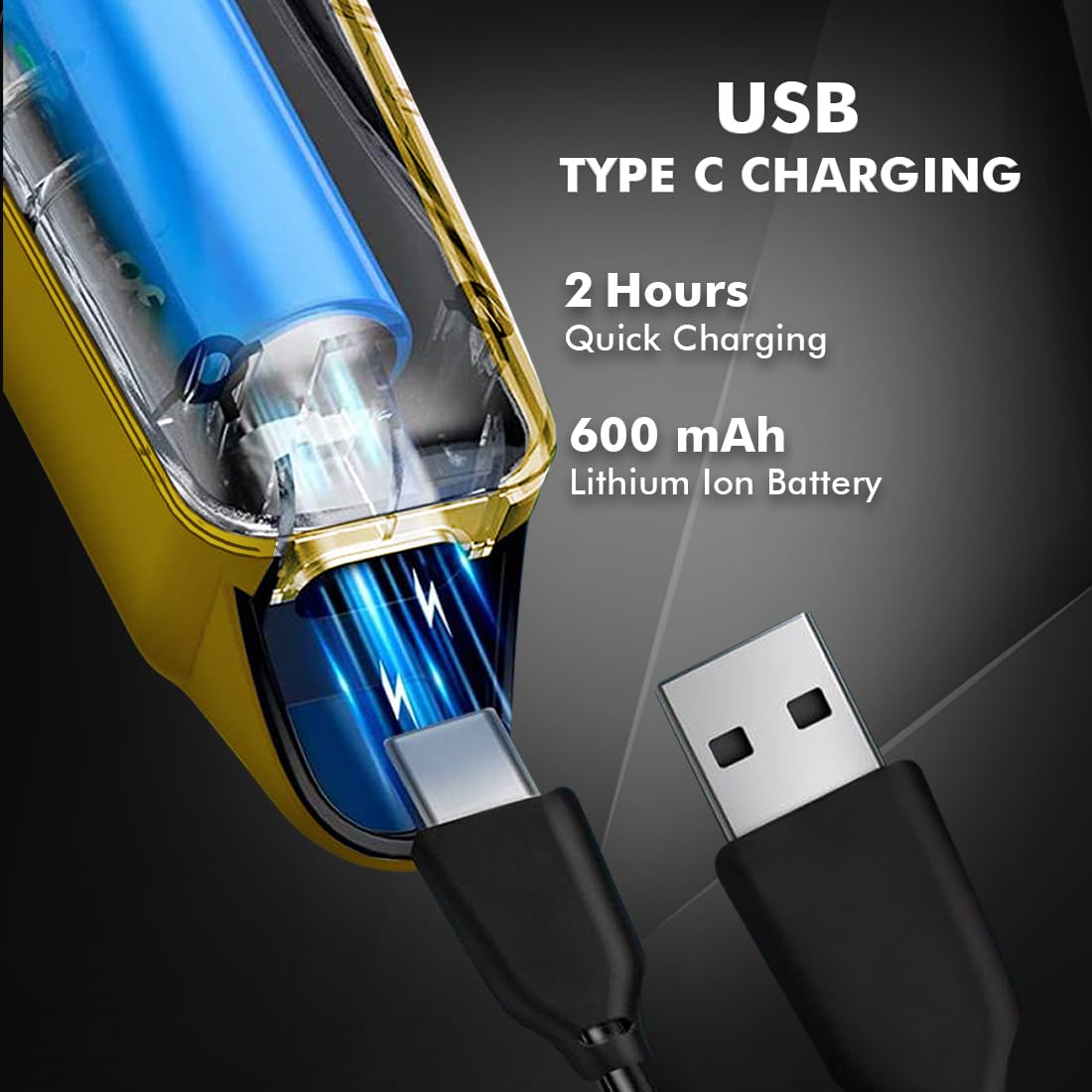
Image 4.1: Key features and components of the Nova NHT 1102 Trimmer.
- Blader i rustfritt stål: Durable and self-sharpening blades for precise cutting.
- Strømknapp: Controls power on/off and speed settings.
- Indikatorlys: Displays charging status and operational mode.
- USB-ladeport: For convenient charging via USB Type-C cable.
- Hengekrok: For enkel oppbevaring.
- Guide kammer: Detachable combs for various trimming lengths (1mm, 2mm, 3mm).
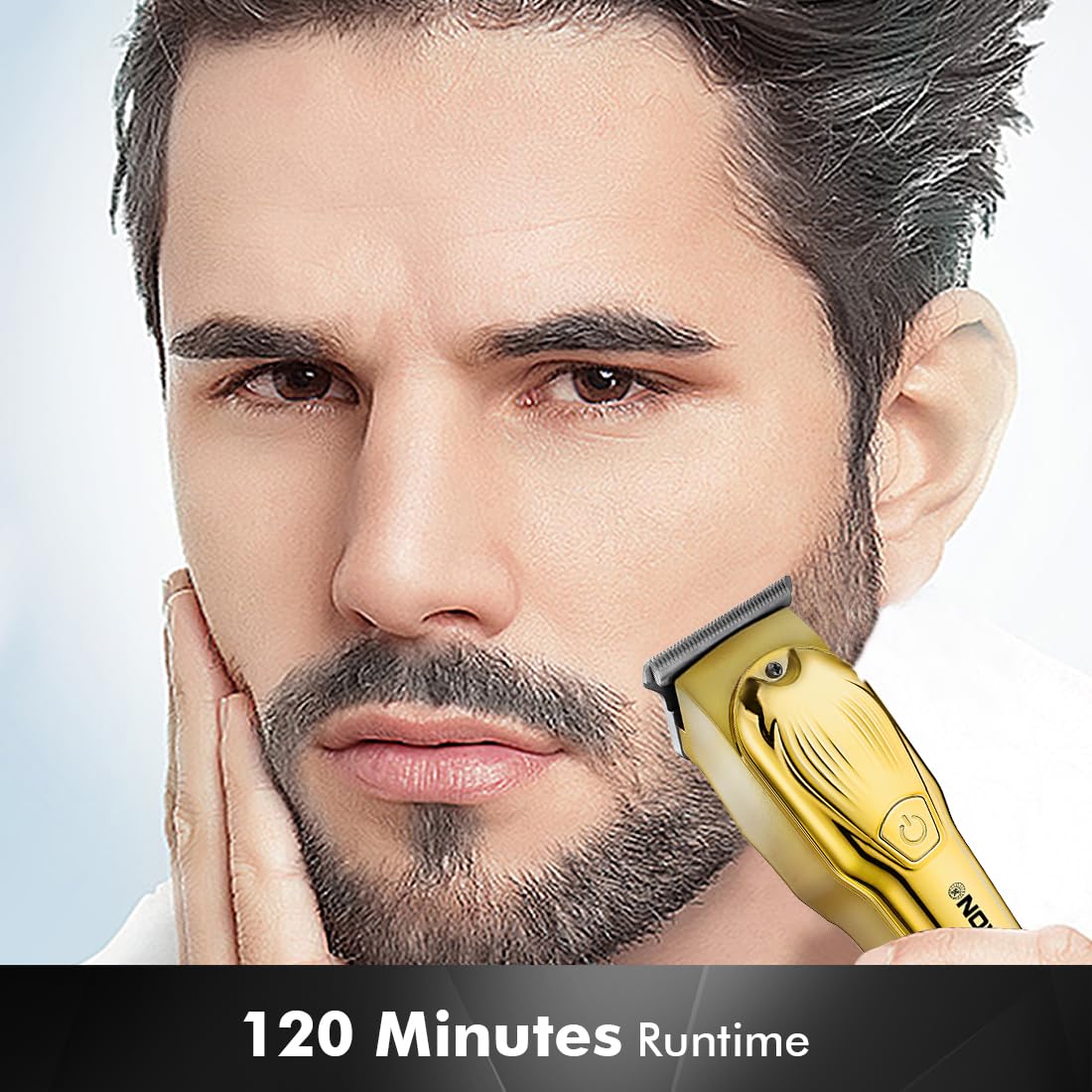
Image 4.2: Detail of the self-sharpening stainless steel blades.
5. Oppsett
5.1 Innledende lading
Before first use, fully charge the trimmer. The Nova NHT 1102 Trimmer features a 600 mAh Lithium-Ion battery.
- Connect the USB Type-C charging cable to the trimmer's charging port.
- Koble den andre enden av USB-kabelen til en kompatibel USB-strømadapter (ikke inkludert) eller en USB-port på en datamaskin.
- The indicator light will illuminate to show charging is in progress.
- A full charge takes approximately 2 hours, providing up to 120 minutes of cordless runtime.
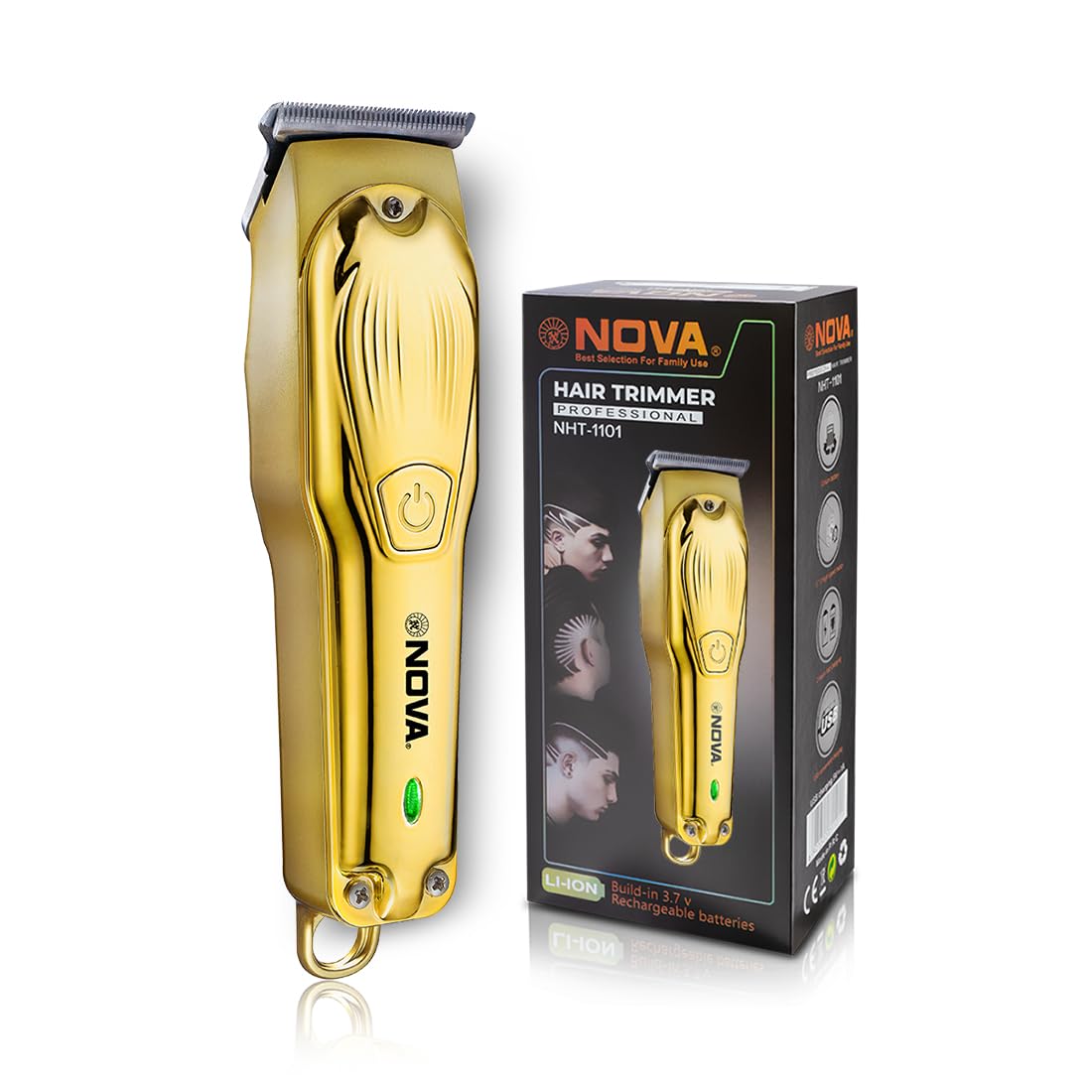
Image 5.1: USB Type-C charging mechanism.
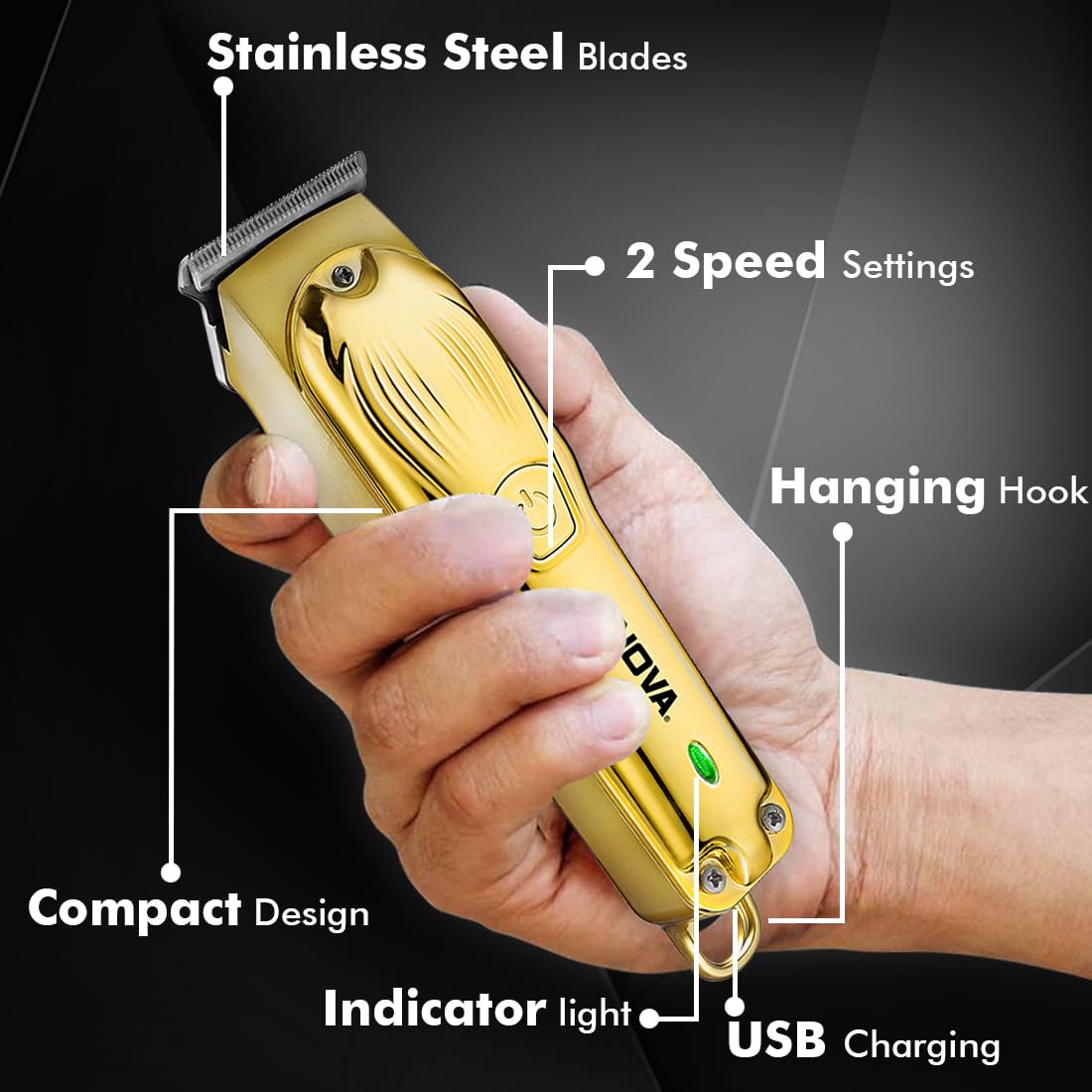
Image 5.2: Trimmer charging via USB Type-C.
5.2 Feste av føringskammer
The trimmer comes with 3 guide combs for different hair lengths:
- 1mm comb
- 2mm comb
- 3mm comb
To attach a guide comb, align the comb with the trimmer head and push it firmly until it clicks into place. To remove, gently pull the comb away from the trimmer head.
6. Bruksanvisning
6.1 Slå av/på og hastighetsinnstillinger
- To turn the trimmer on, press the power button once. The trimmer will start at the default speed setting.
- To switch between the 2 available speed settings, press the power button again while the trimmer is running.
- To turn the trimmer off, press the power button until it stops.
6.2 Turbofunksjon
For increased power, activate the Turbo Function:
- While the trimmer is running, double-press the power button to engage the turbo mode.
- Double-press again to return to normal speed.
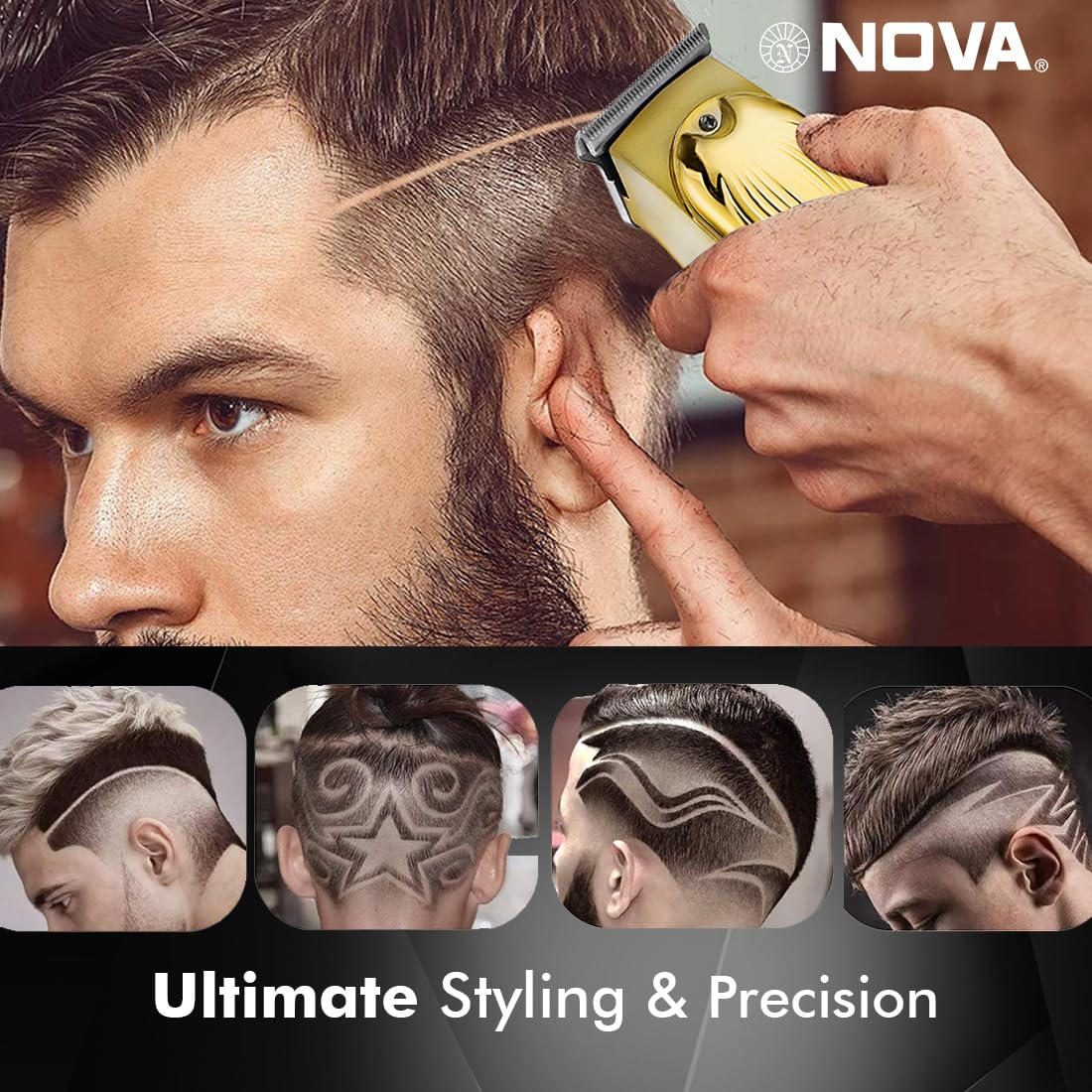
Image 6.1: Illustration of the Turbo Function.
6.3 Trimming
Ensure hair is clean and dry before trimming for optimal results.
- Without Guide Comb: For precision trimming and close cuts (0.5mm), use the trimmer without any guide comb attached.
- With Guide Comb: Select the desired guide comb (1mm, 2mm, or 3mm) and attach it securely.
- Hold the trimmer with the blades flat against the skin and move it slowly against the direction of hair growth.
- For best results, stretch the skin taut with your free hand.
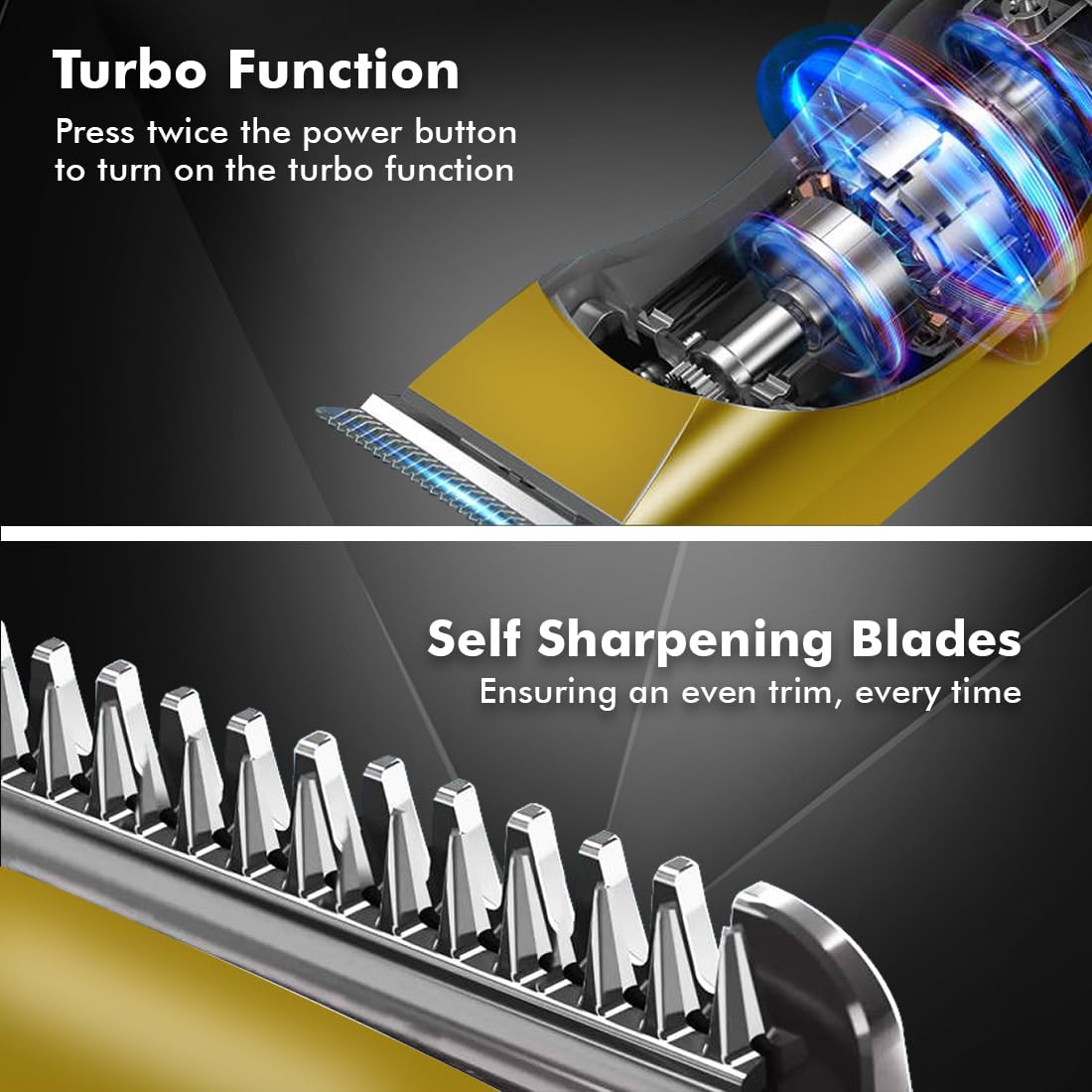
Image 6.2: Demonstrating hair trimming with the device.
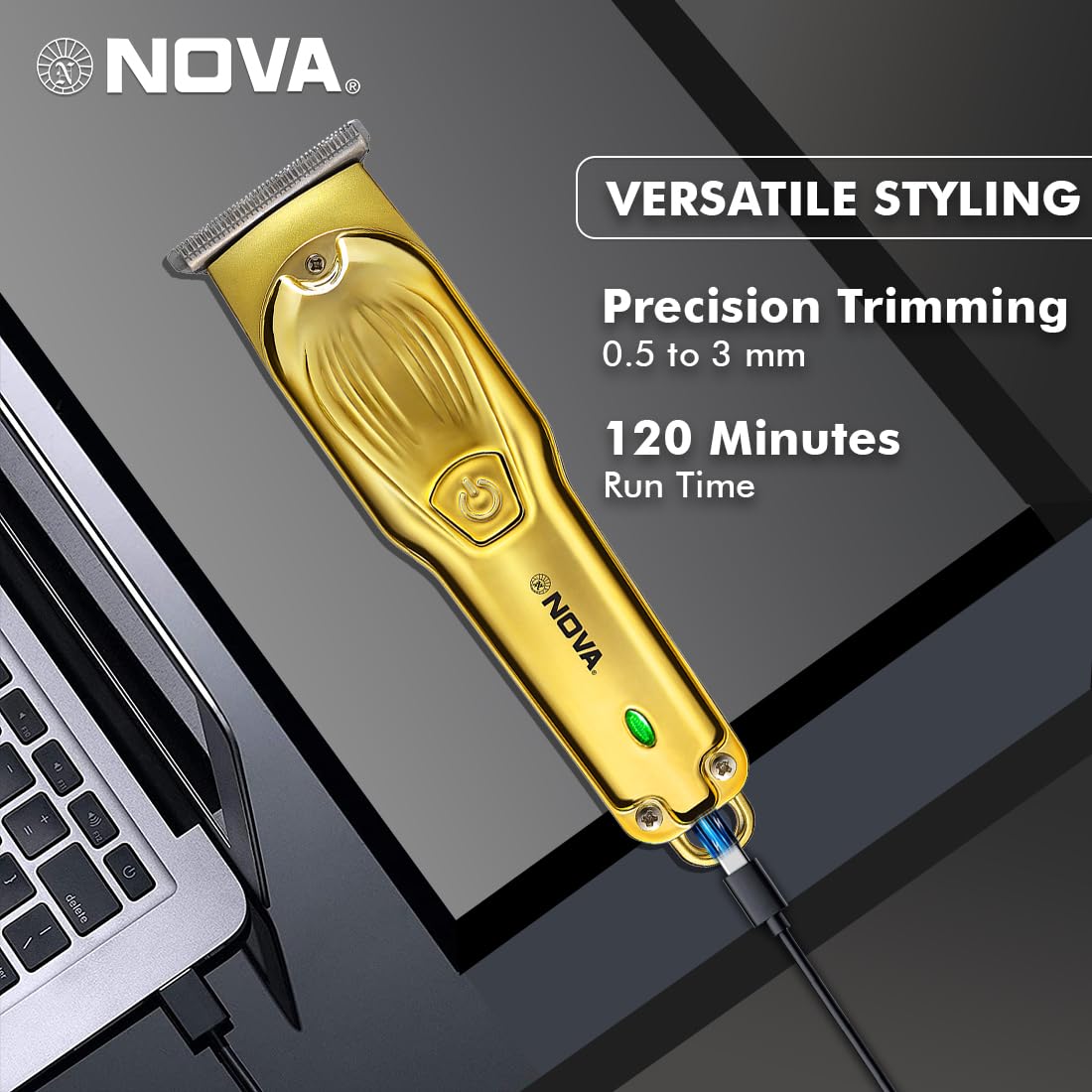
Image 6.3: Demonstrating beard trimming with the device.
7. Vedlikehold
7.1 Rengjøring av bladene
Regelmessig rengjøring sikrer optimal ytelse og hygiene.
- Slå av trimmeren og koble den fra strømkilden.
- Fjern forsiktig eventuelle påsatte føringskammer.
- Bruk den medfølgende rengjøringsbørsten til å fjerne hårrester fra bladene og trimmerhodet.
- The blades are self-sharpening, reducing the need for manual sharpening.
7.2 Smøring
To maintain blade performance, apply a small drop of lubricating oil (if included) to the blades after every few uses. Turn the trimmer on for a few seconds to distribute the oil evenly.
7.3 Oppbevaring
Store the trimmer in a cool, dry place, away from direct sunlight and moisture. Ensure the trimmer is clean and dry before storage.
8. Feilsøking
| Problem | Mulig årsak | Løsning |
|---|---|---|
| Trimmeren slår seg ikke på. | Batteriet er utladet. | Lad trimmeren i minst 2 timer. |
| Av/på-knappen er ikke trykket riktig inn. | Sørg for at du trykker fast på av/på-knappen. | |
| Dårlig trimmeytelse. | Bladene er tette med hår. | Rengjør knivene med rengjøringsbørsten. |
| Kniver trenger smøring. | Påfør en dråpe smøreolje på knivene. | |
| Batteriet lader ikke. | Ladekabelen eller adapteren er defekt. | Prøv en annen USB Type-C-kabel eller strømadapter. |
| Ladeporten er skadet. | Kontakt kundestøtte. |
9. Spesifikasjoner
| Trekk | Detalj |
|---|---|
| Modell | NHT 1102 |
| Bladmateriale | Rustfritt stål |
| Kuttelengder | 0.5mm (without comb), 1mm, 2mm, 3mm (with guide combs) |
| Batteritype | Litiumionbatteri (600 mAh) |
| Ladetid | Ca. 2 timer |
| Kjøretid | Opptil 120 minutter |
| Ladegrensesnitt | USB Type-C |
| Hastighetsinnstillinger | 2 |
| Spesielle funksjoner | Turbo Function, Self-Sharpening Blades, Cordless Operation, Hanging Hook |
| Dimensjoner (L x B x H) | 9 x 11 x 14 cm |
| Varevekt | 480 g |
| Produsent | Nova Manufacturing Hong Kong |
| Opprinnelsesland | Kina |
10. Garanti og støtte
For detailed warranty information, please refer to the warranty card included with your product or the official Nova website. For technical support, service, or replacement parts, please contact Nova customer service through the contact information provided on your product packaging or the official brand channels.
Ask a question about this manual
Ask about setup, troubleshooting, compatibility, parts, safety, or missing instructions. Manuals+ will review the question and use this page’s manual context to help answer it.