
1. Introduksjon
This manual provides comprehensive instructions for the AOBOCAM Mini Security Camera A12. Please read this guide thoroughly before operating the device to ensure proper setup and functionality. This camera is designed for discreet surveillance and monitoring.
2. Produktfunksjoner
- Kompakt design: The A12 camera features a small, unobtrusive design for easy placement in various environments.
- Fjernovervåking: Access live video feeds and recordings directly from your smartphone via a dedicated application.
- Bevegelsesdeteksjon: Receive instant notifications on your mobile device when motion is detected, enhancing security.
- Høyoppløselig video: Records video in 1080P resolution for clear image quality.
- HD nattsyn: Equipped with infrared LEDs for clear video recording in low-light or complete darkness.
- Fleksibel lagring: Supports local storage via Micro SD card (not included) and optional cloud storage (paid subscription may be required).
- Enkel tilkobling: Utilizes Bluetooth for initial setup and Wi-Fi for remote access.

Image: The AOBOCAM Mini Security Camera A12 positioned discreetly on a wooden desk, demonstrating its compact size and ease of placement.

Image: A smartphone screen showing a live view from the AOBOCAM A12 camera, illustrating remote monitoring capabilities.

Image: A smartphone displaying a notification from the HIDVCAM app, indicating motion detection and alert functionality.

Image: A split image demonstrating the camera's 1080P daytime image quality and its clear HD night vision capability, showing a sleeping child.
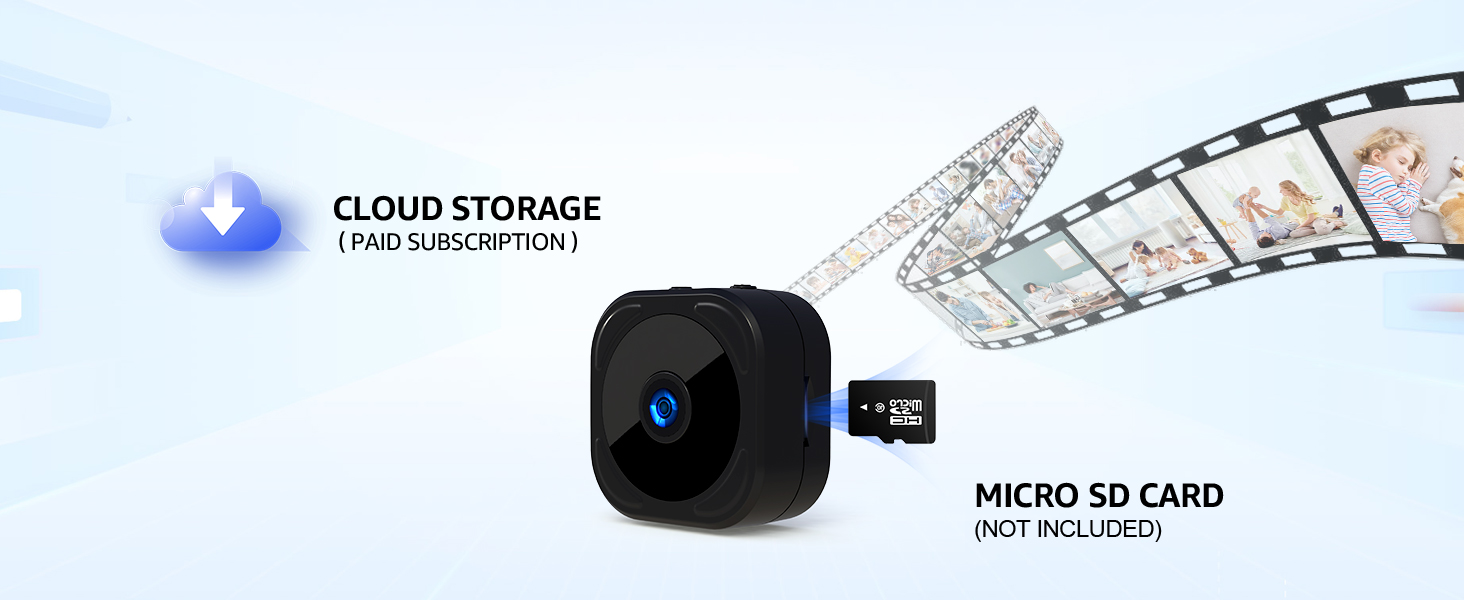
Image: The AOBOCAM A12 camera illustrating its support for both cloud storage (subscription-based) and local storage via a Micro SD card.
3. Komme i gang
3.1 Lade kameraet
Before first use, fully charge the camera using the provided USB cable. Connect the cable to the camera's charging port and a standard USB power adapter (not included). The charging indicator light will typically change color or turn off when fully charged. For continuous operation, keep the camera plugged into a power source.
3.2 Appinstallasjon og tilkobling
To use the camera's full features, download the companion application (e.g., HIDVCAM) from your smartphone's app store. Follow these steps to connect your camera:
- Trinn 1: Sign into the application on your smartphone.
- Trinn 2: Turn on the A12 camera. Ensure it is sufficiently charged or connected to power.
- Trinn 3: Within the app, add your device. The app will guide you through connecting to your Wi-Fi network and completing the setup process. The camera uses Bluetooth for initial pairing and Wi-Fi for data transmission.
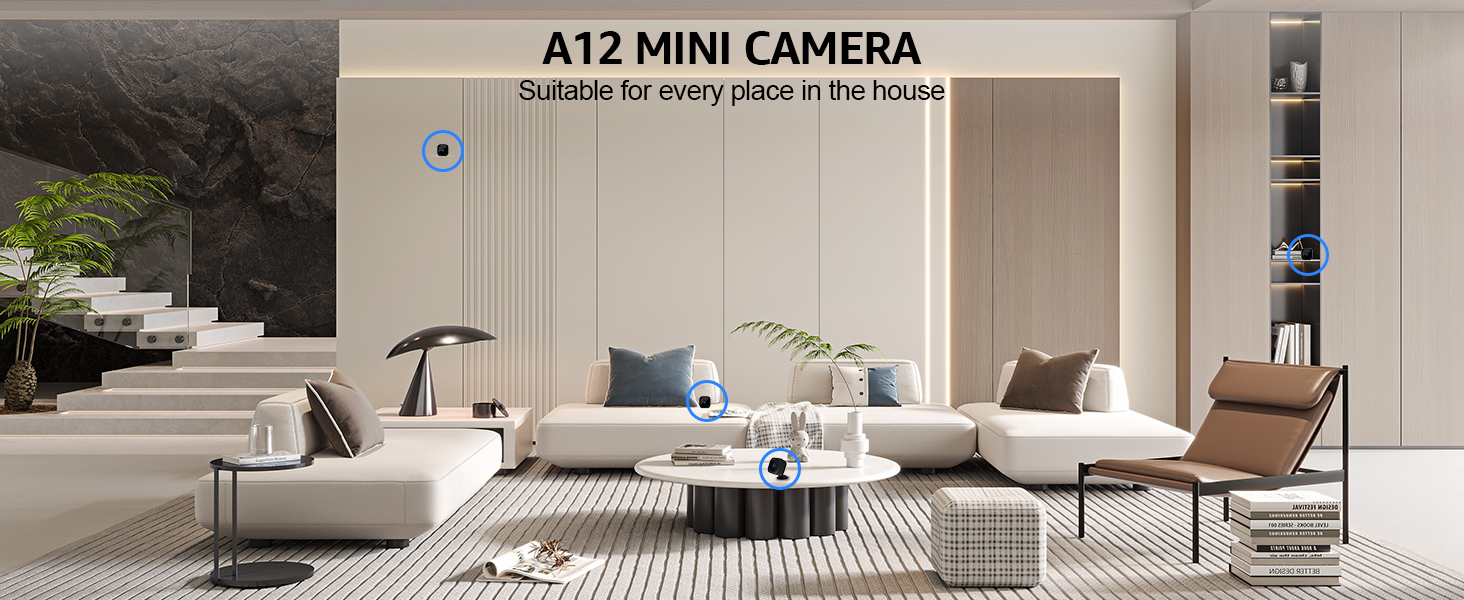
Image: Visual representation of the three-step Bluetooth connection process for the AOBOCAM A12 camera, including app sign-in, camera power-on, and device addition with Wi-Fi connection.
4. Driftsveiledning
4.1 Live View
Once connected, open the app and select your camera to view the live feed. You can monitor your space in real-time from anywhere with an internet connection.
4.2 Opptak
The camera supports continuous recording or event-triggered recording (e.g., motion detection). Recordings can be stored on a Micro SD card (if inserted) or in the cloud (if subscribed). Access recorded footage gjennom appens avspillingsfunksjon.
4.3 Innstillinger for bevegelsesdeteksjon
Configure motion detection sensitivity and notification preferences within the app settings. You can set specific areas for motion detection and schedule active times to avoid unnecessary alerts.
4.4 Nattesyn
The camera automatically switches to night vision mode in low-light conditions. Ensure the camera lens is unobstructed for optimal night vision performance.

Image: The A12 Mini Camera shown in different strategic locations within a living room, highlighting its versatility for home surveillance.

Monitor infants

Observe pets

Care for seniors

Hold tilsyn med barn
Bilder: Eksamples of versatile monitoring applications for the AOBOCAM A12 camera, including infants, pets, seniors, and children.
5. Vedlikehold
5.1 Rengjøring
Gently wipe the camera lens and body with a soft, dry cloth. Avoid using liquid cleaners or abrasive materials that could damage the device.
5.2 Batteristell
To prolong battery life, avoid extreme temperatures. If the camera is not used for extended periods, charge it periodically to prevent deep discharge.
6. Feilsøking
- Kameraet kobler seg ikke til Wi-Fi: Ensure your Wi-Fi network is 2.4GHz. This camera does not support 5GHz Wi-Fi networks. Verify your Wi-Fi password and network stability.
- Hyppige frakoblinger: If the camera frequently disconnects, try restarting the camera and re-pairing it through the app. Ensure the camera is within optimal range of your Wi-Fi router.
- Kort batterilevetid: The camera's internal battery is designed for portable use. For continuous monitoring, it is recommended to keep the camera connected to a power source.
- Dårlig bildekvalitet: Ensure the camera lens is clean and free from obstructions. Check your internet connection speed, as a slow connection can affect streaming quality.
- Ingen bevegelsesvarsler: Verify that motion detection is enabled in the app settings and that notification permissions are granted for the app on your smartphone.
7. Spesifikasjoner
| Modellnummer | A12 |
| Produktdimensjoner | 2.03 x 3.05 x 2.03 cm |
| Varevekt | 90 g |
| Batteritype | Lithium Polymer (1 A battery included) |
| Videooppløsning | 1080P (as per image) |
| Tilkobling | 2.4 GHz Wi-Fi, Bluetooth |
| Lagringsalternativer | Micro SD Card (not included), Cloud Storage (optional subscription) |
8. Garanti og støtte
For warranty information or technical support, please refer to the product packaging or contact AOBOCAM customer service through the official website or your purchase platform. Keep your proof of purchase for warranty claims.