
1. Introduksjon
Thank you for choosing the Netzu Alarm Clock 6206ZD. This digital alarm clock is designed to provide a reliable wake-up experience, especially for heavy sleepers and individuals with hearing impairments, through its powerful vibrating bed shaker, loud alarm, and bright wake-up light. This manual will guide you through the setup, operation, and maintenance of your new alarm clock.
2. Sikkerhetsinformasjon
- Sørg for at strømadapteren er koblet til en passende stikkontakt.
- Ikke utsett enheten for vann eller overdreven fuktighet.
- Hold enheten unna varmekilder og direkte sollys.
- Bruk kun den medfølgende strømadapteren.
- For battery backup, insert 2 AAA batteries (not included) correctly, observing polarity.
- Ikke forsøk å demontere eller reparere enheten selv. Kontakt kundestøtte for å få hjelp.
3. Pakkens innhold
Vennligst sjekk pakken for følgende varer:
- Netzu Alarm Clock (Model 6206ZD)
- Vibrating Bed Shaker
- Strømadapter
- Brukerhåndbok

Figur 3.1: Produktkomponenter
4. Produktet er overview
Familiarize yourself with the main components of your Netzu Alarm Clock:
- Frontskjerm: Large RGB LED time display.
- Topppanel: Snooze button, light bar, control buttons (Time Set, Alarm Set, Brightness, Color, Volume, DST).
- Bakpanel: Power input port, bed shaker port, battery compartment.
- Vibrating Bed Shaker: Connects to the alarm clock for silent or combined wake-up.
5. Oppsett
5.1 Strømtilkobling
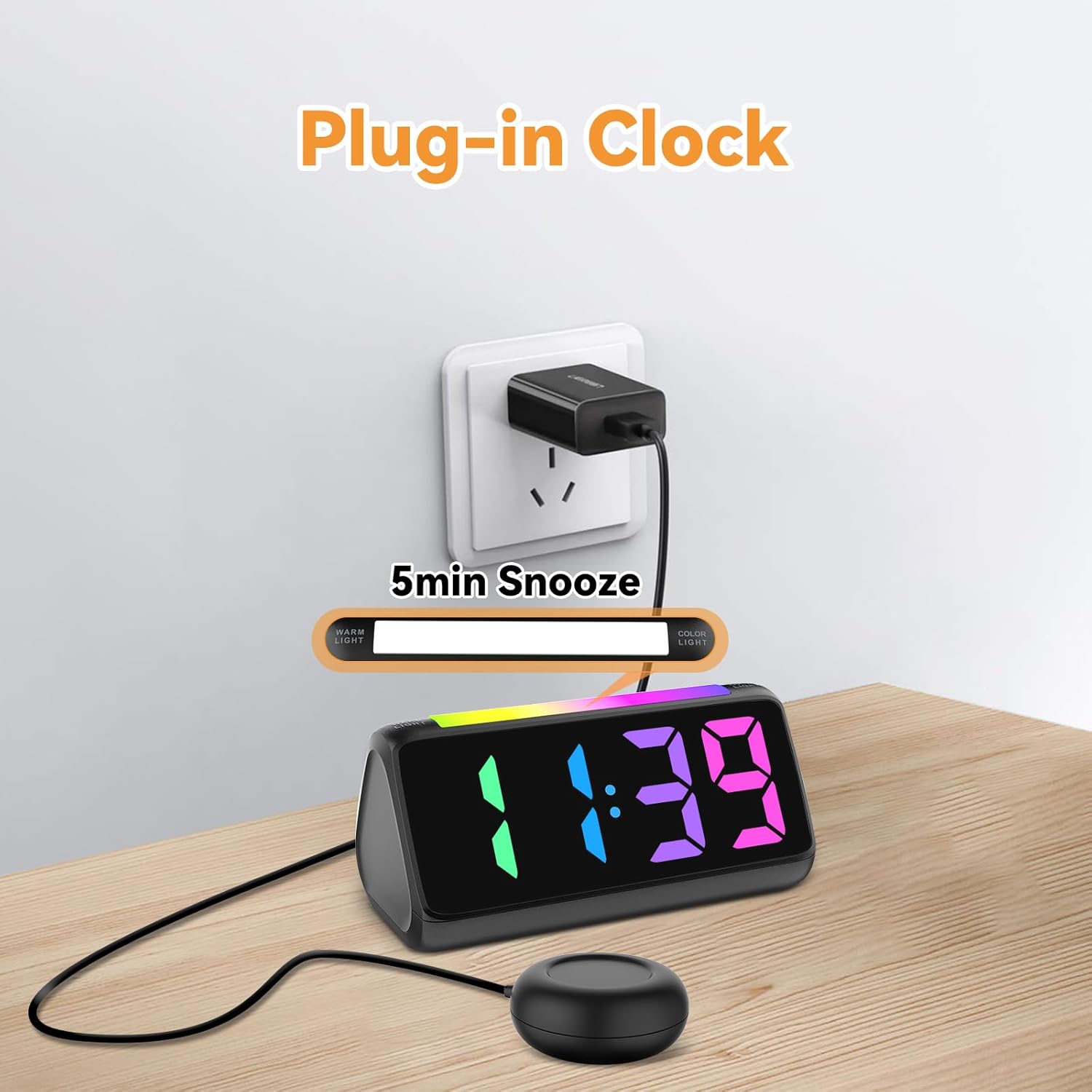
- Koble den medfølgende strømadapteren til DC-inngangsporten på baksiden av vekkerklokken.
- Koble strømadapteren til en vanlig stikkontakt. Displayet vil lyse opp.
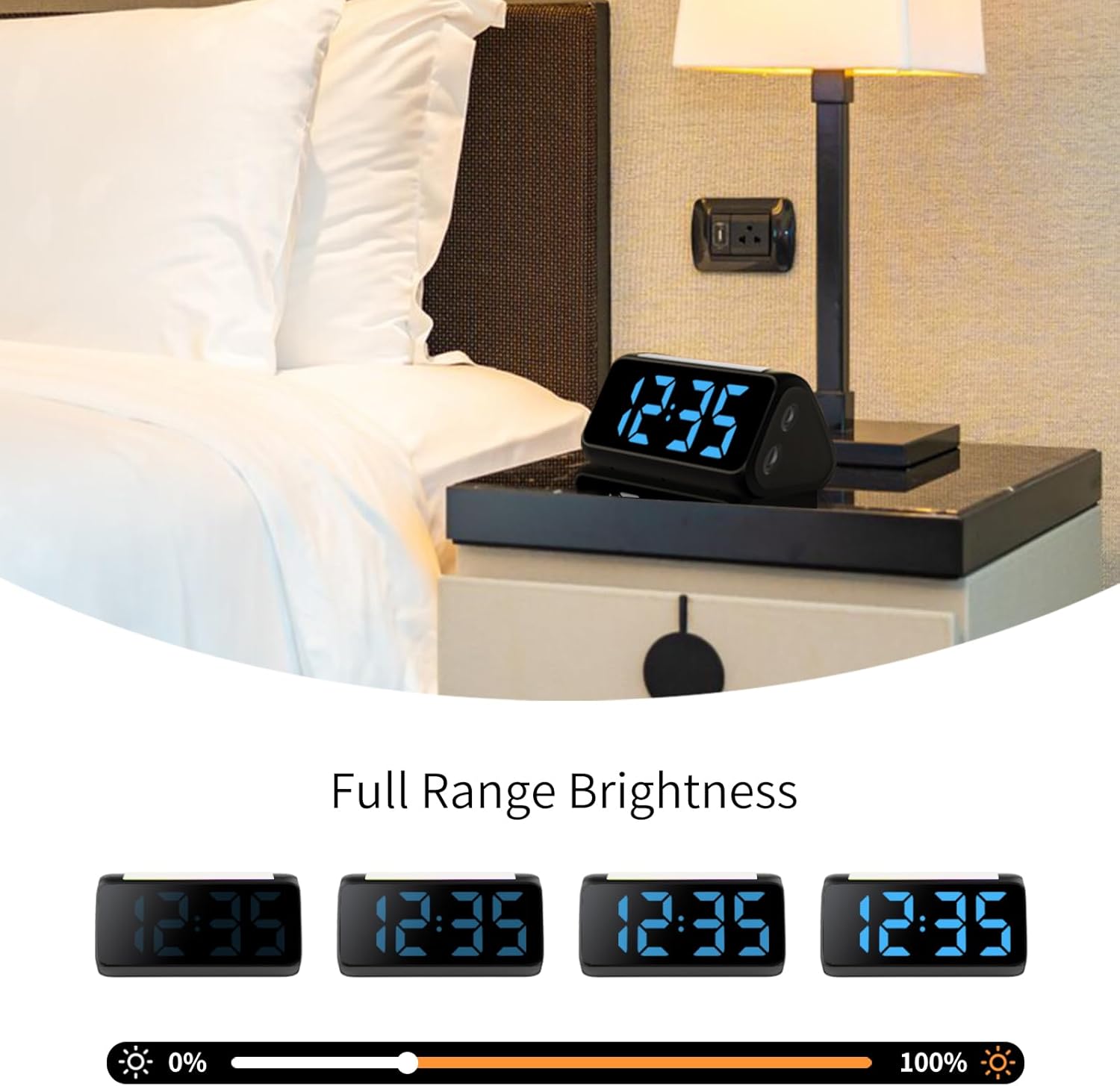
Figur 5.1: Strømtilkobling
5.2 Battery Installation (for Power Loss Memory)
For å beholde tids- og alarminnstillinger under strømbruddtage, install backup batteries:
- Open the battery compartment cover on the bottom of the alarm clock.
- Insert 2 new AAA batteries (not included), ensuring correct polarity (+ and -).
- Lukk batteridekselet godt.
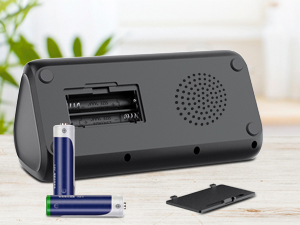
Figur 5.2: Batterirom
5.3 Connecting the Bed Shaker
Plug the cable of the vibrating bed shaker into the dedicated port on the back of the alarm clock. Place the shaker under your pillow or mattress for optimal vibration.
6. Bruksanvisning
6.1 Stille inn tiden
- Trykk og hold inne TIDEN SATT button (usually located on the top or back) until the hour digits flash.
- Bruk +/- buttons (or similar adjustment buttons) to set the hour. Pay attention to AM/PM indicators if in 12-hour format.
- Pressen TIDEN SATT igjen for å bekrefte timen og gå videre til minutter.
- Bruk +/- knappene for å stille inn minuttene.
- Pressen TIDEN SATT one last time to save the time.
- To switch between 12-hour and 24-hour display, briefly press the TIDEN SATT -knappen når den ikke er i innstillingsmodus.
- To adjust for Daylight Saving Time (DST), long press the DST button to add or subtract an hour.
Figur 6.1: Visning av tidsformat
6.2 Stille inn alarmen
The alarm clock offers three wake-up modes: Ring Only, Vibration Only, or Ring + Vibration.
- Trykk og hold inne ALARM SETT knappen til alarmens timesiffre blinker.
- Bruk +/- knappene for å stille inn ønsket alarmtime.
- Pressen ALARM SETT igjen for å bekrefte timen og gå videre til minutter.
- Bruk +/- knappene for å stille inn ønskede alarmminutter.
- Pressen ALARM SETT again to select the wake-up mode: Ring Only, Vibration Only, or Ring + Vibration. An icon on the display will indicate the selected mode.
- Pressen ALARM SETT one last time to save the alarm settings.
- To adjust alarm volume (4 levels, up to 110 dB), use the VOLUM button (or +/- during alarm setting).

Figur 6.2: Three Wake-up Modes
6.3 Slumrefunksjon
Når alarmen går, trykker du på den store SLUM button on the top of the clock to temporarily silence the alarm for 5 minutes. The alarm will sound again after the snooze period.
6.4 Justere skjermens lysstyrke og farge
The alarm clock features an RGB display with 11 color options and adjustable brightness (10%-100%).
- Trykk på LYSSTYRKE button (or a dedicated dimmer button) to cycle through brightness levels for the time display.
- Trykk på FARGE button to cycle through the 11 available display colors.
Figur 6.3: Colorful Display Options
6.5 Bruk av nattlyset
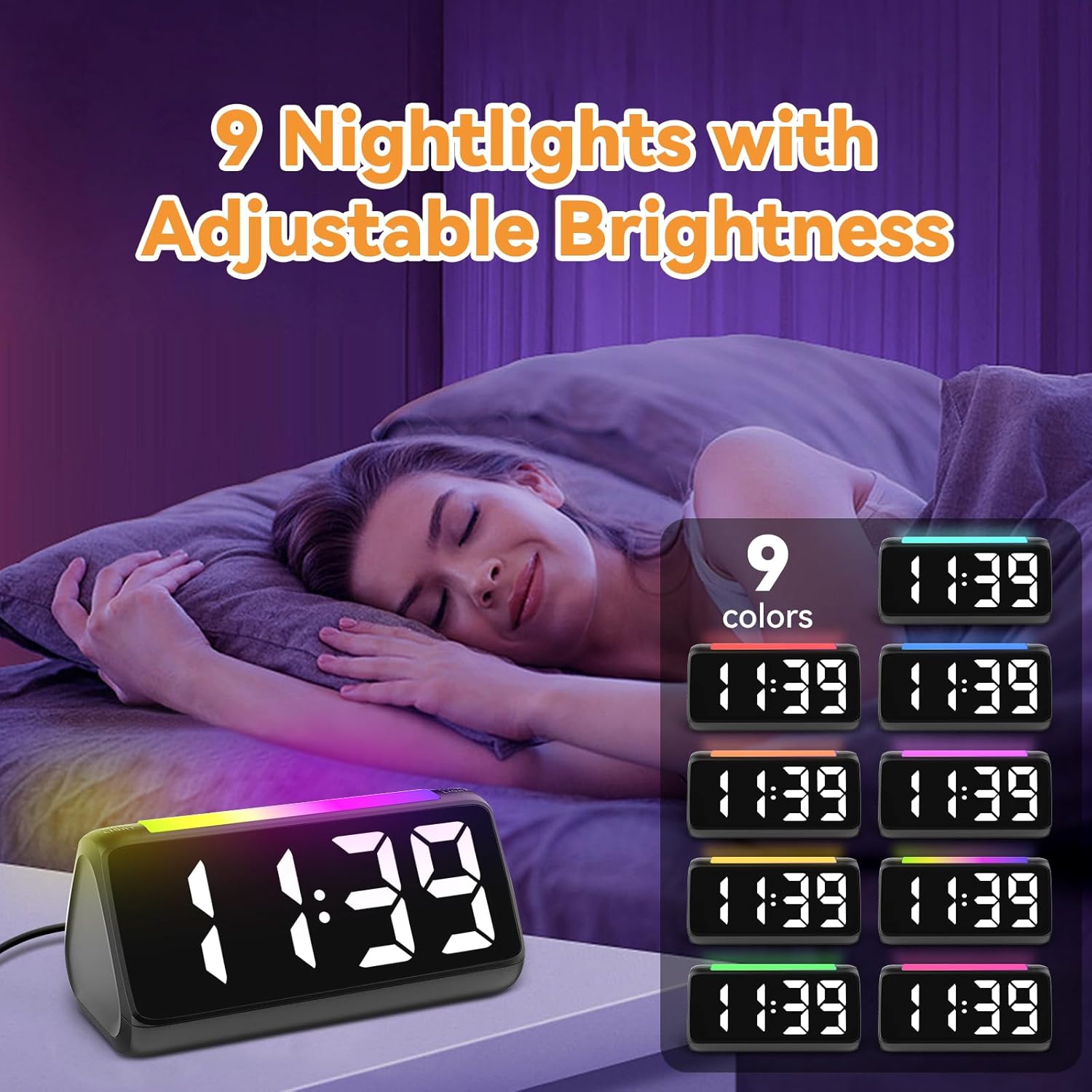
The integrated light bar offers 9 color modes and adjustable brightness, functioning as a calming night light.
- Trykk på NATTLYS button (or a dedicated light bar button) to turn the night light on/off and cycle through color modes.
- Bruk +/- buttons (or a separate brightness control for the night light) to adjust its brightness.

Figur 6.4: Night Light with Adjustable Brightness
7. Vedlikehold
To ensure the longevity and proper functioning of your alarm clock:
- Rengjør enheten med en myk, tørr klut. Ikke bruk slipende rengjøringsmidler eller løsemidler.
- Keep the bed shaker clean and free from dust.
- Hvis klokken ikke skal brukes over lengre tid, fjern AAA-backupbatteriene for å forhindre lekkasje.
8. Feilsøking
| Problem | Mulig årsak | Løsning |
|---|---|---|
| Klokkevisningen er av. | Ingen kraft eller krafttage. | Ensure the power adapter is securely plugged in. Check the power outlet. If using battery backup, ensure batteries are fresh and correctly installed. |
| Alarmen lyder/vibrerer ikke. | Alarm not set, incorrect mode, or volume too low. | Verify alarm time and mode (Ring Only, Vibration Only, or Ring + Vibration) are correctly set. Increase alarm volume. Ensure the bed shaker is properly connected. |
| Skjermen er for lys/svak. | Lysstyrkeinnstillingen må justeres. | Trykk på LYSSTYRKE -knappen for å bla gjennom lysstyrkenivåene. |
| Tidspunktet er feil. | Time not set or DST not adjusted. | Follow instructions in Section 6.1 to set the correct time. Adjust DST if applicable. |
| Nattlyset fungerer ikke. | Night light is off or brightness is too low. | Trykk på NATTLYS button to turn it on and cycle through modes. Adjust its brightness. |
9. Spesifikasjoner
| Trekk | Detalj |
|---|---|
| Merke | Netzu |
| Modellnummer | 6206ZD |
| Visningstype | Digital LED (RGB) |
| Strømkilde | Elektrisk med ledning |
| Batterisikkerhetskopiering | 2 AAA-batterier (ikke inkludert) |
| Alarmvolum | 4 levels, up to 110 dB |
| Slumre varighet | 5 minutter |
| Vis farger | 11 alternativer |
| Nattlysfarger | 9 moduser |
| Produktdimensjoner | 6.3 cm B x 3.15 cm H |
| Materiale | Plast |
| Varevekt | 13.7 unser |
10. Garanti og støtte
Netzu products are designed for reliability and performance. For warranty information or technical support, please refer to the contact details provided with your purchase or visit the official Netzu website. Please have your model number (6206ZD) ready when contacting support.