
1. Introduksjon
Thank you for choosing the DreamSky Wooden Digital Alarm Clock, Model DS2208. This clock combines modern design with essential features to enhance your daily routine. With its large, easy-to-read display, adjustable brightness, and customizable alarm volume, it is designed for convenience and reliability. Please read this manual carefully to ensure proper setup and operation.
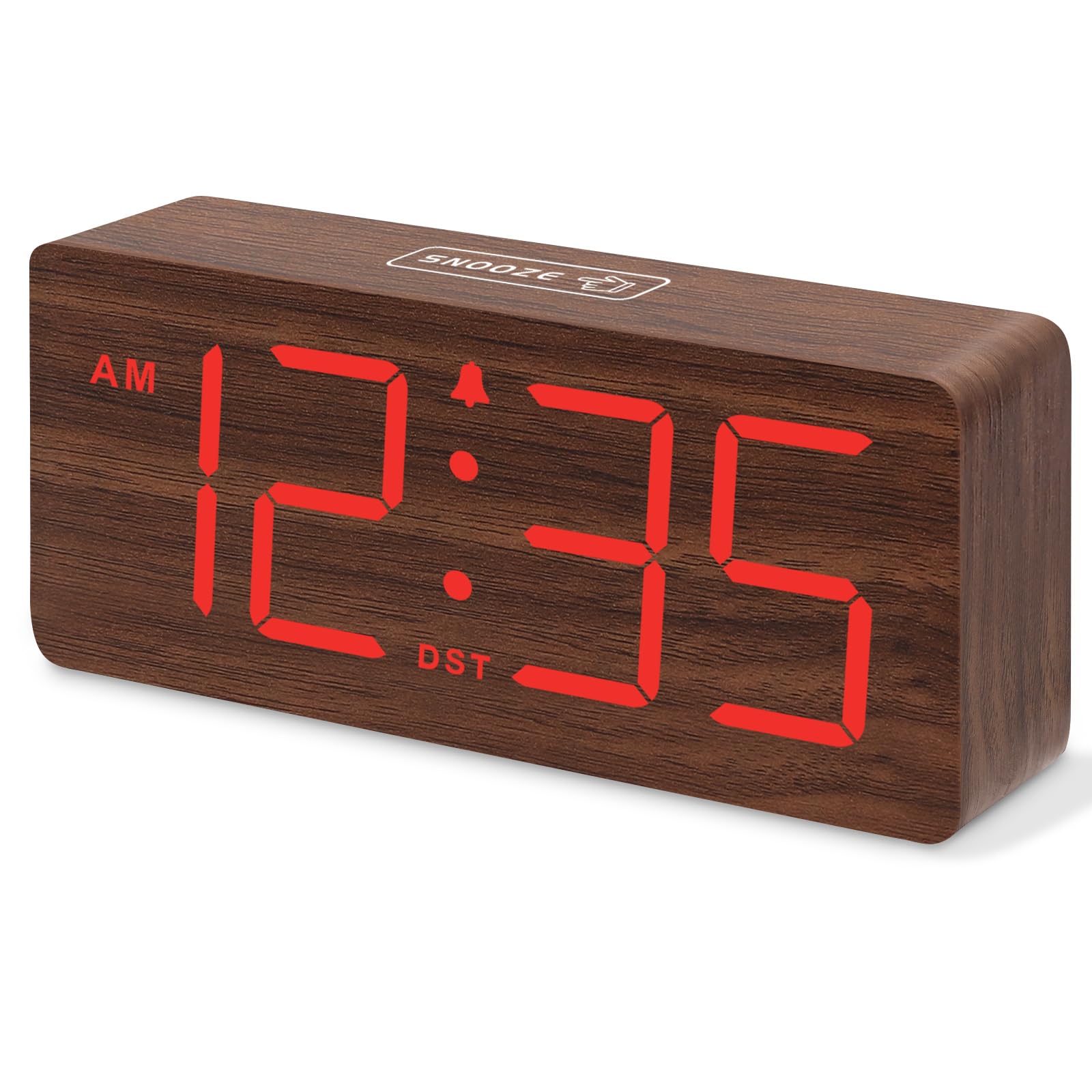
Figur 1: DreamSky Wooden Digital Alarm Clock (Red)
2. Produktfunksjoner
- Stor digital skjerm: Features 1.8-inch bold numbers for easy readability across the room.
- 6 Dimmable Brightness Levels: Adjust the display brightness from off to bright, suitable for day and night use.
- 5 Adjustable Alarm Volume Levels: Customize alarm volume from 70dB to 105dB, catering to both light and heavy sleepers.
- Snooze-funksjon: Provides an extra 9 minutes of rest after the alarm sounds.
- Plug-in Power with Battery Backup: Primarily powered by an included adapter, with battery backup (batteries not included) to maintain time settings and trigger alarms during power outages.
- DST and 12/24 Hour Format: Easy one-click switching for Daylight Saving Time and between 12-hour and 24-hour time formats.
- Modern Wooden Design: An elegant and space-saving design that complements various home and office decors.
3. Pakkens innhold
Vennligst sjekk pakken for følgende varer:
- DreamSky Wooden Digital Alarm Clock (Model DS2208)
- 5V/1.2A strømadapter
- Brukerhåndbok (dette dokumentet)
4. Installasjonsinstruksjoner
4.1 Powering the Clock
The DreamSky alarm clock is designed to be continuously powered by the included 5V/1.2A power adapter. For stable operation and continuous display, always keep the clock plugged into a power outlet.

Figur 2: Clock powered by electricity.
4.2 Batteribackup
For backup under strøm outages, insert 2 AAA batteries (not supplied) into the battery compartment located on the back of the clock. The battery backup ensures that alarm settings are saved and the alarm will still function, though the display will not be lit to conserve power.

Figur 3: Battery backup functionality.
4.3 kontroller overview
The control buttons are located on the back panel of the clock. Familiarize yourself with these buttons for easy operation:

Figur 4: Rear panel controls and power input.
4.4 Stille inn tiden
- Trykk og hold inne TIDEN SATT -knappen i 2 sekunder for å gå inn i tidsinnstillingsmodus. Timetallene vil blinke.
- Bruk + or - knapper for å justere timen.
- Pressen TIDEN SATT igjen for å bekrefte timeinnstillingen og gå videre til minuttinnstillingen. Minuttsifrene vil blinke.
- Bruk + or - knapper for å justere minuttene.
- Pressen TIDEN SATT to save the time and exit setting mode.
4.5 Stille inn alarmen
- Trykk og hold inne ALARM SETT -knappen i 2 sekunder. Alarmtimene vil blinke.
- Bruk + or - knapper for å justere alarmtiden.
- Pressen ALARM SETT again to confirm the alarm hour and move to alarm minute setting. The minute digits will flash.
- Bruk + or - knappene for å justere alarmminuttene.
- Pressen ALARM SETT to save the alarm time. The alarm icon will appear on the display, indicating the alarm is active.
4.6 12/24 timers format
To switch between 12-hour (AM/PM) and 24-hour (military) time formats, simply press the 12/24 timer knapp.
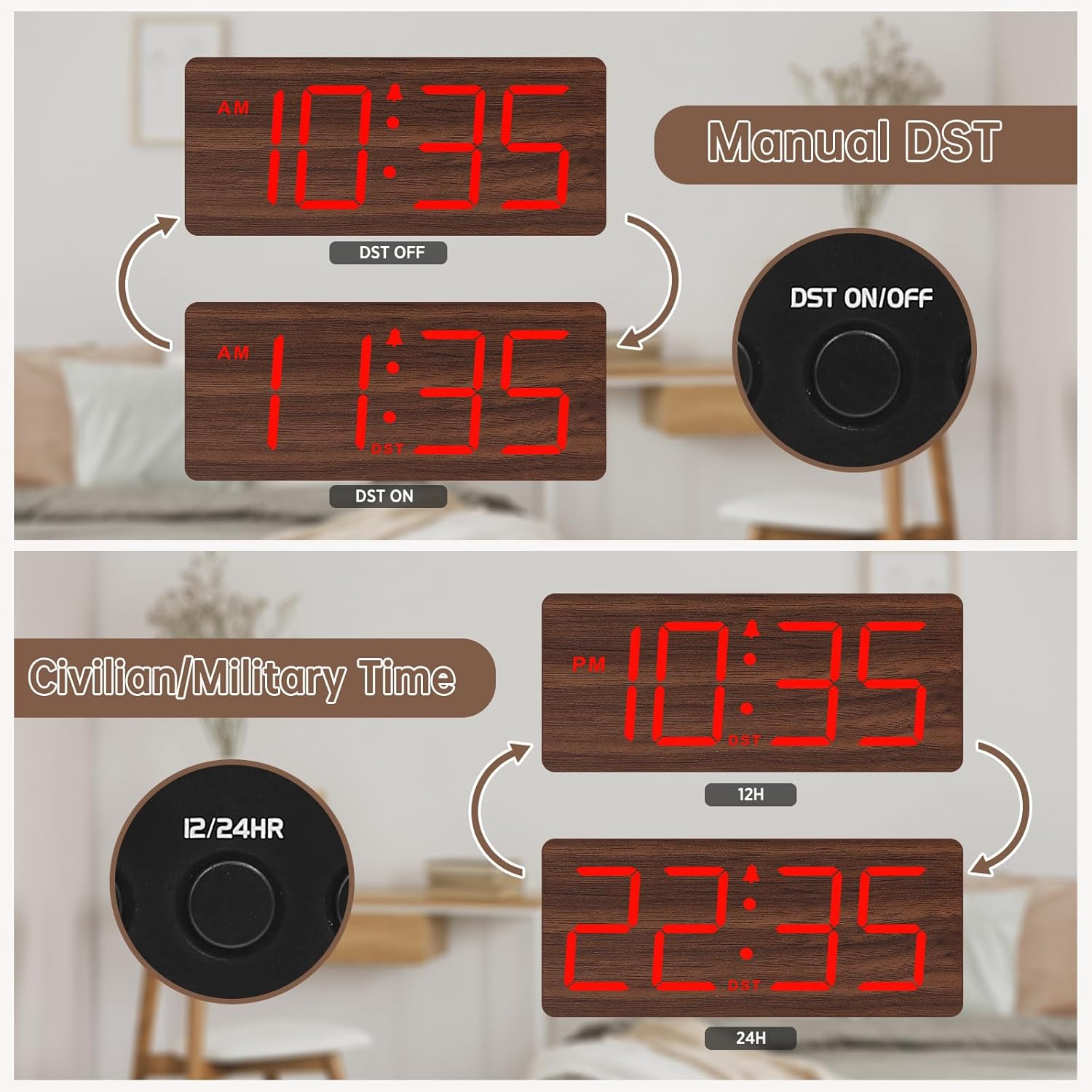
Figur 5: Manual DST and 12/24 Hour Time Switch.
4.7 Sommertid (DST)
For å aktivere eller deaktivere sommertid, trykk på Sommertid på / av button. The display will adjust by one hour forward or backward, and a 'DST' indicator will appear or disappear.
4.8 Justere skjermens lysstyrke
The clock offers 6 levels of display brightness (L1 to L5, plus OFF). Press the MØRKERE button repeatedly to cycle through the brightness levels. Select a level that is comfortable for your environment, from bright during the day to dim or off at night.

Figur 6: Adjustable Display Brightness Levels.
4.9 Justere alarmvolum
The alarm volume can be adjusted to 5 different levels (V1 to V5). Use the VOL+ og VOL- buttons to set your preferred alarm volume. This feature is ideal for heavy sleepers who need a louder alarm or for light sleepers who prefer a softer tone.

Figur 7: 5 Adjustable Alarm Volume Levels.
5. Bruksanvisning
5.1 Slumrefunksjon
Når alarmen går, trykker du på den store SLUM button on the top of the clock to temporarily silence the alarm for 9 minutes. The alarm will sound again after the snooze period ends.
5.2 Slå alarmen av/på
To turn the alarm on or off, press the PÅ/AV button. The alarm icon on the display will indicate whether the alarm is currently active.
6. Vedlikehold
To maintain your DreamSky Wooden Digital Alarm Clock:
- Tørk av klokken med en myk, tørr klut.
- Unngå å bruke slipende rengjøringsmidler eller løsemidler.
- Keep the clock away from direct sunlight, extreme temperatures, and moisture.
7. Feilsøking
- Display not lit: Ensure the power adapter is securely plugged into both the clock and a working power outlet. If using battery backup, the display will not light up to conserve power.
- Alarmen går ikke: Check if the alarm is set and the alarm icon is visible on the display. Ensure the alarm volume is not set to the lowest level (V1) or muted.
- Feil tidspunkt: Re-enter time setting mode and adjust the time as described in Section 4.4. If using battery backup, ensure batteries are fresh.
8. Spesifikasjoner
| Trekk | Detalj |
|---|---|
| Merke | DreamSky |
| Modellnummer | DS2208 |
| Farge | Red (Plug-in) |
| Visningstype | Digital |
| Produktdimensjoner | 6.1 cm B x 2.8 cm H |
| Strømkilde | Ledningsbasert elektrisk (5V/1.2A adapter inkludert) |
| Batterisikkerhetskopiering | 2 x AAA-batterier (ikke inkludert) |
| Materiale | Tre |
| Varevekt | 10.2 unser |
9. Offisiell produktvideo
Video 1: En overview of the DreamSky Wooden Digital Clock, demonstrating its features and aesthetic appeal. This video is provided by DreamSky Direct.
10. Garanti og støtte
DreamSky products are designed for durability and performance. For any questions, technical support, or warranty inquiries, please contact DreamSky customer support at: info@dreamsky4u.com.