
1. Introduksjon
Thank you for choosing the Audiopipe DJAP-B895BT 8-inch Professional Active Loudspeaker. This portable PA speaker is designed to deliver clear, balanced sound for various applications, including live events, performances, and music playback. This manual provides essential information for the safe and efficient operation of your device. Please read it thoroughly before use and retain it for future reference.

Figur 1: Foran view of the Audiopipe DJAP-B895BT Loudspeaker.
2. Viktig sikkerhetsinformasjon
For å redusere risikoen for elektrisk støt, brann eller skade, følg alltid disse grunnleggende sikkerhetsreglene:
- Les alle instruksjonene før du bruker apparatet.
- Ikke utsett dette apparatet for regn eller fuktighet.
- Ikke bruk dette apparatet i nærheten av vann.
- Rengjør kun med en tørr klut.
- Ikke blokker noen ventilasjonsåpninger. Installer i samsvar med produsentens instruksjoner.
- Ikke installer i nærheten av varmekilder som radiatorer, varmeelementer, ovner eller andre apparater (inkludert ampløftere) som produserer varme.
- Beskytt strømledningen mot å bli tråkket på eller klemt, spesielt ved støpsler, stikkontakter og punktet der de kommer ut av apparatet.
- Bruk kun vedlegg/tilbehør spesifisert av produsenten.
- Koble fra dette apparatet under tordenvær eller når det ikke skal brukes i lengre perioder.
- Overlat all service til kvalifisert servicepersonell. Service er nødvendig når apparatet har blitt skadet på noen måte, for eksempel strømledning eller støpsel er skadet, væske har blitt sølt eller gjenstander har falt inn i apparatet, apparatet har vært utsatt for regn eller fuktighet, ikke fungerer normalt , eller har blitt droppet.
3. Hva er i esken
Upon unpacking your Audiopipe DJAP-B895BT Loudspeaker, please ensure all items are present and in good condition:
- Audiopipe DJAP-B895BT Loudspeaker Unit
- Brukerhåndbok (dette dokumentet)
- Strømkabel
4. Nøkkelfunksjoner
The Audiopipe DJAP-B895BT Loudspeaker offers a range of features designed for versatile audio performance:
- Bærbar design: Equipped with a sturdy handle for easy transport.
- RGB LED-lys: Dynamic multi-color LED lighting with various effects to enhance your audio experience.
- Trådløs musikkstreaming: Connects wirelessly via Bluetooth to smartphones or MP3 players for seamless music playback. Supports True Wireless Stereo (TWS) for connecting two speakers.
- Avansert AmpOppgradert system: Features a potent Class D amplifier delivering up to 200 watts of peak power.
- Flere innganger: Includes 2-way microphone inputs (1/4" TRS and 1/4" TS jacks) and line inputs (AUX/RCA).
- Active Filter with Controls: Independent Bass and Treble controls for fine-tuning your sound.
- Stand Mounting Socket: Allows for easy setup and optimal sound projection.
- High-Quality Drivers: Features a 2.5" titanium tweeter and an 8" woofer with a 1.5" high-temperature Kapton voice coil.
- Slitesterk konstruksjon: Built with robust ABS material, protective rubber feet, and a metal grill for longevity.
- Memory Stick Port: Play music directly from a USB drive.
5. Installasjonsinstruksjoner
5.1 Førstegangsplassering
Place the loudspeaker on a stable, flat surface or mount it on a compatible speaker stand using the integrated stand mounting socket. Ensure adequate ventilation around the unit.
5.2 Strømtilkobling
- Connect the provided power cable to the AC input on the rear panel of the speaker.
- Plug the other end of the power cable into a suitable 115V / 230V AC power outlet.
- Flip the main power switch to the 'ON' position. The power indicator light will illuminate.

Figure 2: Rear panel of the loudspeaker showing controls and power input.
5.3 Battery Charging (if applicable)
The speaker features a rechargeable battery. Connect the power cable to charge the battery. The charging indicator will show the battery status (RED for charging, GREEN for charged).

Figure 3: Rear panel with the rechargeable battery compartment visible.
6. Bruksanvisning
6.1 Kontrollpanel overview

Figure 4: Detailed diagram of the rear control panel.
The rear panel features various controls and inputs:
- Memory Stick Port: USB input for playing audio files.
- Memory Stick Playback Controls: Buttons for mode, volume, repeat, and folder navigation.
- MIC / Line In: Inputs for microphones (CH1, CH2) and line-level audio sources (CH3/4, CH5/6).
- MIC-nivå: Individual volume controls for microphone inputs.
- Batteristatusindikator: Viser gjeldende batterilading.
- DC inngang: For external DC power (12V 5A).
- Strømbryteren: Main power ON/OFF.
- Power Supply Input Connector: AC strøminngang.
- Link ut: Output to connect to another speaker.
- MP3-nivå: Volume control for MP3/Bluetooth input.
- Diskant/bass: Equalizer controls for high and low frequencies.
- Echo Sound Effect: Control for microphone echo.
- LED Light ON/OFF Switch: Toggles the RGB LED lights.
6.2 Bluetooth-paring
- Sørg for at høyttaleren er slått på.
- Press the 'MODE' button on the control panel until 'BLUE' appears on the display, indicating Bluetooth mode.
- On your smartphone or MP3 player, enable Bluetooth and search for available devices.
- Select 'DJAP-B895BT' from the list of devices.
- Once paired, the speaker will emit a confirmation tone, and you can stream audio wirelessly.

Figure 5: Wireless streaming and True Wireless Stereo (TWS) connection.
6.3 Ekte trådløs stereo (TWS)-funksjon
To connect two DJAP-B895BT speakers for a stereo experience:
- Power on both speakers and switch them to Bluetooth mode.
- On one speaker (this will be the master), press and hold the 'TWS' button. It will search for the other speaker.
- Once connected, the master speaker will indicate TWS pairing.
- Pair your Bluetooth device to the master speaker as described in Section 6.2. Audio will now play in stereo across both speakers.
6.4 USB-avspilling
- Sett inn en USB-stasjon som inneholder MP3-lyd files into the Memory Stick Port.
- The speaker will automatically switch to USB mode or you may need to press the 'MODE' button.
- Use the playback controls (play/pause, next/previous track, volume) to manage your music.
6.5 Microphone and Line Inputs
Connect microphones to the 1/4" TRS or TS jacks (CH1, CH2). Connect other audio sources (e.g., mixer, instrument) to the AUX/RCA line inputs (CH3/4, CH5/6). Adjust individual input levels using the corresponding 'LEVEL' knobs.
6.6 Adjusting Sound and LED Lights
- Volum: Use the 'MP3 Level' knob for Bluetooth/USB volume and individual 'LEVEL' knobs for microphone/line inputs.
- Equalizer: Adjust the 'BASS' and 'TREBLE' knobs to fine-tune the low and high frequencies of the audio output.
- Ekko: Use the 'ECHO' knob to add a reverberation effect to microphone inputs.
- RGB LED-lys: Use the 'LED LIGHT ON/OFF' switch to activate or deactivate the integrated lighting. The lights will cycle through various colors and effects.
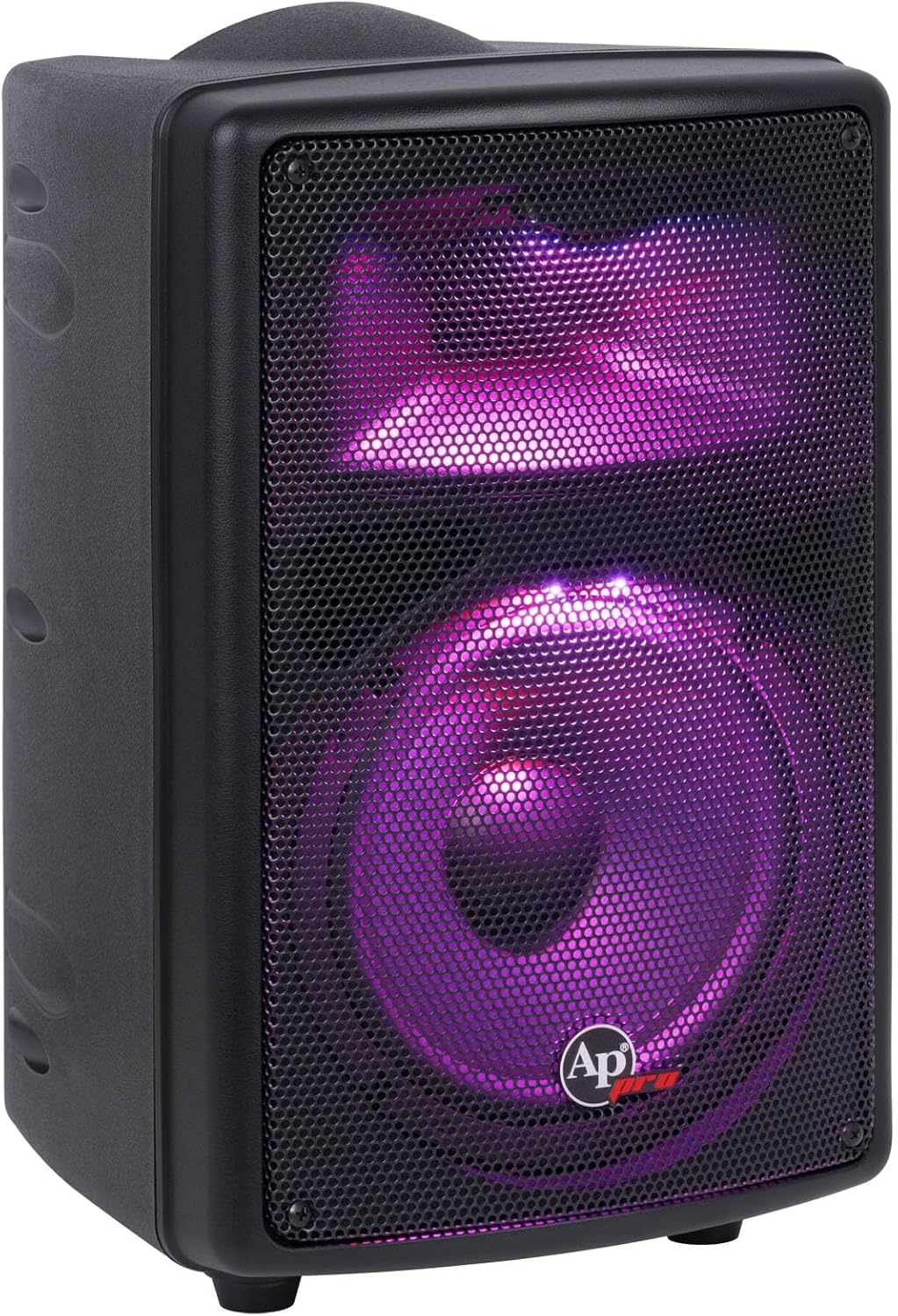
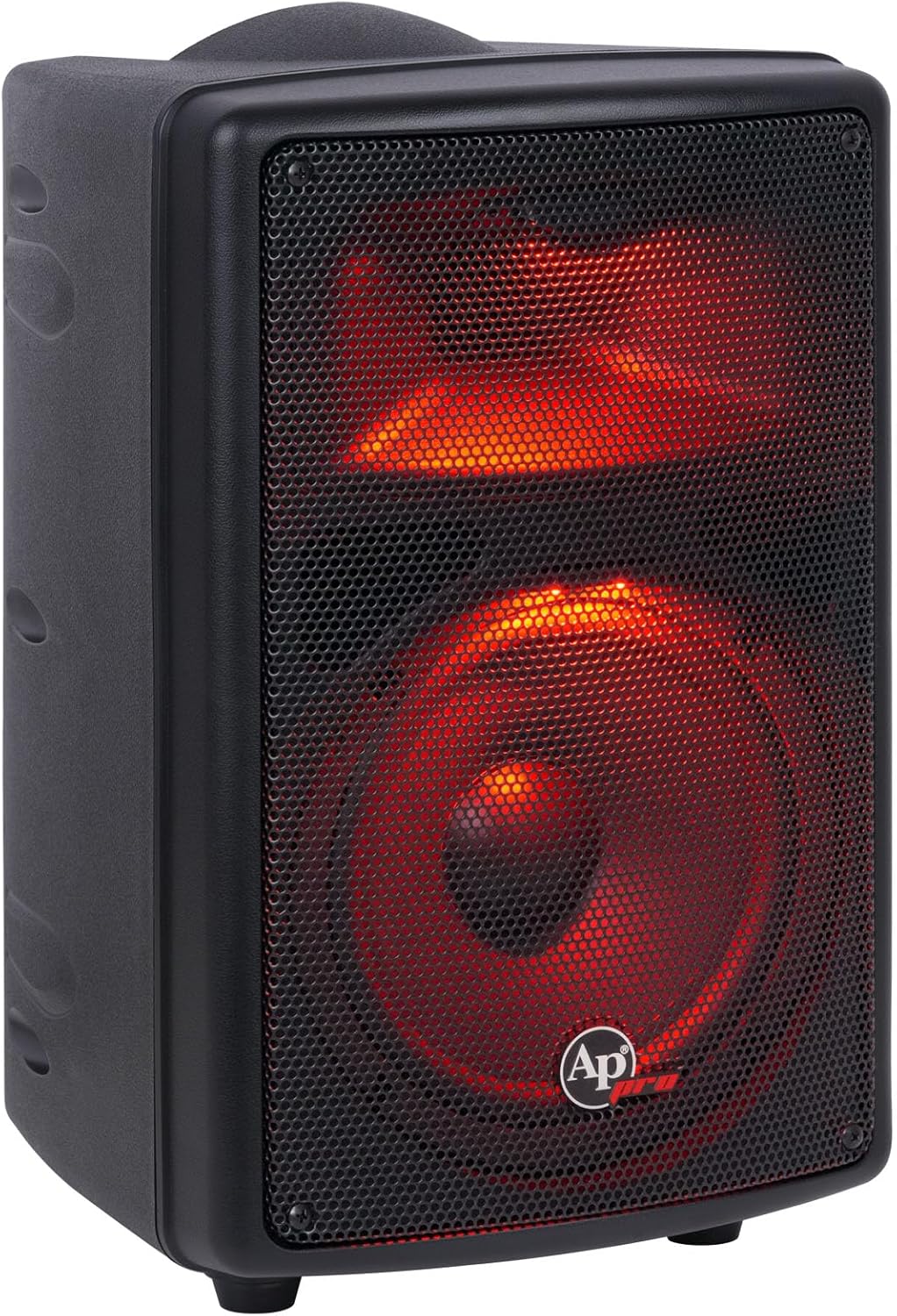

Figur 6: Eksamples of the RGB LED lighting effects.
6.7 Offisiell produktvideo
Video 1: Et offisielt produkt overview video from Audiopipe USA, showcasing the features and sound capabilities of the DJAP-B895BT loudspeaker.
7. Vedlikehold
7.1 Rengjøring
Regularly clean the exterior of the speaker with a soft, dry cloth. Do not use abrasive cleaners, waxes, or solvents as they may damage the finish. Ensure no liquids enter the speaker's openings.
7.2 Oppbevaring
When not in use for extended periods, store the speaker in a cool, dry place away from direct sunlight and extreme temperatures. If the speaker has a rechargeable battery, ensure it is partially charged before storage and recharge it every few months to maintain battery health.
8. Feilsøking
| Problem | Mulig årsak | Løsning |
|---|---|---|
| Ingen strøm | Power cable not connected; Power switch off; Discharged battery | Check power cable connection; Turn power switch ON; Charge the battery. |
| Ingen lydutgang | Volume too low; Incorrect input selected; Device not paired (Bluetooth); Faulty cable | Increase volume; Select correct input mode; Re-pair Bluetooth device; Check/replace cables. |
| Bluetooth-paringsfeil | Høyttaleren er ikke i paringsmodus; Enheten er for langt unna; Interferens | Ensure speaker is in Bluetooth mode; Move device closer; Avoid sources of interference. |
| USB-avspilling fungerer ikke | USB-stasjonen er ikke formatert riktig; støttes ikke file type; USB drive faulty | Ensure USB is FAT32; Use MP3 files; Prøv en annen USB-stasjon. |
| Mikrofonen virker ikke | Microphone not connected; MIC level too low; Microphone faulty | Connect microphone securely; Increase MIC level; Test with another microphone. |
9. Spesifikasjoner
| Trekk | Detalj |
|---|---|
| Modellnavn | DJAP-B895BT |
| Høyttalertype | Professional Active Loudspeaker (PA Speaker) |
| Peak Power | 200 watt |
| Basshøyttalerstørrelse | 8 Inches with 1.5" Kapton Voice Coil |
| Diskantstørrelse | 2.5 Inches Titanium |
| Frekvensområde | 60Hz - 20KHz |
| Impedans | 8 Ohm |
| Strømkilde | Corded Electric (115V / 230V) / Rechargeable Battery |
| Inngang Voltage | 230 volt (AC) |
| Tilkoblingsteknologi | Bluetooth, XLR, 1/4" TRS/TS, RCA, USB |
| Trådløs kommunikasjon | Bluetooth |
| Materiale | Akrylnitrilbutadienstyren (ABS) |
| Produktdimensjoner (B x D x H) | 290 x 280 x 425 mm (11.4 x 11.1 x 16.7 tommer) |
| Varevekt | 22 pund (10 kg) |
| Spesielle funksjoner | RGB LED Lights, Portable Handle, TWS Function, Active Filter |

Figure 7: Visual summary of key product specifications.
10. Garanti og støtte
10.1 Begrenset garanti
This Audiopipe product comes with a limited warranty. Please refer to the warranty card included with your purchase or visit the official Audiopipe webnettstedet for detaljerte vilkår og betingelser angående garantidekning og service.
10.2 Kundestøtte
For technical assistance, troubleshooting, or service inquiries, please contact Audiopipe customer support. Contact information can typically be found on the official Audiopipe webnettstedet eller på produktemballasjen.