
Introduksjon
Thank you for choosing the JBL Tune 520C wired on-ear headphones. This manual provides essential information for setting up, operating, and maintaining your headphones to ensure optimal performance and longevity.

Bilde: Overview of JBL Tune 520C features including Pure Bass Sound, foldable design, tangle-free cable, and remote control.
Hva er i esken
- 1 x JBL Tune 520C USB-C-hodetelefoner
- 1 x Warranty/Warning document
Nøkkelfunksjoner
- JBL Pure Bass-lyd: Experience clear, powerful audio from 32mm dynamic drivers.
- Wide USB-C Compatibility: Connect to various devices including PCs, mobile phones, gaming devices, tablets, and laptops.
- 3-Button Remote with Microphone: Manage calls, music playback, volume, and EQ presets directly from the cable.
- Comfort Fit and Foldable Design: Padded on-ear design for extended wear and a foldable structure for easy storage.
- Tangle-Free Flat Cable: Durable, reinforced USB-C cable designed to prevent tangling.
- Høyoppløselig lyd: Enjoy higher quality music at 24-bit/96kHz with the DSP chipset.
Oppsett
Follow these steps to set up your JBL Tune 520C headphones for first use.
Koble til hodetelefonene
- Locate the USB-C connector on your JBL Tune 520C headphones.
- Insert the USB-C connector into the compatible USB-C port on your audio device (e.g., smartphone, laptop, tablet).
- Ensure the connection is secure. Your device should automatically recognize the headphones.
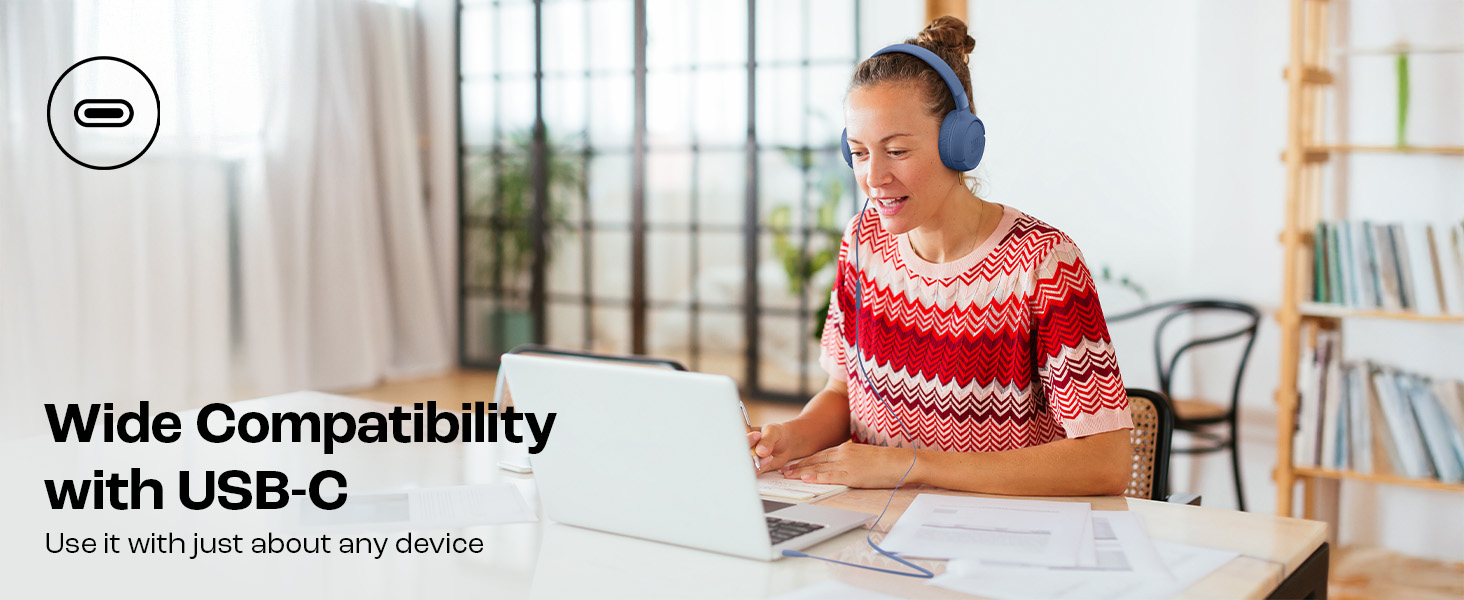
Image: JBL Tune 520C headphones connected to a laptop, demonstrating wide USB-C compatibility.
Justering for komfort
- Gently extend or retract the headband to fit your head comfortably.
- Position the earcups so they rest fully on your ears, creating a seal for optimal sound.
Bruksanvisning
Learn how to use the 3-button remote and microphone for various functions.
Using the 3-Button Remote

Bilde: Detaljert view of the 3-button remote control on the headphone cable.
- Volum opp (+): Press the top button to increase volume.
- Volum ned (-): Press the bottom button to decrease volume.
- Play/Pause/Call (Center Button):
- Trykk én gang for å spille av eller sette musikk på pause.
- Trykk én gang for å svare eller avslutte en samtale.
- Trykk to ganger for å hoppe til neste spor.
- Trykk tre ganger for å gå til forrige spor.
Using EQ Presets
The JBL Tune 520C features selectable EQ presets to customize your listening experience.
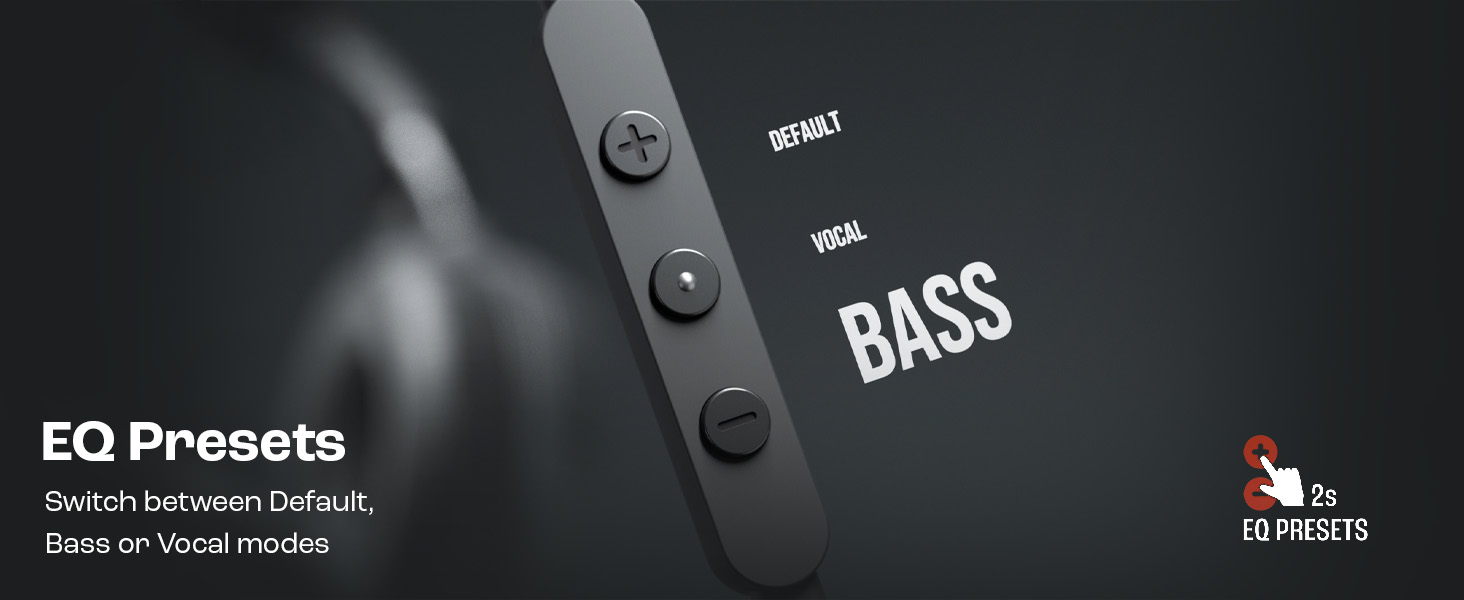
Image: Remote control showing options for Default, Vocal, and Bass EQ presets.
- To switch between EQ presets (Default, Vocal, Bass), press and hold the center button for approximately 2 seconds. The headphones will cycle through the available presets.
Vedlikehold
Proper care and maintenance will extend the life of your headphones.
Rengjøring
- Bruk en myk, tørr klut til å tørke av øreklokkene og hodebøylen.
- Ikke bruk flytende rengjøringsmidler eller slipende materialer, da disse kan skade overflaten eller de indre komponentene.
- Keep the USB-C connector clean and free of dust or debris.
Lagring
The JBL Tune 520C headphones feature a foldable design for convenient storage.
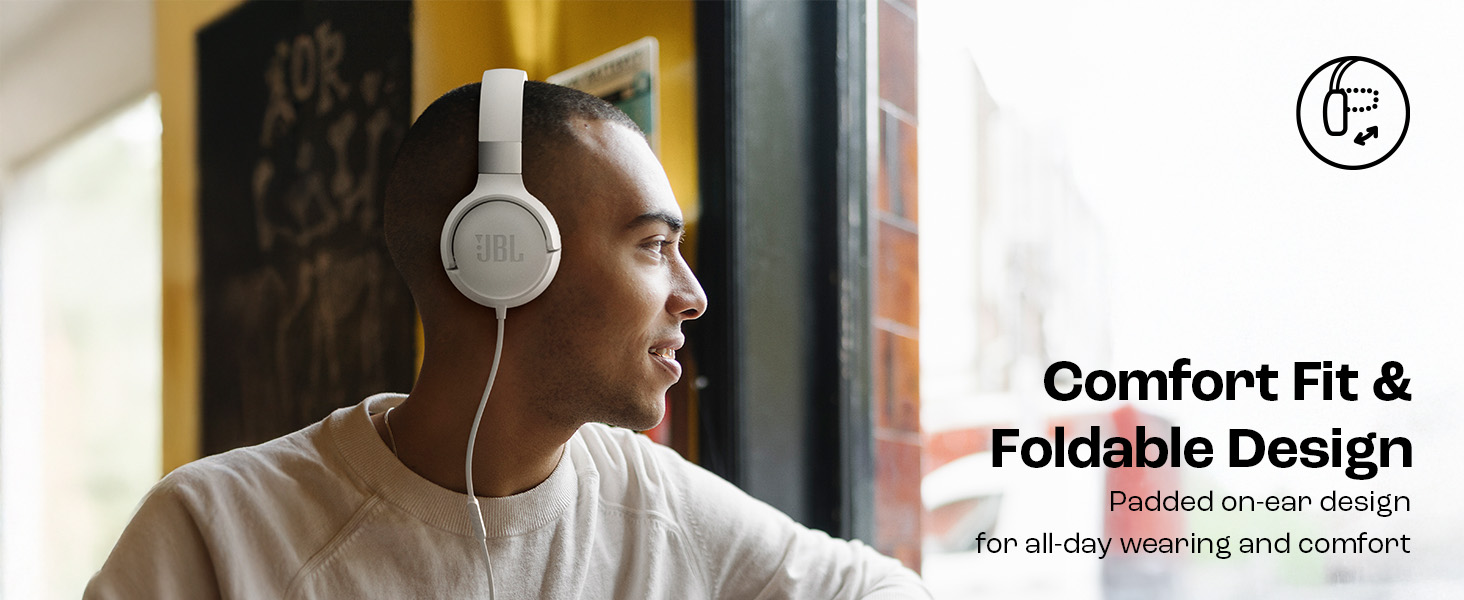
Image: JBL Tune 520C headphones demonstrating comfort fit and foldable design.
- Fold the earcups inward to reduce the headphone's size.
- Oppbevar hodetelefonene på et kjølig og tørt sted, unna direkte sollys og ekstreme temperaturer.
- Avoid placing heavy objects on the headphones during storage.
Kabelpleie
The tangle-free flat cable is designed for durability, but proper handling is still recommended.
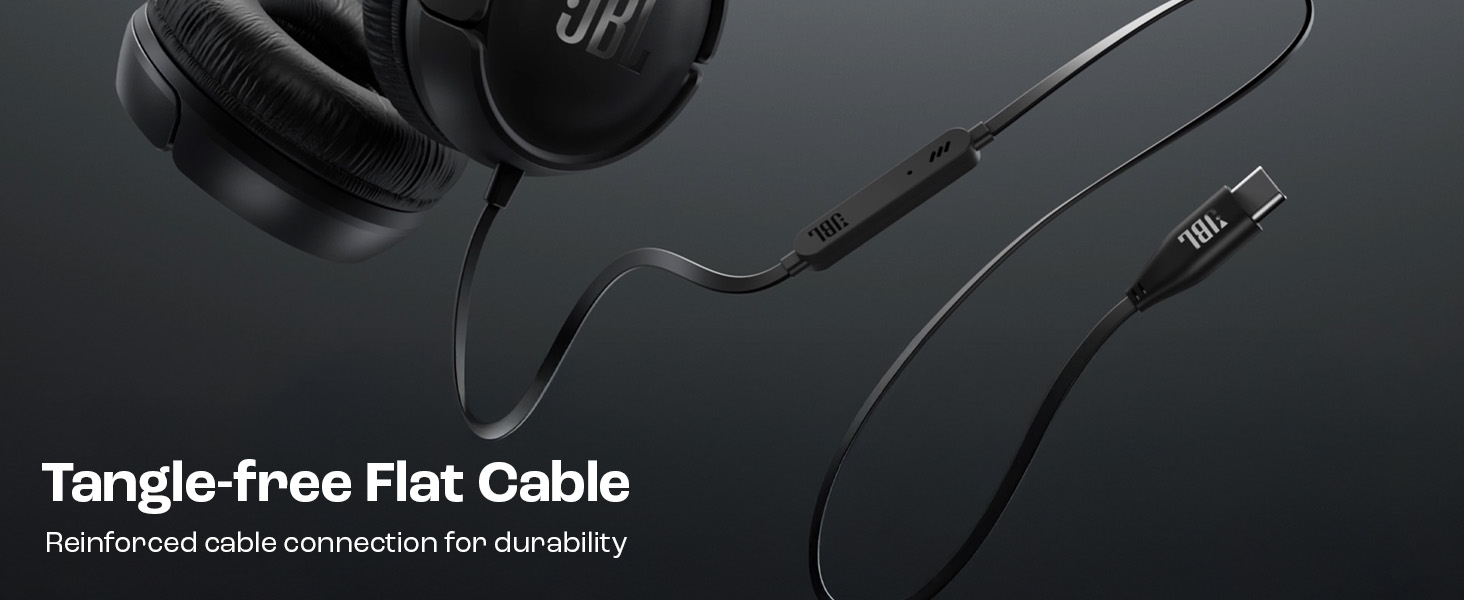
Image: The tangle-free flat USB-C cable of the JBL Tune 520C headphones.
- Unngå skarpe bøyninger eller overdreven trekking i kabelen.
- When coiling the cable for storage, do so loosely to prevent strain.
Feilsøking
Hvis du støter på problemer med hodetelefonene dine, kan du se følgende vanlige problemer og løsninger.
| Problem | Løsning |
|---|---|
| Ingen lyd fra hodetelefoner |
|
| Mikrofonen virker ikke |
|
| Dårlig lydkvalitet |
|
| Fjernkontrollknappene reagerer ikke |
|
Spesifikasjoner
Detailed technical specifications for the JBL Tune 520C headphones.
| Trekk | Detalj |
|---|---|
| Merke | JBL |
| Modellnavn | JBL Tune 520C |
| Modellnummer | JBLT520CBLK |
| Øreplassering | On Ear |
| Formfaktor | On Ear |
| Impedans | 32 Ohm |
| Frekvensrespons | 20 Hz–20 000 Hz |
| Følsomhet | 103 dB |
| Type lyddriver | Dynamisk driver |
| Kompatible enheter | Tablets, Desktops, Telephones, Gaming Consoles, Cellphones, Laptops |
| Hodetelefonuttak | USB-C-kontakt |
| Kontrollmetode | Fjernkontroll (3-knapps) |
| Varevekt | 150 gram |
| Opprinnelsesland | Kina |
Garanti og støtte
Garantiinformasjon
The JBL Tune 520C headphones come with a 1 års garanti levert av produsenten fra kjøpsdatoen. Vennligst ta vare på kjøpsbeviset for garantikrav.
Kundestøtte
For technical assistance, warranty claims, or further inquiries, please contact Harman International customer support. Refer to the warranty/warning document included in your product box for specific contact details for your region.
Produsentens kontaktinformasjon:
HARMAN International Industries, Incorporated
8500 Balboa Boulevard, Northridge, CA 91329 USA
Importer Contact Information (India):
Harman International (India) Pvt Ltd
Salarpuria Sattva Knowledge Court, Office-1, Wing ‘A’ & ‘B’ 3rd floor, Plot No. 9, Phase I, Doddenakkundi Industrial area Bangalore -560048, Karnataka.