
Baseus EnerGeek GR11
Baseus EnerGeek 145W Power Bank User Manual
Model: EnerGeek GR11 | Capacity: 20000mAh | Output: 145W Max
1. Produktet er overview
The Baseus EnerGeek 145W Power Bank is a high-capacity portable charging device designed to provide fast and efficient power to a wide range of electronic devices, including laptops, smartphones, and tablets. It features a 20000mAh battery, a maximum output of 145W, and an integrated 60cm retractable USB-C cable for convenience.

Image: The Baseus EnerGeek 145W Power Bank, showcasing its compact design and the integrated retractable USB-C cable. The digital display is visible, indicating battery status.
Nøkkelfunksjoner:
- 145W maks. effekt: Supports Power Delivery for rapid charging of high-power devices.
- 20000mAh kapasitet: Provides multiple charges for smartphones and laptops.
- Integrated 60cm Retractable USB-C Cable: Durable and convenient for storage and use.
- Lading med flere porter: Two USB-C ports and two USB-A ports allow simultaneous charging of up to four devices.
- Intelligent digital skjerm: Real-time display of battery level, charging power, and remaining time.
- Avansert kjølesystem: Features conductive graphene, aerogel insulation, and an AI-powered chip for effective temperature regulation.
2. Pakkens innhold
Vennligst sjekk pakken for følgende varer:
- Baseus EnerGeek 145W Power Bank (EnerGeek GR11)
- Brukerhåndbok
- (Additional accessories may vary by region or package)
3. Oppsett og første gangs bruk
3.1 Innledende lading
Before first use, it is recommended to fully charge the Baseus EnerGeek Power Bank. This ensures optimal battery performance and longevity.
- Connect the integrated USB-C cable or a separate USB-C cable to the power bank's input port (USB-C1 or USB-C2).
- Connect the other end of the cable to a compatible USB-C wall charger (100W charger recommended for fastest charging).
- The digital display will show the charging status and battery percentage. Powerbanken er fulladet når displayet viser 100 %.

Image: The Baseus EnerGeek Power Bank connected to a wall charger via its integrated USB-C cable, illustrating the fast charging input capability.
4. Bruksanvisning
4.1 Ladeenheter
The Baseus EnerGeek Power Bank can charge up to four devices simultaneously using its various output ports.
- Using the Integrated USB-C Cable: Pull out the 60cm retractable USB-C cable and connect it to your device's USB-C port.
- Bruk av eksterne kabler: Connect your device's charging cable to one of the available USB-C (C2, C3) or USB-A (A1) output ports on the power bank.
- The power bank will automatically detect the connected device and begin charging. The digital display will show the output power.
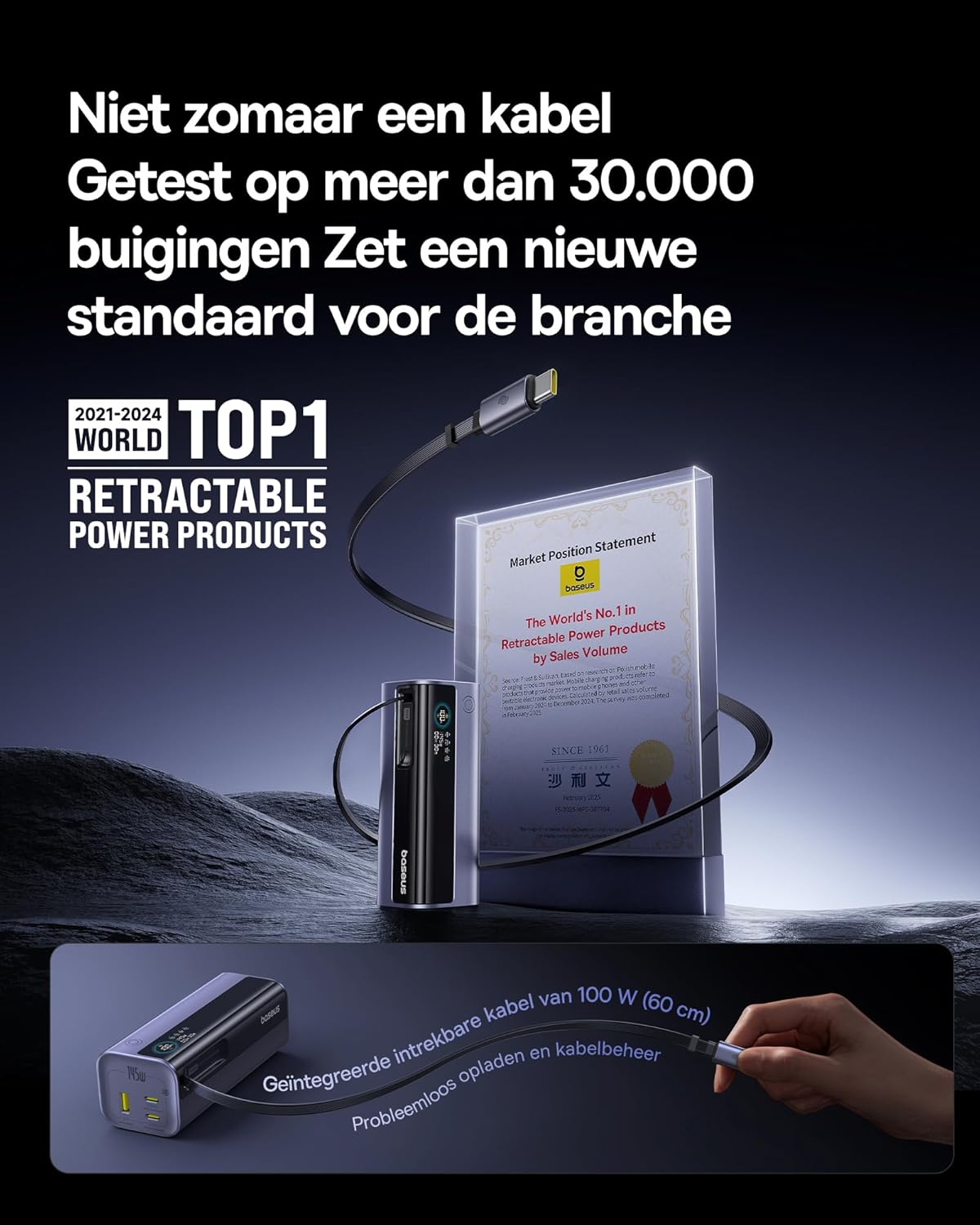
Image: The Baseus EnerGeek Power Bank connected to a laptop and an iPhone, demonstrating its ability to charge multiple devices simultaneously with high power output.
4.2 Forstå det digitale displayet
The intelligent digital display provides real-time information:
- Batterinivå: Viser gjenværende batteriprosenttage.
- Charging Power (Input/Output): Viser gjeldende watttage blir trukket eller levert.
- Gjenværende tid: Estimates the time left for the power bank to fully charge or discharge.
- I/O-status: Indicates which ports are active for input or output.

Bilde: En detaljert view of the Baseus EnerGeek Power Bank's digital display, showing battery percentage, current wattage, og estimert gjenværende tid.
4.3 Inntrekking av kabelen
To retract the integrated USB-C cable, gently pull it out slightly further, then release it. The cable will automatically retract into the power bank's housing.
5. Vedlikehold og stell
- Hold powerbanken unna ekstreme temperaturer (varme eller kalde), direkte sollys og fuktige miljøer.
- Ikke utsett powerbanken for vann eller andre væsker.
- Unngå å miste eller utsett kraftbanken for kraftige støt.
- Clean the surface of the power bank with a soft, dry cloth. Do not use harsh chemicals or abrasive materials.
- Oppbevar powerbanken på et kjølig og tørt sted når den ikke er i bruk over lengre tid. Det anbefales å lade den til omtrent 50–70 % før langtidslagring.
6. Feilsøking
| Problem | Mulig årsak | Løsning |
|---|---|---|
| Powerbank lader ikke | Low battery on power bank; faulty charging cable; incompatible wall adapter. | Ensure the power bank has some charge. Try a different USB-C cable and a compatible wall adapter (e.g., 100W PD charger). |
| Enheten lader ikke fra strømbanken | Power bank battery is empty; faulty device cable; device not compatible with power bank output. | Recharge the power bank. Try a different charging cable for your device. Ensure your device supports the power bank's output specifications. |
| Sakte lading | Cable or adapter not supporting fast charging; multiple devices connected reducing individual output. | Use a high-quality, fast-charging compatible cable and adapter. Disconnect other devices to maximize output to a single device. |
| Digital skjerm fungerer ikke | Power bank is off; temporary software glitch. | Press the power button to activate the display. If the issue persists, try fully discharging and recharging the power bank. |
7. Spesifikasjoner
| Trekk | Detalj |
|---|---|
| Modellnummer | EnerGeek GR11 |
| Batterikapasitet | 20000mAh |
| Maks utgangseffekt | 145W (totalt) |
| USB-C1-kabelutgang | 100W Maks |
| USB-C2-utgang | 100W Maks |
| USB-C3-utgang | 100W Maks |
| USB-A1-utgang | 33W Maks |
| Inngang (USB-C) | 100W Maks |
| Dimensjoner | 13 x 5.2 x 4.9 cm |
| Vekt | 465 g |
| Batteritype | Litium-ion |
| Spesielle funksjoner | Digital display, Integrated cable, Fast charging |
8. Garanti og støtte
For garantiinformasjon og kundestøtte, vennligst se den offisielle Baseus-versjonen webnettstedet eller kontakt forhandleren du kjøpte produktet fra. Ta vare på kjøpsbeviset for garantikrav.
Produsent: Baseus
ASIN: B0F83VMZJT
Første tilgjengelige dato: 9. mai 2025
For ytterligere hjelp kan du besøke Baseus-butikken på Amazon.
Ask a question about this manual
Ask about setup, troubleshooting, compatibility, parts, safety, or missing instructions. Manuals+ will review the question and use this page’s manual context to help answer it.