
1. Introduksjon
Welcome to the GOBOULT Pyro Smartwatch user manual. This guide provides essential information for setting up, operating, and maintaining your new smartwatch. The GOBOULT Pyro combines advanced technology with a sleek design, offering features such as a vibrant AMOLED display, Bluetooth calling, comprehensive health monitoring, and various sports modes.
Please read this manual thoroughly to ensure proper use and to maximize your experience with the device.

Image 1.1: The GOBOULT Pyro Smartwatch in Charcoal Black. This image displays the watch face and strap, highlighting its overall design.
2. Nøkkelfunksjoner
The GOBOULT Pyro Smartwatch is equipped with a range of features designed to enhance your daily life and fitness routine:
- 1.43" AMOLED-skjerm: Enjoy an ultra-clear and vibrant display with 600 nits brightness and Always-On Display functionality.
- Rotating Dial Navigation: Effortlessly browse menus and switch between applications.
- Bluetooth Calling 5.3: Make and receive calls directly from your wrist with enhanced audio quality.
- IP68 Water & Dust Resistance: Designed to withstand dust, sweat, and water immersion.
- 150+ Cloud-Based Watch Faces: Personalize your smartwatch to match your style.
- 120+ sportsmoduser: Track various fitness activities with real-time insights.
- AI Voice Assistant: Control tasks hands-free using voice commands.
- Helseovervåking: Includes SpO2, heart rate, blood pressure, stress, sleep, and menstrual cycle tracking.
- Smart Productivity Features: Remote camera control, flashlight, world clock, weather updates, and 'Find My Phone' functionality.

Bilde 2.1: En overview visasing key features of the GOBOULT Pyro Smartwatch, including the working dial, Always-On Display, 600 nits brightness, 120+ sports modes, Bluetooth calling, health monitoring, and IP68 water resistance.
3. Oppsett
3.1. Unboxing og innledende inspeksjon
Upon opening the package, ensure all components are present and undamaged. The box should contain:
- GOBOULT Pyro Smartwatch
- Ladekabel
- Brukerhåndbok (dette dokumentet)
- Garantikort
3.2. Lading av smartklokken
Before first use, fully charge your GOBOULT Pyro Smartwatch. Connect the provided charging cable to the charging port on the back of the smartwatch and to a standard USB power adapter (not included). A full charge typically takes approximately 150 minutes.
Note: Use a compatible charger to avoid damage. The smartwatch requires 1 AAA battery (included) for internal functions, but the main power is supplied via the charging cable.
3.3. Paring med smarttelefonen din
For å få tilgang til smartklokkens fulle funksjonalitet, par den med smarttelefonen din via Bluetooth:
- Download the official GOBOULT companion app from your smartphone's app store (available for Android and iOS).
- Sørg for at Bluetooth er aktivert på smarttelefonen.
- Open the GOBOULT app and follow the on-screen instructions to add a new device.
- Select 'GOBOULT Pyro' from the list of available devices.
- Bekreft paringsforespørselen på både smarttelefonen og smartklokken.
Once paired, the smartwatch will synchronize data and notifications with your phone.
4. Drift
4.1. Skjerm og navigasjon
The GOBOULT Pyro features a 1.43-inch AMOLED display with 600 nits brightness, ensuring clear visibility even in bright sunlight. The Always-On Display (AOD) feature allows you to see essential information without fully activating the screen.

Image 4.1: The 1.43-inch AMOLED display of the GOBOULT Pyro Smartwatch, showcasing its vibrant colors and clarity, along with the Always-On Display feature and 600 nits brightness.
Navigate through menus and apps using the touchscreen and the intuitive rotating dial. Rotate the dial to scroll through lists or zoom, and press it to select items or return to the home screen.

Image 4.2: Close-up of the GOBOULT Pyro Smartwatch demonstrating the rotating action bezel for navigation through menus and options.
4.2. Tilpasse urskiver
Personalize your smartwatch with over 150 cloud-based watch faces. You can change watch faces directly from the smartwatch settings or through the companion app. The app also allows for custom watch face options.

Image 4.3: A visual representation of the 150+ cloud-based watch faces available for the GOBOULT Pyro Smartwatch, including options for custom watch faces.
4.3. Bluetooth-anrop
With Bluetooth 5.3, you can make and receive calls directly from your smartwatch. The device features a dedicated microphone and speaker for clear, hands-free communication. Ensure your smartwatch is connected to your phone via Bluetooth for this feature to work.

Image 4.4: The GOBOULT Pyro Smartwatch displaying an incoming call, illustrating the Bluetooth calling feature with its dedicated microphone and speaker.
4.4. Sportsmoduser og aktivitetssporing
The smartwatch supports over 120 sports modes, allowing you to track a wide range of physical activities. Select your desired sport from the menu to monitor real-time data such as duration, calories burned, and heart rate.

Image 4.5: The GOBOULT Pyro Smartwatch displaying a running activity summary, highlighting the availability of 120+ sports modes for tracking various physical activities.
4.5. Helseovervåking
The GOBOULT Pyro provides 24/7 health monitoring capabilities:
- Pulsmåler: Sporer pulsen din kontinuerlig.
- SpO2-overvåking: Måler oksygennivået i blodet ditt.
- Blodtrykkovervåking: Gir estimater av blodtrykket ditt.
- Sleep & Stress Monitoring: Analyzes sleep patterns and stress levels.
- Sporing av kvinnelig menstruasjonssyklus: Hjelper med å spore og forutsi menstruasjonssykluser.
For accurate readings, ensure the smartwatch is worn snugly on your wrist. Consult a medical professional for any health concerns; the smartwatch is not a medical device.

Bilde 4.6: Baksiden view of the GOBOULT Pyro Smartwatch, showing the optical PPG tech sensors used for health monitoring features like heart rate, SpO2, and blood pressure tracking.
4.6. AI Voice Assistant and Smart Features
Access your AI voice assistant (Siri or Google Assistant) for hands-free commands. The smartwatch also offers additional smart features:
- SMS & Push Notifications: Motta varsler for meldinger og appvarsler.
- Fjernkontroll for kamera: Bruk klokken din som en fjernutløser for telefonens kamera.
- Lommelykt: Activate a simple flashlight function.
- Verdensklokke: View tider i forskjellige tidssoner.
- Weather Details: Få aktuelle væroppdateringer.
- Finn telefonen min: Finn den parede smarttelefonen din.
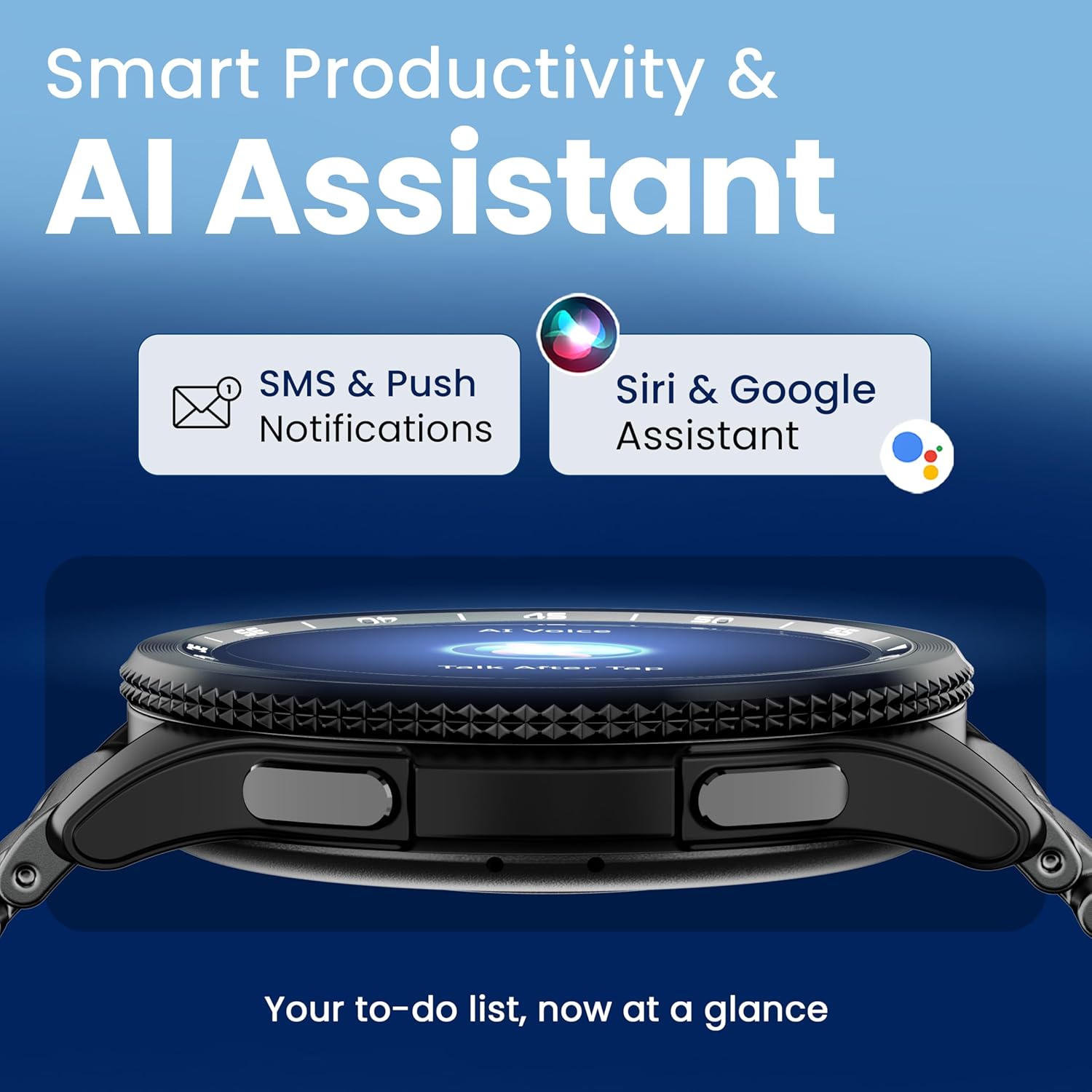
Image 4.7: The GOBOULT Pyro Smartwatch displaying the AI Voice Assistant interface, alongside icons for SMS and push notifications, indicating smart productivity features.

Image 4.8: The GOBOULT Pyro Smartwatch displaying the 'Find Phone' feature, with additional icons for remote camera control, flashlight, world clock, and weather details.
5. Vedlikehold
5.1. Vann- og støvmotstand (IP68)
The GOBOULT Pyro Smartwatch is IP68 rated, meaning it is resistant to dust and can withstand immersion in water up to 1.5 meters for 30 minutes. This makes it suitable for daily wear, including during workouts and in rainy conditions. However, it is not recommended for diving, high-pressure water activities, or prolonged submersion.
Viktig: Water resistance is not a permanent condition and may decrease over time with normal wear. Avoid exposing the watch to hot water, steam, or detergents, as these can compromise the seals.
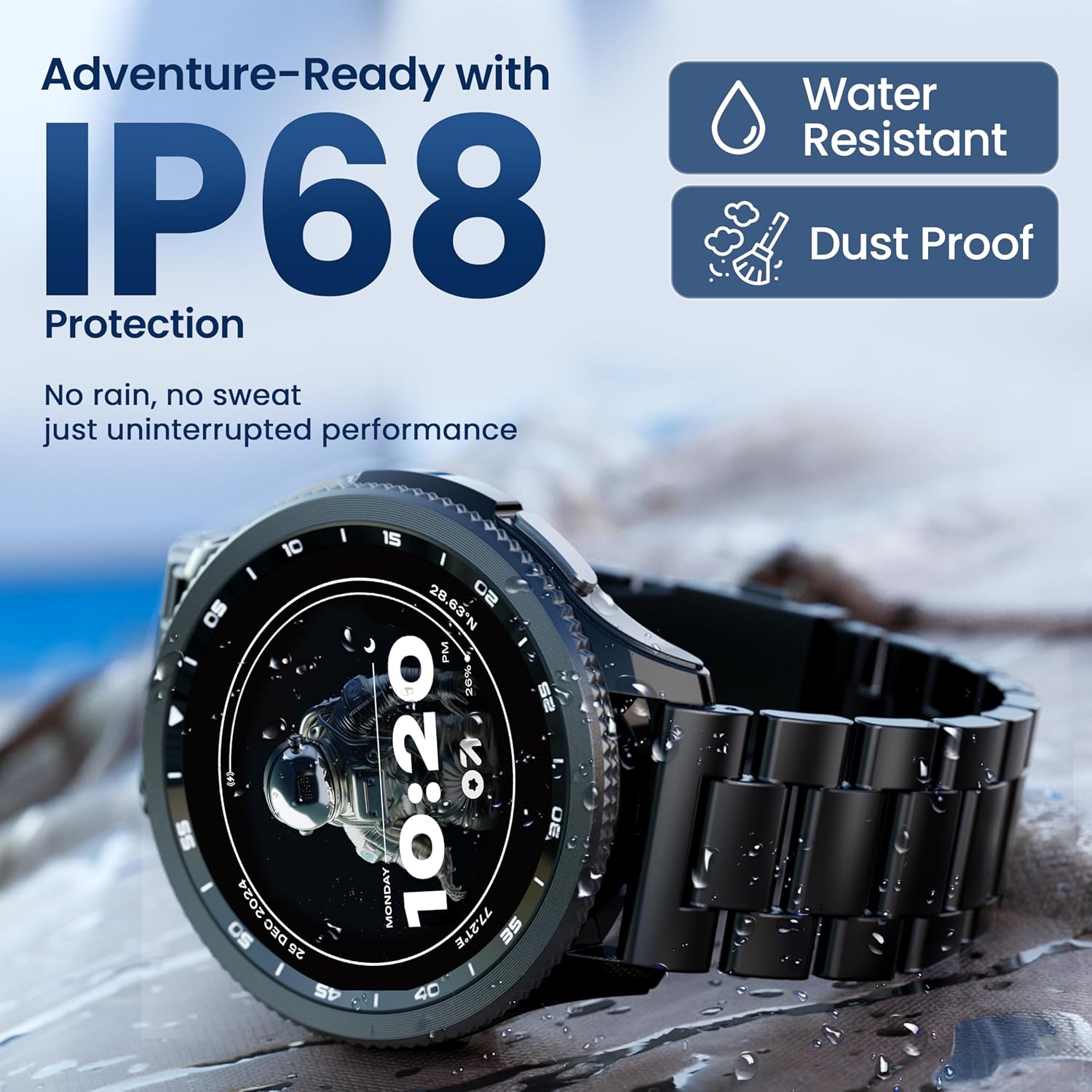
Image 5.1: The GOBOULT Pyro Smartwatch shown with water droplets, illustrating its IP68 water and dust resistance for uninterrupted performance in various conditions.
5.2. Rengjøring av smartklokken
To keep your smartwatch clean and functioning optimally:
- Tørk av skjermen og huset med en myk, lofri klut.
- Om nødvendig, dampSkyll kluten lett med vann. Unngå bruk av sterke kjemikalier eller slipende materialer.
- Rengjør ladekontaktene regelmessig for å sikre effektiv lading.
- If the strap is removable, clean it separately according to its material type.
5.3. Batteripleie
Slik forlenger du batterilevetiden:
- Unngå ekstreme temperaturer.
- Ikke la batteriet tømmes helt før du lader det ofte.
- Hvis klokken skal oppbevares over lengre tid, må du lade den til omtrent 50 % og slå den av.
6. Feilsøking
If you encounter issues with your GOBOULT Pyro Smartwatch, refer to the following common solutions:
| Problem | Mulig løsning |
|---|---|
| Smartklokken slår seg ikke på | Sørg for at klokken er fulladet. Koble den til laderen i minst 30 minutter. |
| Kan ikke pares med smarttelefonen | Check if Bluetooth is enabled on your phone. Ensure the smartwatch is in pairing mode. Restart both devices and try again. Make sure the companion app is installed and updated. |
| Unøyaktige helsemålinger | Sørg for at klokken sitter tett på håndleddet, ikke for stramt eller for løst. Rengjør sensorene på baksiden av klokken. Unngå overdreven bevegelse under avlesningene. |
| Varsler vises ikke | Verify that notification permissions are granted to the GOBOULT app on your smartphone. Check the app's settings to ensure notifications are enabled for desired applications. Ensure Bluetooth connection is stable. |
| Batteriet tømmes raskt | Reduce screen brightness. Disable Always-On Display if not needed. Limit background app refresh. Ensure no apps are constantly running in the background. Frequent Bluetooth calling can also consume more power. |
| Charging issues (e.g., not connecting to charger) | Ensure the charging cable is correctly aligned with the magnetic contacts on the watch. Clean the charging contacts on both the cable and the watch. Try a different USB power source. |
| Rotating dial not working | Check for any physical obstruction or debris around the dial. Gently clean the area. If the issue persists, a software glitch might be present; try restarting the watch. |
7. Spesifikasjoner
Below are the technical specifications for the GOBOULT Pyro Smartwatch:
| Trekk | Detalj |
|---|---|
| Merke | GOBOULT |
| Modellserie | Pyro |
| Skjermstørrelse | 1.43 tommer |
| Visningstype | AMOLED |
| Lysstyrke | 600 nit |
| Tilkobling | Bluetooth 5.3 |
| Operativsystemkompatibilitet | Android, iOS |
| Vannmotstand | IP68 |
| Batterikapasitet | 300 millioneramp Timer |
| Gjennomsnittlig batterilevetid | Opptil 7 dager |
| Batteriladetid | Omtrent 150 minutter |
| Varevekt | 68 g |
| Inkluderte komponenter | Smartklokke, ladekabel, brukerhåndbok, garantikort |
8. Garanti og støtte
8.1. Garantiinformasjon
Your GOBOULT Pyro Smartwatch comes with a manufacturer's warranty. Please refer to the included Warranty Card for detailed information regarding warranty terms, conditions, and duration. Keep your proof of purchase for warranty claims.
8.2. Kundestøtte
For technical assistance, troubleshooting beyond this manual, or warranty service, please contact GOBOULT customer support. Contact details can typically be found on the Warranty Card or the official GOBOULT website. When contacting support, please have your product model (Pyro) and purchase details ready.