
1. Komme i gang
This section provides instructions for the initial setup of your HP 15 Laptop.
1.1 Utpakking og første inspeksjon
Ta den bærbare datamaskinen og alt tilbehør forsiktig ut av emballasjen. Kontroller at alle komponenter er til stede:
- HP 15 bærbar PC
- Power Adapter (45W AC adapter)
- Dokumentasjon
Inspect the laptop for any visible damage. If any damage is found or components are missing, contact your retailer or HP support immediately.
1.2 Koble til strøm
Before first use, ensure the laptop is fully charged. Connect the power adapter to the laptop's AC power port and then to a wall outlet.

Image: Essential ports on the HP 15 Laptop, highlighting the AC power input.
The battery indicator light will show the charging status. Allow the laptop to charge for at least 30 minutes before initial power-on, or until fully charged.
1.3 First Power-On and Windows 11 Pro Setup
Open the laptop lid and press the power button. The laptop will boot up and guide you through the Windows 11 Pro setup process. Follow the on-screen instructions to:
- Velg din region og språk.
- Koble til et Wi-Fi-nettverk.
- Godta lisensvilkårene.
- Opprett eller logg inn med en Microsoft-konto.
- Konfigurer en PIN-kode eller et passord.
- Konfigurer personverninnstillinger.
Once Windows 11 Pro is set up, you will be presented with the desktop.
1.4 Aktivering av Microsoft Office 365
Your HP 15 Laptop includes Microsoft Office 365. To activate it:
- Ensure you are connected to the internet.
- Open any Office application (e.g., Word, Excel).
- Følg instruksjonene for å logge på med Microsoft-kontoen din eller opprette en ny.
- The Office 365 subscription will be linked to your account.
2. Bruk av den bærbare datamaskinen
This section covers the basic operation and features of your HP 15 Laptop.
2.1 Tastatur og pekeplate
The laptop features a full-size keyboard with a numeric keypad and a precision touchpad. Use the touchpad for navigation and gestures. Refer to Windows settings for touchpad customization.
2.2 Tilkobling
Your laptop supports various connectivity options:
- Wi-Fi 5: Koble til trådløse nettverk for internettilgang.
- Bluetooth 5: Pair with compatible devices such as headphones, mice, or keyboards.
- USB-porter:
- 1 x USB Type-C (5 Gbps)
- 2 x USB type-A (5 Gbps)
- HDMI 1.4b: Koble til eksterne skjermer eller projektorer.
- SD-mediekortleser: Sett inn SD-kort for dataoverføring.
- Hodetelefon-/mikrofonkombinasjonskontakt: Connect headphones or external microphones.
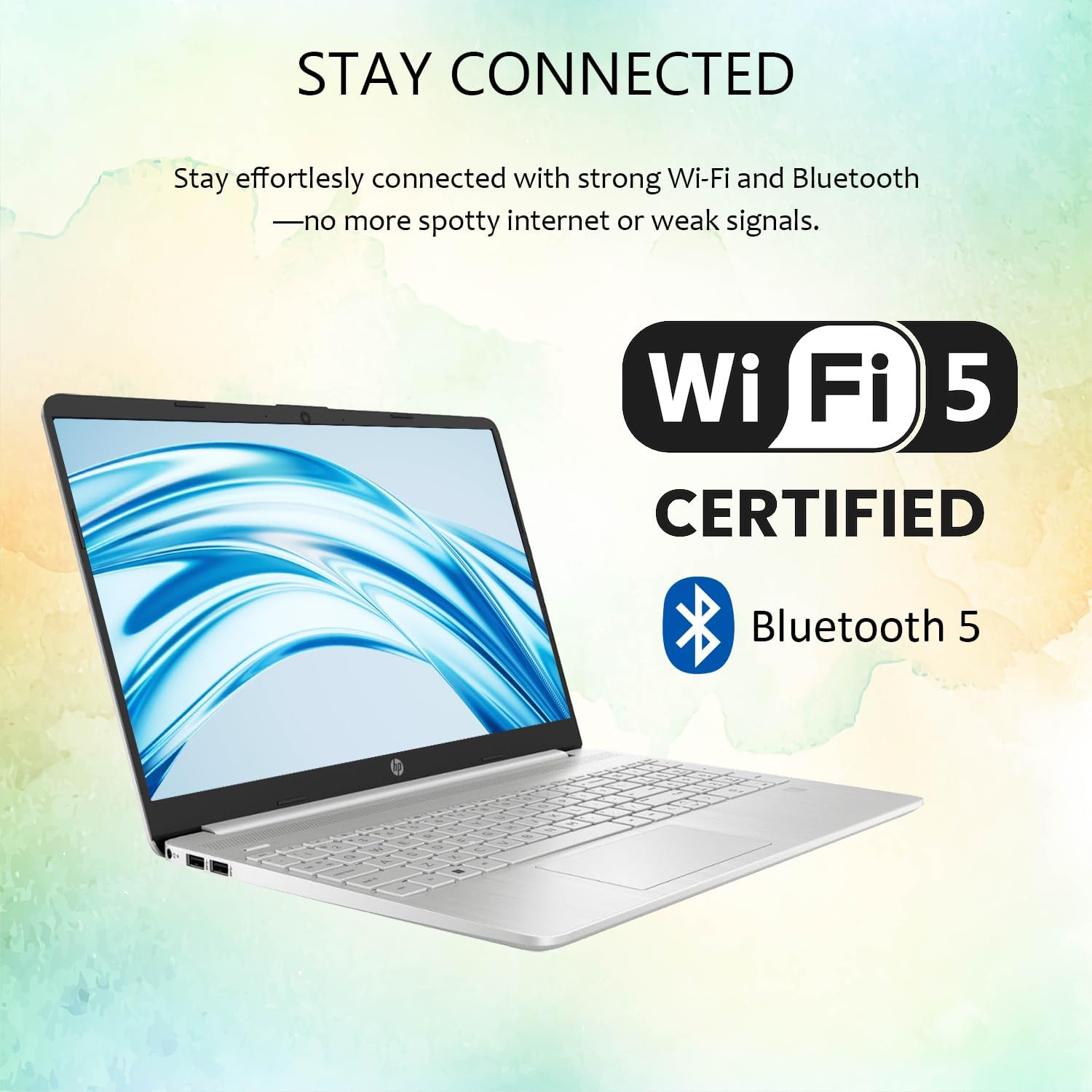
Image: Wireless connectivity features of the HP 15 Laptop.
2.3 Skjerm og lyd
The 15.6-inch Full HD (1920 x 1080) IPS display features an anti-glare coating for comfortable viewing. Dual stereo speakers provide audio output, and dual array microphones are integrated for communication.

Image: The 15.6-inch Full HD IPS display with anti-glare coating.
2.4 Using Copilot AI
Your laptop includes Copilot AI, an intelligent assistant integrated into Windows 11 Pro. Access Copilot to assist with tasks, answer questions, and enhance productivity. You can typically launch Copilot from the taskbar or by using a dedicated key if available.
3. Vedlikehold og stell
Proper maintenance ensures the longevity and optimal performance of your HP 15 Laptop.
3.1 Rengjøring av den bærbare datamaskinen
- Skjerm: Bruk en myk, lofri klut lett damprengjøres med vann eller et skjermrensemiddel. Unngå sterke kjemikalier.
- Tastatur og kabinett: Bruk en myk klut. Bruk trykkluft til støv.
- Sørg for at den bærbare datamaskinen er slått av og koblet fra strømnettet før rengjøring.
3.2 Programvareoppdateringer
Se etter og installer Windows-oppdateringer regelmessig for å sikre at systemet ditt har de nyeste sikkerhetsoppdateringene og ytelsesforbedringene. Gå til Innstillinger > Windows-oppdatering for å administrere oppdateringer.
3.3 Batteristell
- Unngå ekstreme temperaturer.
- Ikke utlad batteriet helt ofte.
- Ved langtidslagring, lad batteriet til omtrent 50–70 %.
3.4 Lagringshåndtering
Periodisk vedrview og slett unødvendig files to free up storage space. Windows 11 Pro includes tools like Storage Sense (in Innstillinger > System > Lagring) for å automatisere denne prosessen.
4. Feilsøking
This section addresses common issues you might encounter with your HP 15 Laptop.
4.1 Strømproblemer
- Laptopen slår seg ikke på: Sørg for at strømadapteren er ordentlig tilkoblet og at stikkontakten fungerer. Prøv en annen stikkontakt.
- Batteriet lades ikke: Sjekk strømadapteren og kabelen for skader. Sørg for at ladeporten er ren.
4.2 Skjermproblemer
- Ingen visning: Connect an external monitor via HDMI to check if the issue is with the laptop screen or the system itself.
- Flimrende skjerm: Oppdater grafikkdrivere. Juster skjermens oppdateringsfrekvens i Windows-innstillingene.
4.3 Tilkoblingsproblemer
- Wi-Fi kobler ikke til: Restart your router and laptop. Check Wi-Fi settings in Windows. Ensure Wi-Fi is enabled.
- Bluetooth-enhet kobles ikke sammen: Ensure the device is in pairing mode and within range. Remove and re-add the device in Bluetooth settings.
4.4 Systemytelse
- Treg ytelse: Lukk unødvendige programmer. Se etter bakgrunnsprosesser i Oppgavebehandling. Sørg for tilstrekkelig ledig lagringsplass.
- Systemet fryser: Perform a hard reset by holding the power button until the laptop shuts down, then restart.
For more advanced troubleshooting or issues not covered here, refer to the HP support webnettstedet eller kontakt kundeservice.
5. Spesifikasjoner
Detailed technical specifications for the HP 15 Laptop (Model G9).

Image: Key features and specifications of the HP 15 Laptop.
| Trekk | Spesifikasjon |
|---|---|
| Modellnavn | HP 15 Laptop (G9) |
| Operativsystem | Windows 11 Pro |
| Prosessor | Intel N4120 (4 Cores / 4 Threads, up to 2.6 GHz) |
| Grafikk | Intel UHD-grafikk (integrert) |
| Utstilling | 15.6" Full HD (1920 x 1080) IPS, Anti-Glare, 250 nits |
| Minne (RAM) | 4GB DDR4 (Configurable up to 16GB DDR4) |
| Lagring | 128GB SSD (Configurable up to 512GB SSD) |
| Trådløs tilkobling | Wi-Fi 5, Bluetooth 5 |
| Havner | 1x USB Type-C (5Gbps), 2x USB Type-A (5Gbps), 1x HDMI 1.4b, 1x SD Media Card Reader, 1x Headphone/Microphone Combo Jack, 1x AC Power Port |
| Lyd | Dual stereo speakers, Dual array microphones |
| Webkam | Built-in 720p HD Camera |
| Tastatur | US English, Full-size with Numeric Keypad |
| Strømadapter | 45W AC-adapter |
| Dimensjoner (L x B x H) | 14.09 cm x 9.53 cm x 0.78 cm |
| Vekt | 3.8 lbs |
6. Garanti og støtte
This section provides information regarding your product's warranty and how to obtain support.
6.1 Produktgaranti
Your HP 15 Laptop (Model G9) comes with a standard manufacturer's warranty. The warranty period is typically 1 år fra kjøpsdatoen, som dekker material- og produksjonsfeil ved normal bruk. Vennligst ta vare på kjøpsbeviset for garantikrav.
For detailed warranty terms and conditions, please refer to the documentation included with your product or visit the official HP support webnettstedet.
6.2 Teknisk støtte
If you encounter any issues that cannot be resolved using the troubleshooting steps in this manual, or require further assistance, please contact HP Technical Support.
- Online støtte: Besøk den offisielle HP-kundestøtten website for drivers, manuals, FAQs, and diagnostic tools.
- Telefonstøtte: Contact HP customer service via phone. Refer to the HP webnettsted for regionale kontaktnumre.
- When contacting support, have your laptop's serial number and model number (G9) ready.
Note: If you purchased this product through Amazon and have an Amazon Order ID, you may also contact your seller for initial assistance as indicated in the product description.