
1. Introduksjon
This manual provides essential information for the safe and effective operation of your YeeSite LED Stage Wash Light Bar. Please read these instructions thoroughly before installation and use, and retain them for future reference. This product is designed for professional stage lighting applications, offering versatile color mixing and control options.
2. Sikkerhetsinstruksjoner
- Sørg for at strømforsyningen voltage matches the product's requirements (AC110–240V).
- Ikke åpne enheten casing. Overlat all service til kvalifisert personell.
- Unngå direkte øyeeksponering for lyskilden.
- Hold enheten unna vann, fuktighet og ekstreme temperaturer.
- Ensure proper ventilation to prevent overheating. Do not block the fan or vents.
- Monter armaturen sikkert ved hjelp av de medfølgende brakettene.
- Koble fra strømmen før rengjøring eller vedlikehold.
3. Pakkens innhold
Bekreft at alle varene er til stede i pakken:
- 2 x 12LEDs RGBW Wash Light Bars
- 2 x braketter
- 1 x brukerhåndbok
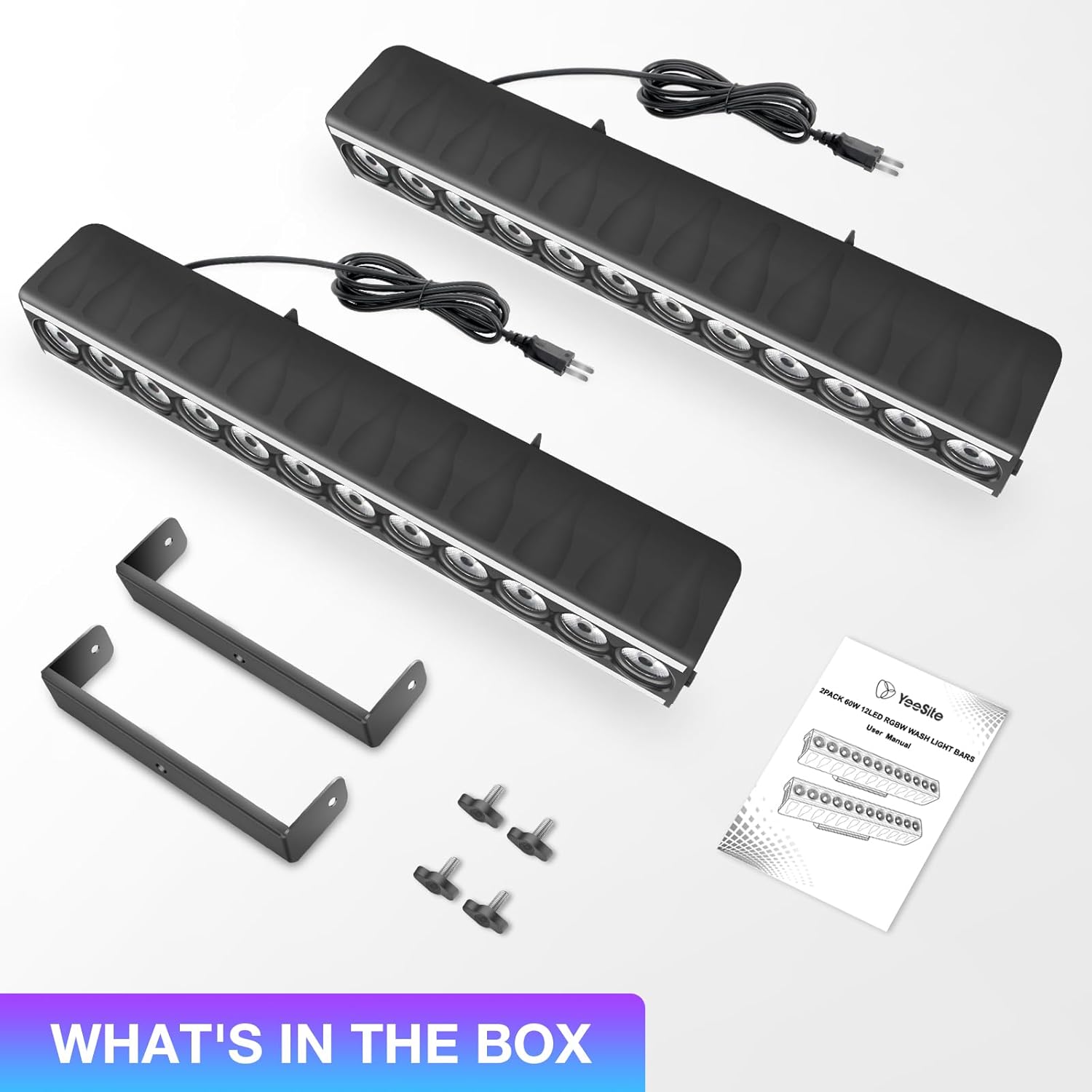
Image: Package contents showing two light bars, mounting brackets, and the user manual.
4. Produktfunksjoner
- Dual-Zone Lighting Design: Each light bar features 12 central RGBW LEDs for wall washing and RGB strips on both sides, enabling multi-zone effects.
- Flere lysmoduser: Supports Auto Mode, 4 sound-activated modes, Strobe, Master/Slave sync, and DMX512 control (8/15/24/46 CH).
- Lydaktivert kontroll: Dedicated sound modes for RGB strip, RGBW LEDs, and random effects with adjustable sensitivity.
- Built-in Temperature-controlled Fan: Automatic fan activation between 50–65°C to prevent overheating.
- Enkel montering: Includes brackets for flexible installation.

Image: Dual-zone lighting design with central RGBW LEDs and side RGB strips.
5. Oppsett
- Montering: Attach the included brackets to the light bar using the provided screws. Securely mount the light bar to a truss, wall, or stand. Ensure the mounting surface can support the weight of the fixture.
- Strømtilkobling: Connect the power cable to a compatible AC110–240V power outlet. The light bar features an ON/OFF switch for quick power control.
- DMX-tilkobling (valgfritt): For DMX control, connect a DMX cable from your DMX controller to the DMX IN port of the first light bar. To link multiple units, connect a DMX cable from the DMX OUT port of the first unit to the DMX IN port of the next unit.
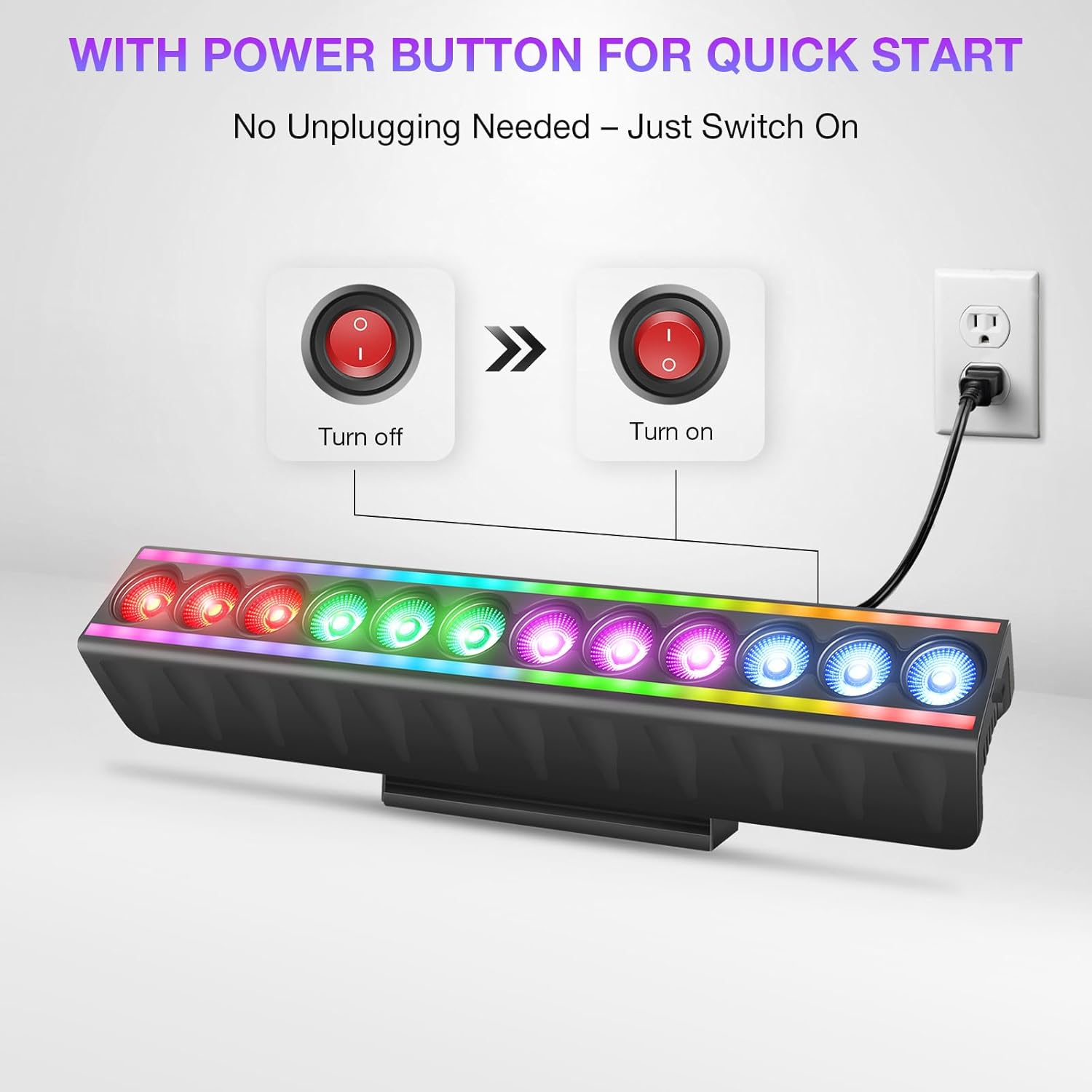
Image: Power button and connection for quick start.
6. Driftsmåter
The LED Stage Wash Light Bar offers several operating modes:
- Automatisk modus: The fixture cycles through pre-programmed light shows automatically.
- Lydaktivert modus: The lights react to ambient sound or music. There are 4 distinct sound-activated modes.
- Strobemodus: Produserer en blinkende lyseffekt.
- Master/Slave-modus: Link multiple units where one acts as the master, controlling the others (slaves) for synchronized effects.
- Vis modus: Access over 70 built-in shows (51 for RGB strip, 23 for RGBW LED wash) without DMX programming.
- DMX512 kontroll: For advanced control using an external DMX controller.
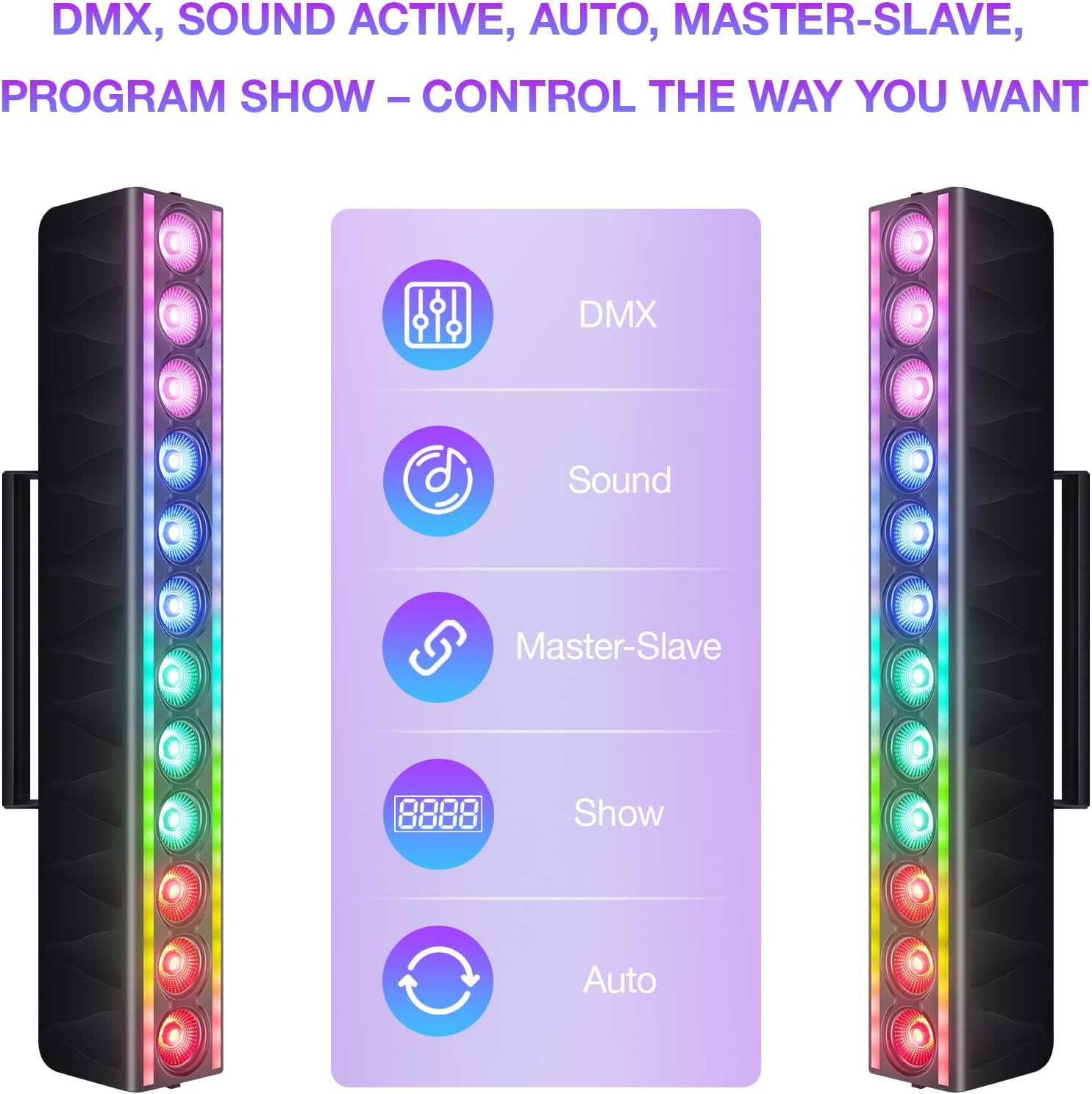
Image: Control options for the light bar.
7. DMX-kontroll
The light bar supports DMX512 protocol, allowing for precise control over its functions. It offers multiple channel modes:
- 8-kanals modus: Basic control over color mixing and effects.
- 15-kanals modus: Enhanced control, including individual color intensity.
- 24-kanals modus: More granular control over various parameters.
- 46-kanals modus: Full control, allowing customization of every LED zone for both RGB strips and RGBW LEDs.
Refer to the DMX chart in the full user manual for detailed channel assignments and values.

Image: DMX control setup with multiple light bars.
8. Vedlikehold
- Rengjøring: Regularly clean the exterior of the fixture with a soft, dry cloth. Do not use abrasive cleaners or solvents.
- Vifte av drift: The built-in fan activates automatically when the internal temperature reaches 50–65°C. Ensure the fan and vents are clear of obstructions to maintain optimal cooling.
- Undersøkelse: Periodically inspect power cables and DMX connections for any signs of damage. Replace damaged cables immediately.

Image: Smart temperature control with auto fan cooling.
9. Feilsøking
| Problem | Mulig årsak | Løsning |
|---|---|---|
| Light bar does not power on. | No power supply; power cable damaged; ON/OFF switch off. | Check power connection; replace cable if damaged; ensure switch is ON. |
| Ingen lysutgang i DMX-modus. | Incorrect DMX address; DMX cable issue; DMX controller problem. | Verify DMX address setting; check DMX cable connections; test with another DMX controller. |
| Lights are not synchronized in Master/Slave mode. | Incorrect mode setting; faulty DMX connection between units. | Ensure one unit is set to Master and others to Slave; check DMX cables between units. |
| Light bar overheats. | Blocked ventilation; fan malfunction. | Ensure vents are clear; contact support if fan is not operating. |
10. Spesifikasjoner
| Trekk | Detalj |
|---|---|
| Merke | YeeSite |
| Modellnummer | YS-079-12WL-S |
| Lyskildetype | Lysdiode (LED) |
| Farge | RGBW Stage Light Bar |
| Wattage | 120 watt |
| Lysstyrke | 500 Lumen |
| Voltage | 110-240 volt AC |
| Materiale | Plast |
| Produktdimensjoner | 20 cm L x 9 cm B x 6 cm H |
| Varevekt | 6.89 pund |
| Monteringstype | Brakettenfest |
| DMX-kanaler | 8 CH |
11. Garanti og støtte
For warranty information and technical support, please refer to the documentation included with your product or visit the official YeeSite webnettstedet. Ta vare på kjøpskvitteringen som kjøpsbevis for eventuelle garantikrav.
Kontaktinformasjon:
- Merkebutikk: YeeSite Amazon Store