
1. Introduksjon
This manual provides essential information for the safe and efficient use of your Skyworth 55" X6600H 4K QD-MiniLED Google Smart TV. Please read it thoroughly before operating the device and retain it for future reference. The Skyworth 55X6600H features a 4K Mini LED display, Google TV operating system, Dolby Vision, Dolby Atmos, HDR10+, local dimming, MEMC, and gaming enhancements.

Bilde: Foran view of the Skyworth 55X6600H 4K QD-MiniLED Google Smart TV, showcasing de slanke rammene og stativet.
2. Sikkerhetsinformasjon
- Ikke utsett TV-en for regn eller fuktighet for å unngå brann eller elektrisk støt.
- Ikke åpne TV-enasing. Overlat all service til kvalifisert personell.
- Sørg for tilstrekkelig ventilasjon. Ikke blokker ventilasjonsåpningene.
- Beskytt strømledningen fra å bli tråkket på eller klemt.
- Trekk ut støpselet til TV-en under tordenvær eller når den ikke brukes over lengre tid.
- Oppbevar små deler og batterier utilgjengelig for barn.
3. Pakkens innhold
Kontroller at alle varene er tilstede i emballasjen:
- Skyworth 55" X6600H TV
- Fjernkontroll
- TV-stativ (2 stk.)
- Skruer for stativmontering
- Strømledning
- Brukerhåndbok (dette dokumentet)
- Garantikort
4. Oppsett
4.1 Montering av stativ
- Plasser TV-en forsiktig med forsiden ned på en myk, flat overflate for å unngå skade på skjermen.
- Identifiser venstre og høyre stativdeler.
- Juster hvert stativ med de tilsvarende sporene på undersiden av TV-en.
- Secure each stand piece with the provided screws.
- Løft TV-en forsiktig opp til en stabil overflate.
4.2 Veggmontering (valgfritt)
The Skyworth 55X6600H is wall-mountable. A VESA-compatible wall mount (not included) is required. Consult a professional for wall mounting to ensure safety and proper installation. Refer to the wall mount manufacturer's instructions for specific details.
4.3 Koble til enheter
Connect external devices such as set-top boxes, gaming consoles, or Blu-ray players to the TV's input ports.
- HDMI: Use HDMI cables for high-definition audio and video. The TV supports HDMI 2.1 for enhanced gaming features.
- USB: Koble til USB-lagringsenheter for medieavspilling.
- Antenne/kabel: Connect an antenna or cable TV feed to the DVB-T2 input for live broadcast channels.
Bilde: Bak view of the Skyworth 55X6600H TV, illustrating the location of HDMI, USB, and other connectivity ports.
4.4 Strømtilkobling
Plug the power cord into the TV's power input, then into a wall outlet. Ensure the power outlet is easily accessible.
5. Første oppsett
5.1 Første gangs oppstart
Press the power button on the remote control or on the TV. The TV will display the Skyworth logo and then guide you through the initial setup process.
5.2 Google TV-oppsett
Follow the on-screen instructions to configure your TV:
- Språkvalg: Velg ditt foretrukne språk.
- Nettverkstilkobling: Connect to your Wi-Fi network. Enter the password if required.
- Pålogging til Google-konto: Logg på med Google-kontoen din for å få tilgang til Google TV-funksjoner, apper og personlige anbefalinger.
- Vilkår for bruk: Accept the Google Terms of Service and Privacy Policy.
- Google Assistant: Set up Google Assistant for voice control.
- Kanalsøk: If using an antenna, perform a channel scan to find available broadcast channels.
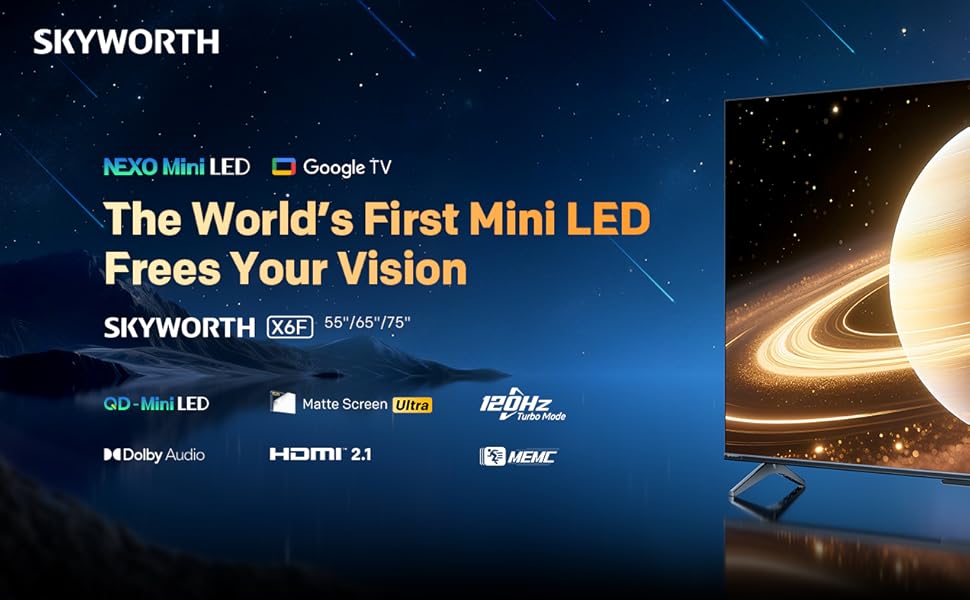
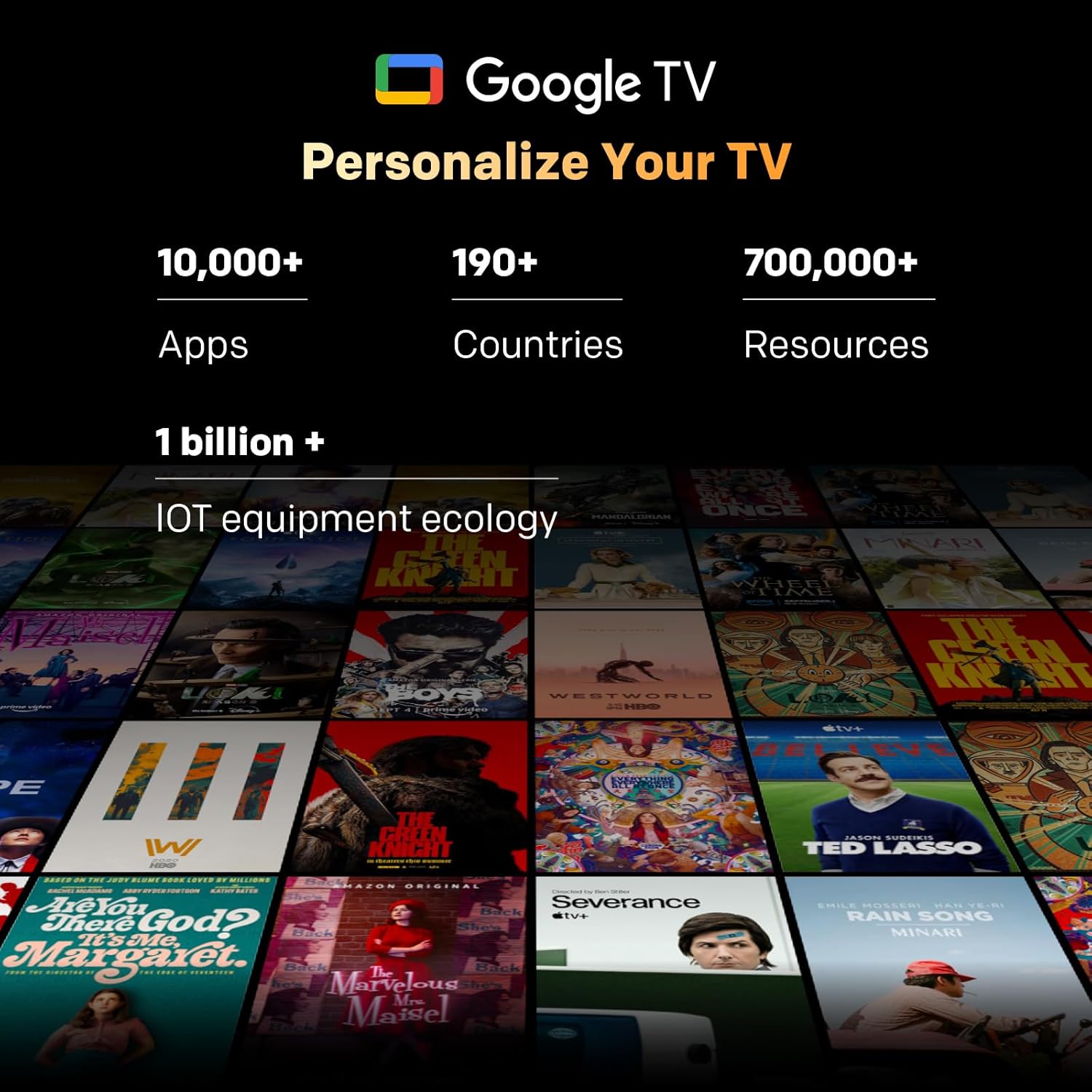
Image: A visual representation of the Google TV interface, showing various streaming content and app icons.
6. Betjene TV-en
6.1 Fjernkontrollfunksjoner
The included remote control allows navigation and control of your TV. It features dedicated buttons for popular streaming services and a microphone for Google Assistant voice commands. The 'Find-My-Remote' feature can help locate a misplaced remote.
6.2 Navigering på Google TV
Google TV organizes content from your streaming services and apps into a unified interface. Use the directional pad on your remote to browse recommendations, access your app library, and adjust settings.
- Apper: Access pre-installed apps like Netflix, YouTube, and Prime Video, or download more from the Google Play Store.
- Google Assistant: Press the Google Assistant button on your remote to use voice commands for searching content, controlling smart home devices, or getting information.
- Chromecast innebygd: Stream content directly from compatible devices (smartphones, tablets, computers) to your TV.
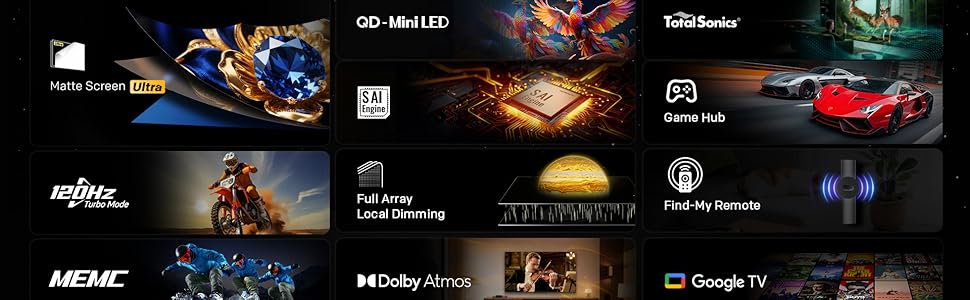
Image: The Google TV home screen, displaying a wide selection of movies, TV shows, and applications available for streaming.
6.3 Bildeinnstillinger
Access the picture settings menu to optimize your viewopplevelse.
- Bildemoduser: Select from various preset modes (e.g., Standard, Vivid, Movie, Game) or customize settings like brightness, contrast, and color.
- HDR (høyt dynamisk område): The TV supports HDR10+ and Dolby Vision for enhanced contrast and color with compatible content.
- Lokal dimming: The Mini LED panel with 54-zone local dimming automatically adjusts backlight for deeper blacks and brighter whites.
- Eye Care 5.0 Display: This technology reduces blue light emission to minimize eye strain during prolonged viewing.
- Filmskapermodus: Activates settings that preserve the original aspect ratio, colors, and frame rates of films, as intended by the director.
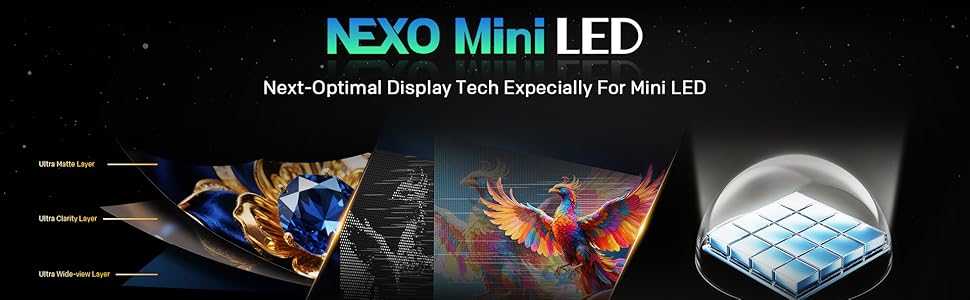
Image: A close-up of the Skyworth TV screen, highlighting the benefits of Mini LED technology for superior picture quality.
6.4 Lydinnstillinger
Adjust audio settings for an immersive sound experience.
- Lydmoduser: Velg mellom forhåndsinnstillinger som Standard, Musikk, Film, eller tilpass equalizer-innstillinger.
- Dolby Atmos: Experience multi-dimensional sound with Dolby Atmos-enabled content.
- DBX-TV: Enhances audio clarity and volume consistency.

Image: A graphic illustrating Skyworth's collaboration with Total Sonics for enhanced audio quality, featuring a sound engineer.
6.5 Spillfunksjoner
The TV is equipped with features to enhance your gaming experience:
- MEMC (bevegelsesestimering, bevegelseskompensasjon): Reduces motion blur and judder for smoother fast-paced action.
- HDMI 2.1 Support: Provides higher bandwidth for features like 4K at higher refresh rates and Variable Refresh Rate (VRR) with compatible gaming consoles.
- Spillmodus: Optimizes input lag and picture settings for a more responsive gaming experience.
- 8ms responstid: Ensures quick pixel transitions for reduced ghosting.
Image: A visual demonstrating MEMC technology, showing horses in motion with reduced blur and enhanced clarity.
7. Vedlikehold
7.1 Rengjøring
- Skjerm: Tørk forsiktig av skjermen med en myk, lofri klut. For gjenstridige merker, bruk en skjermrens som er spesielt utviklet for TV-er, påført kluten, ikke direkte på skjermen.
- TV-kropp: Wipe the TV frame and stand with a soft, dry cloth. Do not use abrasive cleaners or solvents.
- Trekk alltid ut støpselet til TV-en før rengjøring.
7.2 Programvareoppdateringer
Your TV may receive software updates to improve performance and add new features. Ensure your TV is connected to the internet. Updates can usually be found in the TV's settings menu under 'System' or 'About'.
8. Feilsøking
Hvis du støter på problemer med TV-en, kan du se følgende vanlige løsninger:
| Problem | Løsning |
|---|---|
| Ingen strøm | Sjekk om strømledningen er ordentlig koblet til TV-en og stikkontakten. Test stikkontakten med en annen enhet. |
| Ikke noe bilde, men det er lyd | Sørg for at riktig inngangskilde er valgt. Sjekk kabeltilkoblingene til eksterne enheter. |
| Ingen lyd, men bildet er der | Check volume level and mute status. Verify audio output settings. |
| Fjernkontrollen virker ikke | Skift batterier. Sørg for at det ikke er noen hindringer mellom fjernkontrollen og TV-en. Koble fjernkontrollen på nytt hvis det er en Bluetooth-fjernkontroll. |
| Kan ikke koble til Wi-Fi | Sjekk Wi-Fi-passordet. Start ruteren på nytt. Sørg for at TV-en er innenfor rekkevidden til Wi-Fi-signalet. |
9. Spesifikasjoner
| Trekk | Detalj |
|---|---|
| Modellnavn | 55X6600H |
| Skjermstørrelse | 55 tommer |
| Skjermteknologi | Mini LED |
| Oppløsning | 3840x2160 (4K UHD) |
| Oppdateringsfrekvens | 60Hz (with MEMC for smoother motion) |
| HDR-støtte | HDR10+, Dolby Vision |
| Lokal dimming | 54-sone |
| Fargeskala | 93 % DCI-P3 |
| Operativsystem | Google TV |
| Lyd utgang | 2 x 12W Speakers (2.0 channel) |
| Lydteknologi | Dolby Atmos, DBX-TV |
| Tilkobling | HDMI (3 ports, including HDMI 2.1), USB (1 port), Wi-Fi (Dual-band), Bluetooth 5.1, DVB-T2 Tuner |
| Responstid | 8 ms |
| Dimensjoner (med stativ) | 26.4D x 122.6B x 78.2H cm |
| Vekt | 9.8 kilo |
10. Garantiinformasjon
The Skyworth 55X6600H TV comes with a 3 års begrenset garanti. This warranty covers manufacturing defects under normal use. Please refer to the included Warranty Card for full terms and conditions, including details on coverage, exclusions, and how to make a claim.
11. Kundestøtte
For further assistance, technical support, or warranty inquiries, please contact Skyworth customer service. Contact details can typically be found on the Skyworth official webnettstedet eller på garantikortet som fulgte med produktet.