
1. Introduksjon
The Kuulaa 10000mAh MagSafe Portable Charger is a compact and powerful solution for keeping your devices charged on the go. Featuring 15W wireless magnetic charging and a 20W USB-C output, this slim battery pack is designed for efficiency and convenience. It is compatible with iPhone 12 series and newer, as well as other devices that support wireless charging or can be charged via USB-C.
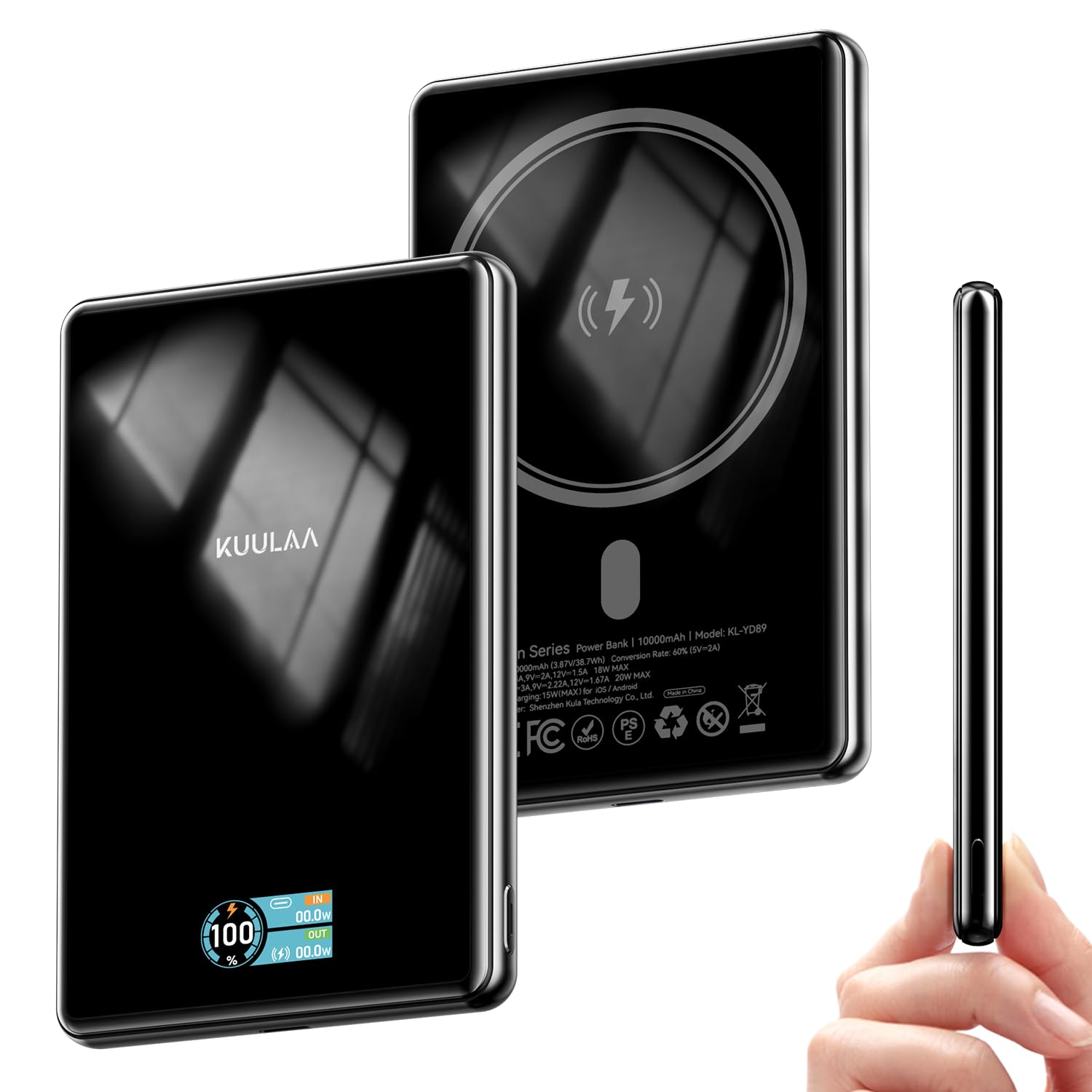
This image displays the sleek design of the Kuulaa 10000mAh MagSafe Portable Charger, highlighting its compact form factor.
2. Hva er i esken
- 1 x Kuulaa 10000mAh 15W Portable Charger
- 1 x Charging Cable (USB-A to USB-C)
- 1 x brukerhåndbok

This image shows the Kuulaa 10000mAh Power Bank, a USB-A to USB-C charging cable, and the user manual included in the product packaging.
3. Produktfunksjoner
3.1. Dual Charging Capability
The power bank offers both wireless magnetic charging and wired USB-C charging. It supports up to 15W wireless charging for compatible devices and up to 20W wired charging via its USB-C port.

This image illustrates the two charging methods: a phone wirelessly charging via the magnetic pad and another phone charging via the USB-C port.
3.2. High Capacity
With a 10000mAh capacity, the power bank can provide multiple charges for most smartphones, ensuring extended power throughout your day.

This image highlights the 10000mAh capacity of the power bank, showing it can charge an iPhone 16 Pro Max 1.3 times and an iPhone 16/15 Pro 1.8 times.
3.3. Sikker magnetisk feste
Built-in strong magnets ensure a secure and effortless attachment to MagSafe-compatible iPhones (iPhone 12 series and newer) and magnetic cases.

This image demonstrates the strong magnetic attachment of the power bank to a smartphone, ensuring a secure connection for effortless charging.
3.4. Slim and Portable Design
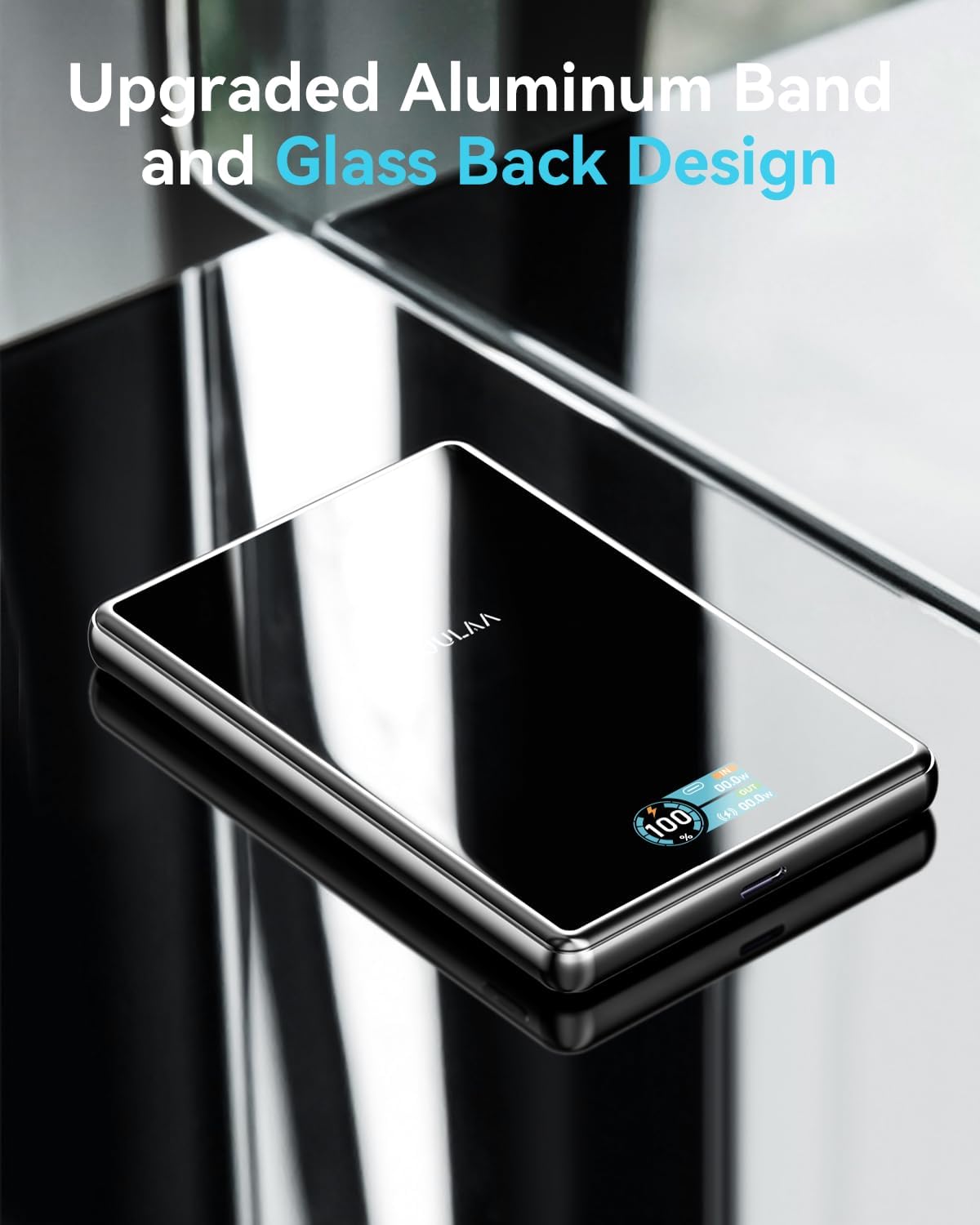
The power bank features a sleek design with tempered glass housing and an aluminum band, making it slim (0.49 inches thick) and easy to carry. A built-in TFT display shows the digital capacity and charging status.

This image showcases the slim profile of the power bank being held in a hand, emphasizing its portability and compact dimensions (107x68x12.5mm, 206g).

This image highlights the premium construction of the power bank, featuring an aluminum band and a glass back design for durability and aesthetics.
3.5. Comprehensive Safety Protections
The power bank incorporates multiple safety features, including over current protection, over heat protection, short circuit protection, and overcharge protection, ensuring safe charging for your devices.

This image displays the safety icons for Over Current Protection, Over Heat Protection, Short Circuit Protection, and Overcharge Protection, ensuring safe usage.
3.6. Bred kompatibilitet
The power bank is compatible with iPhone 12/13/14/15/16/17 series and magnetic cases for wireless charging. It also supports various Android phones and other devices via USB-C.
This image shows the power bank charging various devices including iPhones, an iPad, an Apple Watch, and AirPods, demonstrating its broad compatibility.
4. Oppsett
4.1. Lading av Power Bank
- Connect the provided USB-A to USB-C charging cable to the USB-C port on the power bank.
- Plug the USB-A end of the cable into a compatible USB wall adapter (not included).
- TFT-skjermen viser ladestatus og batteriprosenttage.
4.2. Sjekke batterinivået
Press the small button on the side of the power bank to activate the TFT display, which will show the current battery percentage og ladestatus.

This image details the TFT display, showing the battery percentage, USB-C input/output, and wireless charging output.
5. Bruksanvisning
5.1. Wireless Magnetic Charging
- Sørg for at enheten din er MagSafe-kompatibel (iPhone 12-serien eller nyere) eller har et MagSafe-kompatibelt deksel.
- Align the back of your device with the magnetic charging area on the power bank. The magnets will snap into place.
- The power bank will automatically begin wireless charging.
5.2. Wired Charging (USB-C Output)
- Connect your device to the USB-C port on the power bank using a compatible USB-C to USB-C cable (or the provided cable if your device supports USB-A input).
- The power bank will automatically begin wired charging.

This image visually explains the two charging methods: 15W Max Wireless Charger and 20W Max Wired Charging.
6. Sikkerhetsinformasjon
To ensure safe operation and prolong the life of your power bank and devices, please observe the following:
- Ikke utsett powerbanken for ekstreme temperaturer, direkte sollys eller høy luftfuktighet.
- Unngå å miste, slå eller demontere enheten.
- Oppbevares utilgjengelig for barn.
- Ikke bruk hvis powerbanken er skadet eller hoven opp.
- Utilize the provided charging cable or certified cables for optimal performance and safety.
- The power bank features built-in Over Current Protection, Over Heat Protection, Short Circuit Protection, and Overcharge Protection.
7. Vedlikehold
- Rengjøring: Tørk av powerbanken med en myk, tørr klut. Unngå bruk av sterke kjemikalier eller slipende materialer.
- Lagring: Store the power bank in a cool, dry place away from direct sunlight and extreme temperatures. If storing for an extended period, ensure it is charged to approximately 50-70% to maintain battery health.
8. Feilsøking
- Enheten lader ikke:
- Sørg for at powerbanken er tilstrekkelig ladet.
- Sjekk at ladekabelen er ordentlig koblet til både powerbanken og enheten din.
- For wireless charging, ensure your device is correctly aligned with the magnetic charging area and is MagSafe compatible.
- Remove any thick cases that might interfere with wireless charging.
- Sakte lading:
- Verify that your device supports fast charging and that you are using a compatible cable and wall adapter for wired charging.
- For wireless charging, ensure optimal alignment and that no foreign objects are between the power bank and your device.
9. Spesifikasjoner
| Produktdimensjoner | 4.21 x 2.7 x 0.49 tommer |
| Varevekt | 7.4 unser |
| Vare modellnummer | KL-YD89 |
| Batterier | 1 litiumpolymerbatterier kreves (inkludert) |
| Spesielle funksjoner | Digital Display, Over Charging Protection, Scratch Resistant, Slim, Wireless Charging |
| Andre skjermfunksjoner | Trådløs |
| Farge | Black-15W |
| Produsent | Shenzhen KulaTechnology Co.,Ltd. |
| Koblingstype | USB Type C |
| Batterikapasitet | 10000 millioneramp Timer |
10. Garanti og støtte
The Kuulaa 10000mAh MagSafe Portable Charger comes with a 24-month worry-free warranty. For any product inquiries, technical support, or warranty claims, please contact Kuulaa customer service.
You can visit the official Kuulaa Store for more information: Kuulaa Store
11. Produktvideo
Denne videoen gir en kort oversiktview and demonstration of the Kuulaa 10000mAh MagSafe Portable Charger's features and functionality.