Introduksjon
Takk for kjøpetasing the ZEBRONICS Zeb-Escape 10 Wireless BT Earphone. This manual provides essential information for setting up, operating, and maintaining your device. Please read it carefully before use to ensure optimal performance and longevity of your earphones.
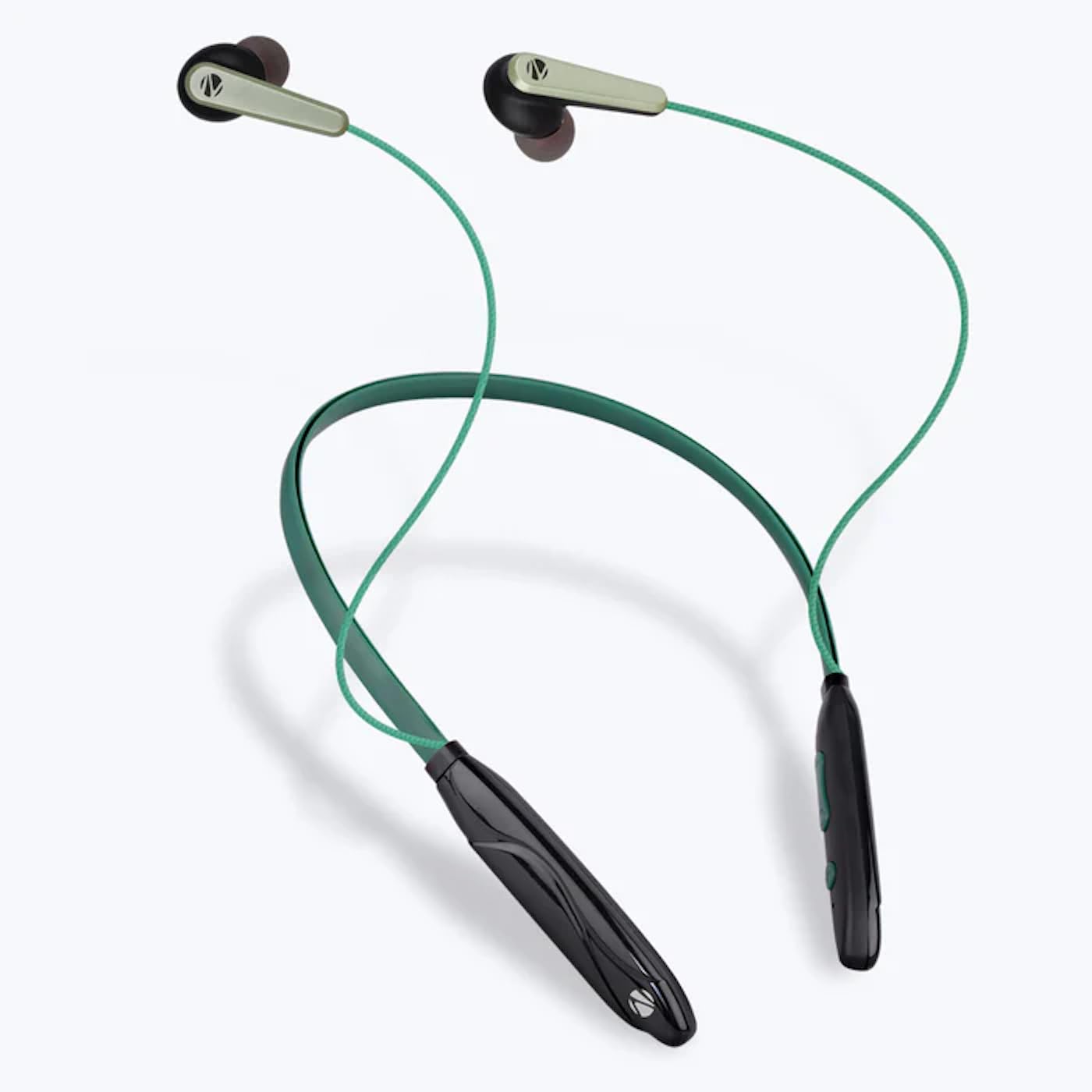
Image: The ZEBRONICS Zeb-Escape 10 Wireless BT Earphone, featuring a green and black neckband design with in-ear earbuds.
Pakkeinnhold
Følgende varer er inkludert i produktpakken din:
- 1 U Neckband Earphone
- 1 U Charging Cable (Type-C)
- 1 U QR Code Guide
Oppsett
1. Charging the Earphone
Before first use, fully charge the earphone. Use the provided Type-C charging cable to connect the earphone to a USB power source (e.g., computer USB port, wall adapter). The LED indicator will show the charging status.
- Ladetid: Omtrent 1.5 timer.

Image: The earphone's control module with a Type-C charging port, showing a charging cable connected.
2. Bluetooth-paring
To connect your earphone to a Bluetooth-enabled device:
- Ensure the earphone is charged and powered off.
- Press and hold the multi-function button on the earphone until the LED indicator flashes red and blue, indicating it is in pairing mode.
- Aktiver Bluetooth på enheten din (smarttelefon, nettbrett osv.) og søk etter tilgjengelige enheter.
- Select "ZEB-ESCAPE 10" from the list of found devices.
- Når den er tilkoblet, vil LED-indikatoren blinke sakte blått eller slå seg av, avhengig av modellen.

Image: A smartphone display illustrating the Bluetooth pairing process, showing the earphone model 'ZEB-ESCAPE 10' as connected.
Bruksanvisning
Slå på/av
- Strøm på: Trykk og hold inne multifunksjonsknappen til LED-indikatoren lyser.
- Slå av: Press and hold the multi-function button until the LED indicator turns off.
Volume and Media Control
The earphone features integrated controls for managing audio playback and volume.
- Volum opp: Trykk på «+»-knappen.
- Volum ned: Trykk på '-'-knappen.
- Spill av/pause: Trykk på multifunksjonsknappen én gang.
- Neste spor: Trykk og hold inne «+»-knappen.
- Forrige spor: Trykk og hold inne '-'-knappen.
Anropsfunksjon
Manage calls directly from your earphone.
- Svar på anrop: Trykk på multifunksjonsknappen én gang.
- Avslutt samtale: Trykk én gang på multifunksjonsknappen under en samtale.
- Avvis anrop: Trykk og hold inne multifunksjonsknappen.
- Ring siste nummer på nytt: Dobbelttrykk på multifunksjonsknappen.
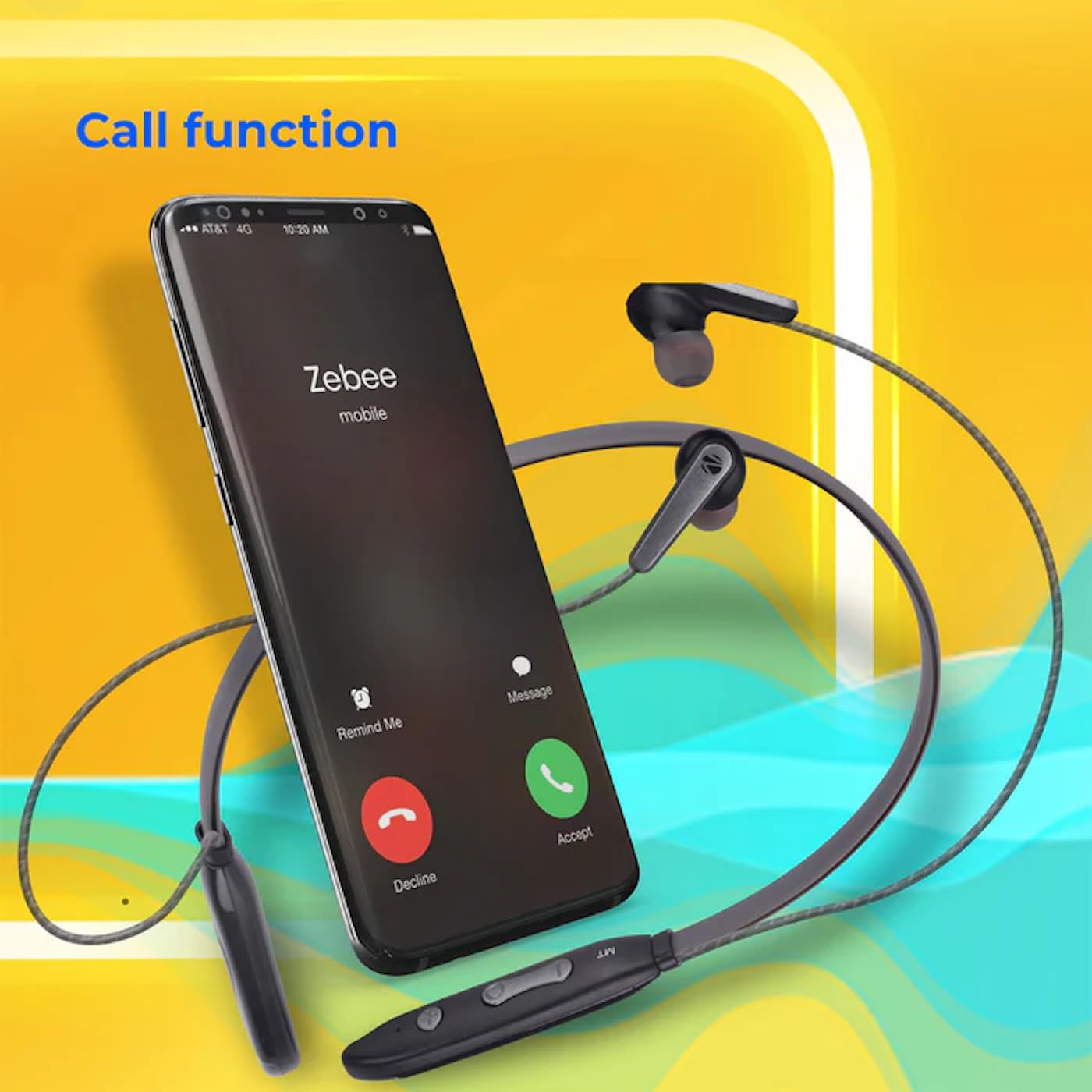
Image: A smartphone showing an incoming call interface, indicating the earphone's call handling capability.
Stemmeassistentstøtte
Activate your device's voice assistant (e.g., Google Assistant, Siri) by triple-pressing the multi-function button.
Magnetisk øreplugg
The earpieces are magnetic, allowing them to securely attach to each other when not in use, preventing tangling and ensuring they stay in place around your neck.

Bilde: En detaljert view of an earbud, illustrating its design for a stable and comfortable fit.
Vedlikehold
To ensure the longevity and optimal performance of your ZEBRONICS Zeb-Escape 10 earphones, follow these maintenance guidelines:
- Rengjøring: Bruk en myk, tørr klut til å rengjøre øretelefonene. Ikke bruk sterke kjemikalier eller slipende materialer.
- Lagring: Oppbevar øretelefonene på et kjølig og tørt sted, unna direkte sollys og ekstreme temperaturer.
- Vannmotstand: The earphones are water resistant. Avoid submerging them in water or exposing them to heavy rain.
- Lader: Only use the provided charging cable or a certified Type-C cable. Avoid overcharging.
Feilsøking
If you encounter issues with your earphone, refer to the following common problems and solutions:
| Problem | Mulig løsning |
|---|---|
| Earphone does not power on. | Sørg for at øretelefonen er fulladet. |
| Kan ikke kobles til enheten. | Ensure the earphone is in pairing mode (flashing red/blue). Turn off and on Bluetooth on your device. Move closer to the earphone. |
| Ingen lyd eller lavt volum. | Check volume levels on both the earphone and your connected device. Ensure the earphone is properly paired. |
| Problemer med samtalekvaliteten. | Ensure you are within Bluetooth range. Check for obstructions between the earphone and your device. |
Spesifikasjoner
Technical specifications for the ZEBRONICS Zeb-Escape 10 Wireless BT Earphone:
| Trekk | Detalj |
|---|---|
| Modellnavn | ZEB-NBI 5 |
| Bluetooth-versjon | v5.3 |
| Støttet BT Profiles | HSP / HFP / A2DP / AVRCP |
| Driverstørrelse | 10 mm |
| Høyttalerimpedans | 16Ω |
| Avspillingstid | Opptil 20 timer (ved 50 % volum) |
| Taletid | Opptil 20 timer |
| Ladetid | 1.5 timer |
| Standby-tid | 200 timer |
| Nettovekt | 26 g |
| Kontroll Type | Mediekontroll, berøring |
| Vannmotstandsnivå | Vannbestandig |
| Spesielle funksjoner | Fast Charging, Foldable, Microphone Included, Sweatproof |

Image: Visual representation of the earphone's 20-hour playback capability.
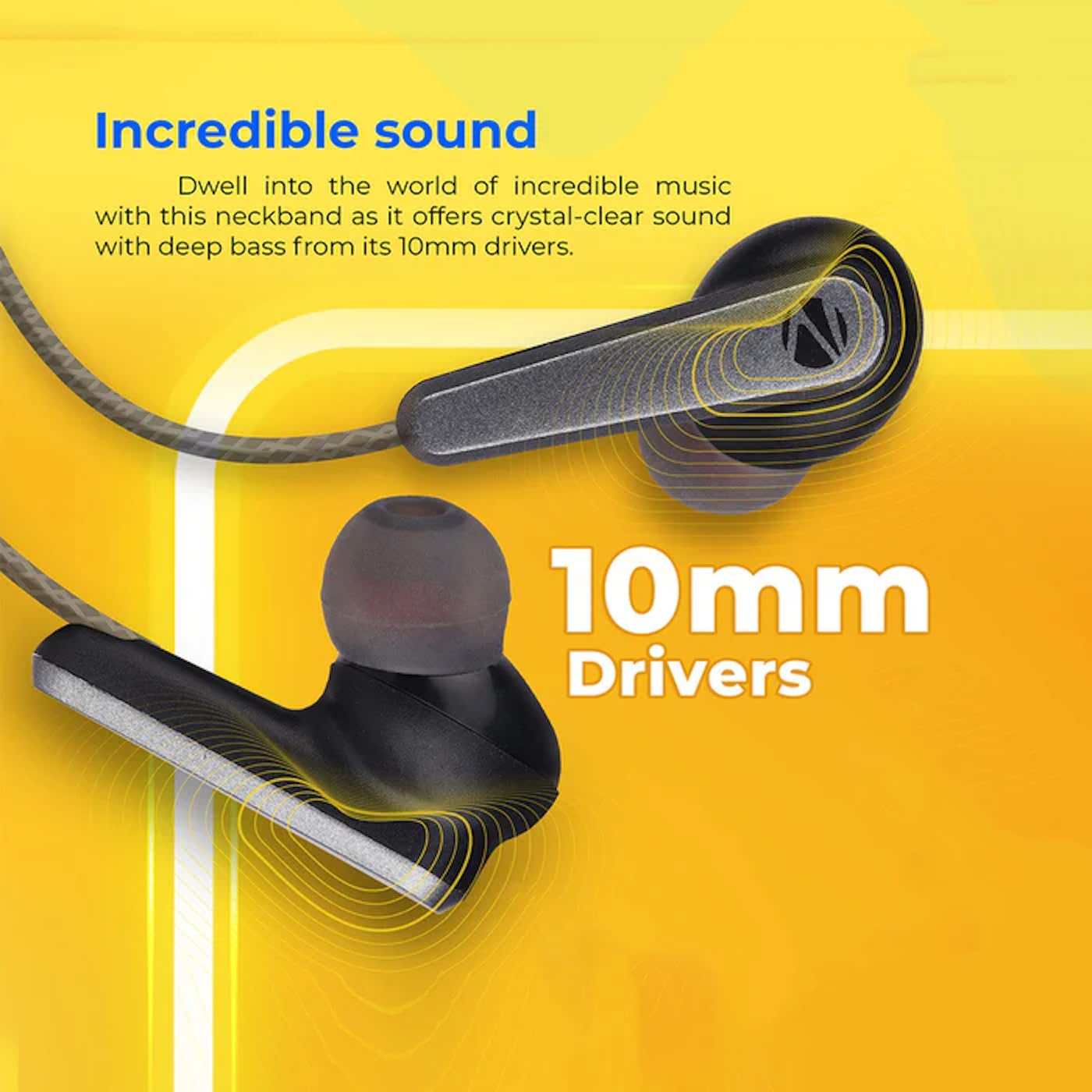
Image: A close-up of an earbud, highlighting the 10mm audio drivers responsible for sound output.
Garantiinformasjon
The ZEBRONICS Zeb-Escape 10 Wireless BT Earphone comes with a 6 måneders garanti from the date of purchase. This warranty covers manufacturing defects. Please retain your purchase receipt as proof of purchase for warranty claims. The warranty does not cover damage caused by misuse, accidents, unauthorized modifications, or normal wear and tear.
Kundestøtte
For further assistance, technical support, or warranty claims, please contact ZEBRONICS customer service. Refer to the QR code guide included in your package or visit the official ZEBRONICS webnettsted for kontaktinformasjon.


