1. Introduksjon
Thank you for choosing the ZEBRONICS EnergiPod 10R1 Power Bank. This device is designed to provide portable power for your electronic devices. Please read this manual carefully before use to ensure proper operation and to maximize the lifespan of your power bank.
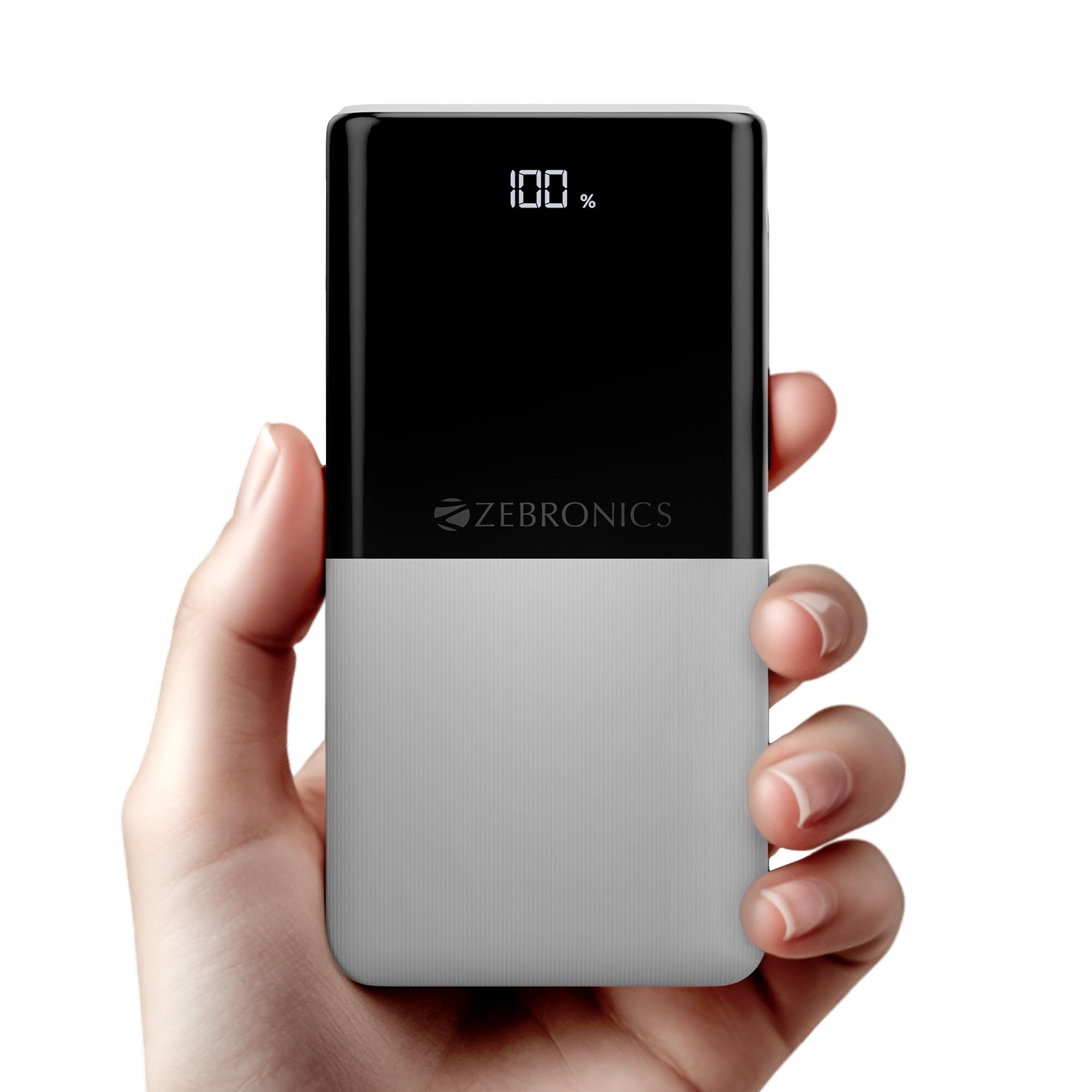
Image: The ZEBRONICS EnergiPod 10R1 Power Bank in white, highlighting its compact and modern design.
Hva er i esken:
- EnergiPod 10R1 Power Bank - 1 unit
- Ladekabel - 1 enhet
- QR-kodeguide - 1 enhet
2. Sikkerhetsinformasjon
To prevent damage to the power bank or injury to yourself and others, please observe the following safety precautions:
- Ikke utsett powerbanken for ekstreme temperaturer (over 45 °C eller under 0 °C).
- Unngå å miste, demontere eller forsøke å reparere enheten selv.
- Hold powerbanken unna vann, fuktighet og brennbare materialer.
- Bruk kun sertifiserte ladekabler og adaptere.
- Do not use the power bank if it is damaged or swollen.
- Oppbevares utilgjengelig for barn.
3. Produktfunksjoner
-
10000mAh kapasitet: Gir ampstrøm til flere ladinger av smarttelefoner og andre enheter.

Image: The power bank showing its 10000mAh capacity and 22.5W fast charging output.
- 22.5W Super Fast Charging (PD 3.0 PPS): Støtter hurtiglading for kompatible enheter.
-
Dual Type-C & USB Port: Equipped with multiple output options for versatile charging.

Bilde: Detaljert view of the power bank's ports, including Type-C PD 3.0 (Input/Output), USB Output, and Type-C Input.
-
LED prosenttage-indikator: Digital display shows the remaining battery percentage og ladestatus.

Image: The power bank's LED display showing 100% charge, along with its physical dimensions.
-
Sikkerhetsbeskyttelse: Built-in safeguards against overcharge, overload, and short-circuit.

Image: The power bank depicted with a protective shield, illustrating its short circuit, overcharge, and overload protection features.
- Metal Outlook: Sleek and compact design with a patterned finish for enhanced grip.
4. Oppsett
Første lading av powerbanken:
- Connect the provided USB Type-C charging cable to the Type-C1 input port on the power bank.
- Connect the other end of the cable to a compatible USB wall adapter (not included) or a computer's USB port.
- LED-displayet vil vise ladeprosententage. Allow the power bank to charge until it reaches 100% for optimal initial use.
Det anbefales å lade powerbanken helt opp før første gangs bruk.
5. Bruksanvisning
Lading av eksterne enheter:
- Connect your device's charging cable to one of the power bank's output ports (Type-C1 or USB-A).
- Koble den andre enden av kabelen til smarttelefonen, nettbrettet eller en annen kompatibel enhet.
- Powerbanken vil automatisk begynne å lade enheten din. LED-skjermen vil vise hvor mye strøm som er igjen på powerbanken.
- Koble fra enheten når den er fulladet, eller når du ønsker å stoppe ladingen.
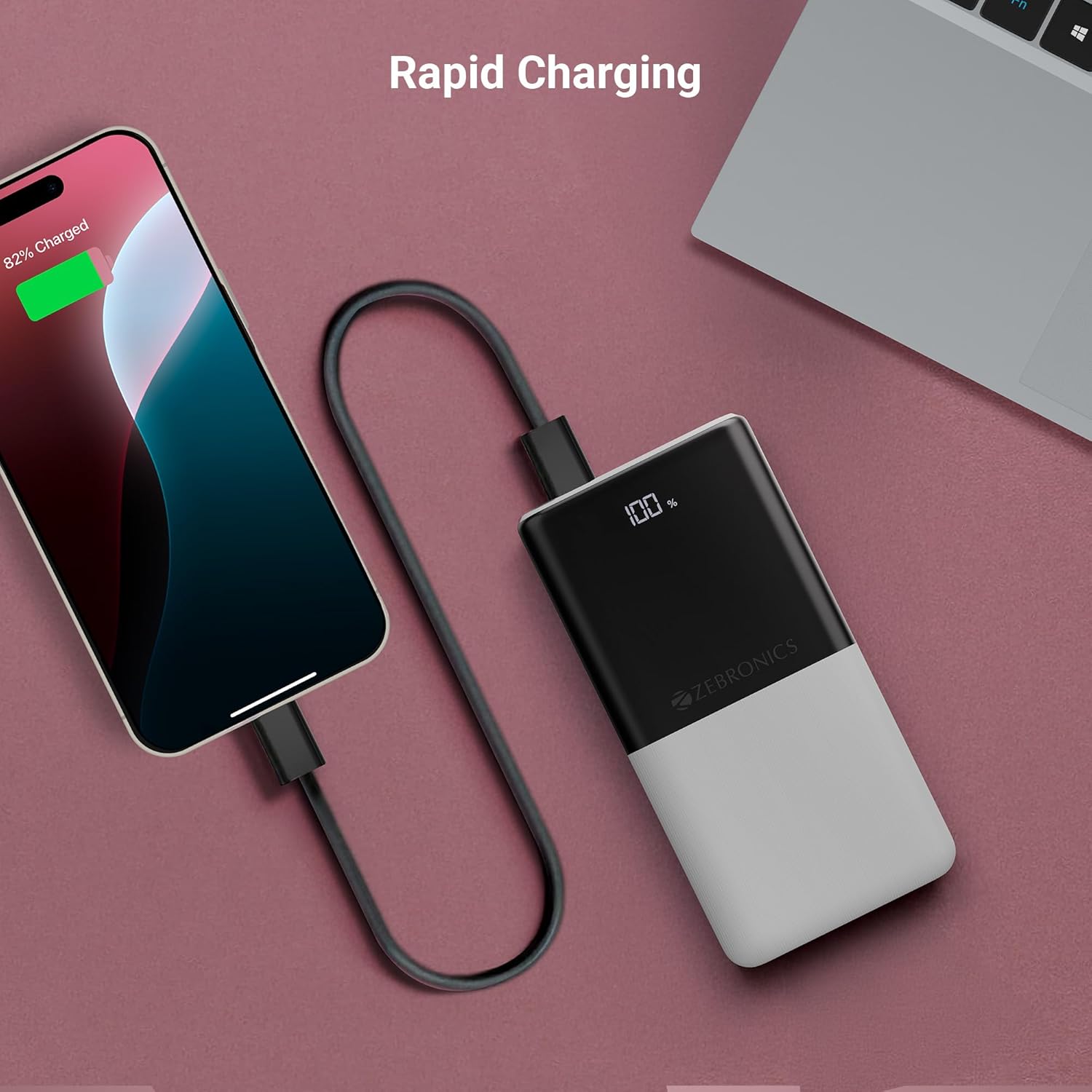
Image: The power bank actively charging a smartphone, demonstrating its rapid charging capability.
Lading av Power Bank:
Refer to the "Initial Charging of the Power Bank" section (Section 4) for instructions on how to recharge your power bank.
6. Vedlikehold
- Rengjøring: Bruk en myk, tørr klut til å rengjøre overflaten på powerbanken. Ikke bruk flytende rengjøringsmidler eller slipende materialer.
- Lagring: Oppbevar powerbanken på et kjølig og tørt sted, unna direkte sollys og ekstreme temperaturer.
- Batteripleie: For optimal batteritilstand, lad og utlad powerbanken helt minst én gang hver tredje måned hvis den ikke er i regelmessig bruk.
7. Feilsøking
Vanlige problemer og løsninger:
-
Power Bank lades ikke:
- Sørg for at ladekabelen er ordentlig koblet til både powerbanken og strømkilden.
- Prøv en annen ladekabel eller veggadapter.
- Kontroller at strømkilden er aktiv.
-
Enheten lader ikke fra powerbanken:
- Check if the power bank has sufficient charge (refer to the LED display).
- Ensure your device's charging cable is properly connected to both the power bank and your device.
- Prøv en annen ladekabel eller en annen utgang på powerbanken.
- Bekreft at enheten din er kompatibel med powerbankens utgangsspesifikasjoner.

Image: The power bank demonstrating its compatibility by charging both a tablet and a smartphone simultaneously.
-
LED Display Not Working or Inconsistent:
- Sørg for at powerbanken er tilstrekkelig ladet.
- Hvis problemet vedvarer etter lading, kontakt kundestøtte.
8. Spesifikasjoner
| Merke | SEBRONIKKER |
| Modellnavn | EnergiPod 10R1 |
| Vare modellnummer | ZEB-PB 12 |
| Batterikapasitet | 10000 mAh |
| Utgangseffekt | 22.5 W (maks.) |
| Type-C1 Port Output | DC 5V/3A, 9V/2.22A, 12V/1.67A, 3.3~11V/2A (PPS) |
| USB-A-utgang | DC 5V/3A, 9V/2A, 12V/1.85A |
| Type-C1 Input Port | DC 5V/3A, 9V/2A, 12V/1.5A |
| Type-C2 Input Port | DC 5V/2.4A |
| Koblingstype | USB Type C |
| Anbefalt bruk | Telefon, nettbrett |
| Varevekt | 230 g |
| Pakkedimensjoner | 16.8 x 9.9 x 2.4 cm |
| Opprinnelsesland | India |
9. Garanti og støtte
Garantiinformasjon:
The ZEBRONICS EnergiPod 10R1 Power Bank comes with a standard manufacturer's warranty. Please refer to the QR Code Guide included in the box or visit the official ZEBRONICS webnettstedet for detaljerte garantivilkår.
Kundestøtte:
If you encounter any issues or have questions regarding your power bank, please contact ZEBRONICS customer support. Contact details can typically be found on the official ZEBRONICS webnettstedet eller i produktemballasjen.
For online support, you may visit the ZEBRONICS-butikken på Amazon.