Introduksjon
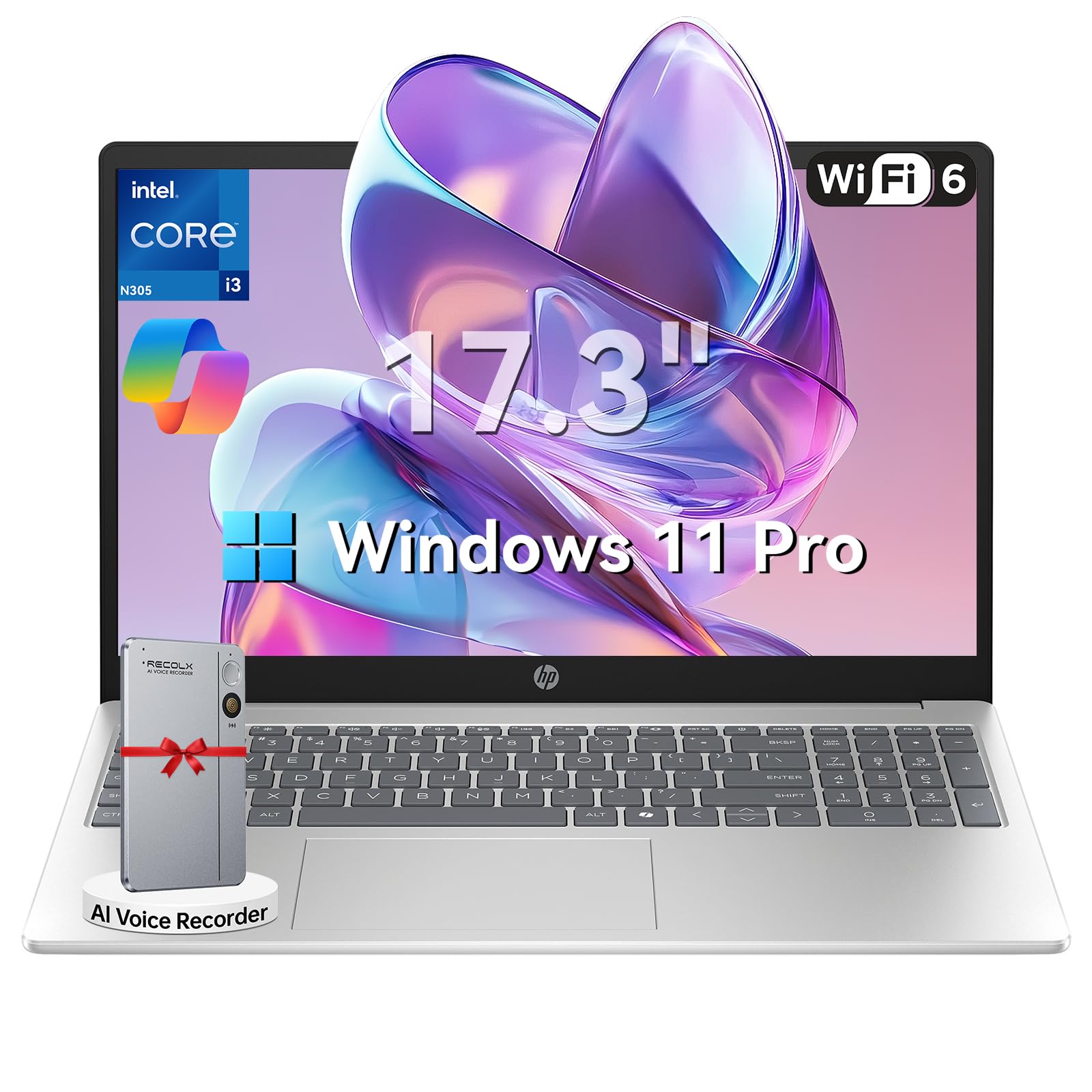
This manual provides essential information for setting up, operating, maintaining, and troubleshooting your HP 17.3" Laptop. Designed for productivity and entertainment, this laptop features an 8-core Intel Core i3-N305 processor, 16GB DDR4 RAM, and a 512GB PCIe NVMe SSD, running on Windows 11 Pro. Its 17.3-inch Full HD IPS anti-glare display offers clear visuals, and the integrated Microsoft Copilot AI assistant enhances user experience. Please read this manual thoroughly to ensure optimal performance and longevity of your device.

Image: The HP 17.3" Laptop, showcasing det elegante designet og den store skjermen.
Oppsett
1. Unboxing og innledende inspeksjon
Carefully remove the laptop and all accessories from the packaging. Ensure all components listed in the 'What's in the Box' section of your product documentation are present and undamaged. The packaging includes the laptop, power adapter, instruction manual, and a G255 Accessory Kit.
Video: Utpakking og overview of the laptop's physical features and ports. Note: This video features an 18.5-inch model, but the unboxing process and port types are generally similar.
2. Slå på og innledende konfigurasjon
- Koble strømadapteren til den bærbare datamaskinens strømport og deretter til en stikkontakt.
- Åpne lokket på den bærbare datamaskinen og trykk på av/på-knappen.
- Følg instruksjonene på skjermen for å fullføre Windows 11 Pro-oppsettet, inkludert språkvalg, nettverkstilkobling og opprettelse av brukerkonto.
3. Koble til eksterne enheter
HP-bærbar PC-en din er utstyrt med forskjellige porter for tilkobling av eksterne enheter:
- USB-A-porter: Koble til USB-enheter som mus, tastaturer eller eksterne lagringsstasjoner.
- USB-C-port: For dataoverføring og tilkobling av kompatible USB-C-enheter.
- HDMI 1.4b-port: Koble til en ekstern skjerm eller TV for utvidet visning.
- Hodetelefon-/mikrofonkombinasjonskontakt: For lydutgang og -inngang.

Image: Detailed diagram illustrating the various ports available on the HP laptop.
Bruksanvisning
1. Tastatur og pekeplate
The laptop features a full-size keyboard with a numeric keypad and a responsive touchpad. Use the touchpad for navigation, clicking, and multi-touch gestures. The keyboard provides a comfortable typing experience for extended use.
2. Visning og visuelle elementer
The 17.3-inch Full HD (1920 x 1080) IPS anti-glare display offers wide viewing angles and reduces reflections, providing a comfortable viewing experience for work, study, and entertainment.

Image: The HP laptop's 17.3" Full HD anti-glare display, ideal for comfortable viewing.
3. Ytelse og fleroppgavekjøring
Powered by an 8-core Intel Core i3-N305 processor and 16GB DDR4 RAM, the laptop delivers smooth performance for multitasking, video conferencing, and various applications. The 512GB PCIe NVMe SSD ensures fast boot-up and quick access to files.
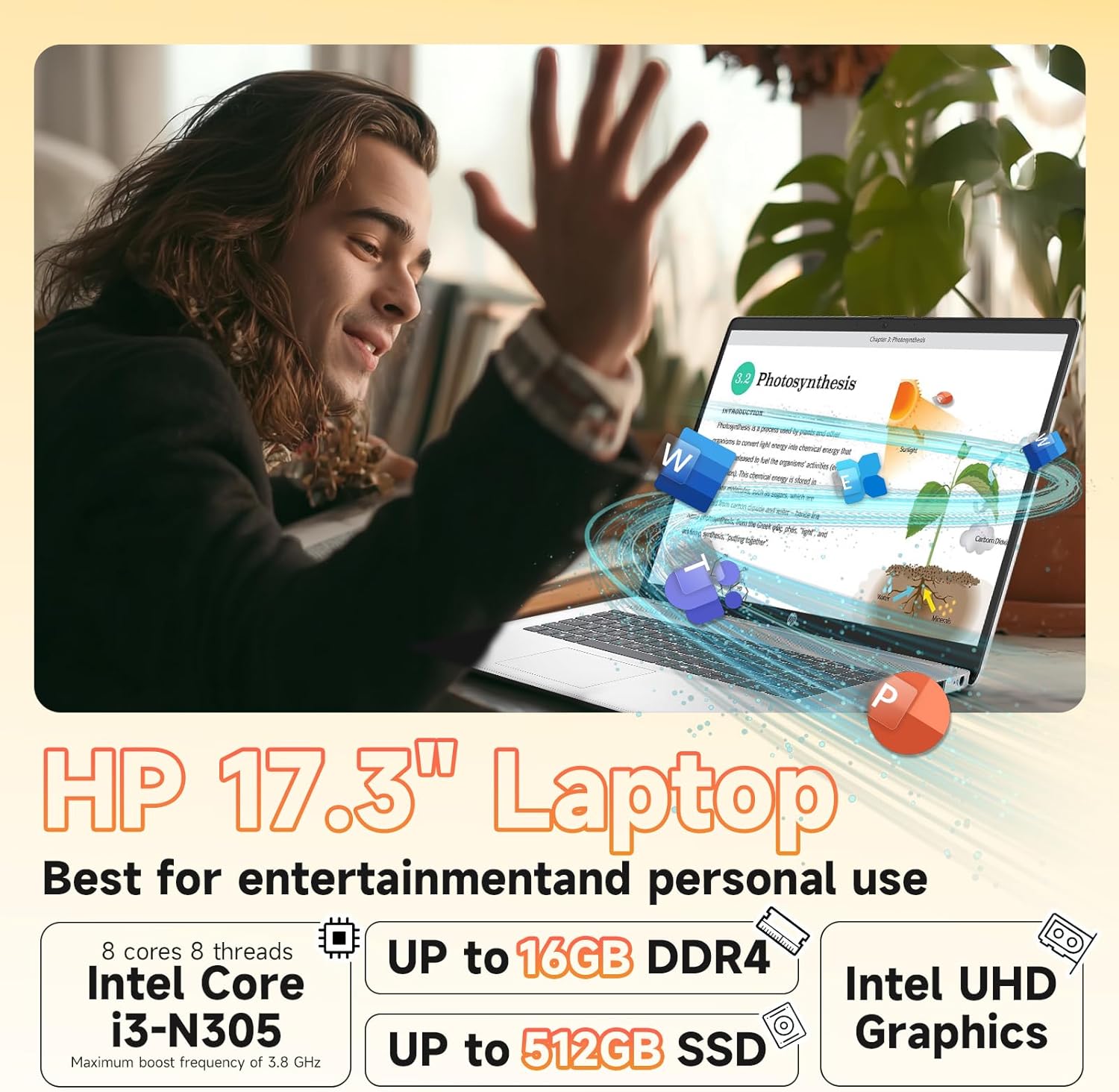
Image: Visual representation of the laptop's core components: Intel Core i3-N305 processor, 16GB DDR4 RAM, and 512GB SSD.
4. Tilkobling
Stay connected with Wi-Fi 6 (2x2) for faster and more stable wireless internet access, and Bluetooth 5.4 for connecting wireless peripherals like headphones and mice.

Image: The HP laptop emphasizing its advanced Wi-Fi 6 and Bluetooth 5.4 connectivity features.
5. Webkamera og personvern
Den integrerte HD-en webcam includes a physical privacy shutter. Slide the shutter to cover the camera lens when not in use to ensure your privacy. The laptop also features a microphone mute button for enhanced security during calls.
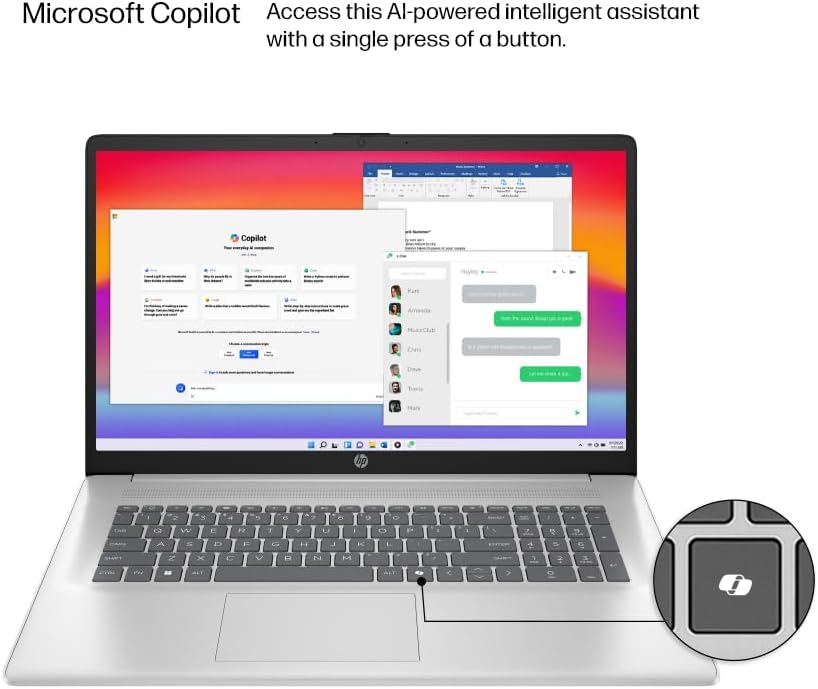
Image: The HP laptop keyboard, highlighting the dedicated Microsoft Copilot key for quick AI assistant access.
6. Microsoft Copilot AI Assistant
Utilize the integrated Microsoft Copilot AI assistant in Windows 11 Pro to streamline tasks, find answers, and get intelligent help for your projects. Access it with a single key press.
7. Batterilevetid og lading
The laptop offers up to 9.5 hours of battery life. HP Fast Charge technology allows you to charge the battery to approximately 50% in just 45 minutes.
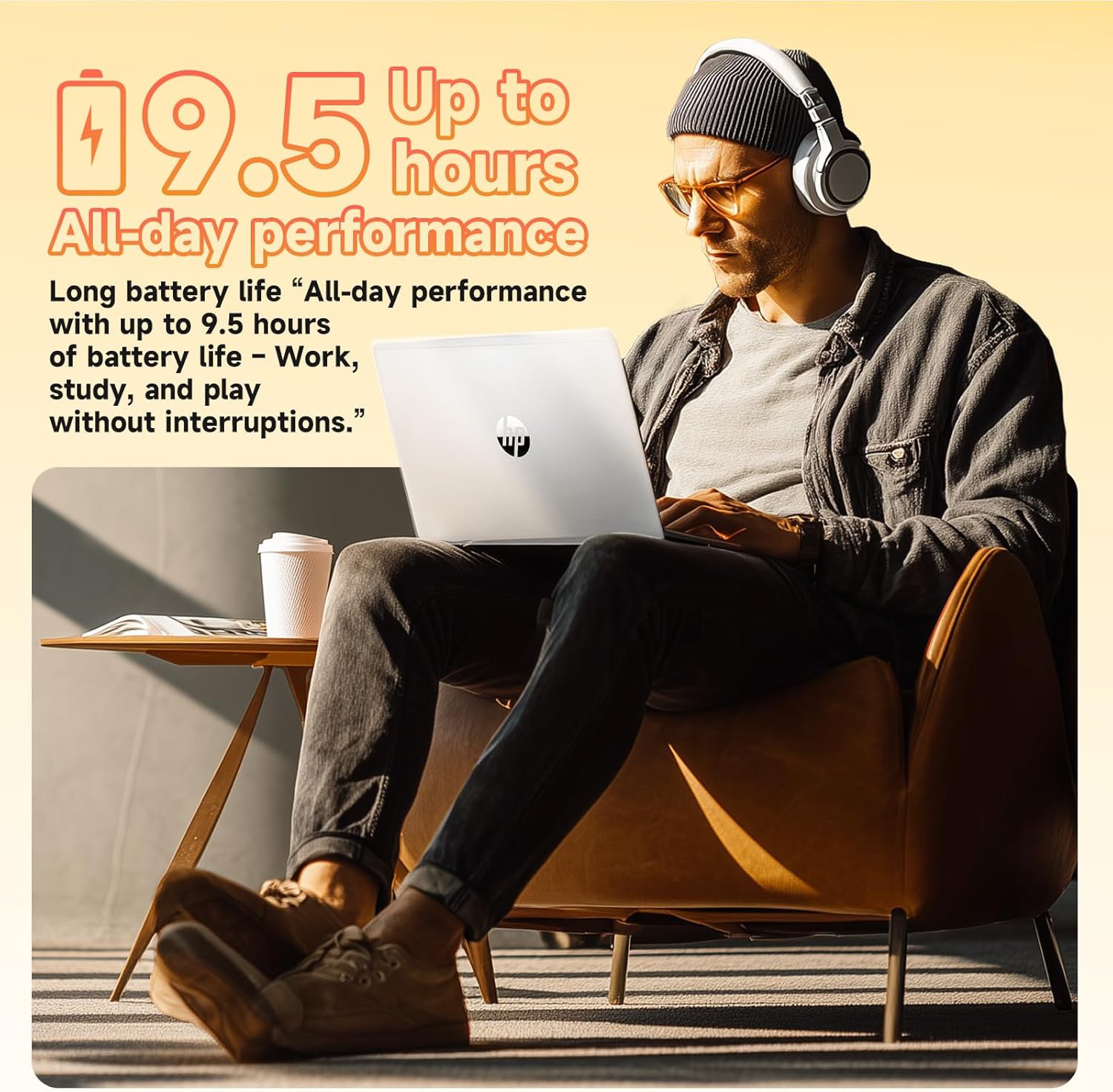
Image: A user enjoying the HP laptop, illustrating its long battery life for all-day performance.
Video: En offisiell overview of the HP 2026 17.3" FHD Laptop, highlighting its key features and design.
Vedlikehold
1. Rengjøring av den bærbare datamaskinen
- Use a soft, lint-free cloth to clean the screen and exterior surfaces. Avoid abrasive materials or harsh chemicals.
- For the anti-glare screen, use a screen cleaner specifically designed for electronics.
- Gently clean the keyboard with compressed air to remove dust and debris.
2. Programvareoppdateringer
Se etter og installer Windows-oppdateringer regelmessig for å sikre at systemet ditt har de nyeste sikkerhetsoppdateringene og ytelsesforbedringene. Gå til Innstillinger > Windows-oppdatering for å administrere oppdateringer.
3. Batteripleie
For å forlenge batteriets levetid, unngå ekstreme temperaturer og å utlade batteriet helt ofte. Det anbefales å holde batteriladingen mellom 20 % og 80 % for optimal levetid.
Feilsøking
If you encounter issues with your HP laptop, consider the following basic troubleshooting steps:
- Ingen strøm: Sørg for at strømadapteren er ordentlig tilkoblet og at stikkontakten fungerer. Prøv en annen stikkontakt.
- Visningsproblemer: Hvis skjermen er blank, kan du prøve å koble til en ekstern skjerm for å sjekke om problemet er med den bærbare datamaskinens skjerm. Juster lysstyrkeinnstillingene.
- Tilkoblingsproblemer: For Wi-Fi issues, restart your router and the laptop. For Bluetooth, ensure the device is discoverable and within range.
- Langsom ytelse: Close unnecessary applications, check for malware, and ensure your system is up-to-date. Consider freeing up disk space.
- WebKameraet fungerer ikke: Ensure the physical privacy shutter is open. Check camera settings in Windows and application permissions.
For mer komplekse problemer, se HPs kundestøtte webnettstedet eller kontakt kundeservice.
Spesifikasjoner
| Trekk | Detalj |
|---|---|
| Prosessor | Intel® Core™ i3-N305 (8-core, up to 3.8 GHz, 6MB cache) |
| Minne (RAM) | 16GB DDR4-3200 MHz RAM |
| Lagring | 512 GB PCIe NVMe M.2 SSD |
| Operativsystem | Windows 11 Pro |
| Utstilling | 17.3" FHD (1920 x 1080), IPS, Anti-Glare, 178° viewing vinkel |
| Grafikk | Integrated Intel® UHD Graphics |
| Trådløs tilkobling | Wi-Fi 6 (2x2), Bluetooth® 5.4 |
| Webkam | HD Webkamera med Privacy Shutter |
| Lyd | HD Audio with stereo speakers |
| Havner | 1 x HDMI 1.4b, 1 x USB-C, 2 x USB-A, 1 x Headphone/Microphone combo jack |
| Batteri | 3-cell, 41 Wh Lithium-ion (Up to 9.5 hours battery life) |
| Dimensjoner (i) | 14.12 x 9.24 x 0.75 tommer |
| Vekt | 4.6 lbs |
| Farge | Naturlig sølv |
| Eco-funksjoner | ENERGY STAR® certified, EPEAT® Gold registered, made with recycled plastics |
Garanti og støtte
Garantiinformasjon
Your HP 17.3" Laptop comes with a 1 års begrenset maskinvaregaranti. This warranty covers manufacturing defects and hardware malfunctions under normal use conditions. Please retain your proof of purchase for warranty claims.
Kundestøtte
For technical assistance, troubleshooting, or warranty service, please visit the official HP Support website or contact HP customer service. You can find detailed support resources, drivers, and contact information on their webnettstedet.
Additionally, the laptop includes a 30-day McAfee trial with Smart AI for security. For any issues related to the G255 Accessory Kit, please refer to its specific documentation or contact the accessory provider.