

 BT Magic Bluetooth-modul
Brukerveiledning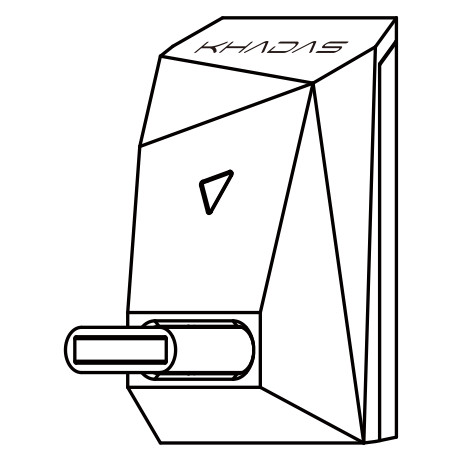
Grensesnittdiagram

RGB LED-indikator illustrer
| Status | Bevegelse | Farge |
| Bluetooth frakoblet | Blå (blinker) |  |
| Bluetooth tilkoblet | Blå (pust) | |
| SBC | Gul (pust) |  |
| AAC | Grønn (pust) |  |
| aptX / aptX LL | Turkis (pust) | |
| aptX HD | Lilla (pust) |  |
| LDAC | Hvit (pust) |  |
| Slett Paring Record | Hvit (Triple Flash) | |
Oppsettveiledning
Slå på
Koble BT Magic til USB-C (I2S)-porten, og slå deretter på Tone2/Tone2 Pro. BT Magic vil automatisk slå seg på.
Bluetooth-paring
- Sett Tone2/Tone2 Pros inngangsmodus til 'I2S'.
- Se etter 'BT Magic' i smarttelefonen eller nettbrettets Bluetooth-paringsliste. Trykk på den for å pare.

Musikkavspilling
Etter sammenkobling med enheten din, vil RGB-indikatoren vise et blått pustelys. BT Magic er nå klar for musikkavspilling.
Slå av
Når Tone2/Tone2 Pro er slått av, vil BT Magic også slå seg av. I dette tilfellet vil RGB-indikatorlampen slå seg av.
Produsent: Khadas Technology Co., Ltd.
Tlf: +86 755 2307 6626 E-post: support@khadas.com
Adresse: Rom 2709, etasje 27, Qiancheng Center, Haicheng Road,
Xixiang Street, Bao'an-distriktet, Shenzhen
Dokumenter / Ressurser
 | BT Magic Bluetooth-modul |
Referanser
- Brukerhåndbokmanual.tools
Published: December 1, 2022
Oppdatert: 3. desember 2022